


Amazon’s largest Kindle finally gets color, and the result lands squarely where it matters: reading. After weeks of testing, the Kindle Scribe Colorsoft feels like the most complete big-screen Kindle to date—polished, practical, and genuinely better for books and notes—though its premium price raises the stakes.
Design and Display Refine the Big-screen Kindle Experience
The Colorsoft inherits the original Scribe’s minimalist hardware and refines it. Uniform bezels replace the earlier offset design, and the 11-inch E Ink panel gives novels, PDFs, and research papers room to breathe without making the device unwieldy. It’s still slim and bag-friendly, but clearly aimed at readers who prefer a spacious page over pocketable portability.
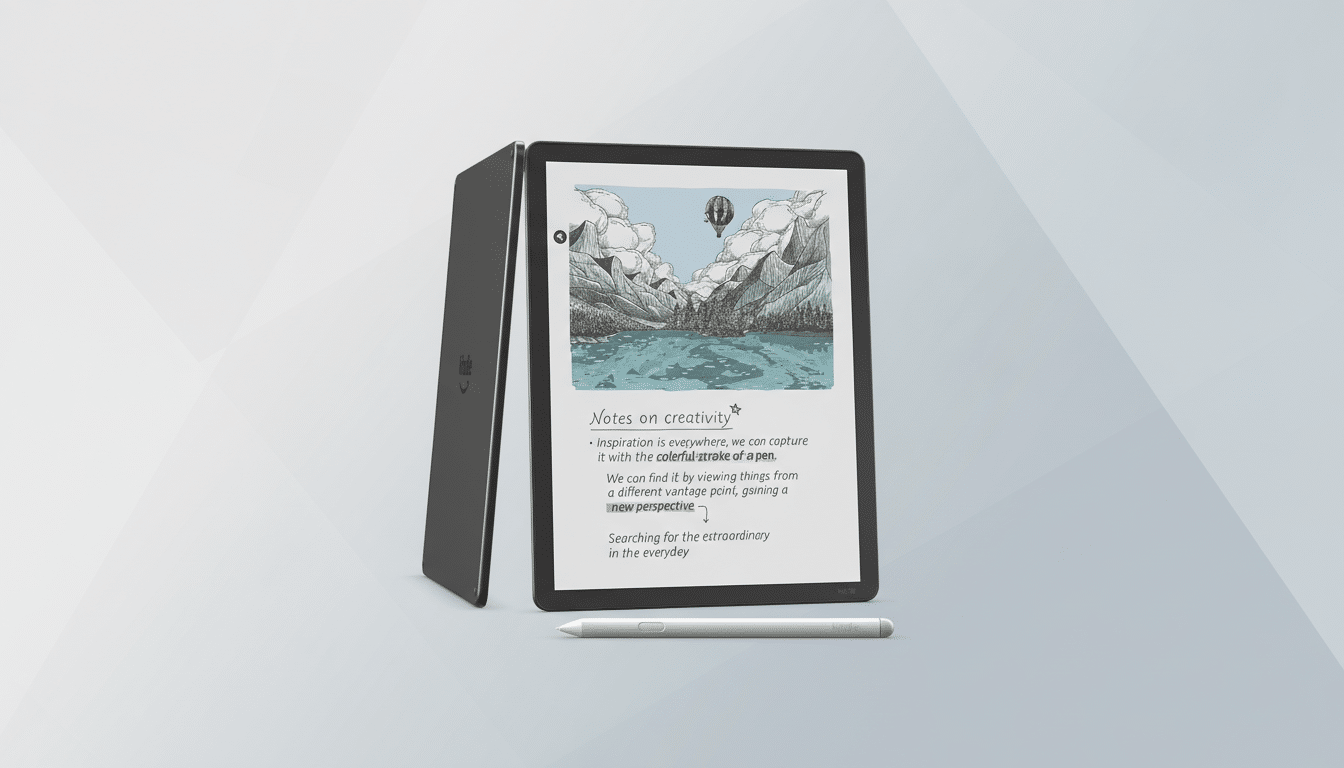
Color is the headline feature, yet Amazon wisely avoids tablet-like saturation. Text remains crisp while color appears subdued—ideal for book covers, maps, charts, and children’s titles. This approach mirrors what E Ink Holdings has long emphasized with Kaleido-class panels: monochrome clarity first, color as a contextual layer. As with most color E Ink, color resolution is lower than pure black-and-white, but the trade-off benefits reading comfort and battery life.
If your workflow hinges on color-critical art or graphic design, an LCD/OLED tablet still makes more sense. For reading-first tasks, however, the Colorsoft’s soft hues are a strength, not a compromise.
Writing Tools and Software Upgrades Improve Annotations
Amazon’s pen experience finally feels confident. The bundled stylus is low-latency and precise, the eraser is dependable, and palm rejection is rock solid. Color-coded highlights are the quiet superstar: research notes, literary annotations, and reference material become easier to organize at a glance. For nonfiction readers, being able to assign a color to themes or sources meaningfully speeds recall.
Annotation tools are intentionally simple. There are no layers, limited brush variety, and no shape recognition. That will disappoint artists, but it keeps the Kindle’s writing experience focused on margin notes, markups, and quick sketches. Active Canvas—the mode that lets handwriting reflow nearby text—keeps notes closely tied to passages, while the expandable margin canvas is great for longer thoughts. It’s different from old-school margin scribbling, but the organizational payoff is real once you adjust.
The interface itself feels newly considered. Menus are clearer, spacing is saner, and the whole system no longer looks like it was scaled up from a 7-inch Kindle. One obvious omission at launch is system-wide dark mode; Amazon has said it’s coming in a software update. You can darken pages with Page Color, but the UI stays bright until that update lands.
Reading Experience and Performance Feel Faster and Smoother
Page turns are snappy, tapping through menus feels consistent, and ghosting is mild enough to fade into the background. The front light is even and comfortable, and the panel remains easy on the eyes for marathon sessions. Battery life retains the Kindle DNA: measured in weeks, not days, even with regular annotation.
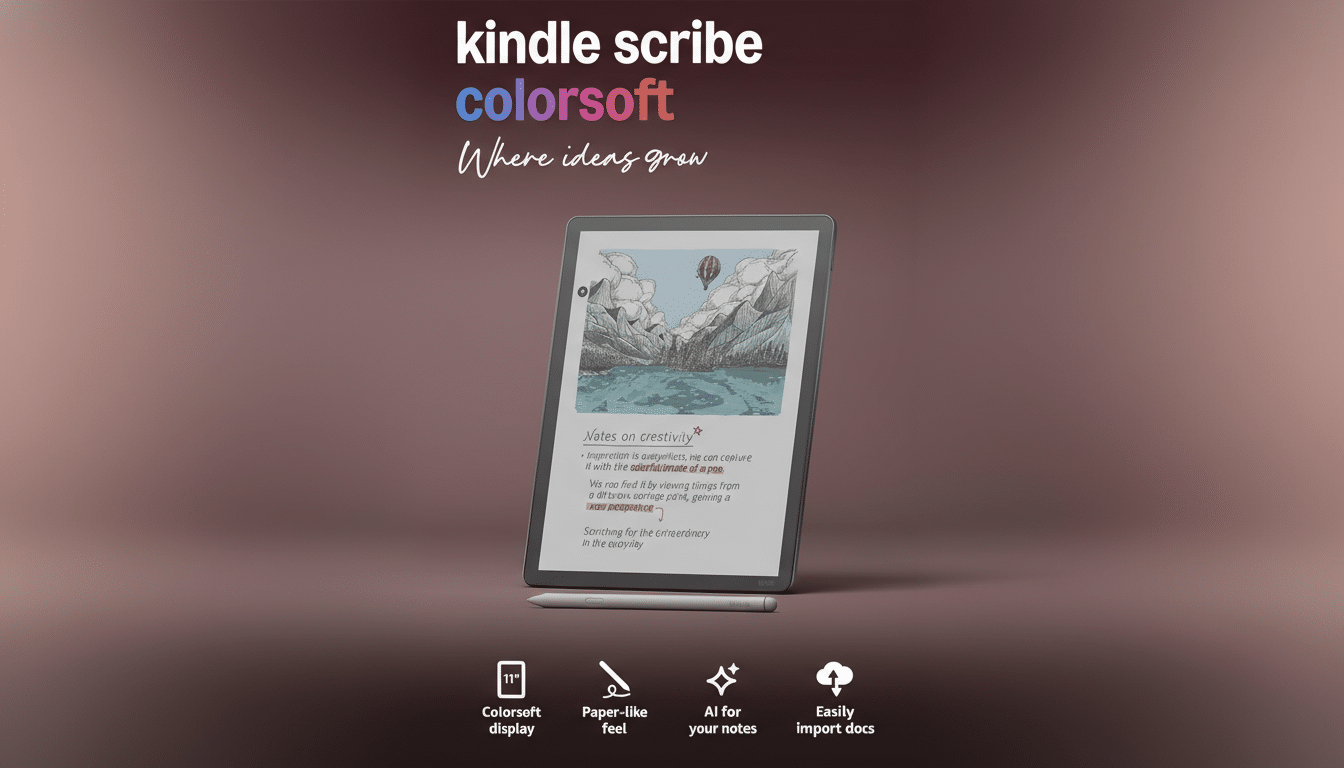
Amazon’s ecosystem strengths still show. Send to Kindle handles personal documents cleanly (with automatic EPUB conversion), and in the U.S., public library loans via OverDrive continue to funnel seamlessly into your reading queue. For many readers, those conveniences outweigh the platform’s limits.
Price and Competition Pit the Colorsoft Against Rivals
Here’s the friction point: the Kindle Scribe Colorsoft starts around $629.99, roughly an 85% jump over the original Scribe’s launch price. At that level, it competes not just with other E Ink tablets but with versatile LCD tablets that bundle powerful apps and broader file support.
Within E Ink, the reMarkable Paper Pro emphasizes writing with superb feel and deep notebooks at a similar price, while the Boox Note Air5 C offers an open Android approach with richer app and file flexibility. On the pure reading side, Kobo’s Libra Colour delivers color at a far lower price if you don’t need a giant canvas or stylus-driven workflows. Those devices underscore the Colorsoft’s positioning: it is a reader first, a notes tool second, and not a do-everything digital notebook.
Context matters. Pew Research Center reports that roughly one-third of U.S. adults read ebooks, and for that audience the Kindle’s frictionless store, syncing, and library integration still carry significant weight. The Colorsoft leans into that value proposition rather than chasing pro-grade creativity.
Verdict: A Premium Color Kindle for Serious Readers
The Kindle Scribe Colorsoft is the best big-screen Kindle Amazon has built, and for readers it may be the best Kindle, period. Color enhances the experience without sacrificing clarity or stamina, the software finally feels native to a large display, and the pen tools elevate studying and research without getting in the way.
Its price will deter some buyers, and Amazon’s closed ecosystem remains a limitation if you live outside Kindle formats and services. If color isn’t essential, the monochrome Scribe still delivers much of the experience for less. But if you want a premium e-reader with tasteful color and reliable annotation, the Colorsoft makes a compelling case—and sets a new baseline for what a Kindle can be.
