


Amazon’s biggest Kindle yet has finally crossed a long-awaited bridge: The new Kindle Scribe Colorsoft brings support for full-color writing and annotations—but it comes with a high price: $629.99.
That places it at the very high end of Amazon’s e-reader lineup, a sign that artists, students, and heavy note-takers might be willing to pay for color while still enjoying the battery life and glare-free comfort that made E Ink popular in the first place.
A Color Scribe Designed for Pen and Paper People
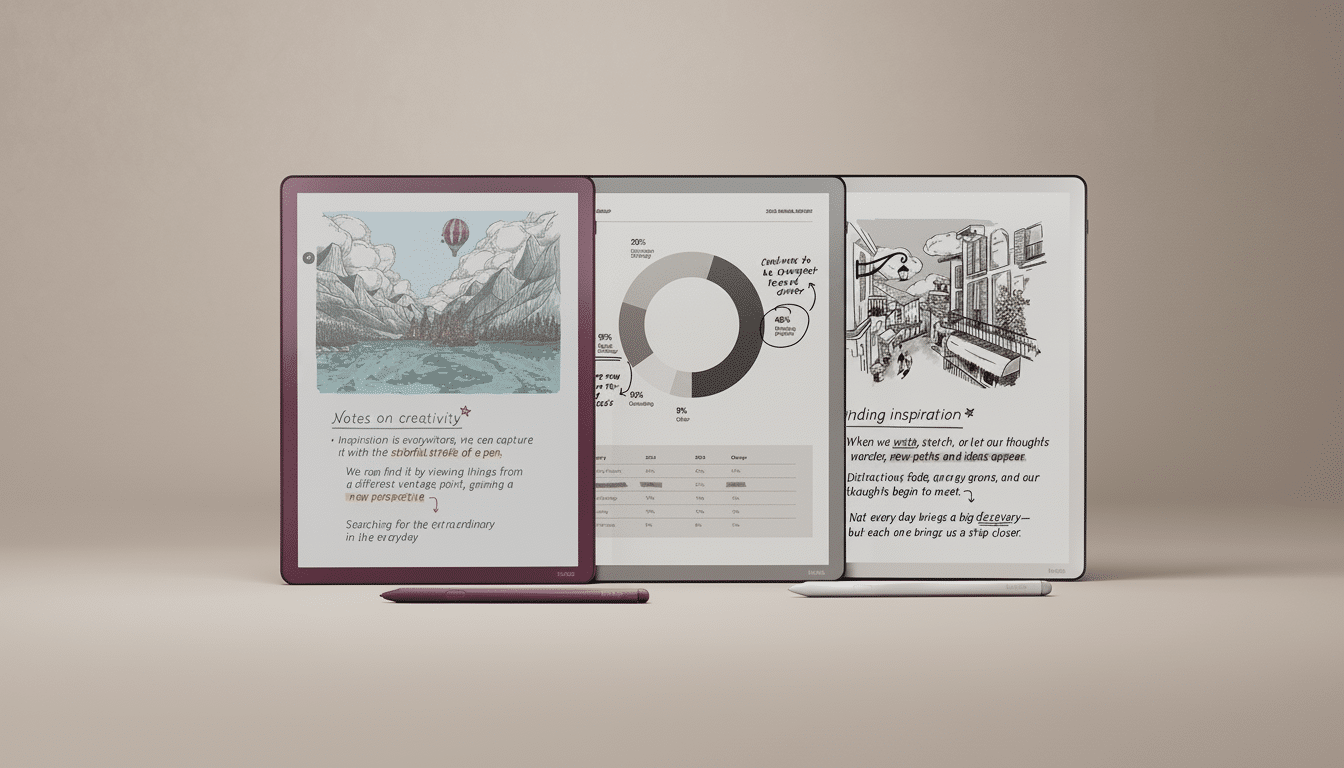
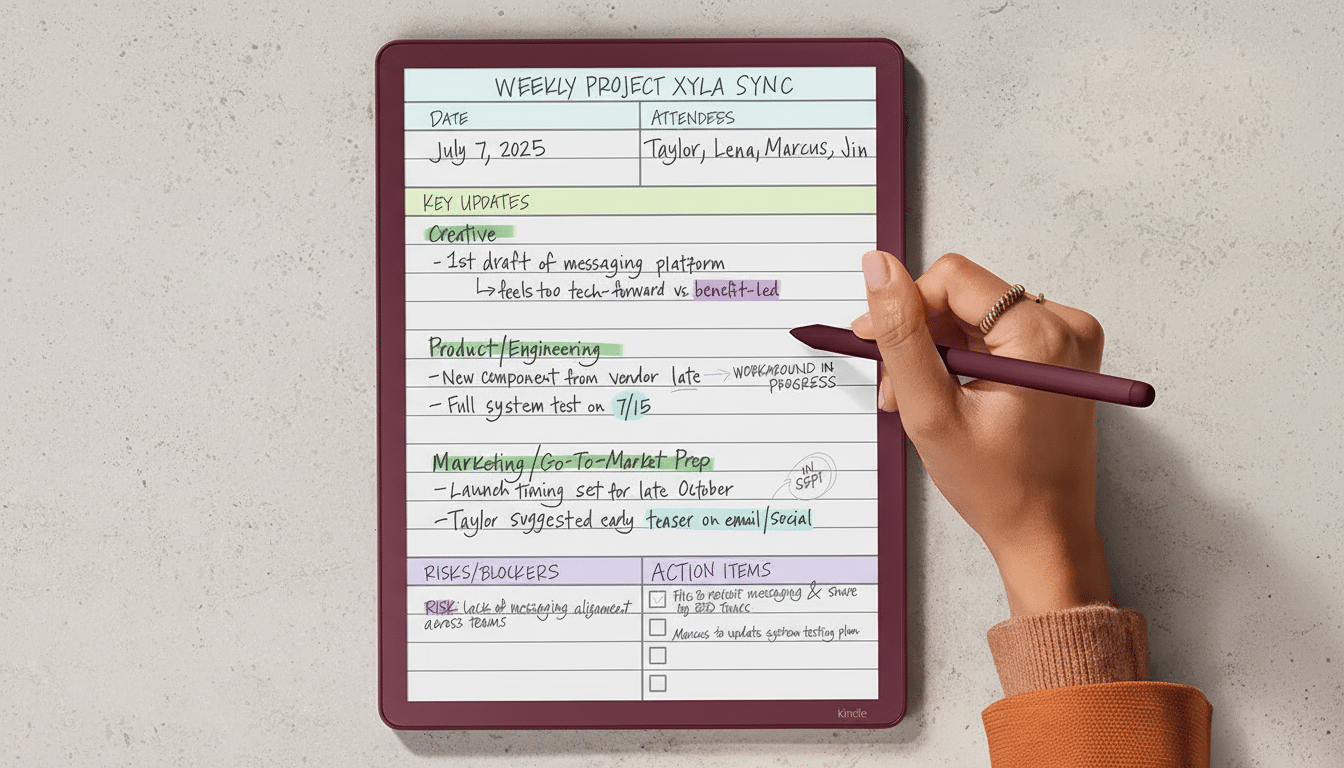
Colorsoft is the first time a Kindle that has pen input gets color ink, so your highlights, sticky notes, diagrams, and marginalia are something more than just shades of gray.
The device maintains an overall svelte profile—an aluminum enclosure just a tad over 5.4mm thin—and comes with a more document/notebook-friendly home screen than one geared exclusively toward ebooks.
Image: Kobo.
Amazon is also getting into file workflows. And, with built-in support for Microsoft OneDrive and Google Drive, you can keep your PDFs, slides, and notes flowing in and out without the need to awkwardly hack your way through. A new Kindle Workspace wants to simplify the markup process across PDFs, textbooks, and imported files; this is a must if the Scribe will be taken seriously as a study or meeting device and not just an e-reader with a stylus.
How Color Appears on E Ink and What You Can Expect
The color E Ink used here doesn’t have the same tech as an LCD or OLED panel, and that’s a good thing when reading. You can expect that familiar paper-style look paired with low power draw and bright daylight visibility. Standard industry color E Ink technologies like the ones found in E Ink’s Kaleido 3 can typically display up to 4,096 colors but at a crisp text resolution around 300 ppi—and about half that pixel density for color. That means line art, annotations, highlights, and charts pop, but fully saturated images won’t challenge an iPad. When it comes to note-taking, however, the compromise is often worth it: weeks of battery life and minimal eye strain.
Sticker shock: how the price compares with rivals
At $629.99, this is the priciest Kindle so far. The difference versus rivals is stark. Kobo’s Libra Colour, which does color and stylus input on a smaller panel, goes for about $229.99. On the Android side, color e-readers with pen support from Onyx Boox, such as the Note Air 3 C, typically retail for between $469 and $549 depending on configuration. An entry-level iPad and Apple Pencil cost much less than the Colorsoft in most territories.
Why so high? Larger color E Ink panels are more expensive to make than grayscale displays, and Amazon probably wraps in some premium pen and expanded storage configurations. But at this price, buyers will compare it with full-fledged tablets that have faster processors, color-rich apps, and cameras. That’s the strategic tightrope: convincing us that the Scribe model of a big, cheap slate with a “paper-first” experience is worth more to us than some kind of general-purpose slate.
Who should consider the Colorsoft and who should skip it
If you’re the type who reads long documents, marks up PDFs, draws diagrams, or shades in your notes with colors…and if you prefer daylight readability and a battery that lasts a week over WhatsApp and Candy Crush—the Scribe Colorsoft might make sense. The clear candidates, of course, are academics and legal professionals who truly live in annotations; designers and artists who storyboard or wireframe come to mind as well. If your library is already mostly Kindle-based, then Amazon’s tight integration with the Kindle Store and its easy sync are a benefit too.
Those on the other side—readers strapped for cash and casual hobbyists—will find greater value elsewhere. A cheaper color e-reader doesn’t need speed and color fidelity, but should it be an option for highlights and quick sketching? And while a tablet can do all of that, plus offer good speed, color fidelity, and versatile apps that run the gamut from fun to professional, it’s harder to justify spending more money. IDC analysts who watch the market for tablets say that app-based usability still trumps what e-readers offer when it comes to productivity, a luxury only budget-conscious consumers will scrutinize even harder at $629.99.
Early takeaways and the key questions about Colorsoft
There are two things that will make or break whether Colorsoft earns its keep: pen latency and software polish. The feel of the writing from the old Scribe was already nice; throwing in color layers and a new Workspace shouldn’t create lag or complexity. The cloud connectors that come with the company’s PDFs are solid, but it’s the details—effective round-tripping of annotated PDFs with retained layers in large textbooks, fast page turns, and reliable handwriting recognition—that make all the difference.
Color on E Ink is finally here in a flagship Kindle that can be your everyday notebook. The question is whether Amazon’s best-in-class reading experience and new workflow tools justify the price tag—which stretches well beyond that of many powerful tablets, and much further still from most competitive color e-readers. If the implementation goes well, you may see pros adopt it. And if it isn’t, the Colorsoft’s stunning marginalia runs the risk of becoming a luxury scarcely anyone really needs.
