


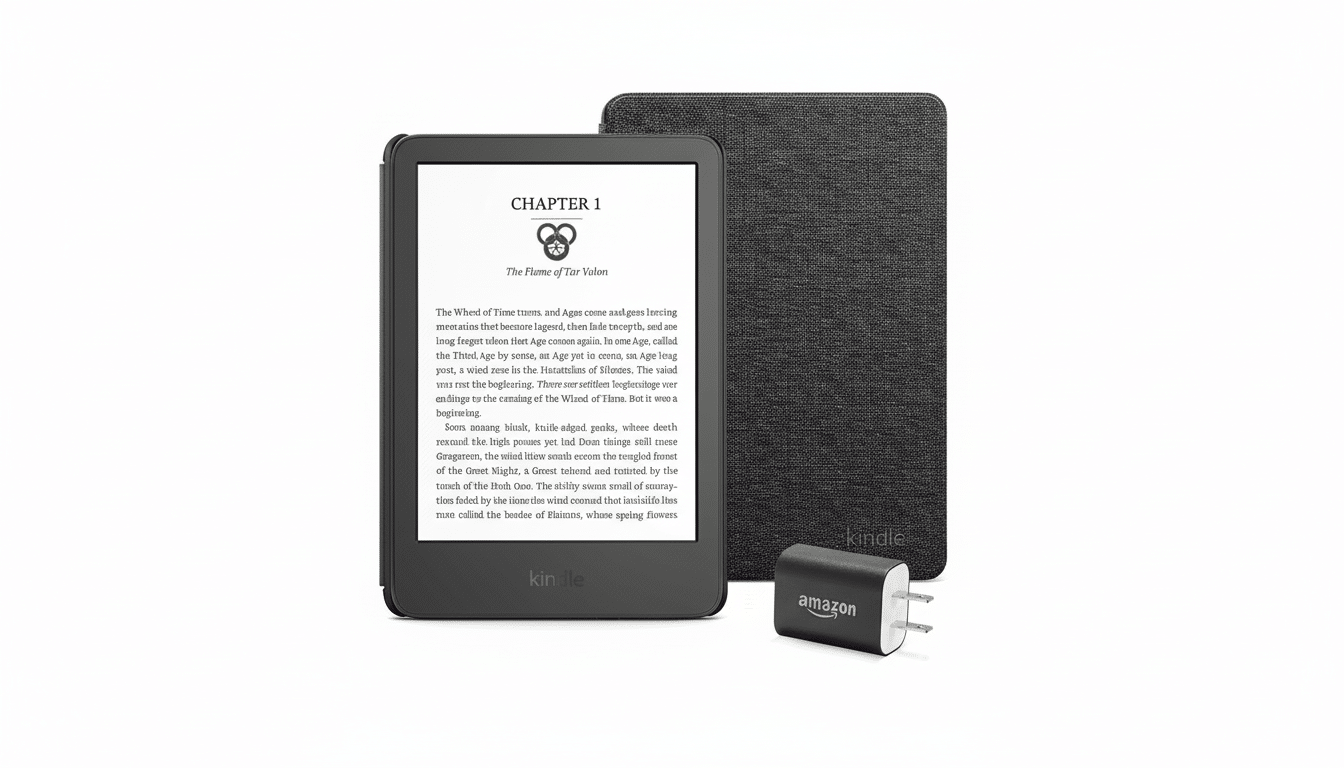
Amazon’s Kindle Essentials bundle has me perking up amid the October shopping rush, and not only because it is a nice, tidy way to begin or freshen an e-reader setup. When this bundle falls to just about $118 during early promotions — a bit over 27% off its usual $162 bundle price — it’s among the most convenient ways for you to have everything needed on day one: the newest Kindle, a protective fabric cover and an honest-to-goodness power adapter in a boxed package.
Why This Bundle Is on My Shortlist Ahead of Prime Day
Bundles are seldom glamorous, but they’re clever. Accessories tend to see less aggressive pricing discounts compared with the devices, and when you sweeten a meaningful device price cut with discounted cover/base/charger that adds up to some net positive value. Prior to Amazon’s October event, packages of this sort often drop in price early (versus standalone Kindles and premium models receiving all the attention during the main sale). This is the sort of pre-event buy that makes sense if you want to sidestep the mayhem.
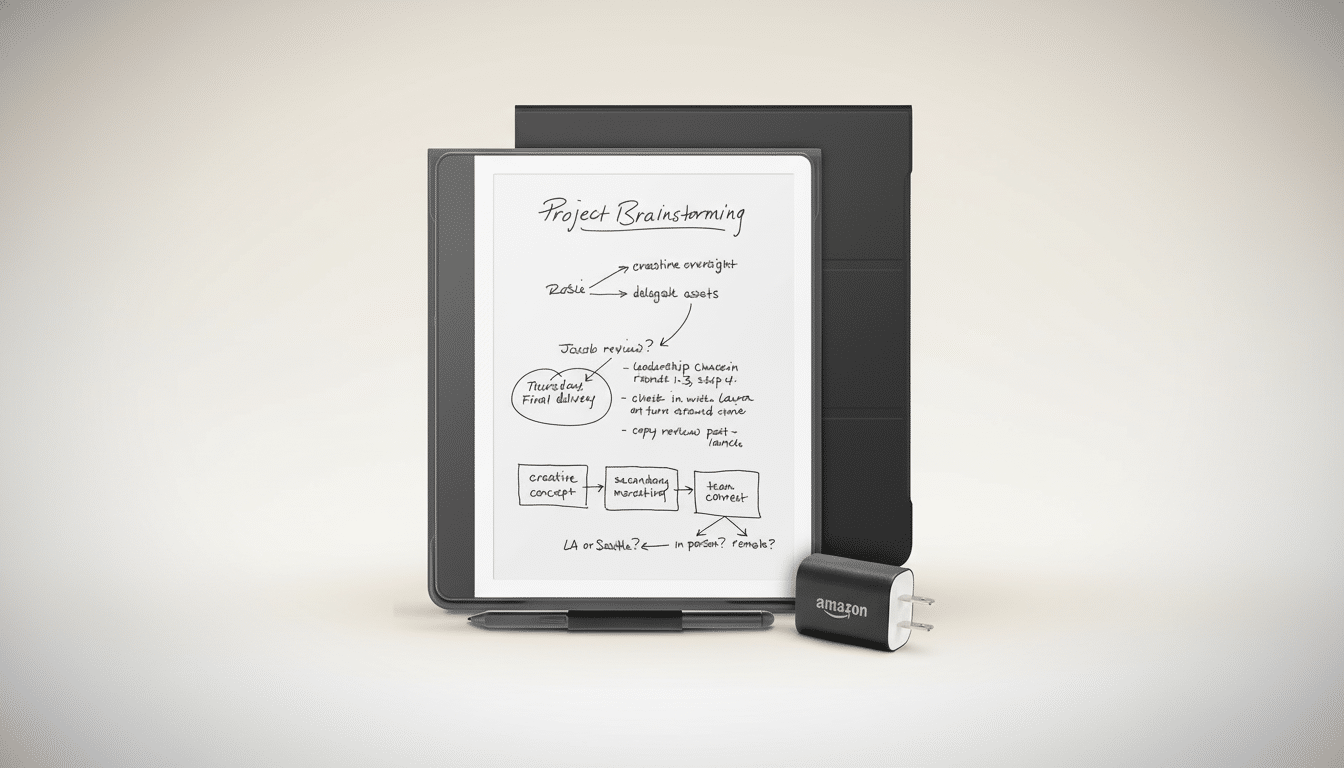
There’s a practical angle, too. You do get a case for commuter e-reading, and having its own charger means you avoid the “which USB-C brick is safe?” scavenger hunt. Toss in the colorful case options — we’re particularly fond of a bright matcha green that’ll be easy to spot in a backpack — and you have protection plus portability solved all at once.
What You Actually Get in the Box with This Bundle
The base Kindle in this bundle is optimized for reading: a 6-inch, 300 ppi e-ink display designed to be readable in full sun as well as in low light. It’s compact and light (at less than seven ounces), so reading with one hand comes naturally, even when strap-hanging on a commuter train. Assuming normal brightness settings and a mixed reading/standby use case, you have a decent amount of storage for thousands of titles with USB-C charging to keep things up to date.
The material cover attaches magnetically and wakes the machine when it’s opened. It’s grippy, pocket-friendly and crafted to absorb the scuffs that would otherwise crash onto your screen. A specialized power adapter completes the kit, and that matters because not all USB-C bricks play nicely with low-draw devices; this one does.
Price Patterns and Timing During Prime Day
Deal-watchers know the rhythm of it: bundles often take an initial discount closer to release, while standalone devices like Paperwhite or the write-on Scribe tend to get their headline cut during the sales themselves. In previous October sales, the Essentials bundle has consistently been one of the first to be discounted (deals typically falling between 20–30% before broader device deals land). Whether you’re in the market for the standard Kindle and likely to purchase a case and charger separately, waiting around for a steeper standalone discount doesn’t often deliver a better all-in price.
On a larger reading landscape, that’s a benefit to Kindle users. According to Pew Research Center, about a third of all U.S. adults read e-books in any given year and borrowing from libraries continues to rise; OverDrive reports more than 600 million digital checkouts globally over the last year. That matters because Kindle’s deep integration with library apps and the Send to Kindle feature make it simple to load up a borrowed title without buying every book you try.
Who Should Purchase It And Who Should Upgrade
This bundle is good if you’re new to e-readers, coming back after a few years away or looking for a no-hassle travel reader. It’s also an excellent choice for a student or commuter who values pocketability and battery life over bells and whistles. And if your routine involves a lot of poolside reading, regular bathtub chapters or you’d like adjustable warm light and a larger screen, the Kindle Paperwhite is still the better fit. Heavy annotators or students — people who mark up PDFs — should consider the Scribe, though that’s a very different use case.
One caveat for feature hunters: the base Kindle isn’t equipped with a warm front light or waterproofing. If those are your must-haves, hold fire for Paperwhite deals during the main event. But if you prioritize size, simplicity and cost, the Essentials bundle strikes a sweet spot.
Get It for Maximum Value with Smart Reading Tips
If you pair your Kindle with a library card using apps that tap into OverDrive’s catalog, you’ll open up access to an endless supply of free e-books. It’s up and running in minutes, able to turn passive curiosity into reading momentum. 9.5 million books in the public domain can be downloaded anytime, anywhere. Maybe try playing with accessibility settings (font size, boldness, line spacing) to avoid straining your eyes and ease into longer reading sessions? If you prefer to sample widely, free trial offers for services like Kindle Unlimited — in which you pay a monthly fee for access to e-books across all genres — occasionally show up when you buy specific devices, and, if they do not, set a reminder on your phone or with an app like Todoist or Ionic so that you reassess after the free period.
Bottom line: If the Essentials bundle lands at or near $118 like it has in previous years leading up to the October event, here’s a buy I can endorse without reservation. You’re getting the correct hardware, proper protection and even a charger — all at a price that’s hard to beat when you add up all of the pieces individually. For reading every day, it’s the most reasonable Kindle play of the season.
