


HP is putting artificial intelligence inside the least-loved box on your desk. Under a broad banner it calls HP AI, the company is piloting features that aim to shrink print jobs, clean up scans, and cut the tedium from everyday document tasks. Early hands-on testing shows glimmers of real value—alongside uneven results, limited availability, and growing pains you can feel.
What HP AI Actually Covers Across Printer Models
HP AI is not one feature; it’s a collection of tools rolling out across recent HP printers. Today’s mix includes Perfectly Formatted Prints (informally “Perfect Printing”) for web pages, with Precise Scan, Editable OCR, and Scan to Email Summary at various stages of release and beta. HP says the plan is simple: if a device can support a capability—say, a scanner and a touchscreen—it should eventually get it.
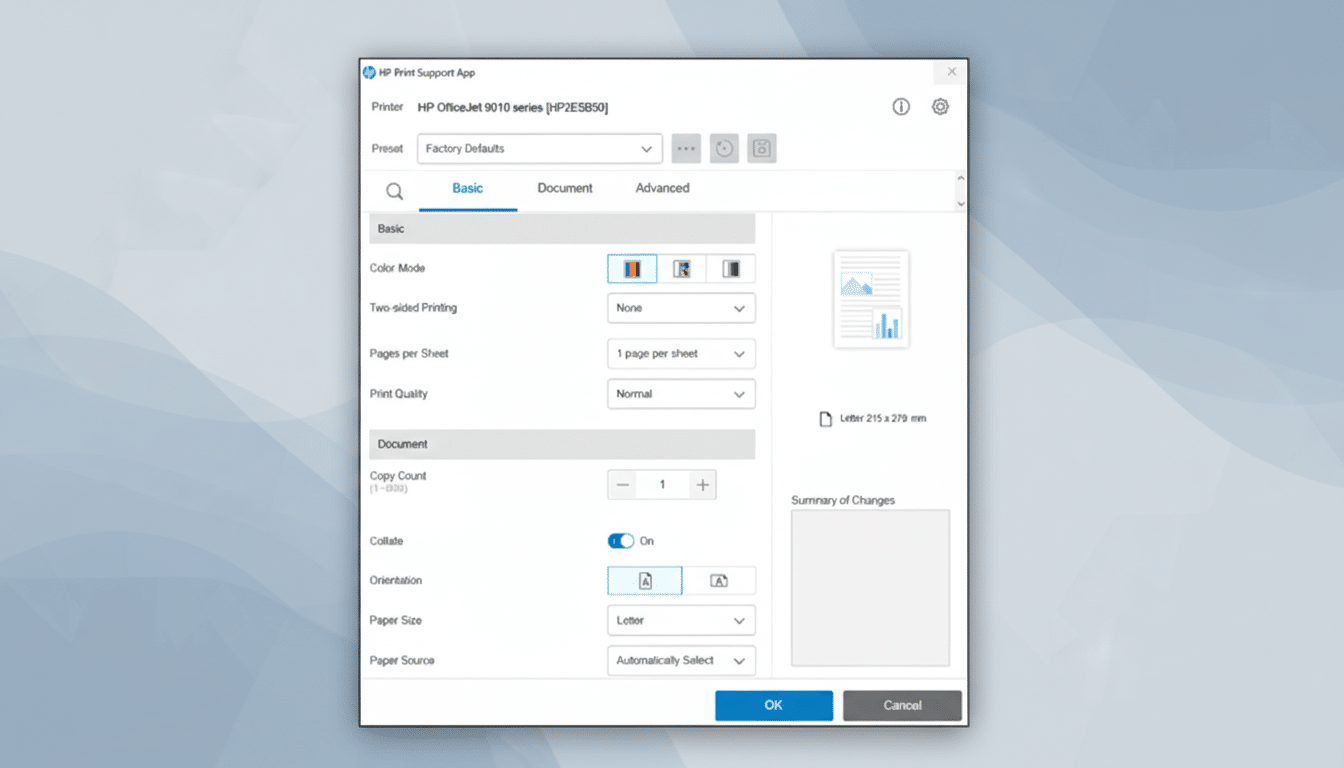
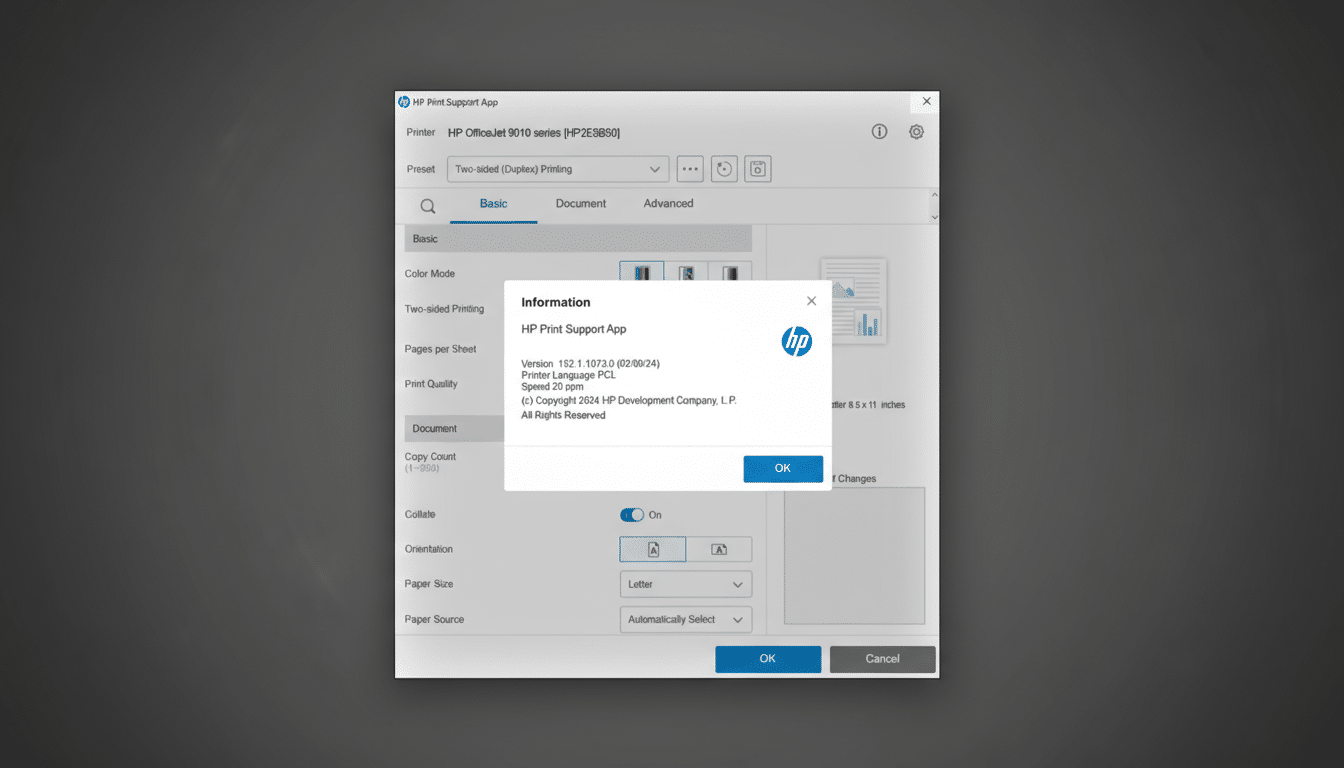
There’s a catch. Many of these features rely on Microsoft’s Windows Print Support App (PSA) architecture, which is fully supported in Windows 11. HP advises against using its AI features on older Windows versions and says support will span most new and recent models, with availability starting in the US and widening over time.
Another wrinkle: on many lower-cost devices, you can’t simply retrofit HP AI if you installed the printer before these features appeared. Enterprise lasers are the exception; some can add AI after the fact. HP says broader retrofit support is coming after behind-the-scenes changes.
The Standout Today: Perfectly Formatted Prints
Perfectly Formatted Prints is the headline act right now, working in Microsoft Edge and Google Chrome. It analyzes a web page and offers options—remove images, adjust columns, tweak text size—to reduce waste and print what matters.
In testing on an HP Smart Tank 7602 All-in-One, the tool could be startlingly effective. A long, image-heavy review that previewed at 38 sheets shrank to 14 with default optimization, and dropped to just five sheets after choosing No Images and a two-column layout. The UI is simple, and the savings—in paper, ink, and time—are immediate when it works.
But performance isn’t consistent. The feature can take seconds or stall, sometimes returning an “Unable to optimize right now” message. On complex pages, it may strip useful images by default without letting you restore selective ones (it’s all or nothing today), and it occasionally misses key content on structured sites like forecast pages. HP says it’s expanding site coverage and adding finer image controls.
The workflow also presents two dialogs before you print. Duplex settings generally carry over; black-and-white, in testing, didn’t always persist. These are fixable issues, but they matter if you print under deadline pressure.
Scanning and email summaries get smarter on HP printers
HP’s next wave leans into scanning. Precise Scan targets cleanup and speed with automatic image correction, smart file naming, and easy multi-page capture. Editable OCR converts scans to editable Word, PowerPoint, and Excel files—a capability long offered by dedicated OCR tools but now embedded at the device level on select lasers.
Scan to Email Summary is the novel idea: it drafts subject lines and inserts content summaries into the email body when you scan to email, exposed as a front-panel shortcut on supported models. It’s in beta and limited to certain higher-end lasers for now.
Why this matters beyond convenience and cost savings
Analyst firms like Quocirca and Keypoint Intelligence have repeatedly found that unmanaged printing wastes supplies and employee time, and that streamlining capture and routing of documents remains a stubborn pain point for both households and small offices. Features that suppress nonessential page elements, enforce duplexing more effortlessly, or auto-clean scans can trim costs and reduce help-desk moments.
There’s also an environmental angle. Fewer wasted pages and better defaults (like duplex) lower paper and ink usage. None of this requires a moonshot: incremental, widely deployed optimizations can add up quickly in busy households and hybrid workplaces.
Limits to keep in mind for availability and support
Availability remains patchy. Perfectly Formatted Prints is limited to Edge and Chrome, and broader HP AI coverage is gated by Windows 11 PSA support, device class, and region. Some lower-cost models installed pre-launch can’t add AI yet. And current tools show variability—from slow optimizations to occasional misses on structured sites—that HP will need to iron out.
HP says more countries, more models, and more features are on the short-term roadmap, with Precise Scan and expanded Perfectly Formatted Prints support among the near-term additions. The promise is a consistent feature set across compatible devices, not a patchwork of one-offs.
Bottom Line: A Helpful Start, Not a Cure-All
HP’s AI push won’t make you love your printer overnight, but it already reduces some of the reasons you dislike it. Perfectly Formatted Prints can slash web print jobs dramatically when it recognizes a page well, and the scanning roadmap makes sense for time-strapped users.
The verdict today: promising, not polished. If HP broadens support, fixes reliability, and adds granular controls, these tools could recast printers from blockers into quiet helpers. Until then, expect fewer headaches—just not no headaches.
