


Apple’s next keynote is expected to launch the iPhone 17, and millions will be watching. Whether your weapon of choice is a TV, laptop or phone, here’s exactly how to stream the reveal, get reminders, minimize lag and catch the replay without missing the key moments.
Where to find the official livestream
Apple will livestream the event through its official channels: the Apple Events page on the company’s website, the Apple TV app for iPhone, iPad, Mac and Apple TV devices, and its YouTube channel. They can also watch through the Apple Developer app. In certain regions, Apple also simultaneously broadcasts on local platforms like Weibo.
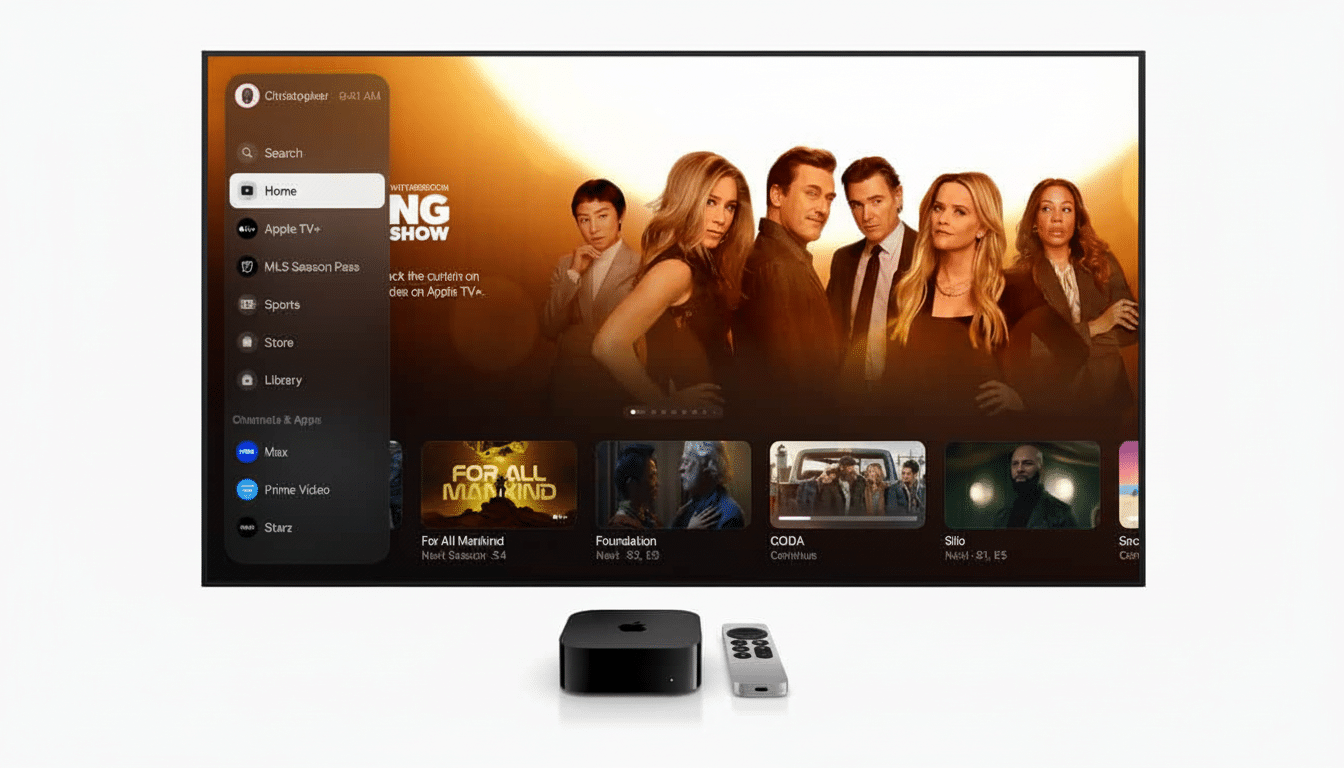
If you would like reminders, you can ring the “Notify me” bell onevents.apple.com to get a prompt from the YouTube app before the event, add the eventfrom Apple’s site to your calendar, or find the featured tile in the Apple TV app for a system alert. (The selections also tally to your local time zone.)
Top devices and browser configurations
On the web, recent versions of Safari, Chrome, Edge, and Firefox on a laptop are reliable. On mobile, the built-in players on iOS and iPadOS are fine, and the Apple TV app on Apple TV 4K is the easiest big-screen solution. And the YouTube app works quite well on smart TVs and streaming sticks, too.
Look for crisp 1080p on Apple’s site and app, although YouTube may present a higher resolution on supported devices. For optimal streaming, target 5 to 10 Mbps for 1080p and 20 to 25 Mbps for 4K, according to common streaming recommendations mentioned by services like YouTube and Netflix. If you’re using Wi‑Fi, 5 GHz is generally less subject to congestion and more reliable than 2.4 GHz.
How to prevent lag and spoilers throughout
Latency varies by platform. YouTube’s low-latency modes might be a hair faster, and the Apple TV app favors stability and picture quality, which can be a few seconds behind. If you’re going to live-post your reactions, choose only one platform to eliminate cross-platform timing differences, which can stretch into the tens of seconds.
Before the show begins, update your apps and OS, shut off bandwidth-hungry downloads, and perhaps disable VPNs that can add jitter. Plug in your TV box or computer, if you can. Start the stream early to allow the player to settle on the best bit rate.
Accessibility, captions, and languages
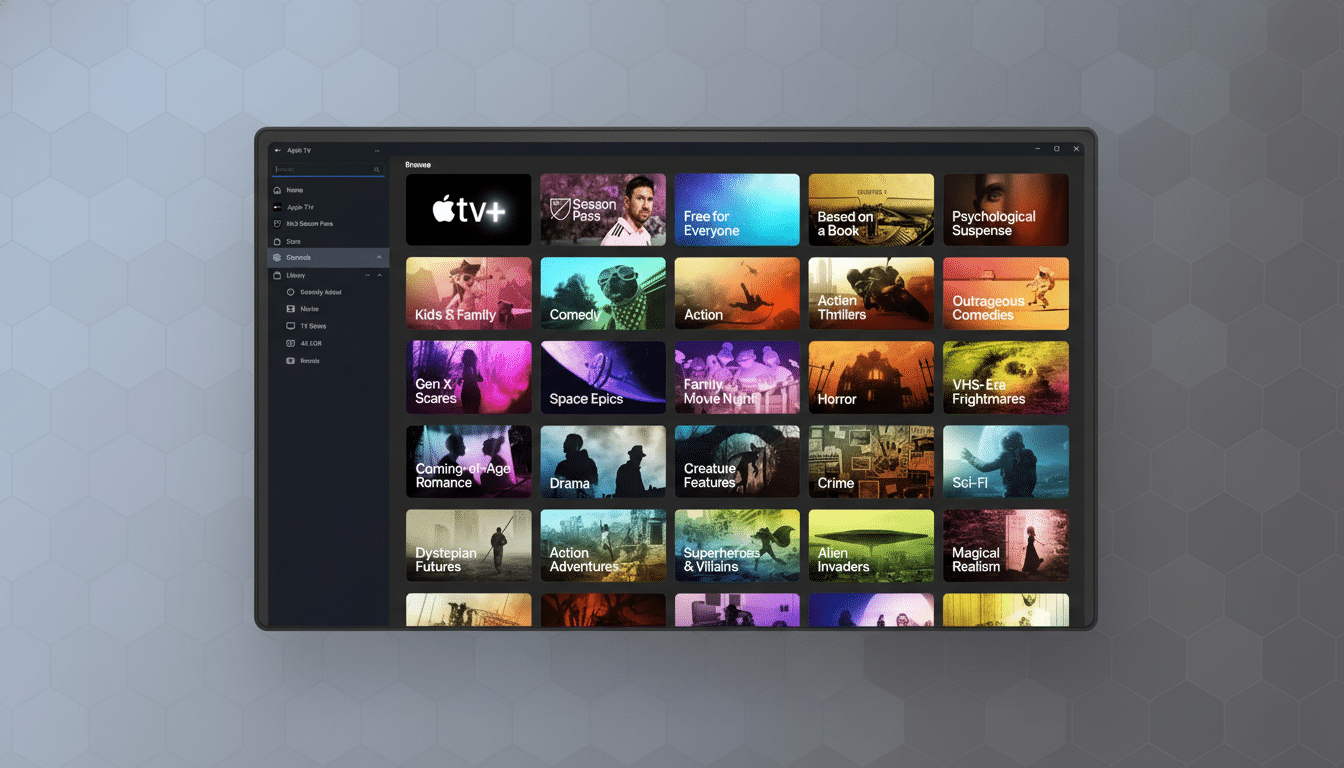
Apple usually offers closed captions on its website, YouTube and the Apple TV app. Subtitle options are within the player settings, and systemwide accessibility features such as Larger Text and Reduce Motion prevail within the Apple TV app. Replays tend to have more sub languages after the stream ends.
What we expect during the iPhone 17 announcement
Apple’s keynotes typically begin with a polished opening production, then transition to product segments showcasing the new iPhone lineup. Industry analysts are predicting that the star of the show will be the iPhone 17 family, with possible companion updates for Apple Watch and AirPods. Apple usually retreads the software features it discussed at its developer conference, announcing roll-out information for the next version of iOS in the final section of the presentation.
Last year’s iPhone launch streams routinely garner tens of millions of views on YouTube, according to public view counters, so there can be slight spikes in quality or buffering for the first few minutes as audiences pour in. If you’re streaming on a shared network — at a workplace, college dorm or coffee shop — take the bandwidth hogs into consideration.
Can’t watch live? Catch the replay fast
A full replay typically pops up almost immediately on Apple’s site and on YouTube, often with chapter markers for fast forwarding or rewinding. Apple’s Newsroom typically publishes press releases and specs sheets not long after the keynote, and product pages are updated with pricing and configuration details, so it’s easy to compare models without having to scrub through the entire video.
Bottom line: choose your platform now, set a reminder for the date and make a little game-watching nest — you’re in for a treat. With good connection and the proper app, you’ll be prepared as soon as Apple whips the cloth off the iPhone 17.
