


Do you manage many Facebook accounts? It often feels like a constant battle against sudden bans. You might deal with endless CAPTCHA errors or lose access to your profile without any clear reason. These issues usually stem from one core problem: your IP address. Facebook monitors every connection to detect suspicious behavior. If you use one IP for multiple accounts, the platform may link them together and block them quickly.
To avoid this risk, you must learn how to choose a proxy server that provides high anonymity. This is not an easy job, because you have to consider many factors before choosing, such as proxy types, proxy performance, and more. But fear not, as this guide will help you out on this and keep your accounts safe.
- Understanding the Different Types of Proxies for Facebook
- Why Specialized ISP Proxies are the Gold Standard for Facebook
- Key Features of Proxy Servers You Must Consider
- Step-by-Step Guide: How to Choose a Proxy Server and Implement It
- Step 1: Define Your Facebook Operation Scale
- Step 2: Source a Specialized Provider
- Step 3: Run a Health Check Before Logging In
- Step 4: Configure with an Anti-Detect Browser
- Conclusion
Understanding the Different Types of Proxies for Facebook
You must understand the available options before you choose proxy tools for your business. This list helps you decide how to choose a proxy server for your Facebook operations.
- Datacenter Proxies. These are fast and very cheap. However, Facebook easily identifies them as bot traffic. They work for simple tests, but often endanger your main accounts.
- Residential Proxies. These use real home IP addresses. They offer great anonymity, but rotate very often. They are better for web scraping than for stable account management.
- ISP Proxies. These provide a perfect balance. You get the high trust of a home user and the stability of a data center. Many marketers look for cheap ISP proxies to scale their work safely.
- Mobile Proxies. These use cellular network addresses. They are very hard to block. However, they usually cost more than other options.
Why Specialized ISP Proxies are the Gold Standard for Facebook
Facebook uses extremely advanced algorithms to monitor every connection. If you use a standard or shared IP, it will quickly flag your activity as suspicious. This usually leads to immediate account blocks or restricted advertising access. To maintain a professional presence, you need a connection that appears to be from a real home user. You can buy an ISP proxy for Facebook so that your account appears natural and trustworthy. It provides the necessary trust to run multiple business pages without triggering any security alarms.
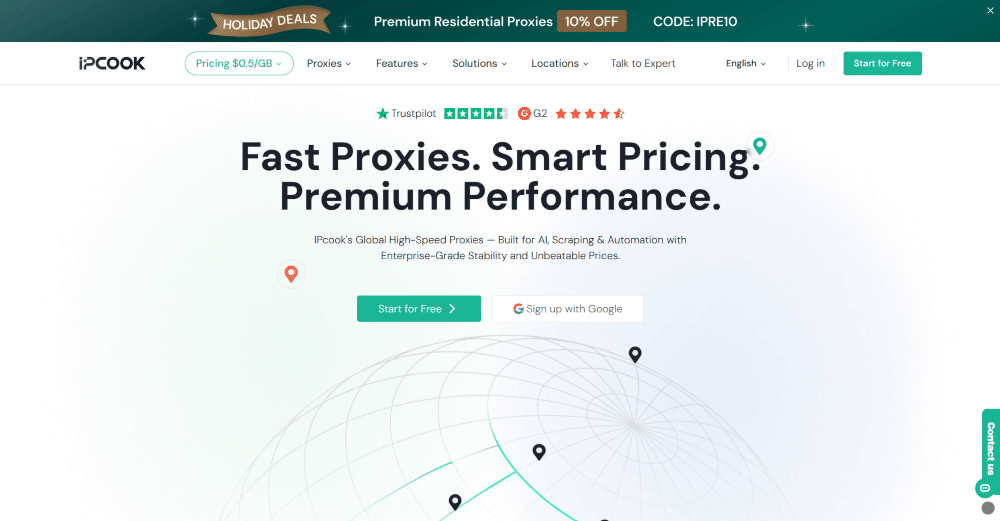
Among all the ISP services in the market, IPcook is a reliable provider you can consider for your business. It offers a large pool of cheap ISP proxies globally for social media managers who need to securely scale their businesses. What makes the service shine is the affordability. The ISP proxies come at a reasonably low price, suitable for low-budget users. But that doesn’t mean compromise on the quality. All connections come from legitimate internet providers, which ensure maximum uptime.
Here are the major benefits of IPcook’s ISP proxies:
- Great Value: The ISP proxy is very affordable because one IP costs only $0.05 per day.
- Unlimited Bandwidth: IPcook’s ISP proxies offer unlimited bandwidth with no traffic limits.
- Fast Speed: Users experience ultra-fast response speeds as global average times stay under 0.5 seconds.
- Free Sub-Accounts: You can create 10 free sub-accounts to manage proxies with your team easily.
Key Features of Proxy Servers You Must Consider
If you want to know how to choose the best proxies, focusing on these key quality factors will save you from future headaches.
- IP Geolocation. Always match your proxy location with your target market. If you manage a France-based Facebook page, opt for a provider that offers French IP addresses.
- Proxy Speed and Stability. Facebook is a heavy platform with lots of media. A slow connection will cause your ad manager to lag or crash. High uptime is essential for consistent account management.
- Security and Anonymity. Your IP must hide your real identity completely. The best services should offer elite anonymity, making it impossible for platforms to detect that you use a proxy.
- Number of Users per Proxy. Avoid shared addresses at all costs. Dedicated IPs ensure that no one else can damage the reputation of your connection.
Step-by-Step Guide: How to Choose a Proxy Server and Implement It
Successfully running your Facebook accounts requires a clear setup process. By following these specific stages, you can learn how to choose a proxy server and deploy it effectively for your business.
Step 1: Define Your Facebook Operation Scale
Do you need to manage one high-value aged account with a single static IP? Or do you plan to run a large network of profiles for group marketing? Each strategy requires a different approach to resource management. If you manage multiple accounts, you must ensure each profile has its own unique connection. This separation prevents the platform from linking your accounts together. Defining your scale early helps you understand how to choose a proxy server that matches your actual needs.
Step 2: Source a Specialized Provider
Not all network services are suitable for social media tasks. You must find a provider that offers dedicated solutions specifically for Facebook. Many cheap providers sell shared addresses to many users at once. If another person gets banned on that IP, your account will suffer too. Private and non-shared connections are the only way to stay safe in the long term. This is why many experts search for cheap ISP proxies that do not sacrifice quality. A professional provider like IPcook ensures that your address belongs only to you.
Step 3: Run a Health Check Before Logging In
After getting your new IP, use free online tools like Whoer.net or BrowserScan to verify the connection quality. You need to check if the address appears as a real home internet line. The geographic location must also match your account settings perfectly. If you see any leaks or if the anonymity level is low, do not proceed. Checking the health of your purchased IPs protects you from simple mistakes. It is the most reliable way to choose proxy tools that are ready for work.
Step 4: Configure with an Anti-Detect Browser
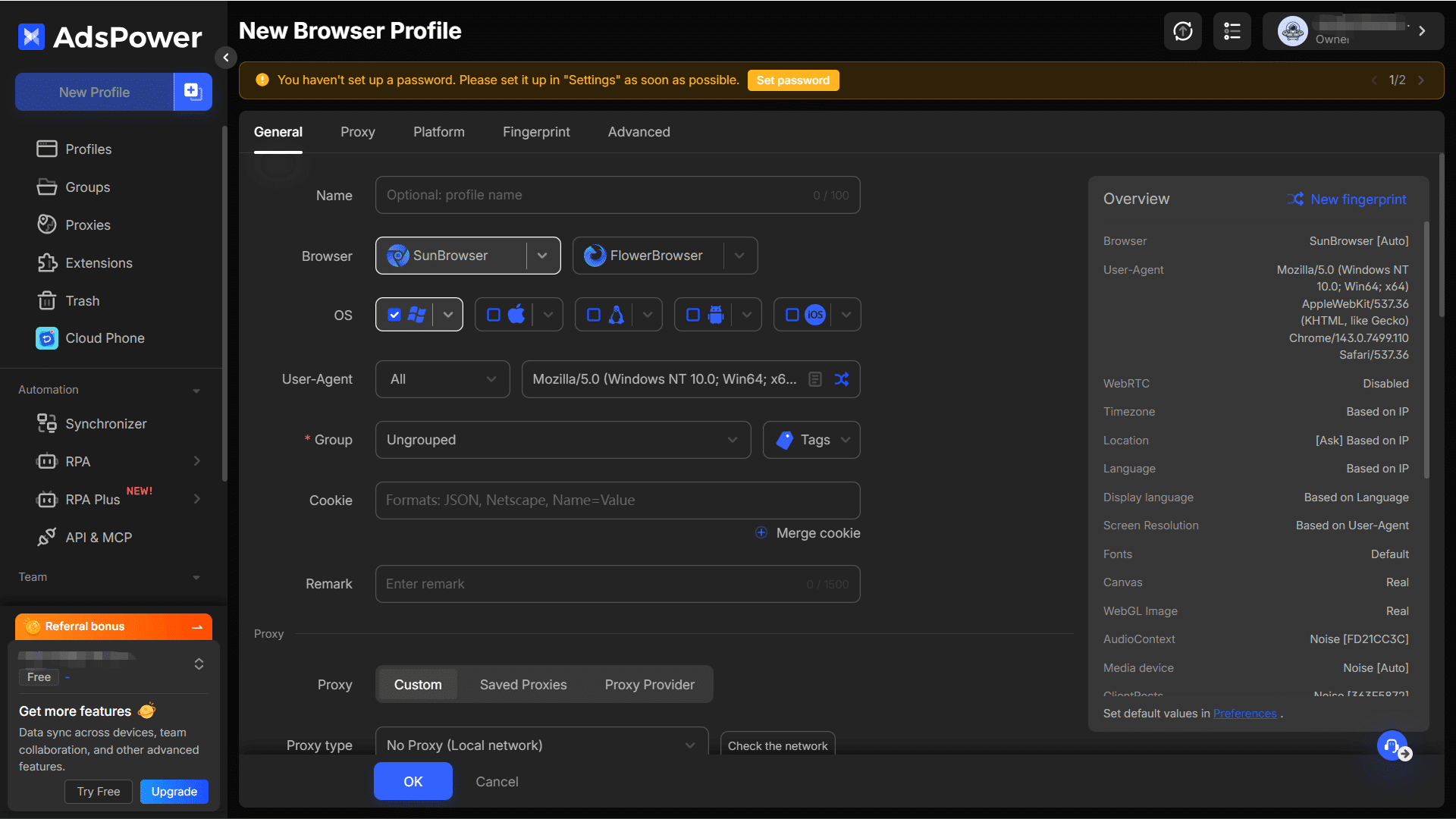
A proxy only hides your IP address, but Facebook also tracks your browser fingerprints. To solve this, you must use an anti-detect browser like AdsPower together with your proxy connection. Think of the proxy as your mask and the browser as your digital disguise. The configuration is very simple for any user. First, open your browser and create a new profile environment. Then, enter the IP address, port, username, and password. Save the settings and launch the window to start your work.
Conclusion
Keeping your Facebook accounts safe is not a matter of luck. It depends on the tools and strategy you use. High-quality ISP connections are the best way to avoid constant bans and technical errors. So, it matters a lot how to choose a proxy server. There are a bunch of factors you have to consider before making the final decision.
But if you don’t want to spend too much time filtering, IPcook is a possible option for you. It provides the stability and trust needed to manage Facebook without any stress. Now that you have a reliable network setup, you can stop worrying about sudden blocks. Focus on your marketing goals and start building a more reliable infrastructure for your brand today.

