


Enterprise digital ecosystems have evolved far beyond a single corporate website. Modern customers engage with brands through mobile applications, partner portals, internal dashboards, campaign microsites, marketing platforms, and emerging digital channels. Each of these touchpoints requires consistent content delivery, reliable performance, strong security, and seamless scalability. Traditional content management systems were never designed to operate at this level of complexity.
Many organizations struggle with slow website performance, rigid design limitations, rising security risks, and fragmented content operations. Marketing teams often wait for developers to make layout changes. Developers spend excessive time maintaining legacy templates instead of innovating. As traffic increases and customer expectations rise, these limitations begin to impact revenue, brand trust, and operational efficiency.
- What Headless WordPress Means for Enterprises
- How Headless WordPress Architecture Works
- 1. WordPress as the Content Management Layer
- 2. API Delivery Layer
- 3. Frontend Experience Layer
- 4. Performance and Caching Layer
- 5. Security and Access Layer
- 6. Integration and Data Connectivity Layer
- Key Business Benefits for Enterprise Organizations
- 1. Faster Performance and Improved User Experience
- 2. Predictable Scalability and Reliability
- 3. Enhanced Security and Risk Reduction
- 4. Omnichannel Content Delivery at Scale
- 5. Faster Development and Innovation Cycles
- 6. Advanced Personalization and Data Driven Optimization
- 7. Sustainable SEO and Discoverability
- Real World Enterprise Use Cases
- 1. Global Corporate Websites
- 2. Ecommerce Content Platforms
- 3. Media and Publishing Networks
- 4. SaaS Documentation and Learning Platforms
- 5. Internal Business Applications
- Challenges Enterprises Should Evaluate
- When Headless WordPress Is the Right Choice
- Best Practices for Successful Implementation
- Why an Experienced WordPress Partner Adds Value
- Frequently Asked Questions
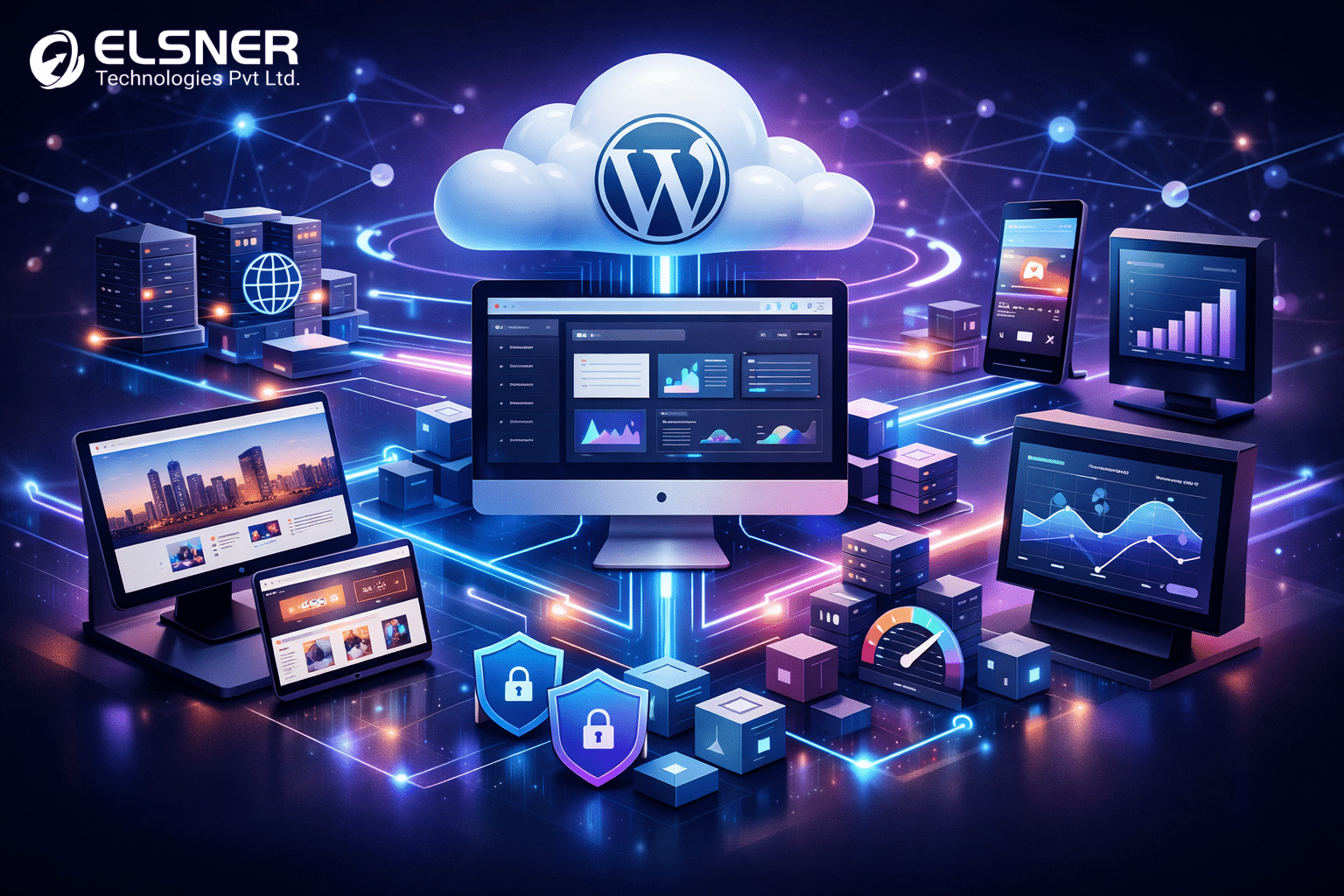
Headless WordPress offers a practical solution for enterprises seeking long term digital flexibility through Enterprise WordPress development. Instead of treating WordPress as a website platform, organizations use it as a centralized content engine that delivers structured content through APIs to any digital experience. This architectural approach separates content creation from presentation, allowing teams to innovate faster while maintaining governance and stability.
This comprehensive guide explains how enterprises use WordPress as a headless CMS, how the architecture functions, the measurable business benefits, real world enterprise use cases, potential challenges, and best practices for successful implementation.
What Headless WordPress Means for Enterprises
In a traditional WordPress environment, the backend and frontend operate as a single system. WordPress controls content creation, design templates, page rendering, and user interactions within the same application. While this model works well for small and medium sized websites, it becomes restrictive at enterprise scale.
Headless WordPress introduces a different operating model. WordPress remains the backend where editors create, manage, and govern content. The frontend is built separately using modern technologies that consume content through APIs. The website or application no longer relies on WordPress themes or templates for presentation.
Core Differences Between Traditional and Headless WordPress
- Traditional WordPress renders pages directly from PHP templates.
- Headless WordPress exposes content through structured APIs.
- Traditional setups tightly couple content and design changes.
- Headless setups allow independent frontend and backend development.
- Traditional systems focus primarily on websites.
- Headless platforms deliver content to multiple channels from a single source.
This separation empowers enterprises to adopt flexible technology stacks while maintaining familiar content workflows for business users. Marketing teams continue using WordPress editors and workflows. Development teams gain the freedom to optimize performance, security, and design systems independently.
How Headless WordPress Architecture Works
A headless WordPress system consists of several coordinated layers that together form a scalable digital foundation.
1. WordPress as the Content Management Layer
WordPress acts as the central content repository where all structured content is created and maintained.
Key responsibilities include:
- Page and article creation
- Custom content modeling using fields and taxonomies
- Media management and optimization
- Editorial workflows and approvals
- User roles and permission control
- Revision history and audit trails
This layer ensures content governance, consistency, and compliance across the organization.
2. API Delivery Layer
Content is delivered through REST API or GraphQL endpoints that expose structured data securely.
This layer enables:
- Efficient content retrieval
- Fine grained data selection
- Secure authentication and authorization
- Reduced server overhead
- Compatibility with any frontend technology
APIs act as the communication bridge between WordPress and all consuming applications.
3. Frontend Experience Layer
The frontend is built using frameworks such as React, Next.js, or Vue based on business requirements.
This layer handles:
- Visual presentation
- User navigation and routing
- Interactive components
- Accessibility standards
- Design consistency across platforms
Because the frontend is decoupled, teams can optimize performance, user experience, and branding without CMS constraints.
4. Performance and Caching Layer
Performance optimization is achieved through CDN networks, caching strategies, and edge delivery.
Benefits include:
- Faster global content delivery
- Reduced infrastructure load
- Improved uptime during traffic spikes
- Stable user experience across regions
5. Security and Access Layer
Security controls protect both content and infrastructure.
Core elements include:
- Authentication systems
- API gateways and firewalls
- Rate limiting and monitoring
- Data encryption
- Compliance logging
This layered approach reduces exposure to external threats.
6. Integration and Data Connectivity Layer
Enterprises integrate WordPress content with business systems.
Common integrations include:
- Customer relationship platforms
- Marketing automation tools
- Analytics and reporting platforms
- Personalization engines
- Enterprise data warehouses
Content becomes part of a unified digital ecosystem rather than isolated websites.
Key Business Benefits for Enterprise Organizations
1. Faster Performance and Improved User Experience
Decoupled frontends remove unnecessary overhead associated with traditional themes and plugins.
Business impact includes:
- Faster page load times
- Smoother navigation
- Improved mobile usability
- Higher engagement and conversions
2. Predictable Scalability and Reliability
Cloud infrastructure and caching allow enterprises to handle traffic growth confidently.
Operational advantages include:
- Stable performance during campaigns
- Automatic resource scaling
- Reduced downtime risk
3. Enhanced Security and Risk Reduction
Separating public interfaces from the CMS reduces attack surfaces.
Security improvements include:
- Limited exposure of backend systems
- Controlled API access
- Better compliance readiness
4. Omnichannel Content Delivery at Scale
A single content source supports multiple channels.
Delivery channels include:
- Corporate websites
- Mobile applications
- Partner portals
- Digital displays
- Internal dashboards
5. Faster Development and Innovation Cycles
Parallel workflows accelerate delivery.
Advantages include:
- Independent frontend deployments
- Rapid experimentation
- Reduced release bottlenecks
6. Advanced Personalization and Data Driven Optimization
Frontends integrate analytics and personalization platforms.
Business value includes:
- Tailored customer journeys
- Better targeting
- Continuous optimization
7. Sustainable SEO and Discoverability
When implemented correctly, headless WordPress supports strong search performance.
SEO advantages include:
- Server side rendering
- Structured metadata control
- Clean URL architecture
- Improved Core Web Vitals
Real World Enterprise Use Cases
1. Global Corporate Websites
Enterprises centralize content governance while delivering localized experiences across regions and languages. Regional teams adapt messaging while maintaining brand consistency.
2. Ecommerce Content Platforms
Marketing content is managed centrally while commerce engines focus on transactions, performance, and security.
3. Media and Publishing Networks
Publishers distribute content across websites, mobile apps, newsletters, and partner platforms from a unified backend.
4. SaaS Documentation and Learning Platforms
Structured content improves usability, version control, and scalability for growing user bases.
5. Internal Business Applications
Enterprises integrate content into dashboards and portals without duplicating management workflows.
Challenges Enterprises Should Evaluate
Before adopting headless architecture, organizations should evaluate the following considerations:
- Higher technical complexity and architectural planning
- Increased upfront investment
- SEO implementation responsibility
- Editorial preview customization needs
- Infrastructure monitoring requirements
- Skill availability within teams
- Governance and documentation requirements
Proactive planning reduces operational risk.
When Headless WordPress Is the Right Choice
Headless WordPress is suitable when:
- Multiple digital channels are required
- High traffic scalability is essential
- Advanced personalization is planned
- Long term digital growth is expected
- Strong technical resources are available
Traditional WordPress may be more appropriate when:
- Websites are simple
- Budget constraints exist
- Rapid deployment is the primary goal
Best Practices for Successful Implementation
- Define content models early
- Choose frontend technologies based on maintainability
- Implement caching strategies from the start
- Plan SEO architecture carefully
- Strengthen security governance
- Optimize editorial workflows
- Monitor performance continuously
- Document operational processes
Why an Experienced WordPress Partner Adds Value
Enterprise implementations require architectural planning, security governance, performance engineering, and continuous optimization, which is why many organizations choose to hire WordPress developer support from an experienced partner that accelerates delivery, reduces risk, and supports long term scalability.
Frequently Asked Questions
- Is headless WordPress suitable for SEO
Yes when rendering and metadata strategies are implemented correctly. - How complex is maintenance
Maintenance includes API monitoring, frontend infrastructure, and security management. - Can content teams operate independently
Yes editors continue using WordPress without developer dependency. - Which frontend technologies are commonly used
React based frameworks are widely adopted. - Is this approach future ready
Yes it supports evolving digital channels and platform growth.
