


The bug looked mundane at first—a WordPress privacy plugin whose “block access” setting refused to stick for one user—until it spiraled into a hosting-layer nightmare. The surprising hero was GPT-5.2-Codex inside a VS Code workflow, which not only pinpointed the root cause but also wrote the fix and drafted the support note that forced the host to act. The turnaround was beyond fast.
A Simple Support Ticket Turns Strange and Complex
The report sounded familiar: access wasn’t being blocked. Usual suspects—theme quirks and caching—didn’t apply. After a few rounds of QA with a cooperative user, one pattern emerged: enabling a recently added AI scraping defense feature caused other settings in the same group to ignore saves. That behavior didn’t reproduce in my test stack and only emerged on sites with specific robots.txt configurations.
- A Simple Support Ticket Turns Strange and Complex
- Codex Enters the Loop to Diagnose and Patch the Bug
- The Twist After the Fix Reveals Caching Problems
- Host-level Caching Confirmed Above the Application Layer
- Speed and Signal Over Noise in Real-World Debugging
- A Reusable Playbook for Debugging and Host Escalation
- Why This Matters for Developers and Hosting Providers

This smelled like a state-management issue in WordPress options handling—something between a filter firing and an admin save callback short-circuiting. But the intermittent nature, tied to server setup, hinted there was more going on than just plugin code.
Codex Enters the Loop to Diagnose and Patch the Bug
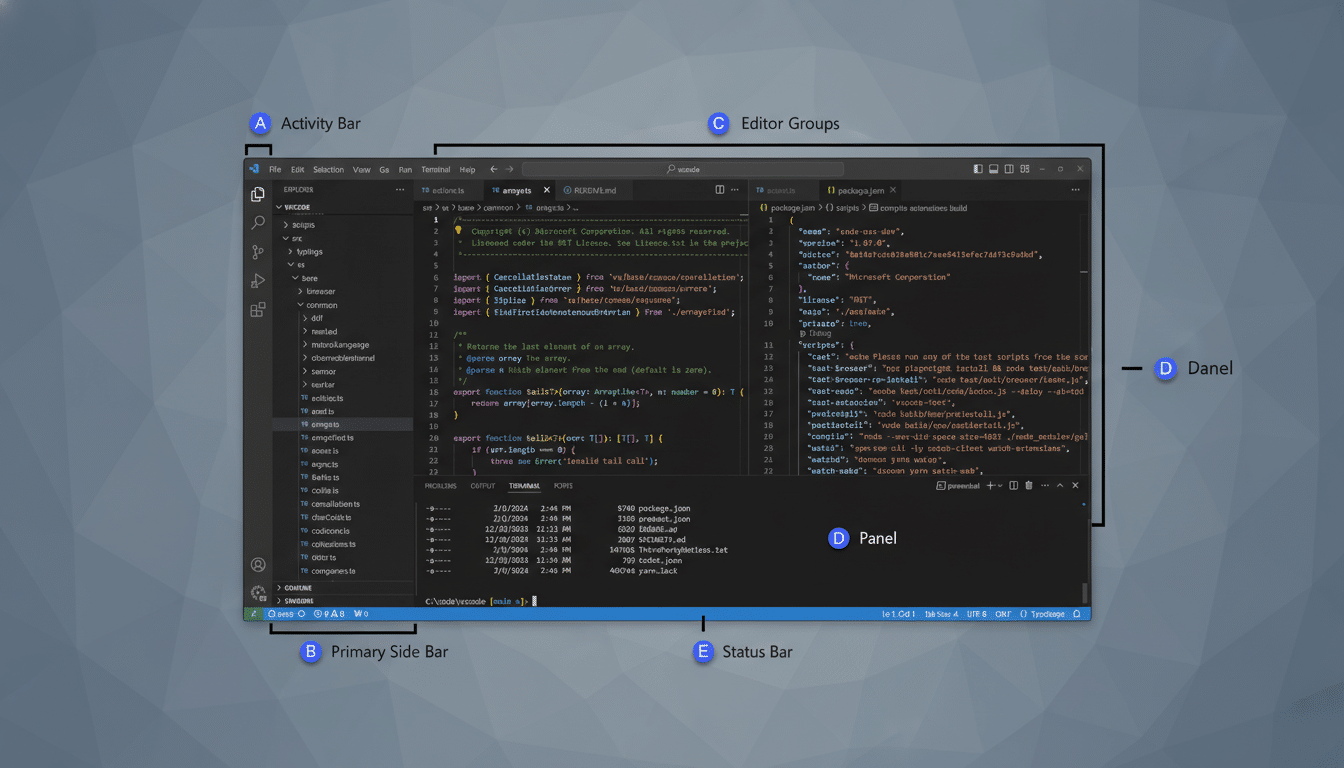
I opened VS Code, selected GPT-5.2-Codex, and dropped in the complaint and relevant files. Before proposing changes, Codex asked for an export of the plugin’s settings—wanting to inspect the on-disk schema versus the in-memory state. That’s the kind of senior-level instinct you want in a pair programmer: validate the data model before touching code.
With the settings JSON in hand, Codex identified a usage pattern that could deadlock updates when one feature flag was active. It wrote a patch that isolated the scraping defense toggle from the broader settings write, adjusting nonce checks and the order of hooks so a single early return couldn’t suppress subsequent saves. Local tests confirmed the fix. Settings now stuck.
The Twist After the Fix Reveals Caching Problems
Even with protection enabled, some pages still rendered publicly. No site-level caching plugins were active. Partial protection typically signals one of three things: object cache residue, edge caching outside WordPress, or a reverse proxy that serves stale variants.
Codex suggested a controlled probe: append a benign query string to affected URLs, such as ?mps_hide=1, to force a cache miss. If the parameterized URL blocked but the original didn’t, we’d have proof of caching above the app layer. That’s exactly what happened.
Host-level Caching Confirmed Above the Application Layer
The culprit was server or edge caching beyond the user’s control—think Nginx FastCGI cache, Varnish, or a CDN edge tier serving stale content. Because cached pages bypassed the plugin’s gatekeeping, the app never got a chance to enforce privacy. The remedy had to come from the hosting provider: disable or bypass caching for authenticated and protected routes, respect cache-control headers, and purge stale variants.
Codex drafted a concise support request for the user to send the host. It laid out the reproduction steps, the query-string differential proving cache interference, and the exact actions needed: disable server-level caching for private endpoints, honor no-store on authenticated responses, and clear edge caches for affected paths. The host complied, the site fell behind the wall, and the user was finally protected.
Speed and Signal Over Noise in Real-World Debugging
From diagnosis to patch to provider escalation, my hands-on time stayed under an hour. The model did propose a few off-base ideas—expected with any coding assistant—but once constraints were clarified (no shell access, non-technical user), it pivoted fast.
These gains track with broader findings: GitHub reports that developers using AI coding assistants complete tasks faster and feel more productive, with many citing reduced cognitive load on boilerplate. A Stack Overflow survey shows widespread adoption of AI helpers, while research from McKinsey highlights sizable productivity lift in software work. The pattern is consistent: when framed with clear context and guardrails, AI assistants compress the path to working code.
A Reusable Playbook for Debugging and Host Escalation
- Pair the assistant with real artifacts: settings exports, representative configs, and minimal failing cases. It prevents fantasy fixes.
- Separate concerns in save flows: isolate feature toggles from bulk settings, ensure nonces and redirects don’t short-circuit subsequent writes, and avoid global early returns.
- Prove cache interference empirically: use a benign query parameter to force a variant, then compare blocked vs. unblocked behavior. If they diverge, you have evidence for the host.
- Escalate with specifics: list required cache behaviors, paths to exclude, headers to honor, and the verification steps the host can run. Precision accelerates fixes.
Why This Matters for Developers and Hosting Providers
The lesson isn’t that AI magically fixes everything. It’s that, when integrated tightly with your editor and workflow, a capable model like GPT-5.2-Codex can act like an experienced partner—one that reasons about architecture, writes targeted patches, and helps navigate the messy boundary between application logic and infrastructure quirks.
For many developers, the affordable plan is enough for episodic debugging, feature tweaks, and support drafting. When the blocker sits outside your code, the real win is time: fast diagnosis, crisp proof, and a clean handoff to the people who control the cache.
