


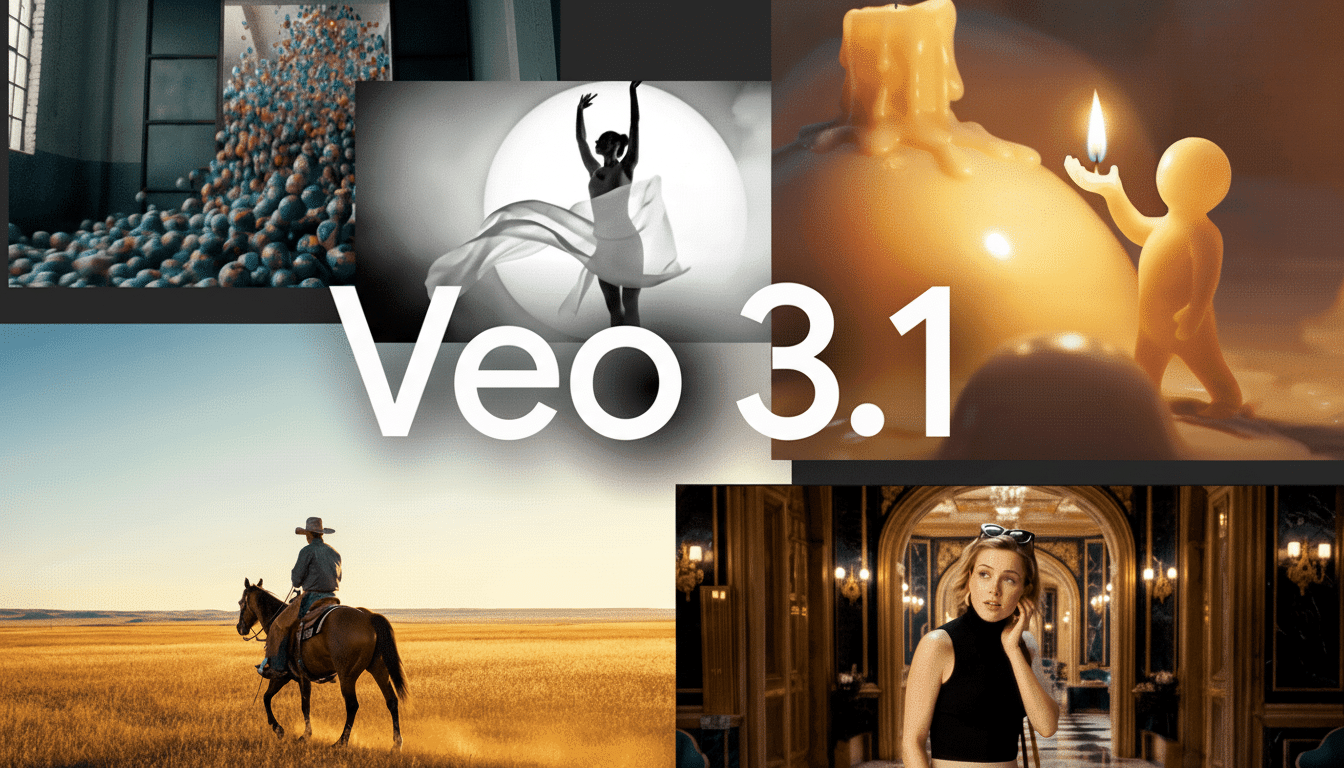
Google DeepMind’s latest video model, Veo 3.1, can take individual images and stitch them into a single, cohesive video—without any manual keyframing or shot-by-shot compositing.
The update, which you can find in Flow, Vertex AI, the Gemini API and app, as well as on Vids, also comes alongside a new, lighter Veo 3.1 Fast for faster iteration. For creators, marketers, and product teams, the promise of the headline is speed—compelling motion from unrelated stills with reduced time needed to piece assets together.
How Image-to-Video Fusion Works in Google Veo 3.1
Veo 3.1 enhances the previous Veo with generation conditioned on more than one input image. Give it a few visuals—a face, product shot, background—and the model will extrapolate motion, camera path, and transitions that keep lighting, perspective, and style in sync from one frame to the next. It’s a kind of learned “editor” that respects the look of your stills and invents plausible motion between them.
Notably, there is “first-and-last” interpolation: upload a first image and a last image, and Veo 3.1 fills between them with a smooth transition from one to the other. According to Google, this capability is available in Flow, Vertex AI, and the Gemini API now, with support for the Gemini app coming next. In practice, continuity is enhanced by having the bookend shots echo aesthetic features (same color temperature, same composition or art style), except when the model is toying with contrasts for a creative effect.
Under the hood, the system relies on cross-frame attention and learned motion fields to ensure that subjects remain structurally coherent while being invented out of thin air by intermediate frames, something Robbins says historically would have required complicated optical-flow setups and meticulous hand-tuning.
New Tools for Editors and Creators in Veo 3.1
In addition to multi-image fusion, Veo 3.1 offers scene extend, which lets you lengthen clips without starting over, and targeted editing to add or remove objects in existing footage. These features, of course, complement Veo’s existing strong suits dating back to Veo 3: 1080p output and generation of synced audio, so you don’t have to bounce from point solution to point solution for motion, sound, and cleanup.
For lower-latency workflows, Veo 3.1 Fast does lose some fidelity in trade for speed. “Teams can iterate in Fast to lock animation, and then render a Fast for finals at full quality—like proxies typically do in traditional post pipelines—but this is powered by a single model family.”
Real-world uses are straightforward. And e-commerce workers might transform product pack shots and a lifestyle backdrop into a short hero video for a landing page. A game studio might be more interested in previewing a cutscene with character art and an environment plate combined. Agencies can also storyboard social ads by interpolating from a mood-setting opener to a lightly branded end card, and then expanding the scene for cutdowns.
Quality, Limits, and Safety Considerations for Veo
Veo 3.1’s finest when inputs are in common alignment—lensed feel, shadows, texture. Mismatched media, such as pairing a pencil sketch up to a glossy photo, will create surreal transitions—great for arty projects but less so when tried with client work. Google’s demos also emphasize compositional consistency, like one set of doors opening into another scene or pans that reveal a target subject without noticeable artifacts.
On the security side, SynthID watermarking for AI-gen video will continue to be rolled out by Google DeepMind where applicable, identifying and tracing provenance without visible marks. For enterprise users of Vertex AI, policy controls and content filters provide a way to manage brand safety and limit sensitive outputs. These developments echo similar industry shifts towards C2PA-aligned provenance signals and auditability throughout creative pipelines.
Competitive and Market Context for Google’s Veo 3.1
The update arrives in a fast-moving landscape. OpenAI’s Sora, Runway’s Gen-3, and Pika remain focused on pushing the limits of text-to-video fidelity; meanwhile, Amazon has released tools that auto-generate short product videos from a still for advertisers. Veo’s edge right now, though, lies in its multi-image fusion and seamless integration across Google’s ecosystem—Flow for creative experiments, Vertex AI for production workloads, the Gemini API for developers, and consumer-facing access through the Gemini app and Vids.
The timing is strategic. One of the fastest-growing segments of online media, according to the Interactive Advertising Bureau, is digital video ad spend, and marketers today need a constant stream of new versions for performance testing. Generative AI, by McKinsey’s count, could automate activities consuming as much as 60%–70% of employees’ time—workaday toil like the drudge labor Veo looks to supplant in video previsualization, versioning, and localization.
What to Watch Next as Veo 3.1 Capabilities Expand
Expect rapid iteration around control. Power users will want the ability to grab onto nesting keyframe handles and to get explicit with camera rigs, but those are ways to bring a shot using motion to life—not give it birth again. Enterprise teams will be looking for integrations with asset managers and review tools inside Vertex AI, as well as enhanced watermarking and rights management that meet newsroom and studio policies.
So for now, the elevator pitch for Veo 3.1 is: turn stills into convincing motion, add length in post, and maintain a consistent sense of style—all within the same toolchain in which the prompts are actually generated. That kind of consolidation could mean the difference between a concept on a moodboard and a shippable cut by day’s end for numerous teams.
