


Google is pushing more of its Gemini AI into the living room, previewing new features for Google TV that promise more natural discovery, streamlined settings, and richer on-screen learning. Announced at CES, the updates position the television not only as a streaming hub but also as a conversational surface that can query, curate, teach, and even fix your picture or sound, all by virtue of asking with one voice.
The rollout begins with select TCL TVs before rolling out to more Google TV devices. According to Google, you’ll need Android TV OS 14 or newer, an internet connection, and a Google account; language and regional availability will vary by country at launch.
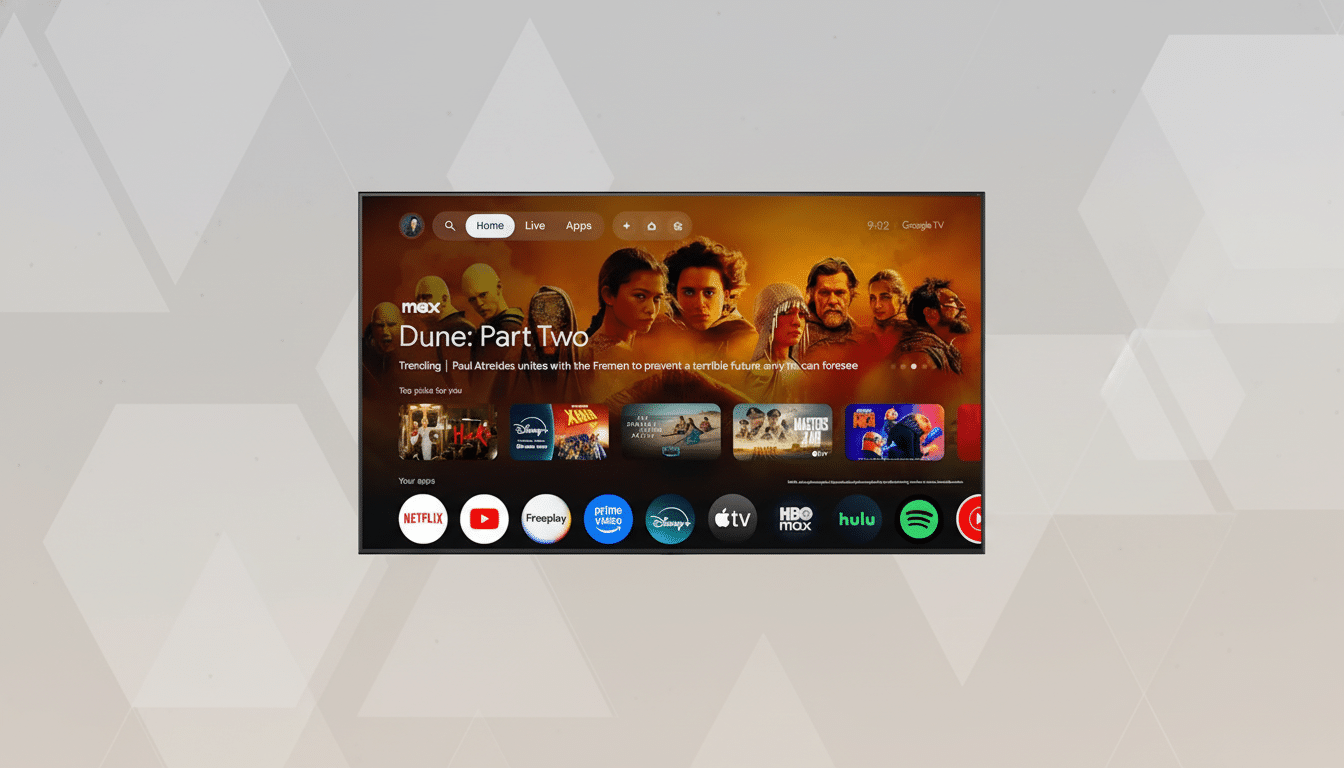
The Gemini Pull Toward the Big Screen Explained
Gemini for Google TV extends conversational search. Ask for two people’s tastes in a show, read out and summarize a plot when you can’t remember the title, or send through a cultural pulse-check (e.g., “What’s the new hospital drama everyone is watching?”). The system answers it through a multimedia-rich interface specific to the question, combining text with images or video context — and, on an as-needed basis, sports scores.
And then, beyond the burden of picking something to watch, Gemini can recap a series you paused months prior so that you’re caught up without spoilers outside of your own requests. It’s a subtle but significant transition from static menus to dynamic dialogue, attuned to how human beings actually talk about TV programming.
Voice Control for TV Settings Gets Smarter
Perhaps the only useful new additions are settings for voice dictation. Tell your TV “I can’t see the screen, it’s too dim,” or “I can’t hear the dialogue,” or “Make the colors warmer,” and Gemini funnels you to the appropriate picture or audio controls behind the scenes — without pulling you out of what you’re watching. For a lot of people, that’s one long-standing source of anguish — labyrinthine menus and mystery picture modes — solved.
The upside isn’t just convenience. When brightness, dialogue clarity, or motion smoothing can be adjusted in seconds, viewers are more likely to settle on accurate, comfortable settings. That cuts down on fatigue, keeps stuff the way it was when a creator left it, and prevents you from falling into one of those circular cycles that often just sends people back to factory defaults.
Search and Learn in Context on the Big Screen
Google also positioned the TV as a lean-back learning tool. Pose a how-it-works question and Gemini can produce an interactive, narrated overview on the big screen, and follow up with prompts that allow you to drill down at your own pace. It is intended for family use, where people can participate and continue to ask multiple questions without typing.
It leans into the TV’s strengths — bigger visuals, shared viewing, and enormous ambient attention potential — instead of attempting to shoehorn in a phone or laptop workflow. If done well, it makes otherwise idle couch time an easy, low-friction opportunity to investigate something together.
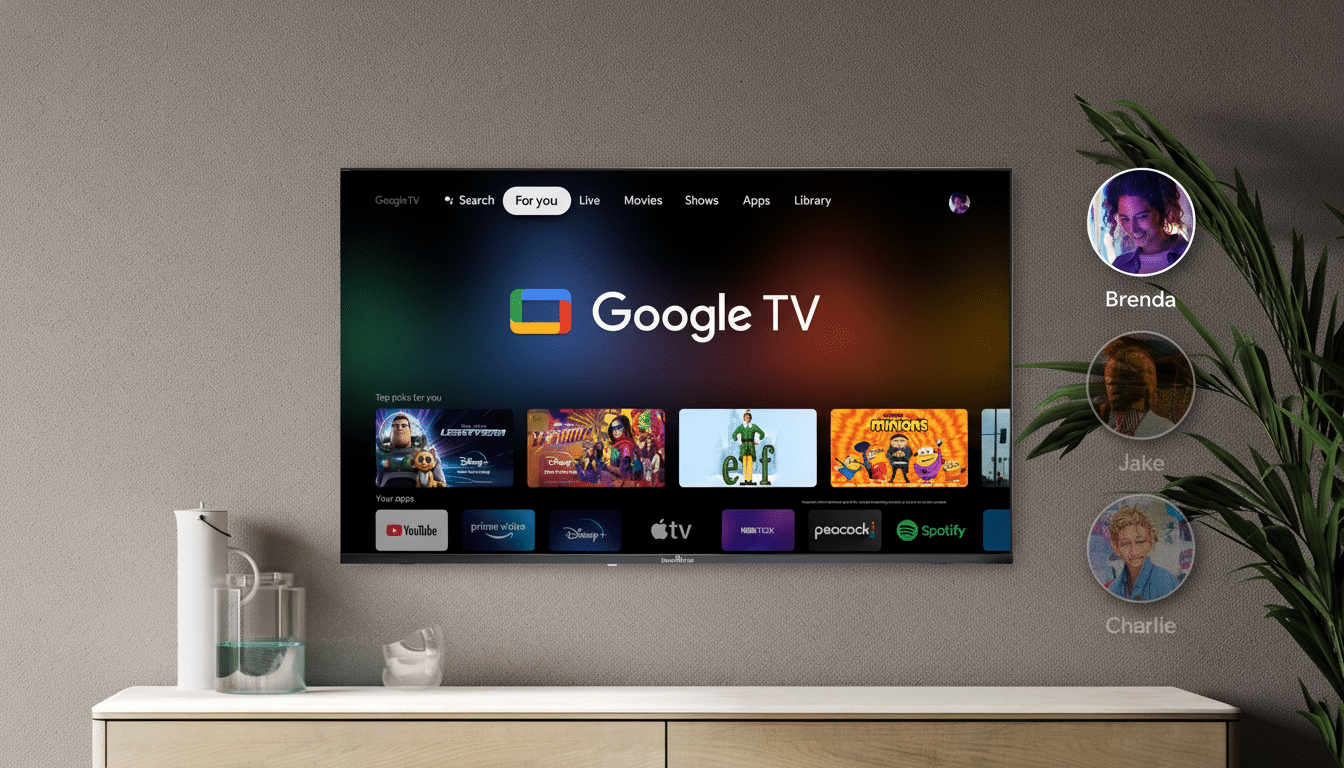
Photos and Personalized Memories on Google TV
Right on the TV, Gemini can ask your Google Photos library a question in natural language — “show photos of Maya’s graduation” or “our beach trips from 2019” — and then creatively re-envision those moments. Users can also add unique artistic styles to pictures and clips, as well as create cinematic slideshows that are perfectly in sync with the occasion, transforming the TV into a social canvas for family time.
Since the feature will pull cloud content, the company says internet access is necessary. Account-level controls and on-screen transparency will be key to adoption, particularly in privacy-conscious homes or shared living rooms.
Rollout, Compatibility, and Partners for Google TV
The previewed features are making their way first to certain TCL models, which are part of TCL’s growing presence in the Google TV ecosystem. After that, Google has a wider release for more brands and devices with Android TV OS 14 or newer. Not all languages, countries, or device tiers will have feature parity on day one, and users would need to sign in to a Gemini device with a Google account for the features to be available.
The staged rollout is a familiar way for voice-forward TV features to debut: closely integrated with one flagship partner for fine-tuning, then broader distribution. It also ratchets up pressure on competitors to match it at the platform level, not just with yet another incremental voice command.
Why It Matters to the Living Room and Streaming
TV is our most shared screen in the home, and the way we use it continues to evolve as software eats TV. The Gauge, an index to determine how much streaming has affected traditional media consumption from Nielsen, has shown streaming surpassing cable in TV usage overall, and a smart TV is now found in over half of U.S. broadband homes, among other details reported by Parks Associates. With that as the backdrop, transforming TV into a conversation piece is more than just a gimmick; it’s an attempt to own the discovery layer of where decisions are made.
Competitors are already circling. Amazon’s Fire TV relies on Alexa for content search and smart home commands. Roku provides a voice search across services. Samsung and LG bake their own assistants into Tizen and webOS. What sets Google apart, he said, is Gemini’s multimodal reasoning — the context of what’s on screen, what you asked, and what you have already watched — that delivers responses that feel personalized rather than templated.
The next test is reliability. How accurate, and how fast, your voice instructions appear on-screen, as well as the clarity of the responses, will largely determine whether people continue talking to their TV long after this initial cool factor wears off. If the experience remains snappy and friendly — tracking down that hard-to-remember show, summarizing a season, clearing up muddy audio — Gemini might quietly become the default remote control for millions of living rooms.
