


Google Translate appears to be preparing a smarter way to shape translations, with an AI-assisted option that surfaces alternative phrasings and levels of formality. Evidence found in a recent Android build suggests users may soon be able to fine-tune context and pick from nuanced outputs instead of a single best guess.
What the New Buttons Do in Google Translate Tests
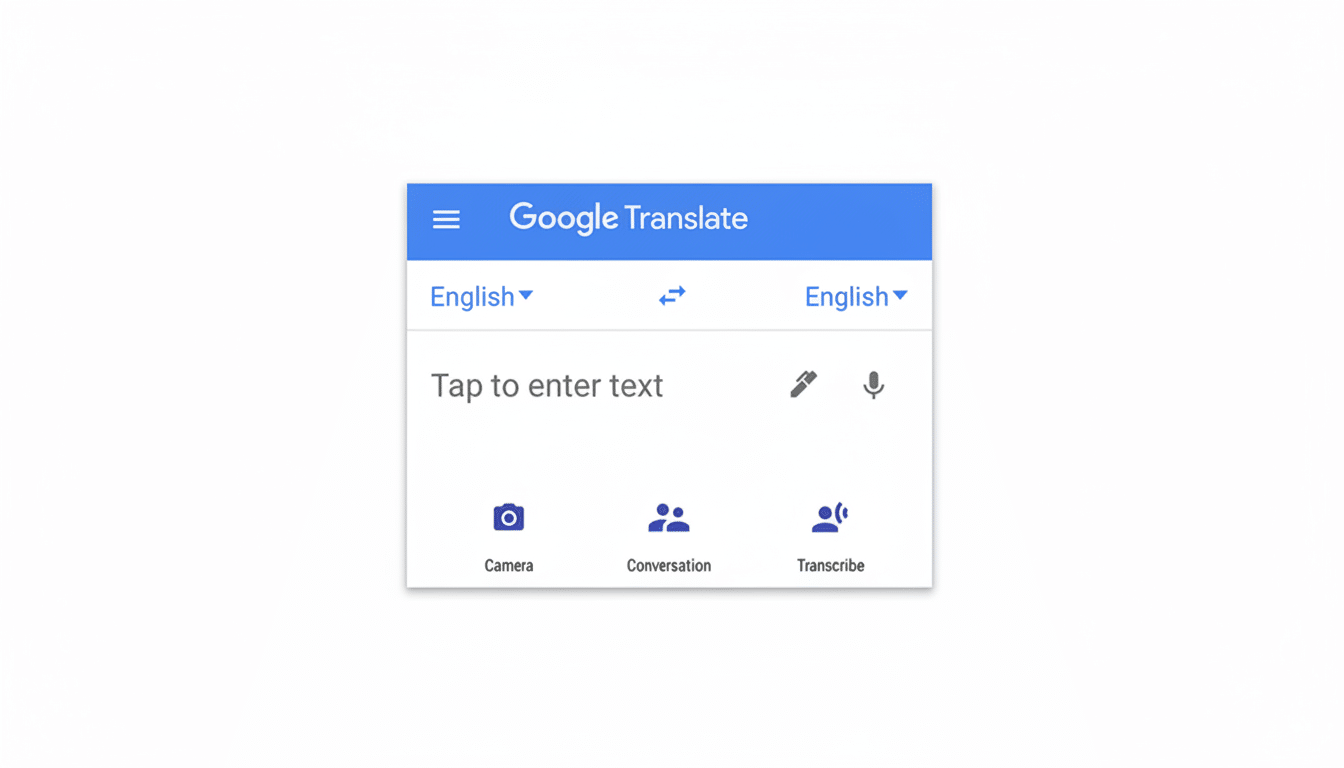
In-development interface elements labeled Understand, Ask, and Show Alternatives have been spotted behind the scenes in the Translate app for Android, indicating Google is testing a more interactive translation flow. Show Alternatives in particular appears to produce multiple candidate translations for the same input, each with subtle differences in tone, specificity, or register.
- What the New Buttons Do in Google Translate Tests
- Why Context Matters in Translation and Everyday Use
- How It Could Compare to Rivals in the Translation Space
- A Nudge Toward Explainable AI Inside Google Translate
- Availability and What to Expect as Testing Rolls Out
- What It Means for Users of Google Translate Features
Think of typing a sentence like “Please review the proposal” and seeing options tuned for a colleague, a client, or a close friend. One might read more formal, one more neutral, another more casual. In languages where formality is critical — Spanish (tú vs. usted), German (du vs. Sie), Japanese honorific forms — that control can prevent awkward missteps.
Why Context Matters in Translation and Everyday Use
Machine translation has long wrestled with ambiguity, domain jargon, and register. A single word like “charge” can mean cost, accusation, or electrical property depending on context. Traditional phrase-based systems and early neural models often landed on a statistically common choice that didn’t fit the situation.
Recent research from Google Research and the academic community has shown that larger context windows and instruction-following models improve choices around pronouns, idioms, and style. Shared evaluations like WMT have encouraged context-aware approaches that move beyond sentence-by-sentence output. By letting users steer intent — formal vs. informal, legal vs. marketing, general vs. technical — Translate can combine model strengths with human judgment to reduce common pitfalls.
The practical payoff is clear in real life: a parent emailing a school principal needs a different tone than a traveler chatting with a barista, and a small business drafting a contract needs terminology aligned with law rather than everyday speech. Alternatives offer that granularity without forcing people to wrestle with the source sentence.
How It Could Compare to Rivals in the Translation Space
Competitors have been edging in this direction. DeepL provides formal and informal toggles in select languages and occasionally suggests synonyms. Microsoft’s Translator has surfaced multiple candidate translations in some scenarios. Generative tools from OpenAI and others can rewrite text for tone, though they’re not purpose-built translators.
Google’s advantage is scale and integration. Translate supports over 130 languages, works offline for many of them, and reaches hundreds of millions of people each day. Google has previously said Translate handles more than 100 billion words daily, and the Android app has crossed 1 billion installs on the Play Store. Bringing context controls into that footprint could normalize the idea that translation is a conversation, not a one-click outcome.
A Nudge Toward Explainable AI Inside Google Translate
The presence of an Understand button hints that Translate may soon explain why a phrase was chosen or unpack tricky grammar. That aligns with a broader shift toward “explainable” features that help users learn rather than just accept a result. For language learners, Google’s Practice mode is already a step in that direction, and inline alternatives would make the app even more of a tutor.
It also offers a safety valve for AI’s known blind spots. When models occasionally hallucinate or miss idiomatic nuance, giving people multiple vetted options — and an avenue to ask follow-up questions — can reduce the chance of a single wrong turn derailing a conversation.
Availability and What to Expect as Testing Rolls Out
The features appear in a recent Android build hidden behind test flags, which suggests a staged rollout is likely once Google finalizes the experience. As with many Google app updates, the switch could flip server-side without requiring a new download, and capabilities may arrive first in a subset of languages while the company measures quality and latency.
As always with in-development features, plans can change. But the pieces fit a clear strategy: make Translate more collaborative, more transparent, and more adaptable to intent. If Google executes well, context tuning could become one of the most meaningful upgrades to everyday translation since neural models replaced phrase-based systems.
What It Means for Users of Google Translate Features
Travelers can quickly adjust tone to be polite without sounding stiff. Customer support teams can standardize phrasing across regions. Students and language learners can compare constructions side by side to cement concepts. And professionals can nudge outputs toward industry-specific terminology without rewriting prompts.
Translation is rarely about finding a single “right” sentence. It’s about picking the best one for the moment. If the testing we’re seeing ships broadly, Google Translate may finally give users a simple, AI-powered dial for exactly that choice.
