


Google Translate is about to become a whole lot more accessible, thanks to some new app shortcuts and better notification support found in its latest Android build.
The additions are designed to cut the taps between opening the app and practicing, essentially transforming Translate into a faster, more habit-forming study buddy.
What’s New in the Latest Android Build of Translate
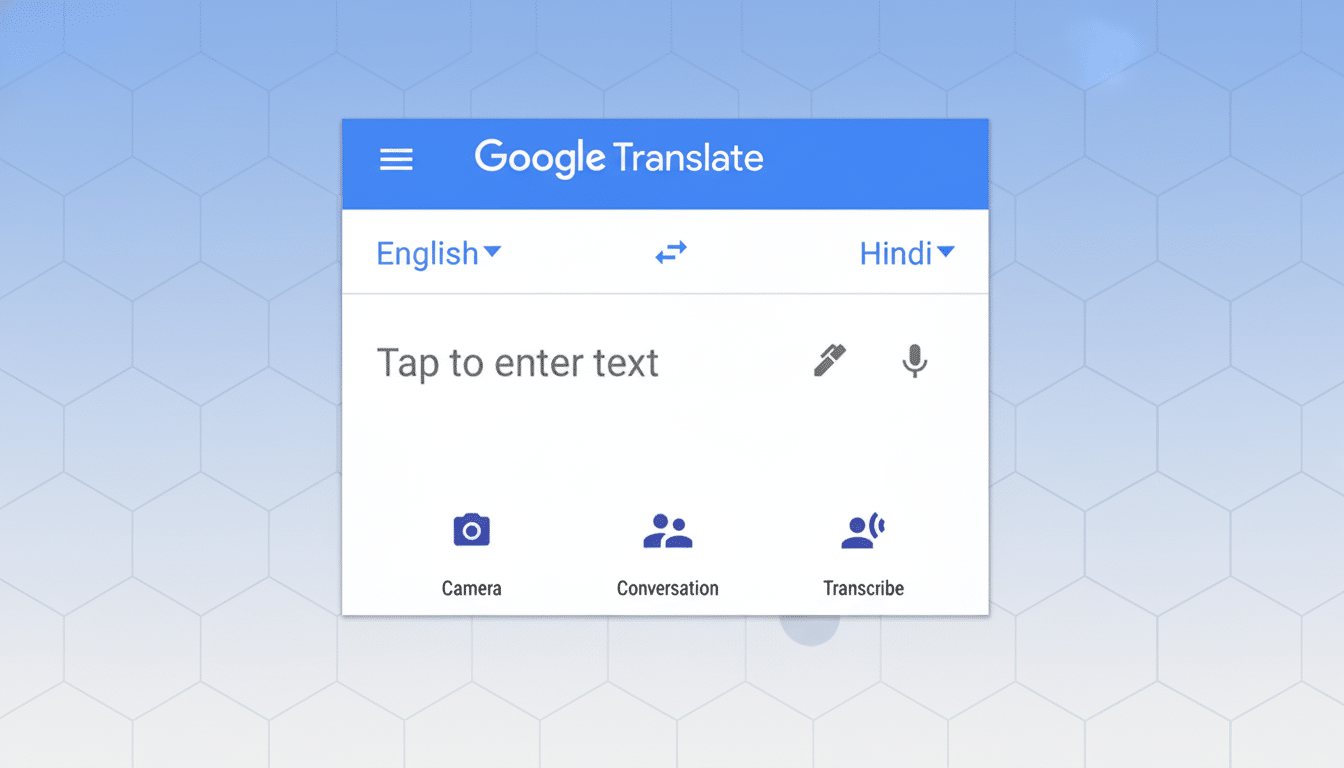
An APK teardown by 9to5Google of version 9.29.42.841653956.12-release reveals that the app is getting new launcher shortcuts for three common tasks: opening the camera to translate something on sight, entering Live Translate mode, and also shortcutting into the new language learning mode.
They pop up when you long-press an app icon on Android, a function of the operating system that lets you skip right to parts within apps instead of opening full-blown apps. This has not been possible with Translate before, so the move is a solid quality-of-life improvement for language learners (or regular travelers too).
It includes new notification categories that are associated with learning, as the teardown also reveals. On top of current reminders, Translate is creating a “language practice” channel and a weekly summary of progress, as well as the ability to opt in to product update alerts. The granularity is indicative that Google wants users to be engaged — without being overwhelmed by generic pings.
Why Shortcuts Matter When You Learn a Language
One of the biggest deterrents to microlearning is friction. If the act of opening a study session is two taps instead of six, you’re more likely to run through a quick drill while standing in line or commuting. Android’s app shortcuts, which it introduced at an operating system level to help streamline the way people use their phones, were made for these times and Translate leverages them neatly here: the fact is that this is how people already learn on a phone — briefly and frequently.
That is especially true for the expanding audience of Translate. The app is also available on the Google Play Store, where it has more than 1B installations, and in 2024 Google added support for 110 further languages using large language models, bringing the total number to over 240. With that reach and one-press access to practice, casual translators could turn into some kind of habitual learners.
When a Calendar Wasn’t Enough, These Apps and Gadgets Stepped In
The scheduled practice reminders and the weekly summaries correspond to learning science. Practice spaced regularly is crucial to beat the forgetting curve, and weekly feedback serves to anchor progress without notification fatigue. By allowing learners to separate practice nudges from general updates, Translate provides users with more control over the rhythm of their study.
And in practical terms, little buttons pop up saying “hey” as you finish a short speaking exercise, plus everything summarized as you are busy building the streaks and reviewing. For students who are juggling several apps, this sort of personalized cadence can be the difference between a forgotten routine and a daily habit that sticks.
So Much for a Bigger Language Strategy at Google
Translate’s recent turn—from pure utility to gentle learning platform—reflects a broader effort happening across Google’s AI-driven language capabilities. Google Research has focused on coverage scaling to low-resource languages using foundation models, while hardware teams like Pixel integrate real-time translation for on-device use cases such as Live Translate.
For education advocates, this matters. UNESCO (2020) states that a significant proportion of students do not have access to education in a language they know well. By bringing bite-size practice and instant translation together, we’re lowering barriers for multilingual classrooms, migrants, and people on the go who are studying in their non-native language.
Availability and What to Expect from the Update
These are not live changes, and features appearing in code may not make their way to the final version. Google has a tendency to roll out when new capabilities are available on the server-side after app updates, so this means even though you’re running the proper version of the Translate app, that’s not going to mean all three shortcuts and notification channels will suddenly show up for you.
If they land as expected, the update will make Translate a quicker on-ramp to practice and a more effective coach to maintain momentum. For people who use camera and Live Translate while studying or taking trips, one-press access should help make the app feel less like a tool you open and more of an ongoing habit you have.
