


Over the coming weeks, Google is introducing a new Search Labs experiment where you can use natural language to guide your Discover feed, meaning it’s shifting toward more active, conversation-led personalization. The test, described as “Tailor your feed,” asks users to define the stories and topics they are most interested in — as well as the “vibe” — and the mix of content changes in response.
The ability was discovered after a Reddit user posted screenshots of the setting appearing in the Google app’s Labs menu. While Discover has long provided thumb and three-dot controls that let you mute topics or sources, this experiment relies on AI to understand complex commands — you can ask for dietary filters when searching for recipes, or choose to include or ignore at the source level — all in one spot.
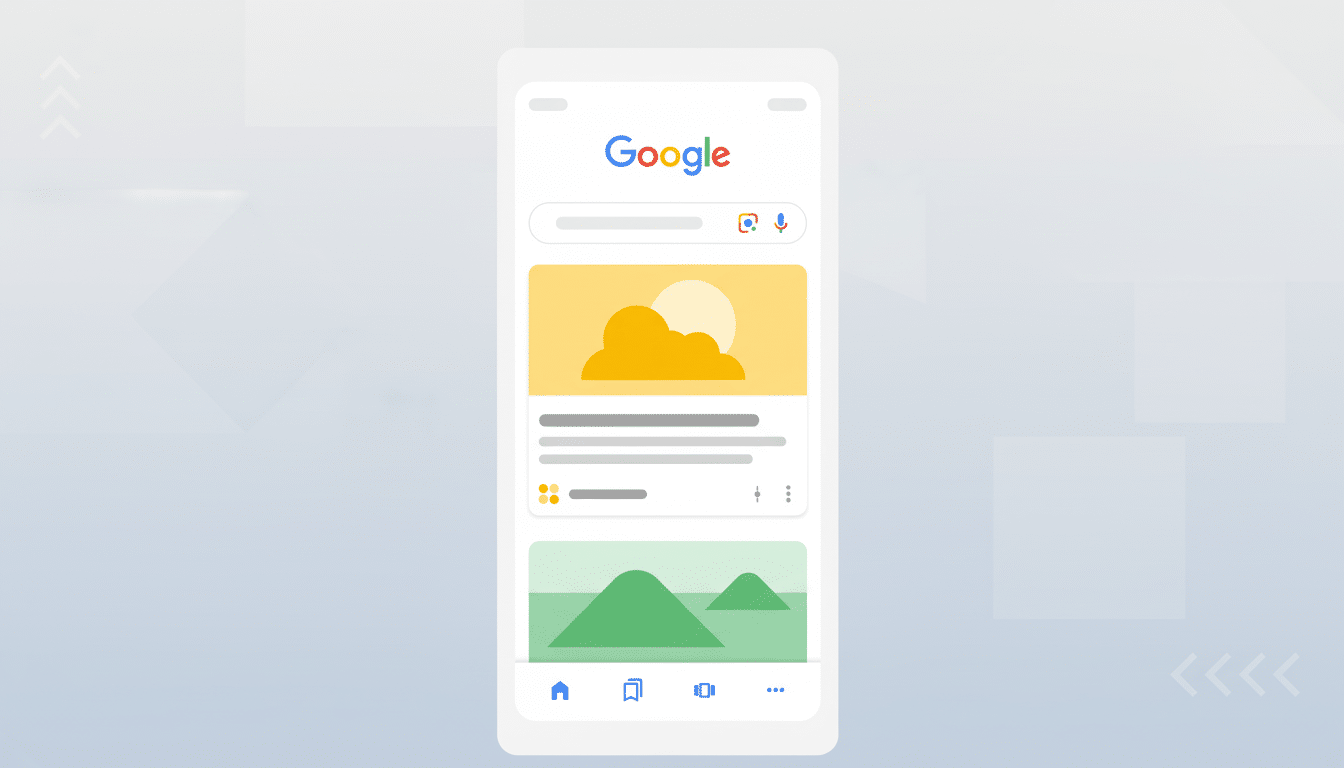
What ‘Tailor Your Feed’ Does in Google Discover
Instead of tapping around through several menus, you just write what you want. Think:
- “More coverage of women’s soccer and less transfer gossip”
- “Only showcase electric vehicle reviews under $40,000”
- “Prioritize tutorials and how-tos over opinion pieces”
The system can take both specific rules and wide-ranging preferences, where you might request a calmer, feel-good array of stories.
And importantly, it also fulfills a long-running demand from power users: the governance of sources. You can tell Discover to prioritize reputable sources that you follow and mute the ones you want to avoid. This level of control puts Discover closer to a hybrid between a recommendations engine and a lightly curated reading list.
How to Try the ‘Tailor Your Feed’ Experiment
Access is made available by opting into the Search Labs feature in the Google app. Once you are logged in, find the laboratory flask icon at the top of the app, open your Labs menu, scroll down to “Tailor your feed,” and turn it on. It’s available in select regions and languages by user type, and like all Labs features, it will roll out incrementally and may become more broadly accessible.
If it sounds familiar, that’s because the experiment is on mobile within the Google app where Discover is most prevalent. If you don’t see it, there is no harm in checking again periodically; experiments sometimes shuffle around and suddenly start appearing to new cohorts without any additional activation.
Why This Google Discover Experiment Matters
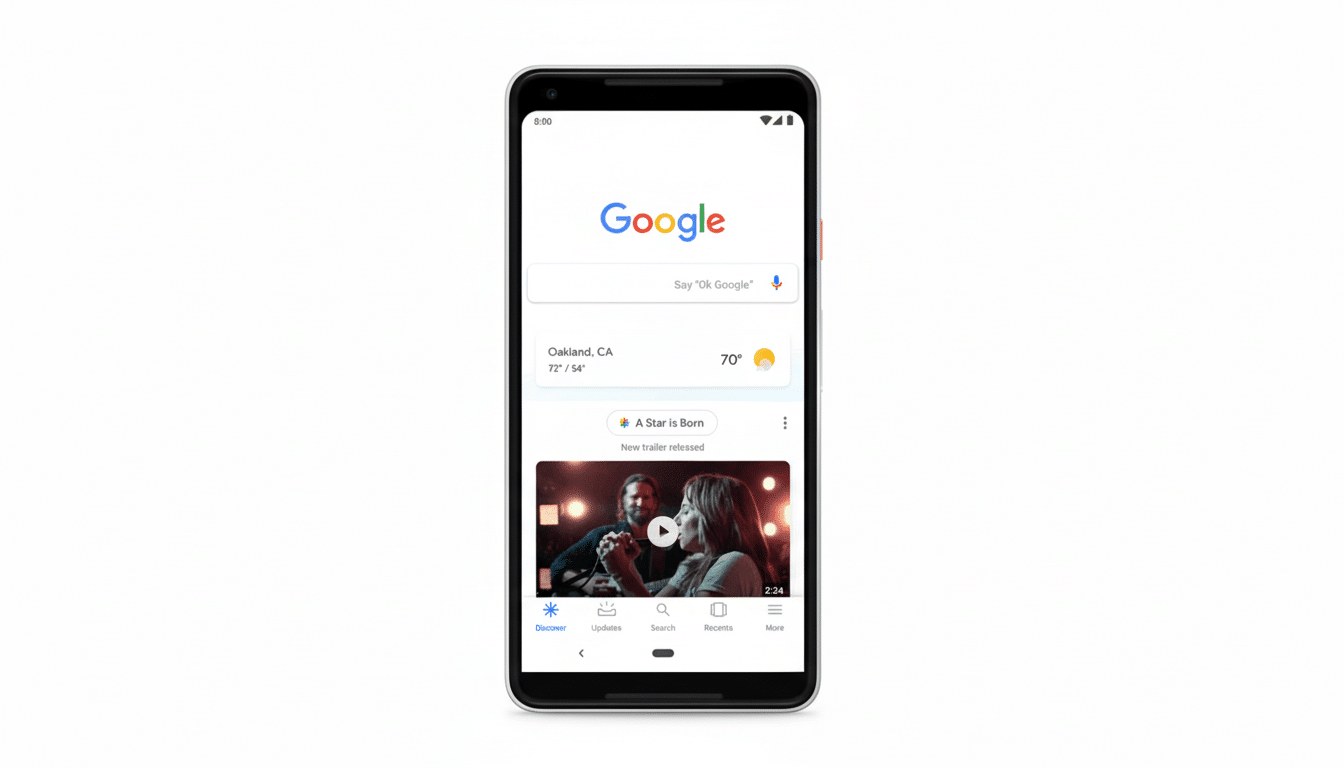
Discover is between search intent and passive browsing, surfacing content you didn’t ask for but might care about. Many publishers say the product can help make for a meaningful portion of their mobile traffic, and in its rebranding from Google Feed, Google previously revealed that Discover was used by hundreds of millions of people every month. Conversational tuning, with fine-grained adjustments, might cut noise for users and might also increase the site’s ability to match quality for niche interests.
Strategically, that’s part of a larger trend across Google’s assets: away from binary feedback toward natural-language preference setting. YouTube’s “Not interested” and topic tuning, News’ customized sections, the new AI-infused features in Search — all of them lead to a day when users dictate interests as goals while systems guess at the rest. If done right, that could lead to increased engagement while protecting diversity of sources and perspectives.
For publishers, the signal is clear: clarity in topical focus and regular expertise command attention. If users are specifically requesting “hands-on camera reviews with dynamic range testing” or “budget phone recommendations under $300,” content that is properly labeled, organized, and timely will be more in rhythm with these AI-readable desires.
Privacy and Control Considerations for Discover
Like any personalized system, the tradeoff is in data. Search Labs properties usually have warnings saying that engagement may be leveraged for quality. Users continue to be able to control their Web & App Activity, ad personalization, and Discover topic controls via account settings, and the company is allowing them to mute or follow specific topics on the fly. The latest experiment merely adds a quicker and more expressive method to turn the dials.
If you’re privacy-conscious, use broad instructions that avoid sensitive categories; recheck your Discover and activity settings often; and see what sources the feed prioritizes when you make a request.
What to Watch Next as Google Tests This Feature
Initial reports on Reddit, such as these from the r/pixel_phones subreddit, say that the feature is in limited testing with a basic on/off switch. Look for:
- Prompt templates in the UI
- Integration with “Follow” buttons for topics and creators
- Whether “vibe” settings debut new feed styles beyond existing topic cards
Since this is a Labs experiment, Google could iterate fast or roll it back depending on feedback. If it works, Discover may become less like a black box and more like a feed you wrote — not by hitting dozens of switches, but by telling it, in your own words, what you want to read.
