


Google is quietly adding another on-ramp to its conversational AI experience within Search. Now, there’s a new plus icon on the left side of the Google.com search bar, which allows you to upload images or documents that open immediately in AI Mode (you can then ask questions about the file you’ve uploaded).
What’s New in the Search Bar for AI Mode Uploads
For some time, the search bar has had an AI Mode icon on the right, but this new plus button lowers friction for multimodal queries. Tap the plus, select an image or document, and you’re dropped directly into an AI-driven conversation instead of a list of links. The hover text — “Upload files or images” — is intentionally not revealing, and the AI branding does not become explicit until the file gets ingested.
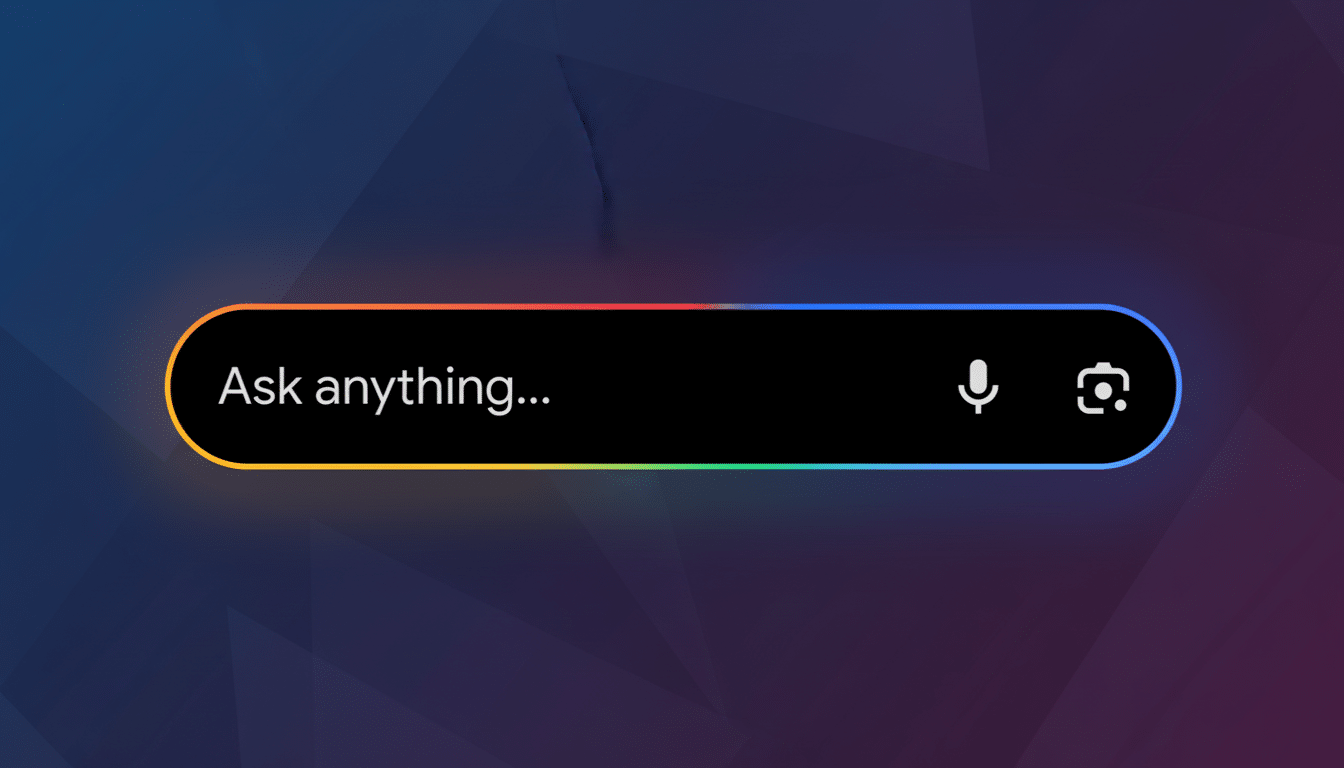
Early indicators suggest the rollout is wide, appearing in many accounts and browsers, which means this likely isn’t a limited test. As with so many Google UI tweaks, rollout can be staged; if you don’t have it yet, a server-side update is likely to bring it without a browser refresh.
How the Plus Button Works for AI Mode Uploads
As far as functionality, the new control is a fast lane of sorts to the multimodal superhighway for AI Mode. Add a PDF syllabus and request massive deadlines, snap a screenshot and ask for voice-over, more detailed and logical descriptions, or put in a product spec sheet with writing assignments on the side, asking for compare-and-contrast overviews. The system reads the file, then asks questions, with users corresponding with chatbots for document Q&A.
If you didn’t hit the AI Mode icon first before scouring for an upload option, disregard.
That seemingly slight reduction is important at scale; usability research has shown time and again that single-click savings can change behavior, particularly for emergent tasks such as AI-enabled analysis.
Lens Versus AI Mode Uploads: How They Differ
The addition may be confusing to some users because Search already incorporates Google Lens. Lens also prompts you to drag an image into the box or upload a file, usually with the aim of recognizing objects, translating text, and matching images. The new plus button is different in that it sends you into a conversational AI flow, as opposed to a visual search one.

For now, Lens is still the better tool for recognition tasks — “what plant is this?” — while AI Mode aims at reasoning over content — “summarize this chart and explain the trend.” Google has reported that Lens receives billions of queries a month, and with the stand-alone file ingress for AI Mode, Google is clearly signaling that it’s aiming for parity with multimodal AI experiences.
Why Google Is Tilting Search Behavior Toward AI
Search is transitioning from keyword-driven retrieval to generative assistance. Google already commands about 91 percent of global search share, according to the measurement firm StatCounter, but the company is pushing people toward AI experiences in which it can answer, summarize, and reason — often without banging people around multiple clicks into websites.
Recent activity in Chromium development had suggested more browser-level on-ramps for AI features, and the new upload control is just another data point in a more general pattern of gentle-yet-steady nudges. The strategic aim is obvious: make AI Mode seem like a natural extension of the search box, not an alien destination.
What Users Should Watch Before Using AI Mode
Since the UI is not awash with explicit AI labeling up front, it may come as a surprise to first-time users that they end up in a chat-style interface. For more traditional results, or for Lens-only recognition, the plus button is not the right tool — go ahead and use the standard search box or Lens icon instead, as before.
For sensitive content, check your Google account’s data controls. Search and AI features can interact with settings such as Web & App Activity and My Activity, and an administrator may apply a separate organizational policy. As with any cloud analysis, you should be aware of the files that you upload.
The Bottom Line on Google’s New AI Mode Shortcut
This is a small, tactical shift with disproportionately large implications. A simple plus button cuts through the cognitive burden of AI Mode for docs and images and puts multimodal help a single click nearer to your default search routine. If Google’s past UX tests are any indication, conveniences like this have a way of sticking — and they may even change how people search.
