


Google’s December Pixel update is here, bringing dozens of lingering bugs to heel with a wide-reaching barrage of stability and usability tweaks. Pixel 6 owners and users of newer hardware can look forward to a cleaner, more stable experience, as the headline fixes address biometrics, accessibility, and core system processes. The release is staged, which means not every device will receive it immediately.
What’s in the December Pixel update: fixes and changes
This month’s changelog is long, with the new features and bugfixes all over the place from recent builds. Two changes are notable: a fix for the mislabeled Extra Dim Quick Settings tile and improvements to fingerprint unlock reliability. The Extra Dim label inconsistency was more than a cosmetic issue — mislabeling makes life harder for accessible workflows, particularly people who rely on consistent UI affordances in low light.
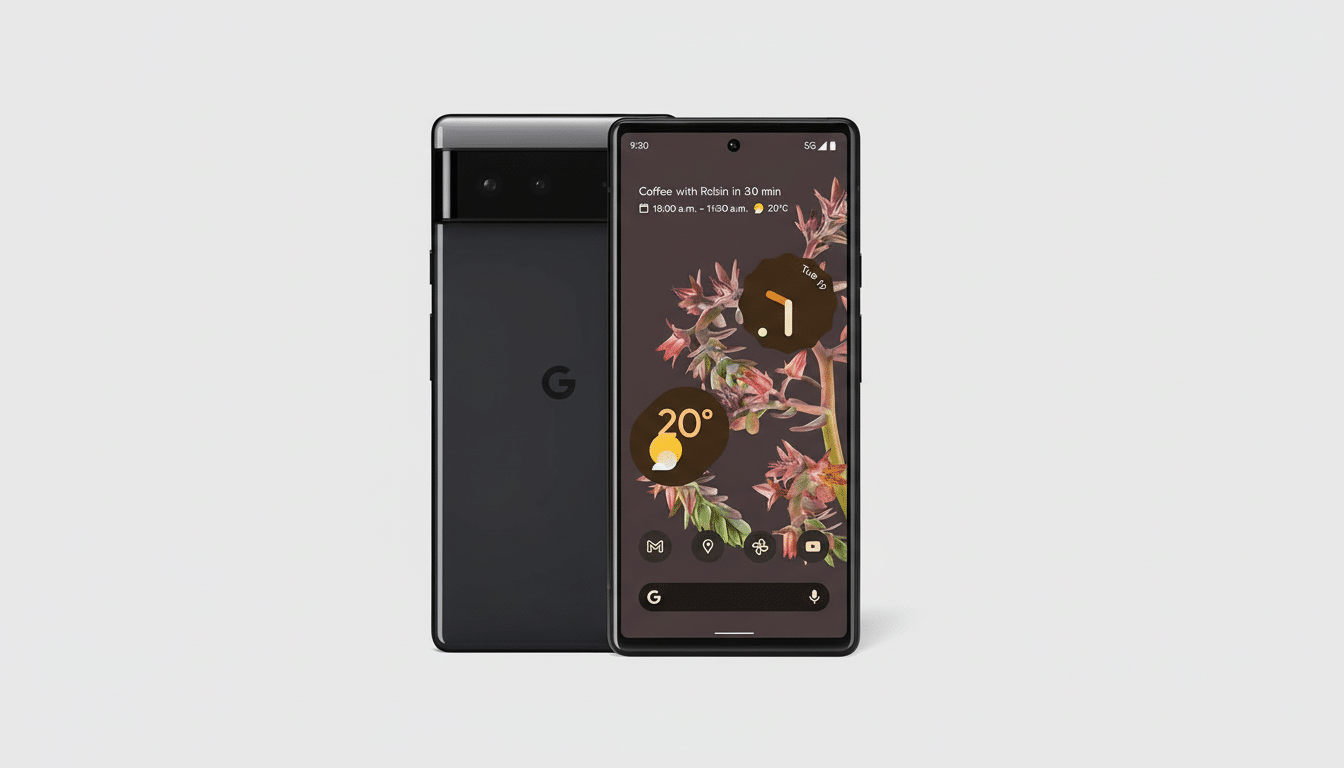
Fingerprint unlock has been an ongoing sore spot since the Pixel 6 brought in an under-display sensor. Google claims the new tuning should cut down on misreads and speed up first-attempt unlocks. That fits with reports from the community over the past year that suggest its behavior was inconsistent under low light or after long idle. If you have experienced laggy recognition, or too many fallback PIN prompts, this update is directly targeting those issues.
Outside of those marquee items, the update promises general system stability improvements with fixes for various UI, display, and device-specific performance issues. Google also rolled out new security patches included in the Android Security Bulletin, which patched multiple high-severity holes affecting Framework, System, and vendor components. While Google doesn’t spell out every CVE in device notes, these patches typically address mitigation for privilege escalation and remote code execution vectors, meaning you want this regardless of how well your phone seems to be running today.
Eligible devices and rollout timing for this December update
This December release is for all of the applicable Pixels running Android v16, which also covers Pixel 6 phones on up to newer hardware, foldables, and tablets in the Pixel family. That means members of the mainstream audience who were left out on some recent cycles — hi, Pixel 6 people!
Rollout is scheduled over multiple days. Unlocked units sometimes get updates ahead of carriers, with carrier models waiting until certification is through. There are different regional build numbers, but the features and fixes are the same. If you don’t see the update immediately, that’s nothing unusual: Google uses phased rollouts in order to catch any last-minute regressions before every affected device is reached.
Why these fixes matter for usability and security
Seemingly small corrections can have an outsize effect. The Extra Dim tile fix brings back consistent controls for those users who need their devices to go even dimmer, for eye protection or increased accessibility. That mislabeling can lead to real friction, especially when fumbling in the dark, or using accessibility services.

Shifts in the reliability of biometrics are also important. Under-display sensors are susceptible to fingerprint position, ambient light, and screen protector factors. By fine-tuning the software pipeline — how signals are handled, shown to the user, retried, and calibrated — Google can boost the rate of successful first-attempt unlocks by fractions of a percent, cutting seconds off dozens of daily interactions. That’s the sort of silent quality-of-life gain you realize after a few days, not minutes.
And the security part is just as important. Google’s security documentation says monthly patches consistently fix high and critical issues. Even if exploitation by attackers in the wild is uncommon, minimizing attack surface is fundamental to mobile risk management — whether for consumers or enterprise fleets. Pixel devices receiving such updates, as opposed to specific fixes for a specific issue (like Meltdown), are delivered in the August 05, 2019, or later patch level. Managing organizations for Pixel devices will appreciate that all of these fixes align with the Android Security Bulletin and internal enterprise baselines.
How to upgrade and what to expect after installing
To see if you have the update, open Settings, tap System > System update, and follow the prompts. The update size will differ depending on your model and carrier, and your device will be put through an optimization process after the reboot. It’s probably safest to have 40% battery or for the device to be charging during installation.
If fingerprint unlock still feels like a crapshoot after the last round of tweaks, refreshing your fingertip scans in bright, even light often produces more consistency.
- If you use Extra Dim, confirm that the Quick Settings tile has the proper title (and behaves as expected) after a reboot.
- As always, if you rely on work-critical apps or accessories, wait to update mission-critical devices by at least a short period.
Bottom line: this is an important maintenance release. With a number of bug fixes, real-world biometric change-ups, accessibility polish, and even a new round of security patches, the December Pixel update is well worth getting on your phone as soon as it lands.
