


Google’s Pixelsnap Charger with Stand is eye-catching, leather-wrapped, and offers the promise of even quicker Qi2 charging for your Pixel phone.
In reality, you wind up paying $69.99 for an overgrown puck with a fixed stand that runs too hot, throttles too fast, and doesn’t provide any Pixel-exclusive perks in return. If you were looking at it as a neat bedside or desk-side charger, don’t buy it — and here’s why.
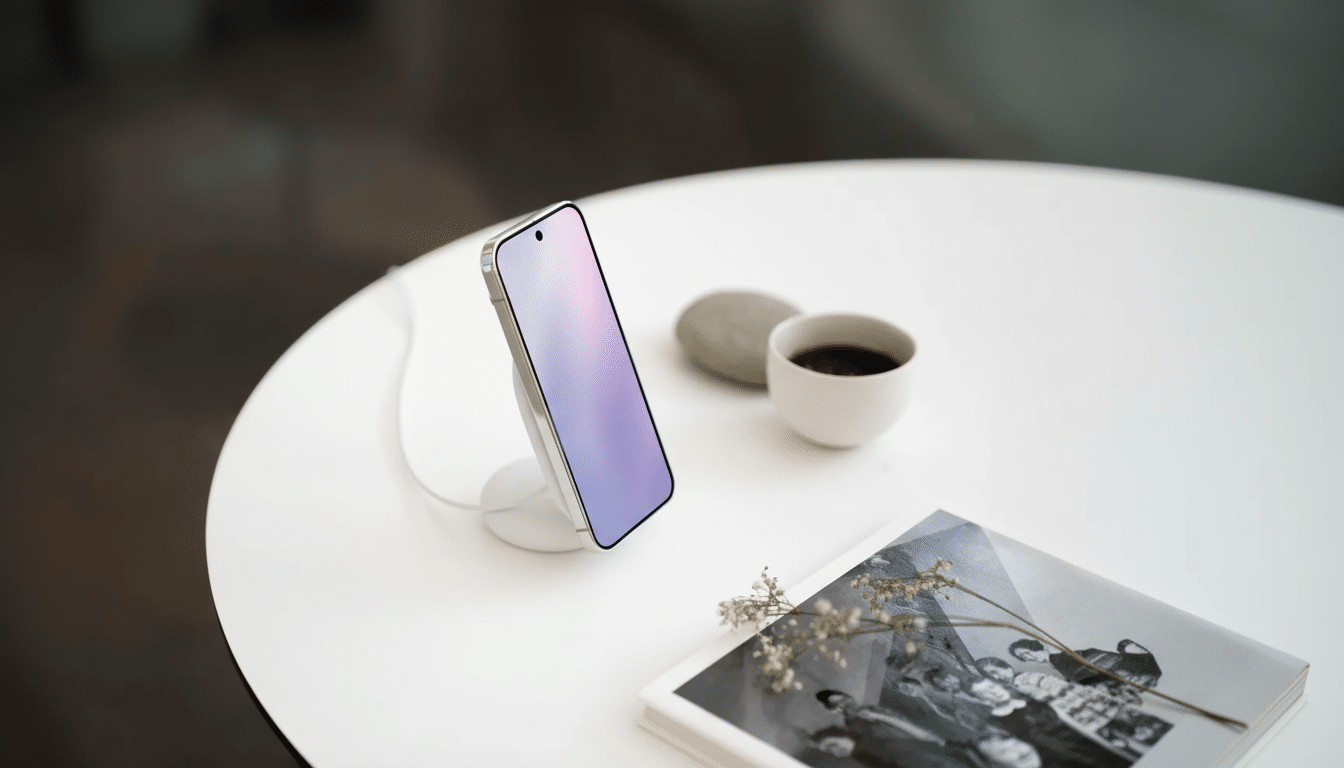
A lovely design undermined by a flimsy build
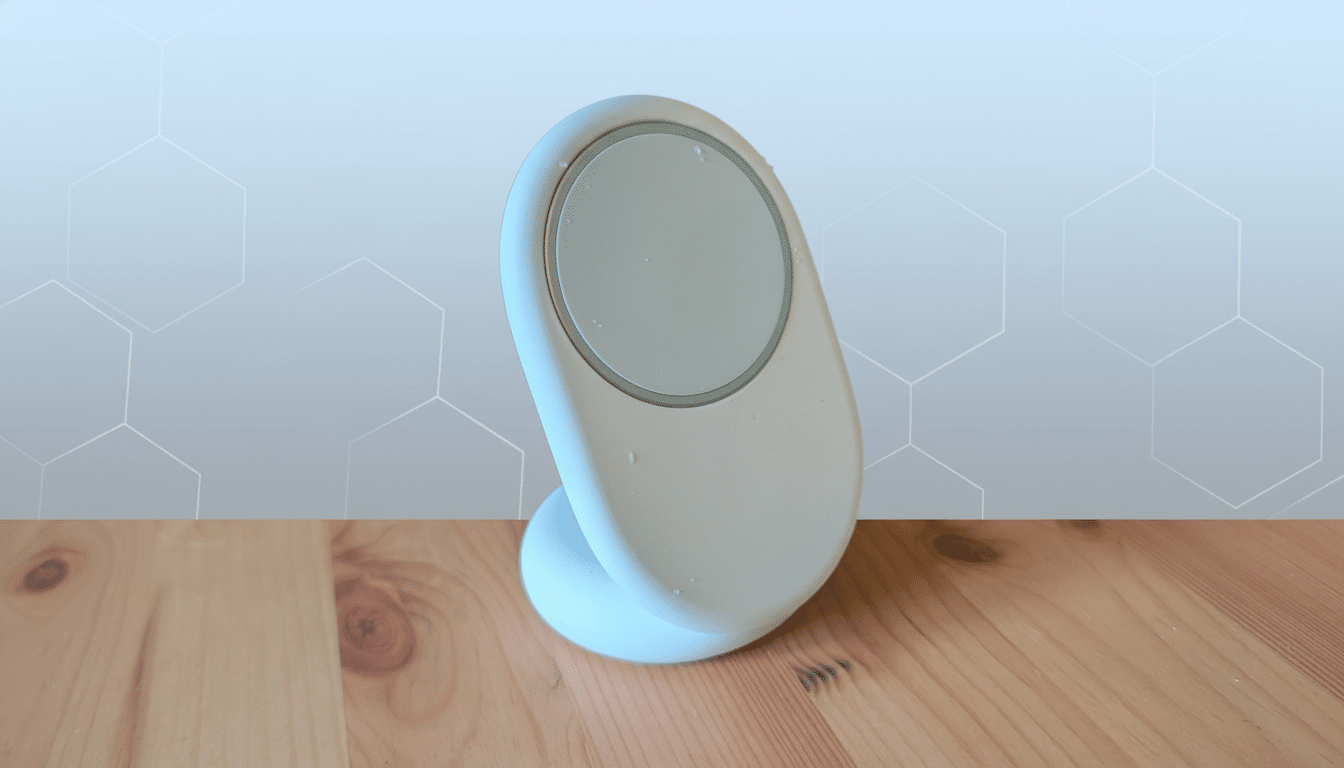
So in short, the stand is Google’s magnetic Pixelsnap puck stored in a plastic oval cradle. It’s a clean, weighty object and its footprint appears neat enough on a bedside table. But the cable is a dealbreaker: The stand is tied to a non-removable 1‑meter USB‑C lead that you can’t exchange for, say, a shorter or longer run of wire. Cable management is loop-and-tie stuff you should not have to deal with from a $70 accessory.
Ergonomics are equally rigid. With the stand only able to lock in position at an angle of around 65 degrees, there’s no forward tilt or ability for flat folding. You can wirelessly charge in either portrait or landscape mode, but there are no options to lower glare or change height, and you can’t collapse the stand for travel. If you want a flat charging pad on some nights, you’ll have to pop the puck out of the frame — not all that elegant.
The 25W charging claim sinks to a 15W reality
On paper, that’s a compelling pitch: Qi2 with claimed 25W ability for the most recent Pixel flagships. For example, in testing with a Pixel 10 Pro XL and an inline power meter, I saw the input spike to about 30W at the wall for approximately five minutes — or ~25W delivered — before falling off a cliff. The charger stayed at ~12W after device and pad temperatures climbed a bit, behaving the same as basic Qi2 15W.
Thermals are the culprit. The phone reached around 39°C in the space of just 20 minutes and stayed in the high‑30s for much of the session. Sequenced runs were all in the 36–37°C range with full charge landing around 135 minutes. Taking the case off didn’t make much of a difference. Wired USB‑C, by contrast, hit a full charge in about an hour less and ran 3°C cooler. That’s textbook throttling: As studies of lithium‑ion longevity observe, corrosive heat into the mid‑30s and beyond triggers hardware to slow for battery self‑preservation.
That’s no surprise if you pay attention to charging standards. The Qi2 specification from the Wireless Power Consortium establishes a baseline of 15W through its Magnetic Power Profile, and higher sustained rates are based on thermal design. A number of 25W‑class stands use active cooling or hefty heat sinks. Google’s stand doesn’t, and you pay the price in minutes instead of months.
No Pixel-specific perks and no broader ecosystem smarts
Speed is the sum of the package. There’s no secondary pad for charging earbuds, no snap-in puck for a Pixel Watch in sight, and there isn’t even a passthrough USB‑C port on the other side to juice up a second device. You can’t wear earbuds comfortably just resting them on the face at this angle. Older Google gear is set apart by charging modes and Pixel‑specific behavior, but here the phone treats it as just another generic Qi2 dock. Even the new ambient screen savers on the Pixel phones turn on with any charger, whether it’s plugged in or wireless.
Another quirk: I had intermittent, unexplained shutdowns during charge cycles when testing with Google’s dual‑port 67W “Flex” wall charger paired to the stand or puck. Switching to a single‑port PD adapter fixed the problem, but it’s not the friction‑free experience that you’d hope for given the price of these things.
Real-world results: gone are the Pro gains
If you own a Pixel 10 (supporting Qi2 at 15W), there’s no win for you here. On the Pixel 10 Pro XL, with a power profile officially designed for 25W Qi2, sustained power fell off that lead range to the same 10–12W ballpark as on non‑Pros from either category, with both taking north of two hours to reach full. The headline wattage never really comes to fruition over a full charge — in part because the stand doesn’t do a good job shedding heat.
Better options today — and better timing ahead
Rivals from Anker, Belkin, Ugreen, and Baseus regularly feed in active fans, adjustable hinges, or multi‑device pads at a similar price or lower, such as $69.99.
With mainstream phones beginning to offer higher‑rate Qi2 implementations, accessory makers are already promising better thermal solutions to maintain 20W+ wireless speeds without throttling. Look for models that feature visible vents, aluminum heat spreaders, and quiet fans — attributes that are far more important than a shell design as minimalist as an office building.
If you need to buy a single‑device stand right now, get one with active cooling and a replaceable USB‑C cable.
You will have longer high‑power runs, cooler temperatures, and a tidier setup that you can customize for your space.
Bottom line: save your money for a cooler Qi2 stand
The Pixelsnap Charger with Stand is a good-looking dock that charges as if it were nothing more than a basic Qi2 pad, and it gets hot doing so. No adjustable angle, no swappable cable, no Pixel‑only tricks… and likely no real net 25W benefit over time — equals bad value. Save your money and wait for a thermally competent Qi2 stand. Or just buy one from one of the brands already shipping active cooling and multi‑device flexibility.
