


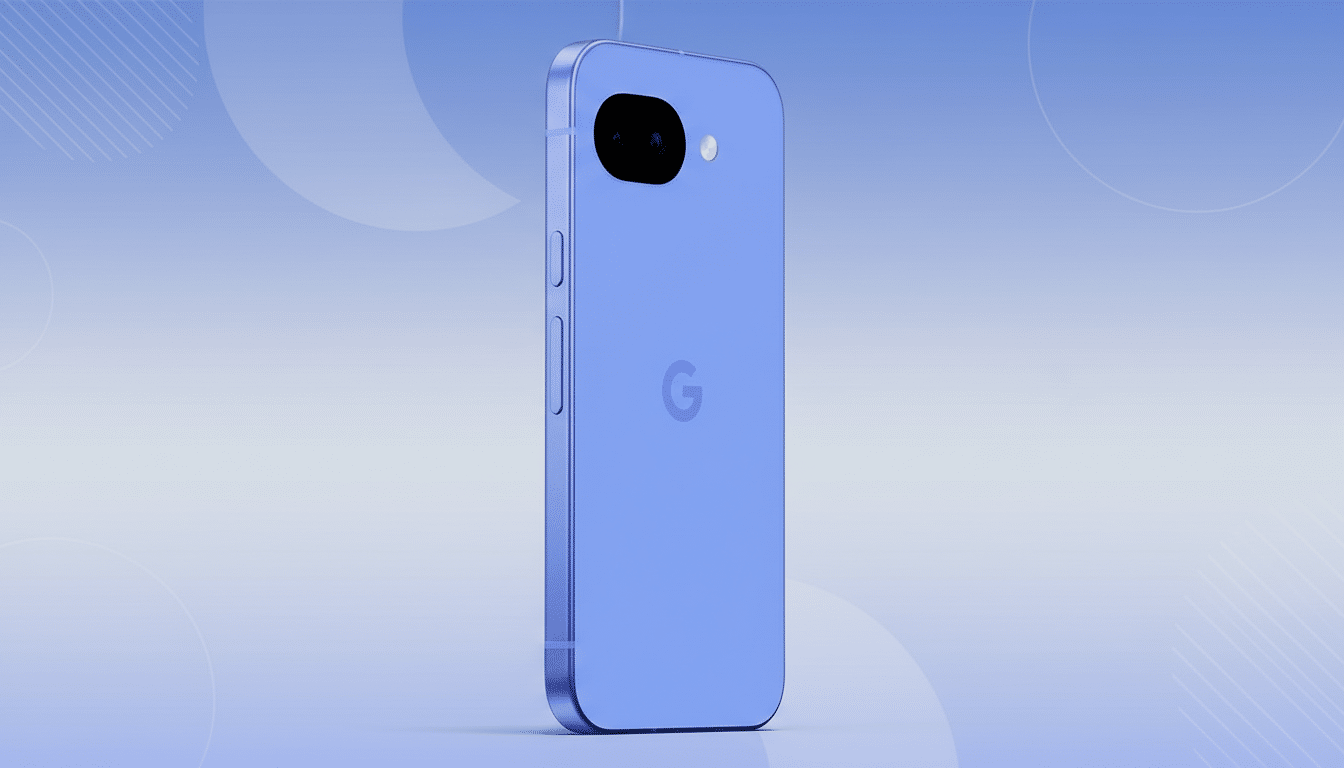
The new batch of Google Pixel 10a stock wallpapers has surfaced and you can grab the originals right now. Shared by well-known tipster Mystic Leaks, the collection brings the familiar Pixel blend of vibrant color, soft gradients, and abstract forms — and it’s not locked to one device. Any phone or tablet that supports custom backgrounds can use them.
If you care about fidelity, skip compressed previews and go straight for the full-resolution files. These images are designed for modern screens and tuned to work hand-in-glove with Android’s dynamic color system, so you’ll want every pixel intact.
What You Get in the Pixel 10a Wallpaper Pack
The set leans into Google’s design language: flowing, wavy patterns with playful colorways and one variant that looks like watercolor splatter. The styles echo the mainline Pixel series but feel tighter and more saturated, which helps app icons and widgets stand out without visual clutter.
Each wallpaper clocks in at 1,620 x 2,424 pixels. That wider-than-screen dimension isn’t a mistake — it allows for parallax when swiping between home screens, so the image pans smoothly rather than stretching. On devices with 1080 x 2400 displays, you’ll typically see the center crop, with extra width providing the motion buffer.
How To Download The Full Resolution Files
Avoid long-pressing on preview thumbnails; those are usually compressed to speed up page loads. To preserve detail and color accuracy, use the provided download source from Mystic Leaks and pull the originals directly to your device or desktop, then transfer via a cable, cloud storage, or AirDrop/Quick Share. Messaging apps often downscale images automatically, which can introduce banding and artifacts.
Once saved, verify the file properties in your gallery or file manager to confirm the 1,620 x 2,424 resolution. If your editor offers a choice of color profiles, keep the original tag. Most recent OLED phones target near-full DCI-P3 coverage, as reported by display analysts and lab testers, which helps these saturated palettes pop without clipping.
Setting the Pixel 10a Wallpapers on Your Phone
On Android, place the images in your Photos or Gallery, then set them through the wallpaper picker. Many launchers offer separate options for Home and Lock screens, and a toggle for motion or parallax. If you prefer a static look, disable motion to lock the frame and reduce GPU work during swipes.
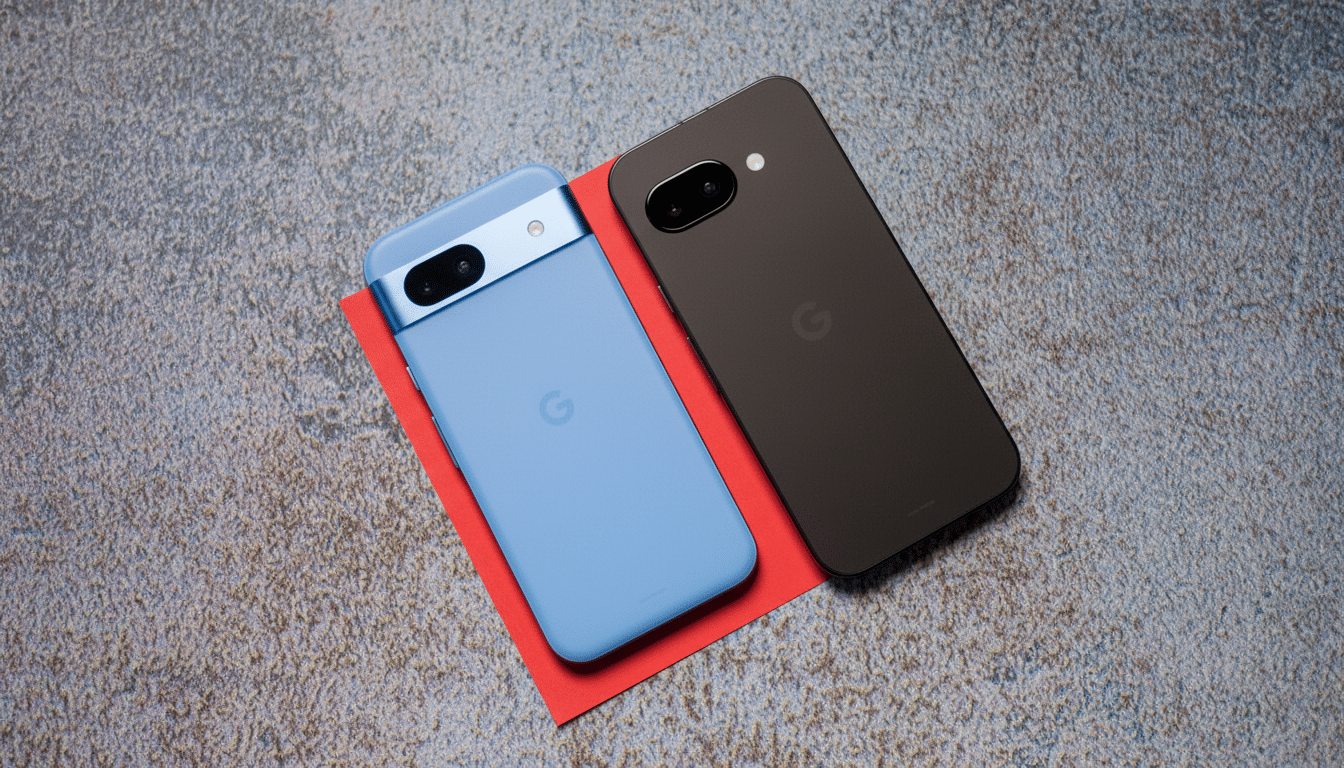
On iPhone, add the file to Photos, open Settings, choose Wallpaper, and create a new wallpaper from your library. You can adjust the crop, enable or disable perspective zoom, and set it for Lock Screen, Home Screen, or both. Depth effects may be available, but abstract wallpapers rarely trigger subject cutouts.
Why These Backgrounds Elevate Your UI and Android Theme
Android’s Monet engine (introduced with Android 12) extracts key hues from your wallpaper and builds tonal palettes used across system UI and supported apps. That means picking a Pixel 10a background doesn’t just change your home screen — it nudges the entire interface, from quick settings to widgets, toward a cohesive color story. Google’s Material Design team has emphasized contrast-aware palettes to balance aesthetics with readability, and these designs tend to yield clean, legible themes.
If you want the UI to feel energetic, choose the more saturated options; for calmer setups, pick the softer gradient variants. On OLED displays, darker imagery can help reduce perceived glare and may offer small power savings in everyday use. Independent research from Purdue University found dark mode brings modest energy reductions at typical brightness and up to around 9% at higher brightness levels, which aligns with what you’ll experience using darker wallpapers alongside dark UI.
Tips For Best Results On Different Screens
Because aspect ratios vary (from 19.5:9 to 20:9 and beyond), expect slight cropping. If your launcher allows it, disable “fill” or “stretch” to avoid distortion and manually center the focal area. For tablets, pick the broadest gradient compositions; they scale more gracefully to landscape without revealing banding.
If you edit the files, export at maximum quality to minimize compression. JPEG is fine for gradients if quality remains high, but PNG preserves edges better for sharper motifs. Steer clear of social media downloads; platforms often reduce quality by 30–70% on upload, which can dull colors and introduce visible blocks in smooth areas.
The Bottom Line on Downloading and Applying Pixel 10a Wallpapers
The Pixel 10a wallpapers deliver the unmistakable Pixel aesthetic in a package that plays beautifully with dynamic color theming. Grab the originals shared by Mystic Leaks, apply them at full resolution, and let your device’s UI do the rest. Whether you’re chasing bold pops of color or a subtle, airy gradient, this set has the range to refresh any screen in seconds.
