


Google Photos users are reporting a frustrating glitch that breaks one of the service’s core promises. Photos uploaded on the web are appearing in the online library but failing to sync back to the Android and iOS apps, leaving mobile devices out of step with the cloud.
The issue, which began surfacing late last week, does not appear to affect mobile-to-cloud backups. Images captured or saved via the mobile app still upload normally and show up on the web. The breakdown is specifically in the web-to-mobile direction, according to multiple user reports.
Google has not issued a public statement. However, a Diamond Product Expert on the Google Photos Help Community said the Photos team has been alerted and there is no timeline yet for a fix. That suggests a server-side change or regression rather than a universal app bug, though the company has not confirmed the root cause.
What Users Are Seeing as Web Uploads Fail to Sync
Dozens of threads across the Google Photos Help Community and posts on Reddit describe the same pattern: upload a batch of images via photos.google.com, watch them process and appear online, then open the mobile app and find nothing new—sometimes even hours later. The problem spans both Android and iOS, affecting single-photo uploads and large batches alike.
Some users say they can force a partial refresh by searching for a unique filename or by opening the Albums tab, but the files still fail to appear in the main Library or in the “Recent” view on mobile. Others report that sharing a web-uploaded image to another account makes it visible there, reinforcing that the upload itself succeeded and the snag is in downstream syncing to mobile clients.
Not everyone is affected. In informal tests, some accounts sync normally. That unevenness often points to a backend rollout or configuration variance on Google’s side, rather than a single, deterministic client bug users can fix themselves.
Why This Sync Glitch Matters for Google Photos Users
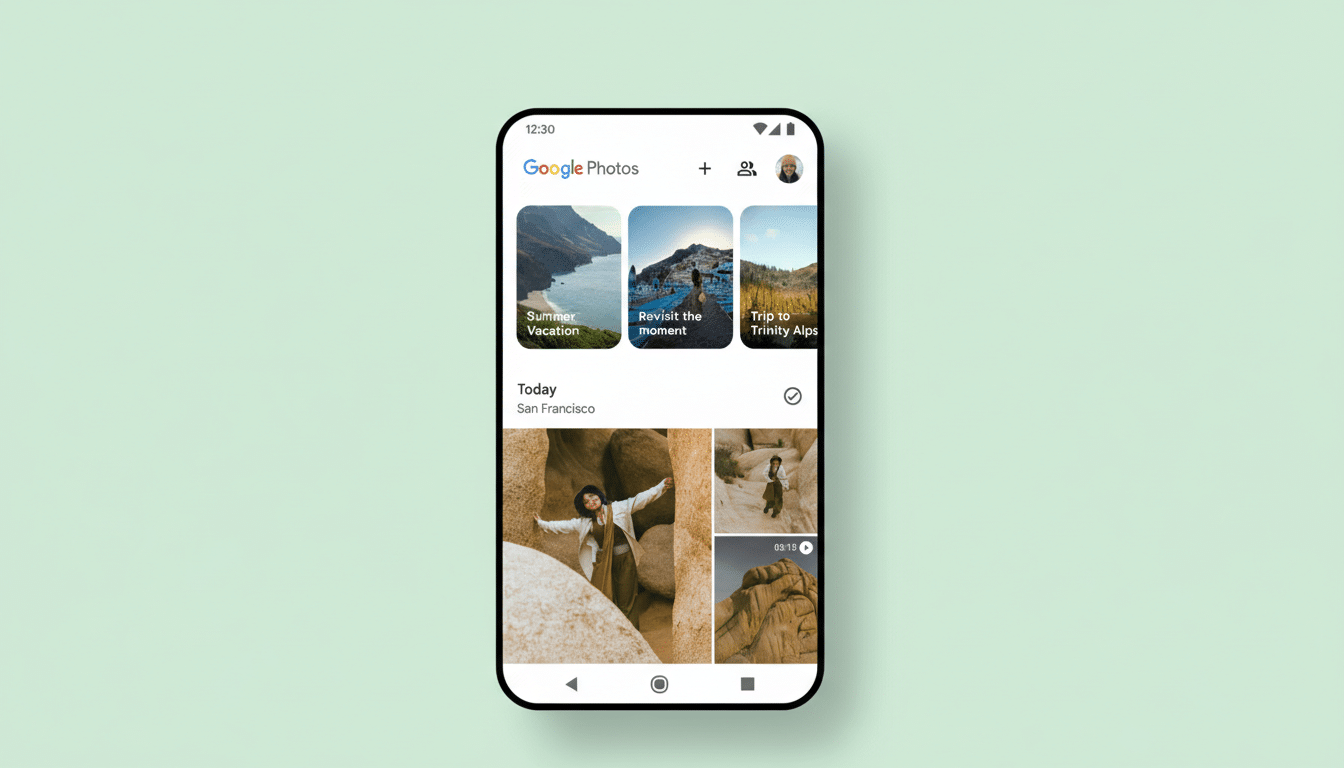
Google Photos serves well over a billion users and anchors Google’s broader consumer cloud strategy alongside Drive, Gmail, and YouTube. A sizable share of power users relies on the web for bulk uploads from DSLRs, scanners, or desktop editors, expecting instant availability on phones for sharing and quick edits. When that bridge breaks, entire workflows stall—think social teams publishing from the field, journalists moving images from laptops to phones, or families organizing scans and art projects.
This bug also reopens old scars from Google’s 2019 decision to decouple Photos from Drive. While unrelated, the memory of sync changes makes any new disruption feel larger. Reliability across form factors is the product’s headline feature; even a narrow outage undermines user trust if it lingers.
What You Can Try Right Now to Surface Missing Uploads
There’s no guaranteed workaround, but several steps have helped some users.
- First, confirm you are viewing the same Google account on web and mobile and that the mobile app shows “Backup complete.”
- Then force-quit the app and relaunch; on Android, clearing the Photos app cache (not data) can sometimes prompt a fresh library fetch.
- Anecdotally, lightly editing a web-uploaded photo (for example, rotating or adjusting a slider) or adding it to a new album may trigger sync to mobile for a subset of accounts.
- Another reported stopgap is to share the album to yourself and open that shared album on mobile, which can surface missing items faster.
- If you must move files immediately to your phone, uploading from the mobile app instead of the web remains reliable while the bug persists.
- If nothing works, avoid repeated re-uploads to prevent duplicates when the service normalizes.
- Keeping the Photos app updated and staying signed in should be sufficient; the fix is likely server-side and will arrive without user action.
What To Watch Next as Google Rolls Out a Fix
Given the selective impact and the fact that mobile uploads are unaffected, expect a backend patch that rolls out gradually. Watch the Google Photos Help Community and official support channels for acknowledgment and an ETA. If this is tied to a recent infrastructure change, Google may also throttle certain features while a fix deploys.
For now, the best advice is to continue backing up from mobile as usual, minimize critical web uploads, and document missing items in case support requests are needed. Google Photos’ biggest strength is cross-device continuity; restoring that reliability is the priority users are waiting for.
