


Google is quietly testing a cleaner way to navigate Remix in Google Photos, and it could make the feature feel far less chaotic. Early evidence points to a new category system for templates that organizes options by style and occasion, giving users a faster path to the look they want without endless scrolling.
In an upcoming build of the Photos app for Android, version 7.59, template choices in Remix appear grouped under tabs such as New, Holiday, Photorealistic, Stylization, and Personalized. The change also hints at a dedicated Templates page instead of the current placement atop the Create section, suggesting Google wants Remix to stand on its own as a creative destination.
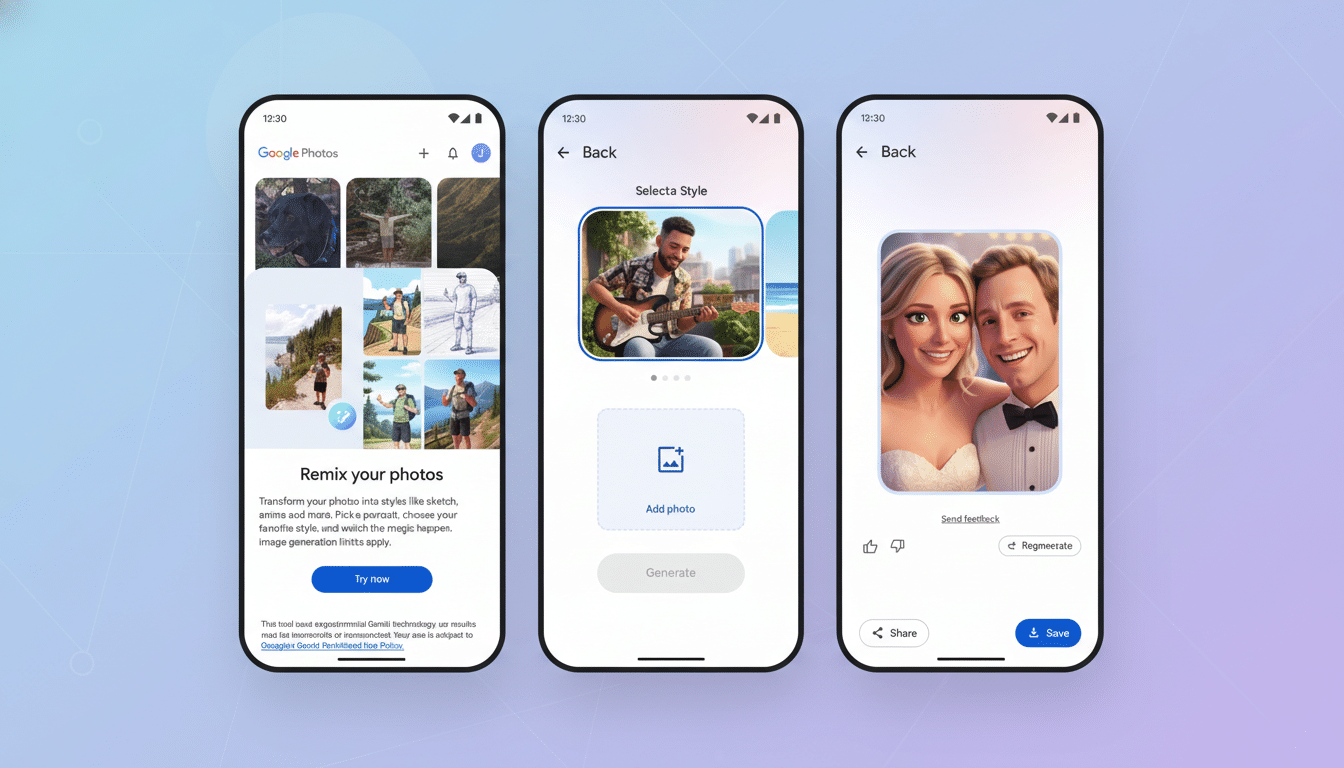
Right now, the interface is clearly unfinished. While the All tab shows existing presets, the category tabs surface empty lists in testing, indicating server-side controls or incomplete wiring. In other words, this is a real experiment, but not one regular users can rely on yet.
Why Template Categories Matter for Google Photos Remix
Remix has grown into one of Photos’ most playful tools, letting users restyle portraits as professional headshots, place subjects into seasonal scenes, or transform images into stylized art in a couple of taps. As Google adds more presets, discoverability becomes the bottleneck—too many choices buried in a single carousel can slow people down.
Organizing creative options is more than a cosmetic tweak. UX research, including guidance from Nielsen Norman Group, shows that clear categorization reduces decision friction and helps users reach a goal faster. A simple set of tabs that reflect intent—“Make it realistic,” “Make it festive,” “Try a new style”—maps more closely to how people think, not how features are coded.
For an app with a user base in the billions, even incremental reductions in choice overload can translate into meaningful engagement gains. If Photos wants Remix to be a habit, users need to feel oriented within seconds, not lost in a template maze.
What the New Remix Flow Could Look Like in Photos
From the early build, tapping Remix may route you to a full-screen Templates hub with horizontal tabs for categories and vertically scrolling cards beneath. New would likely spotlight recent additions, Holiday could surface seasonal scenes, and Photorealistic might house professional-grade looks such as headshots or studio lighting effects. Personalized suggests presets tuned to your faces, pets, or common shooting contexts.
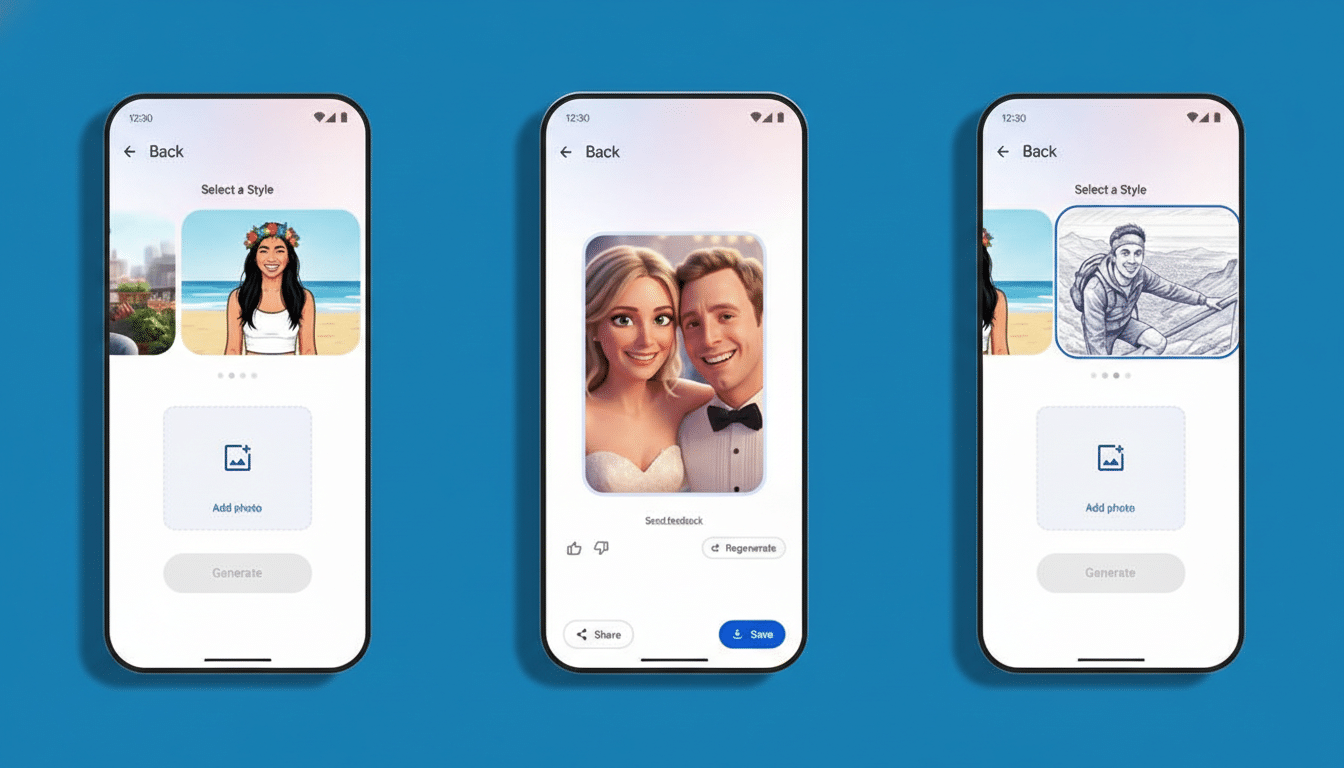
A dedicated page also opens the door to richer previews, better search, or filters (e.g., portrait vs. group, landscape vs. selfie) down the line. That would align with Google’s Material Design guidance on browsable collections, which favors clear hierarchy and scannable cards over cramped carousels.
How It Stacks Up Against Creative Rivals
Category-driven discovery is standard in consumer design tools. Canva and Adobe Express both lean on thematic tabs and filters to surface the right template quickly. Photos adopting a similar approach would bring parity to a feature that appeals to casual creators who want fast results more than fine-grained controls.
The advantage for Google lies in context: Remix is baked into a photo library many people already use daily, and it can leverage on-device cues—faces, events, albums—to personalize suggestions in ways standalone editors cannot. If the Personalized tab eventually reflects your actual memories, the value compounds.
Other Experiments Underway in Google Photos Right Now
Template categories are not the only change in flight. Google is also testing a battery saver for uploads, which would throttle or defer cloud sync to preserve power, and exploring how the Ask Photos feature might support Stories inside the app. Taken together, these moves point to a Photos experience that is more context-aware, more creative, and more considerate of device constraints.
When You Might See Template Categories Roll Out
As with many Google app features, expect a staged rollout controlled by server-side flags rather than a simple version update. Even though traces appear in 7.59, general availability could take weeks—or longer—depending on feedback and polish. Pixel devices often see new Photos features first, but there is no confirmed timeline.
If and when this ships broadly, Remix will feel less like a novelty and more like a dependable tool. A little structure goes a long way, especially when creativity is just a tap away.
