


Google Photos is trialing a quicker path to your local media with a new folder icon in the app’s top bar that jumps straight to on-device folders. The tweak, spotted in code for version 7.62 during independent APK teardowns by researchers including AssembleDebug, points to a small but meaningful navigation upgrade that could save users several taps.
On many Android phones—especially Pixels where Photos is the default gallery—device folders are tucked away under the Collections tab in a section labeled “On this device.” Power users know it’s there; plenty of casual users do not. A dedicated shortcut in the header is a clear effort to make local albums like Screenshots, Downloads, Camera, and messaging-app media far easier to reach.
What Google Is Testing In The Latest Photos Update
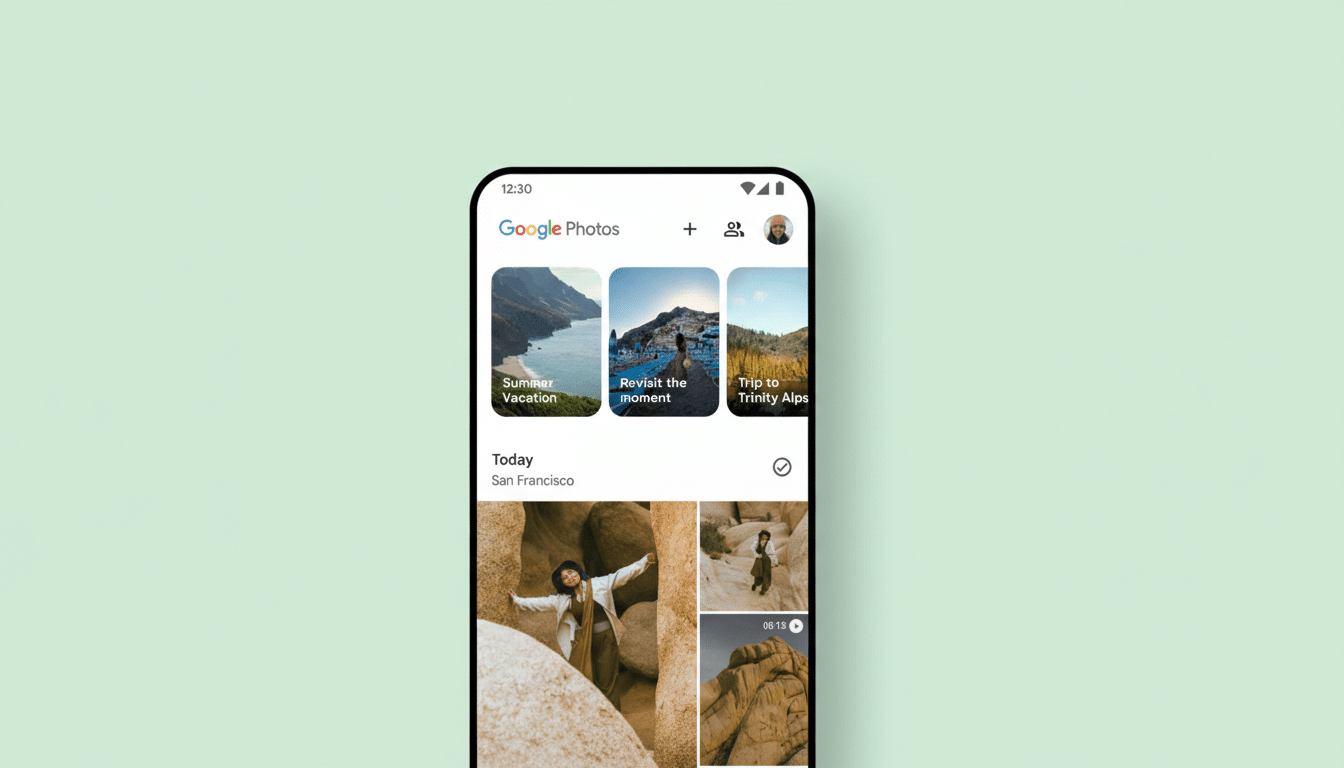
The in-development folder button lives in the main header and acts as a one-tap portal to the “On this device” view, bypassing the usual tab switch and scroll. Based on strings and assets surfaced in Google Photos v7.62.0.865122296, the change is bundled with a broader interface cleanup that also affects the Collections tab, Backup settings, and the photo details screen.
Inside Collections, Google is experimenting with color-filled buttons for the top-row shortcuts, bringing the design in line with more modern Material You components. Backup settings are getting a visual refresh for greater consistency with the rest of Photos, and the photo details view is being polished for a cleaner presentation of metadata. None of these elements appears widely live yet; they’re likely controlled by server-side flags and staged A/B tests.
Why Faster Access To Device Folders Matters
For a service built around cloud backup, on-device folders are where day-to-day chaos happens. Screenshots pile up. WhatsApp and Telegram spawn their own image and video directories. Social apps save edits locally. If you’re hunting for a PDF you just saved or a meme you grabbed from a chat, you usually want the device copy, not the main Photos timeline.
Discoverability has been the friction point. Google has long offered local folders inside Collections, but burying them behind a tab made the path non-obvious—especially for users who live in the main Photos feed. A first-class shortcut acknowledges that many workflows are offline-first: travelers with limited connectivity, users managing storage proactively, or anyone who toggles backup selectively to conserve data or Google Account storage.
This also dovetails with the post–unlimited storage era. Since Google ended free unlimited “High quality” backups, more people watch their Google One quota and think carefully about what gets synced. A quick way to jump into local-only albums helps users curate before anything hits the cloud—mirroring conveniences found in manufacturer galleries like Samsung Gallery, where Album and Device views are front and center.
Backup And Details Views Get A Clean Sweep
The upcoming Backup settings redesign appears aimed at clarity and cohesion rather than new controls. Expect tidier spacing, clearer hierarchy, and Material You styling that matches other parts of Photos. Small visual refinements can pay big usability dividends here, given how frequently users check backup status, account storage, or upload quality.
The refreshed photo details panel follows the same playbook: a simpler layout for information like capture time, location (when available), device model, resolution, and file size. For editing, sharing, and troubleshooting (for example, confirming whether a clip is HDR or identifying where a file lives), a cleaner details view reduces cognitive load.
Rollout And What To Expect From Google Photos
These changes aren’t broadly available yet. The features have been unearthed in Google Photos v7.62 for Android and may require server-side activation, a rollout pattern Google regularly uses to validate design tweaks with small cohorts before wider release. There’s no confirmation on timing or whether the device-folder shortcut will land on iOS, though core UI efforts typically reach both platforms once finalized.
If and when the shortcut ships, expect it to sit unobtrusively beside the search and account controls up top, making local albums feel like a first-class citizen again. For an app with a user base well past a billion, even a single saved tap at scale is significant.
The Bottom Line On Google Photos’ Navigation Tweaks
A header-level shortcut to on-device folders is a small design move with outsized practical value. Coupled with a cleanup of Collections, Backup settings, and the photo details view, Google Photos looks set to become faster, clearer, and more consistent where it counts—helping users get to the right file, on the right device, at the right moment.
