


Some Google Nest Hub owners are opening the app drawer and finding far fewer icons than they remember. Reports from community forums suggest shortcuts for services like YouTube, Netflix, and Spotify have disappeared from the smart display’s “See all” menu, with only a handful of options remaining for some users.
The change does not appear to be tied to a firmware update users can see, pointing instead to a server-side tweak or an account-level flag. Google has not publicly explained the behavior, and the company did not immediately respond to a request for comment.
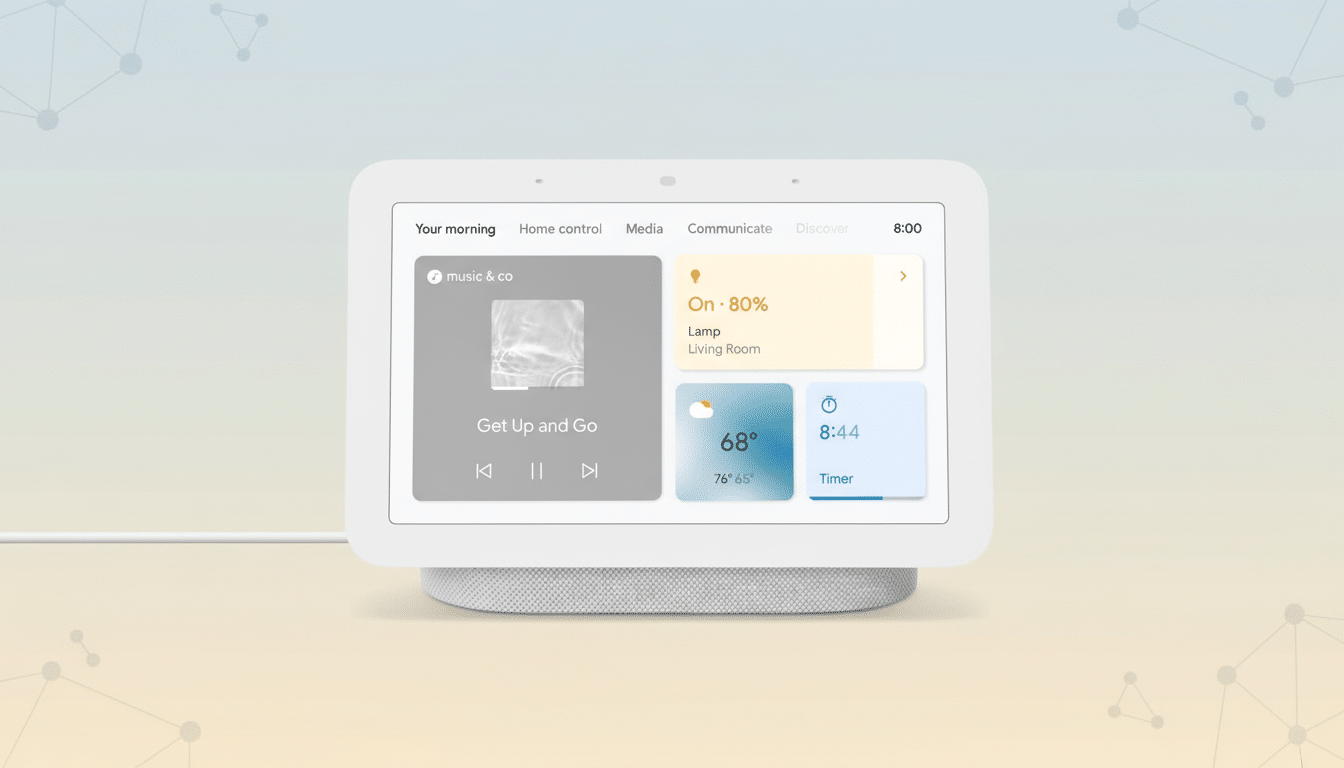
Reports Of Missing App Shortcuts On Nest Hub Displays
Posts on Reddit’s r/googlehome and threads on the official Google Nest Community describe app drawers that suddenly look sparse. Users say that swiping up from the bottom of the display and tapping “See all” now reveals only a few tiles—examples include Sling, Stories, and YouTube TV—whereas previously the list included popular services such as YouTube, Netflix, and Spotify.
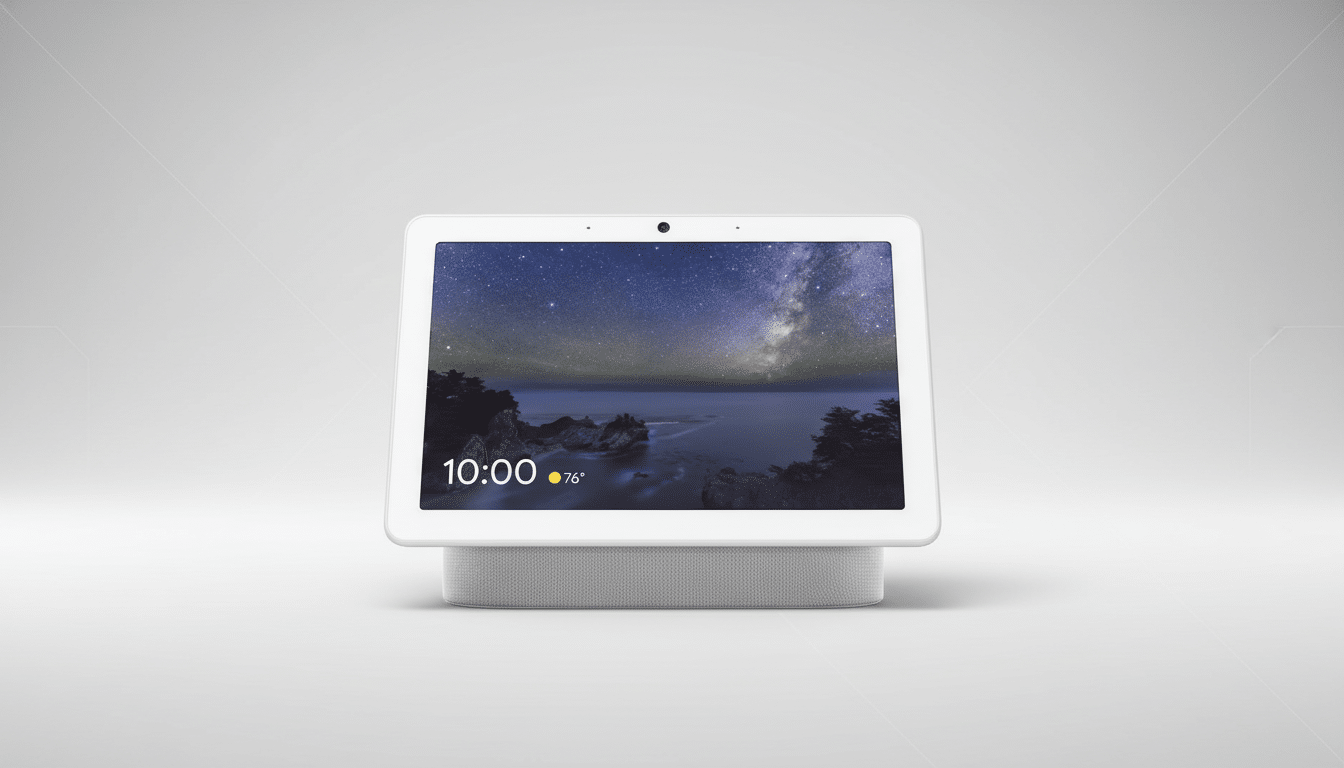
In several accounts, the change happened without any other modifications to the device or Google account. A few users noted the issue appearing on newly purchased Nest Hub (2nd gen) units within days of setup, while others observed the icons vanishing on long-owned Nest Hub Max devices.
Community sleuthing points to similar complaints stretching back years, but the volume of fresh reports suggests a broader wave this week. That pattern is consistent with Google’s history of rolling out Assistant and smart display changes incrementally and often silently.
What Might Be Happening Behind The Scenes
Unlike smartphones, Nest Hub devices don’t install traditional apps; those icons are essentially deep links to services integrated with Google Assistant and Cast. Because these integrations are controlled by Google’s servers and partner APIs, tiles can appear or disappear without a device update.
There are several plausible explanations: an A/B test of a simplified app drawer, a policy shift that surfaces only services fully supported on-display, or a bug affecting account-linked providers. Regional licensing, age restrictions via Family Link or Digital Wellbeing filters, and household membership changes can also alter which services are eligible to appear.
Importantly, users often retain access to content even when the shortcut vanishes. Voice commands like “Play YouTube” may still work, and casting from a phone remains a fallback. That disconnect—capability present but icon missing—supports the theory of a UI-level or eligibility-list change rather than a complete removal of functionality.
What Users Can Try Right Now To Restore App Icons
- First, power-cycle the Nest Hub and your router. Temporary sync issues between Assistant services and the device can clear after a reboot.
- Open the Google Home app and confirm your video and music providers are linked to the same Google account used on the Nest Hub. Unlink and relink providers such as Netflix or Spotify, then set your preferred defaults in Assistant settings.
- Check whether Digital Wellbeing filters, Family Link restrictions, or SafeSearch settings might be hiding certain services. If you manage multiple homes or households in Google Home, ensure the device belongs to the intended home and that your account has full access.
- If nothing changes, remove the Nest Hub from the Google Home app and add it again. As a last resort, perform a factory reset by holding both volume buttons for about 10 seconds. Some users report that even resets do not restore the icons, which would further indicate a server-driven change.
Why It Matters For Smart Displays And Daily Usability
Smart displays succeed when they feel predictable: swipe, tap, watch. Invisible, server-controlled changes that alter core UI elements erode that trust. For households that rely on a handful of tiles to start common apps, missing icons add friction—especially for kids and guests who don’t use voice commands.
Analyst firms like Canalys and IDC routinely rank Google among the top smart display vendors, underscoring the scale at which even small UI changes can ripple. As Google continues evolving Assistant, Cast, and the Fuchsia-based Nest Hub software, clarity around feature availability will be key to maintaining user confidence.
For now, the disappearance of app shortcuts appears to be widespread but inconsistent. Until Google clarifies whether this is a bug, a gradual redesign, or a policy change, users may need to rely on voice commands or casting as dependable paths to their favorite services.
