


One of Android’s most nagging texting quirks is about to disappear. Google Messages is rolling out the ability to select and copy just part of a message, ending years of frustration for anyone who has ever tried to grab a street address, an OTP, or a tracking number without hauling in the entire bubble’s text.
The change is surfacing in recent beta builds of Google Messages and appears to be on a staged rollout, a common pattern for Google’s core apps. While not yet visible to everyone, multiple testers report the feature working as intended, signaling that a broader release is likely on deck.

What Is Changing in Google Messages Text Selection
Until now, long-pressing on a message in Google’s default texting app offered a blunt Copy option that grabbed the entire message. That’s fine for a one-liner, but clumsy when you only need a snippet. The new behavior adds true text selection within the long-press context sheet, letting you drag handles to highlight exactly what you want—then use Android’s familiar selection toolbar to copy only the highlighted portion.
The full-message Copy button is still present, so nothing is taken away. Instead, Google is layering in precision where it was missing. The experience feels consistent with Android’s system-level text selection, which should reduce mis-taps and make the action second nature.
Why This Small Fix in Google Messages Really Matters
For years, users have resorted to awkward workarounds—like grabbing text from the app switcher on some Pixel phones or copying an entire message and trimming it in the clipboard overlay. None of those steps felt intuitive or fast, especially when you just need a six-digit code before it expires.
Precision selection also reduces the risk of oversharing. Copying an entire message often pulls along names, phone numbers, or context you didn’t intend to paste elsewhere. By highlighting only the essential fragment, you keep sensitive or irrelevant details out of your clipboard and out of other apps.
From a usability standpoint, this is table stakes. Competing chat apps like WhatsApp, Telegram, Signal, and Apple’s iMessage have long allowed partial text selection inside message bubbles. Bringing Messages up to parity removes a daily-paper-cut irritation that has felt out of place in an otherwise modern RCS-first client.
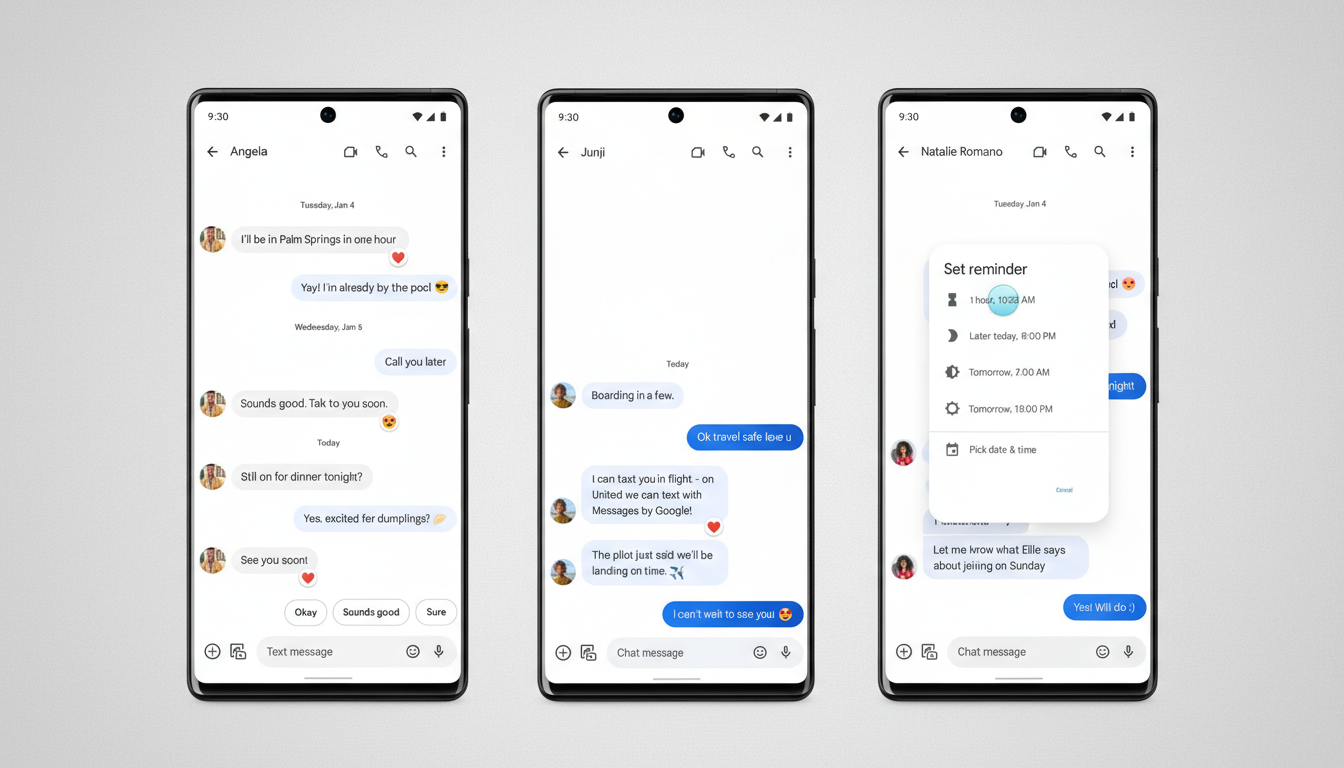
How and When You Will Get Partial Text Selection in Messages
The feature is currently appearing for some users on the Google Messages open beta, and—typical for Google—it may be enabled by a server-side flag independent of the app version number. That means you can update to the latest beta and still not see it right away, or you might receive it without any noticeable update.
To check, long-press any message. If a context sheet opens that lets you drag selection handles across the text, you have it. If not, keep your app updated and wait for the staged rollout. Google often tests UI tweaks with small cohorts to validate reliability before flipping the switch more widely.
The Bigger Picture for RCS Power Users in Google Messages
Google says RCS in Messages now reaches over 1 billion monthly users, underscoring how even minor ergonomics scale into major time-savers. With RCS delivering longer messages, richer media, and enhanced reactions, the ability to precisely copy information is no longer a nice-to-have—it is a necessity for everyday tasks like sharing a reservation code or quoting part of a long thread.
This refinement also fits Google’s broader push to modernize the app’s interaction patterns, from a cleaner context menu to smarter suggestions powered by on-device intelligence. It’s not flashy, but it’s the kind of polish that keeps core workflows fast and trustworthy.
Bottom Line: Partial Text Copy Comes to Google Messages
Google Messages is finally addressing a long-standing pain point with precise text selection and copy. It’s a small fix with outsized impact—one that trims taps, reduces errors, and brings the app in line with the best of its peers. If you don’t see it yet, you likely will soon, and once you have it, you may wonder how you ever lived without it.
