


If you have an Android phone, there’s a good chance the black-and-blue speech-bubble app on this list is your text application of choice. That’s Google Messages, and it’s silently transformed from a basic SMS box into a robust chat platform churning along on RCS, optional end-to-end encryption for select conversations, and intelligent integrations that make plain old texting feel modern and safe.
What is Google Messages and how it handles modern texting
Google Messages is the official app for text and multimedia messaging in Android, as well as Wear OS. Throughout this article, we will refer to these types of conversations by three names: SMS (legacy texting), MMS (the pantomime horse of legacy texting), and RCS chat.
- What is Google Messages and how it handles modern texting
- How RCS works in Google Messages for richer texting
- Getting started with RCS chat and enabling chat features
- Using Messages for Web on your computer with QR pairing
- Power features in Google Messages that are worth trying
- Limitations and privacy notes for RCS and Google Messages

Think of it as rich messaging for Android with typing indicators, read receipts, high-quality media sharing, and more dynamic group chat.
RCS is based on the GSMA’s Universal Profile, which carriers and phone manufacturers adhere to in order to maintain compatibility. Google said RCS had more than 1 billion monthly active users in its app, illustrating how swiftly modern texting has migrated from old SMS. Apple embracing RCS in iOS 18 enhances cross-platform features, such as better media and group messaging basics, but iMessage still stands apart.
One-on-one and group RCS chats in Google Messages offer end-to-end encryption, as long as every member in the thread is using a compatible client. SMS and MMS are never encrypted, as privacy advocates like the Electronic Frontier Foundation have argued for years now, which is why keeping RCS turned on where you can is such a welcome upgrade.
How RCS works in Google Messages for richer texting
With chat features enabled on both sides, Messages routes texts over data (rather than the carrier’s SMS/MMS pipes). That unleashes modern luxuries: typing indicators, delivery and read receipts, full-resolution photos and videos, bigger file shares, reactions, and replies to specific messages. And if data isn’t available or a contact doesn’t support RCS, the app can fall back to using SMS/MMS unless you disable fallback in settings.
Encrypted status is explicitly called out in conversation information. End-to-end encryption for messages sent over RCS chat in Google Messages is rolling out now; it doesn’t cover SMS/MMS or cross-platform RCS support, which may vary across countries and operators. If privacy matters to you, check the lock icon and don’t send sensitive content if the chat thread isn’t secured when it shows SMS or MMS.
Getting started with RCS chat and enabling chat features
Most Android phones come with Messages as the default. Open the app, tap your profile photo, and go to Message settings. In Chat features, toggle on chat and verify your number; you can also choose whether to send SMS/MMS when RCS isn’t available and switch read receipts and typing indicators. Keep an eye out for a “Connected” status to confirm that RCS is up and running. If you change SIMs or eSIMs, revisit this screen to re-verify.
Beginning a new conversation is simple: tap the compose button and either select someone from your address book or let the app auto-fill recent recipients. You can attach a photo or video to your message, drop in a Google Photos link for anything larger, share your location with Maps, or even suggest calendar events for recipients who can add them with a single tap. If you live in Google’s ecosystem, the deep integration across Photos, Maps, and Calendar is also a useful benefit.
Using Messages for Web on your computer with QR pairing
Pair Messages to your computer via QR pairing. Go to the profile menu on your phone, select Device pairing > QR pairing, and scan the code you see in your browser. Leave both online and optionally remember the computer for faster reconnections. It works great for long responses, file drag-and-drop, and quick triage on the job. Keep in mind that the phone is still the paired device, so if you lose connection there, the web session stops as well.
Power features in Google Messages that are worth trying
- Scheduled send lets you write a message now and have it delivered later; long-press the send button to select a time.
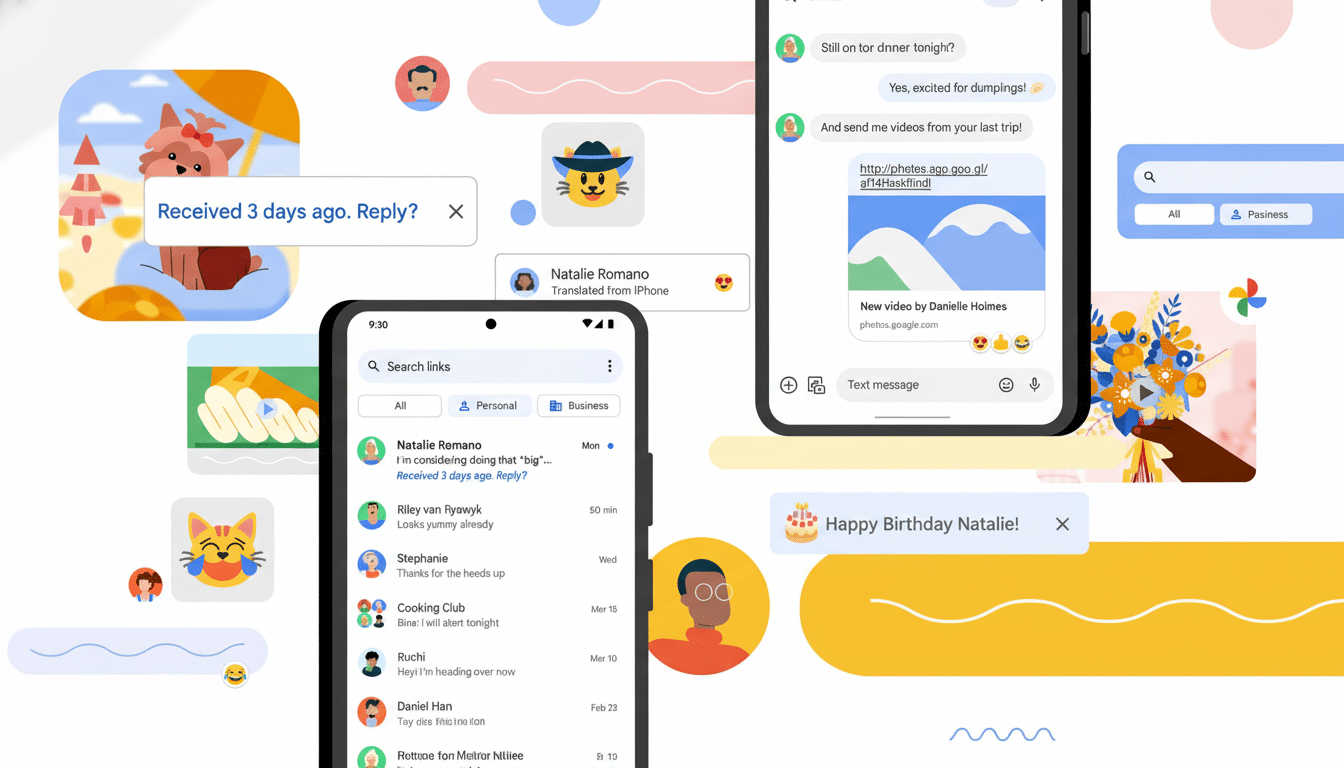
- Nudges bring your attention back to messages you may have missed or forgotten to reply to and can show reminders for overdue responses like birthdays.
- Voice message transcription converts audio clips into text when you’re in a meeting or can’t listen.
- Smart Replies provide fast, contextually tailored responses, and mentions in group chats help you wade through crowded threads.
- For inbox hygiene, Messages can tag conversations and automatically delete one-time passwords after 24 hours.
- Machine-learning spam protection labels suspicious texts, and Verified Business messages help you verify a sender before tapping any links.
- If floating chat bubbles aren’t to your taste, you can turn them off in settings.
Limitations and privacy notes for RCS and Google Messages
RCS requires both parties and, in some places, carrier participation. When a contact disables chat features or is on a device that doesn’t support RCS, messages fall back to SMS/MMS. Encryption doesn’t apply to SMS/MMS, and there are cases where cross-platform RCS implementations don’t offer end-to-end security. If security is a concern, review the lock icon and details of a chat exchange.
Customization is lighter than in some third-party apps, feature rollouts can be slow, and multi-device use still runs through your phone as a hub. But on the other hand, its wide availability, RCS-powered features, and ecosystem integrations make it the smoothest way to level up your default Android texting game.
Bottom line: enable chat features, pair the web client, and test scheduling, nudges, and transcription. With RCS enabled, Google Messages transforms your everyday texting experience by providing you with something faster, simpler, and even more secure — without requiring you (or any of your contacts) to change the way you text.
