


I ran both Google Maps and Waze through the same commutes, errands, and weekend trips to see which app actually gets you there faster and with less stress. Both are excellent at dodging traffic snarls, but after a week of A/B testing and dozens of miles, one app consistently felt smarter, calmer, and more versatile.
Google says Maps serves over a billion people monthly, while Waze relies on a famously active driving community. That scale and that community shape each app’s personality. One is a Swiss Army knife for navigation; the other is a laser-focused co-pilot for drivers. Here’s how they stacked up.
- How I Tested Both Apps Across Identical Routes and Trips
- Routing Speed and ETA Accuracy in Daily Driving
- Traffic Intelligence and Alerts: Reports and Context
- Modes and Offline Reliability Beyond the Driver’s Seat
- Interface and In-Car Experience on CarPlay and Auto
- Privacy and Data Controls You Can Adjust in Settings
- The Bottom Line After a Week of Real-World Testing
How I Tested Both Apps Across Identical Routes and Trips
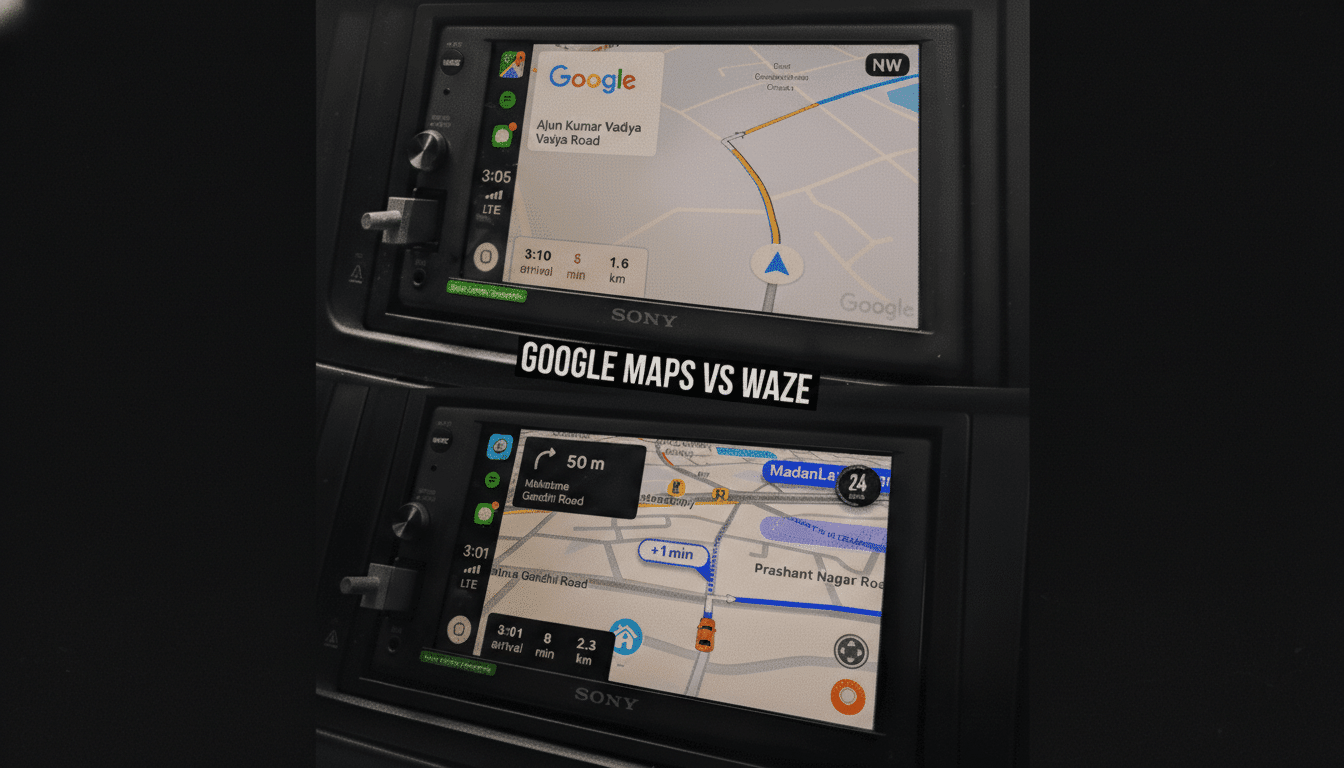
I alternated apps on identical routes: a 26-mile suburban freeway-to-surface-street commute, a 9-mile crosstown urban run during rush hour, and two highway road trips with construction zones. I used CarPlay and Android Auto in the same vehicle, kept the same departure times across multiple days, and repeated segments to smooth out one-off anomalies.
Navigation is inherently variable—incidents pop up, traffic ebbs and flows—so I focused on ETA accuracy, rerouting behavior, clarity of instructions, and reliability when cellular coverage dipped.
Routing Speed and ETA Accuracy in Daily Driving
Waze prefers aggressive shortcuts and will gladly cut you through side streets to shave a minute. When you’re late, that urgency is welcome. Google Maps was more measured, often picking steadier arterials and sticking to them unless the math clearly favored a change.
Across repeated runs, Google’s ETAs were more consistent and less jittery. Waze occasionally chased small gains that evaporated at the next signal. That aligns with what traffic researchers like INRIX and the TomTom Traffic Index show broadly: congestion patterns reward consistency as much as raw speed, especially in dense grids.
Traffic Intelligence and Alerts: Reports and Context
This is where Waze shines. Its crowdsourced reports on crashes, debris, speed traps, and disabled vehicles are fast and granular. You’ll often hear about a hazard before you see brake lights. The volunteer map editor community keeps closures and new turns updated quickly, which matters when cities tweak lanes or add protected turns.
Google Maps has absorbed many of those reports—Google owns both services—and layers them with its own data signals from Android devices, historical speeds, and partnerships with transportation agencies. In practice, Maps delivered fewer false alarms and better context (for example, how long a closure has been in effect), while Waze still surfaced driver-to-driver alerts first.
Modes and Offline Reliability Beyond the Driver’s Seat
If you ever step out of the car, Google Maps is the clear winner. It supports transit with real-time feeds where agencies provide GTFS data, solid walking and cycling routes, and EV planning with charging stop suggestions. It also lets you download large regions for offline, turn-by-turn navigation—crucial on mountain roads or dead zones.
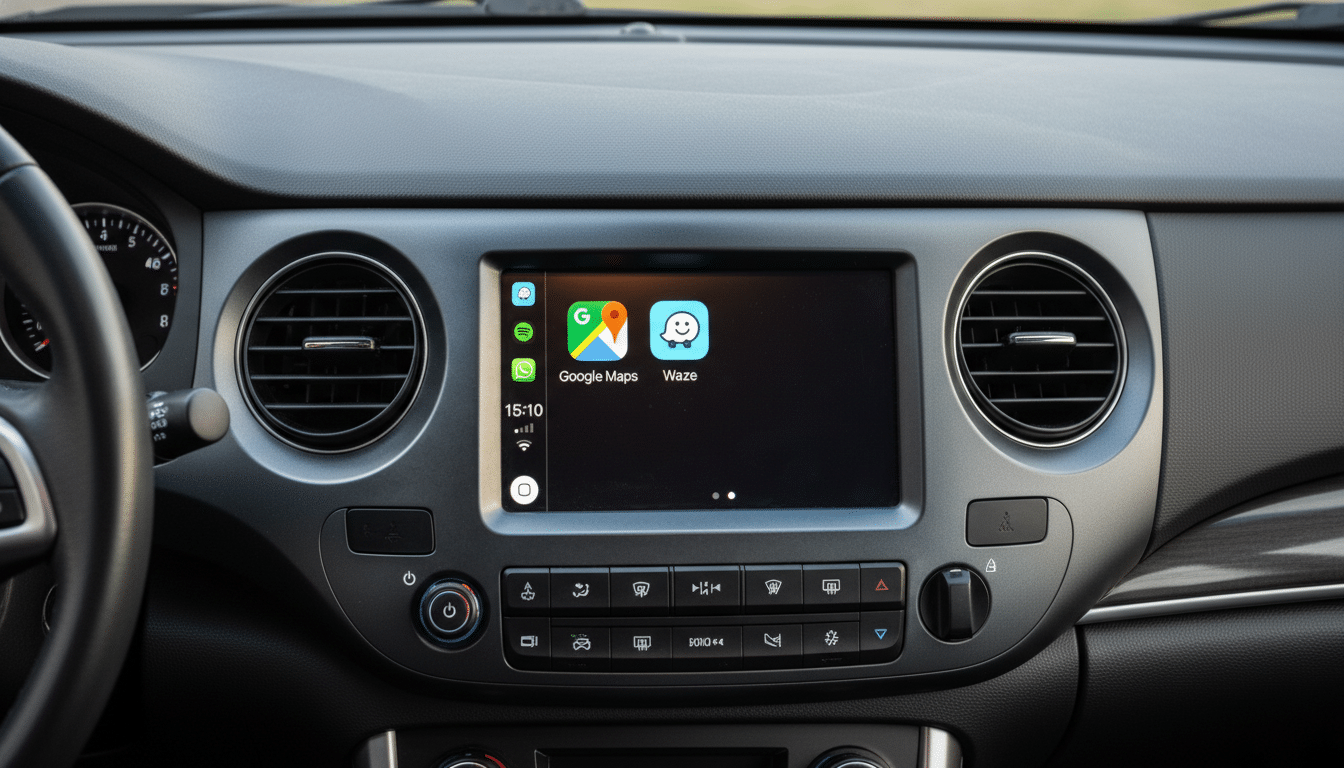
Waze is built for drivers, full stop. It will continue guiding if your connection drops mid-trip, but it doesn’t offer full map downloads, and you need to be online to start a route. For anyone who commutes through patchy coverage, that’s a meaningful limitation.
Interface and In-Car Experience on CarPlay and Auto
Waze’s interface is driver-first: big icons, bold hazard markers, and a minimal map that’s easy to parse at a glance. The community reporting button is a tap away, and integrations with Spotify and Amazon Music make media control simple. Voice packs and speed alerts add personality and utility.
Google Maps presents a richer world—business details, ratings, photos, Street View, and, in many cities, lane-level guidance and clearer junction views. Recent updates improved “glanceable directions” and fuel-efficient routing. The net effect: fewer surprises at complex interchanges and better confidence when you’re navigating unfamiliar neighborhoods.
Privacy and Data Controls You Can Adjust in Settings
Both apps are under the same corporate roof, so the data trade-offs are similar. Google Maps offers Incognito Mode and granular controls for Location History and Web & App Activity. Waze has an Invisible Mode and lets you limit sharing while still contributing anonymized speed data. If privacy is paramount, spend a minute in settings on either app to lock things down.
The Bottom Line After a Week of Real-World Testing
For pure, on-the-road intel, Waze remains a terrific co-pilot. It’s quick to flag hazards, nimble with detours, and beloved for a reason. But in my real-world testing, Google Maps took the lead. It delivered steadier ETAs, fewer wild goose chases, and a safety net of offline maps and multi-modal options that Waze simply doesn’t match.
Third-party analytics firms such as Similarweb and Apptopia consistently rank Google Maps’ global usage far ahead of Waze, and that scale shows up in polish—from junction views to business data to AR features. If you drive everywhere and crave constant crowd alerts, you’ll be happy with Waze. For everyone else, Google Maps is the app to trust day in and day out.
My takeaway after back-to-back trips: I’ll keep Waze on my home screen for heavy traffic days and police-heavy corridors, but Google Maps stays set as the default. It’s the most complete navigation app available today.
