


If you’ve ever found yourself longing for a more advanced voice-input system on your Android device, the wait is nearly over: Google has applied one Astro-blasted safari stamp to push rollout of Gemini-powered Smart Dictation, an AI-fueled way to speak and edit without cumbersome cursor-using maneuvers.
A built-in feature of TalkBack, which is activated by a simple two-finger double-tap in Gboard, the new functionality offers context-sensitive editing via natural spoken language commands, and takes voice typing well beyond just raw transcription.
- What Smart Dictation Really Changes on Android
- Built Into TalkBack and Gboard for easy access
- Why It’s Relevant for Accessibility on Android
- Accuracy, Speed, and AI Under the Hood in Smart Dictation
- How It Might Change Everyday Typing on Phones
- Availability and rollout across Android devices
- The competitive picture among mobile dictation
What Smart Dictation Really Changes on Android
Traditional dictation: it takes your words and types them. Smart Dictation goes a step further by interpreting intent. Tell it to “fix the last sentence and add punctuation,” “condense this into one line,” or “change the date from last time to next Friday,” and Gemini understands the directive, considers context, and changes your text right away. It covers corrections, rewrites, and format tweaks, meaning you don’t have to mess around with fiddly selection tools or laboriously work your way character by character.
This is fueled by the same family of models behind Google’s larger AI effort. The key difference from the perspective of an editing system is that Gemini can actually understand semantics—it recognizes entities, relationships, and the tone you are trying to convey—not just copy words heard. That means cleaner disambiguation of homophones (visualize “their” vs. “they’re”), more accurate names in context, and fewer stilted endings when you pause mid-idea.
Built Into TalkBack and Gboard for easy access
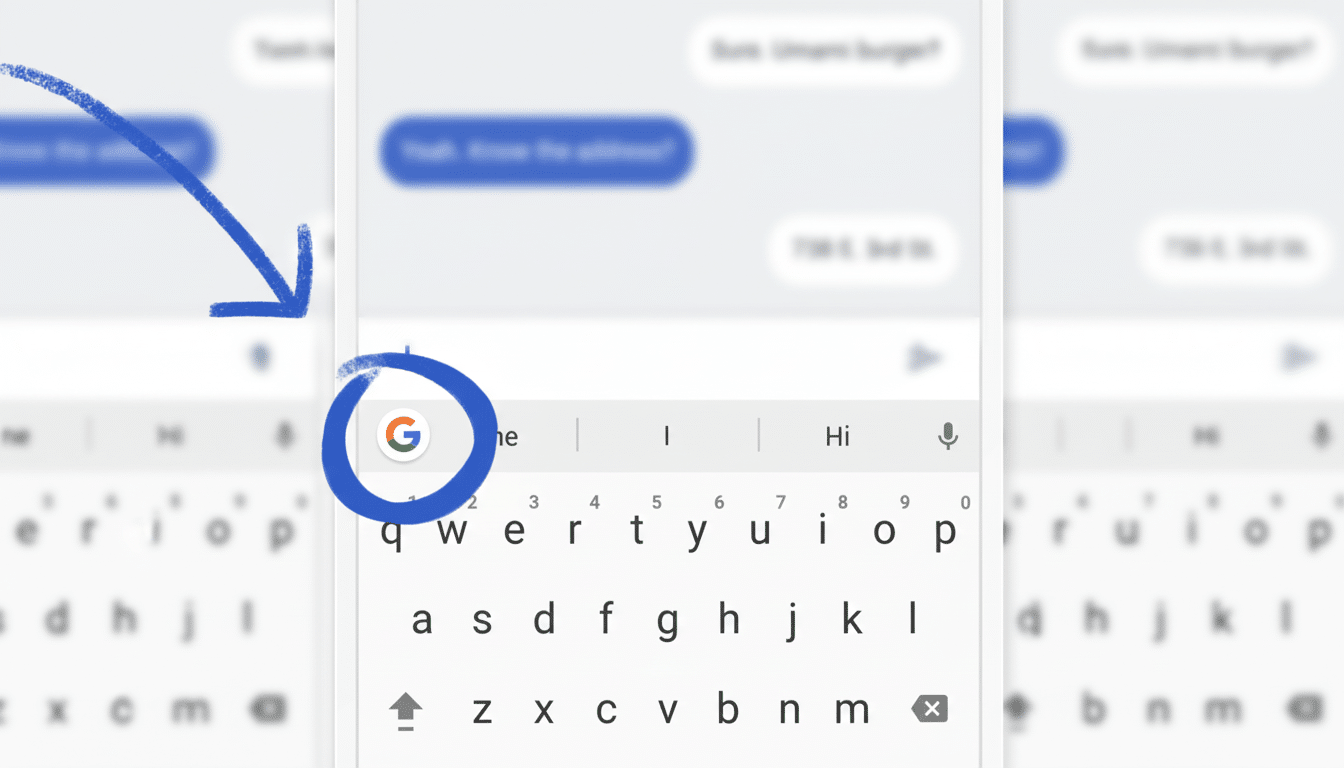
The feature comes via Android’s historical accessibility toolkit. With TalkBack turned on, you can now perform a two-finger double-tap in Gboard to trigger dictation without needing to take an additional step. Since this lives in Gboard, it ought to work across most all text fields — notes, messaging, email, documents — wherever the keyboard lands.
Google is framing it as an accessibility-first enhancement, but the advantage of course applies to anyone who types on the move. Commands like “delete the previous paragraph,” “capitalize product names,” or “format that as a phone number” can help make edits feel less like work, and more like conversation.
Why It’s Relevant for Accessibility on Android
Text selection on a small screen is challenging for many users, particularly for people with low vision or who have mobility limitations. At least 2.2 billion people around the world have a vision impairment, according to the World Health Organization—demonstrating that the scope for assistive technology that reduces screen precision requirements is significant. TalkBack is the original sin of Android accessibility, and Smart Dictation does its part in moving away from taps and dragging to normal, human speech.
WebAIM’s Screen Reader User Survey consistently ranks TalkBack as one of the most popular mobile screen readers. Intelligent editing in that workflow, done well, leads to greater independence when it comes time to write emails, fill out forms, or edit articles and documents—the sorts of tasks you actually spend a lot of your day correcting and navigating.
Accuracy, Speed, and AI Under the Hood in Smart Dictation
Voice input has improved considerably over the past decade—automatic speech recognition models have substantially reduced word error rates on benchmarks like LibriSpeech. The leap here isn’t merely one of fewer mistakes, but smarter fixes. Surrounding context can be used by Gemini to determine correct spelling for names, consistent styling, and punctuation inference where applicable so manual cleanup is minimized.
It’s not clear whether Smart Dictation is entirely on-device or cloud-powered, as Google has not provided the specifics. Newer builds of Android come with Gemini Nano for on-device AI tasks on a subset of hardware, which means a hybrid approach could be doable. For privacy-conscious settings, the key questions will be where data is processed and whether audio is stored, as well as what controls users have. Google’s usual voice and personalization settings will likely factor in, as well as how much data is used to improve recognition.
How It Might Change Everyday Typing on Phones
Picture composing a draft of an email and saying, “Trim this down and give it a friendly sign-off,” or jotting down meeting notes and telling it, “Make these bullet points into action items with dates.” Smart Dictation goes after just these sorts of multi-step edits that are clumsy on mobile. That’s the difference between a passive transcript and an active writing assistant baked right into your keyboard.
Availability and rollout across Android devices
Google says Smart Dictation is coming soon. With the recent cadence the company has shown, we should expect a phased release through Gboard and updates to Android accessibility options, perhaps as a server-side switch. Availability might differ depending on device, market, and language. King of the Hill access will probably be staged. Watch for this two-finger double-tap dictation and Gemini-powered edits to land in your Gboard updates and TalkBack settings.
The competitive picture among mobile dictation
Competitors are doing the same. Apple is doubling down on device dictation with live punctuation and quick sharing, while Microsoft’s SwiftKey has added AI rewriting tools across devices. Professional interface tools such as Nuance Dragon still thrive in niche markets. The advantage for Google is distribution — Gboard lives on billions of devices — and deep integration with Android’s accessibility, which together give Smart Dictation a long runway to possibly become the default way many people edit text on their phones.
If the execution is as good as the promise, Gemini Smart Dictation could help turn voice not into a way to input text more quickly, but also an intelligent editor—one that knows what you meant and helps you say it better.
