


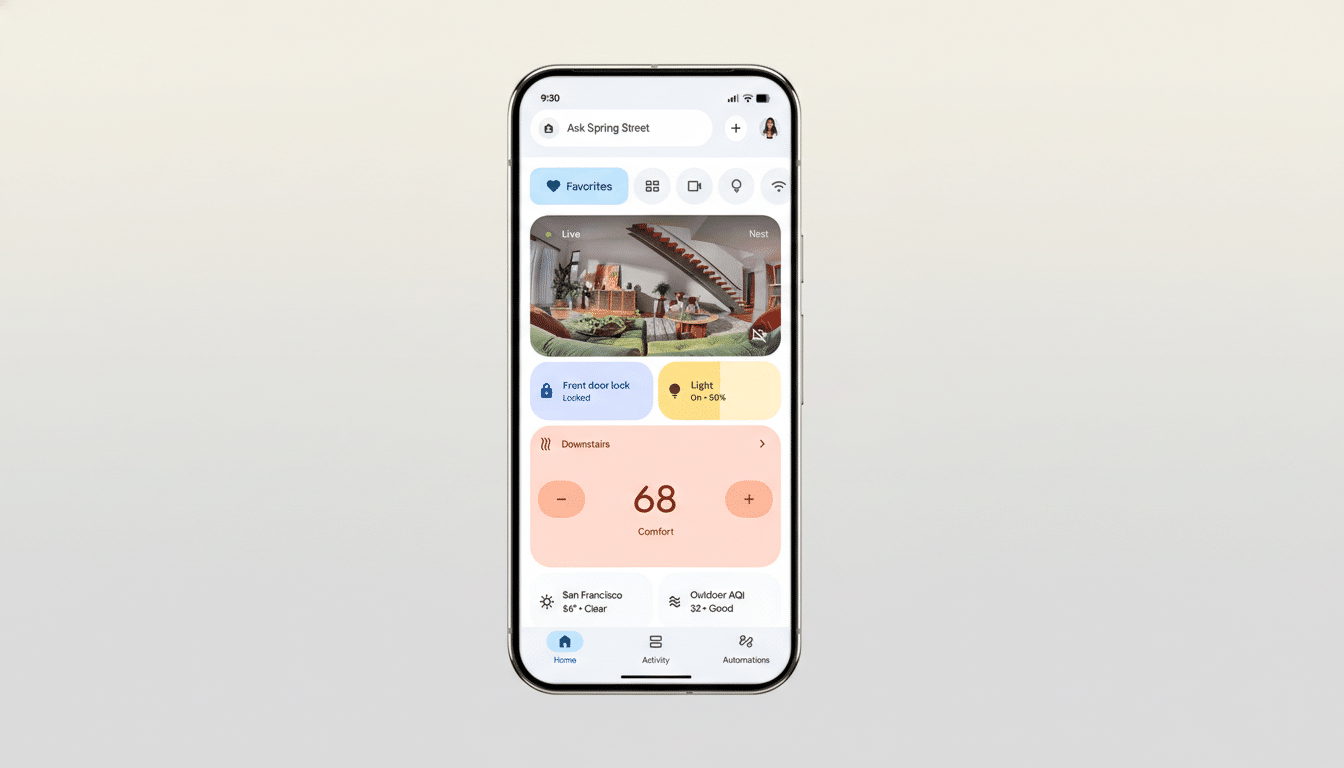
Google is rolling out a meaningful upgrade to the Home app, adding new automation starters and conditions that make smart homes more responsive to real-world events. Alongside those tools, the company says camera playback is getting more reliable, reducing the all-too-familiar “Video not available” error when you tap an alert to watch a clip recorded moments ago.
What Changed in Google Home with the Latest Update
The update broadens what can kick off an automation and how precisely it can act. New starters include humidity crossing a threshold, a robot vacuum docking, and device battery state changes such as charging or running low. Google also added richer button and switch inputs, enabling single press, multi-press, and long-press triggers on supported controllers.
On the action side, automations can now set lights to specific colors and color temperatures, not just toggle them on or off. That matters because it lets routines adapt to context: cooler white to boost focus during the day, warmer tones for evening wind-down, or colored scenes tied to notifications and ambience.
Why the New Automation Starters in Google Home Matter
Smart homes live and die on nuance. A humidity trigger can start a bathroom fan when steam rises, then shut it off as levels fall—no timer guesswork required. Battery-based conditions can nudge a robot vacuum back to a dock before it dies, or flip a smart plug to top up a handheld vacuum only when it’s low, saving energy and battery health.
Button and switch interactions unlock more control density without adding devices. A single wall button could run three different scenes: single press for kitchen lights, double press for “movie time,” long press for “all off.” Brands like Philips Hue, Aqara, and Lutron have long offered multi-gesture remotes; tighter support in the Home app helps unify those behaviors across ecosystems.
Camera Reliability Gets a Practical Playback Fix
“Close-to-live playback” is the everyday quality-of-life improvement most users will notice. Previously, tapping a notification for a person or package detection could yield a dead-end message that the video wasn’t ready. Smoother handoff from recording to playback means those clips should be accessible sooner, which is critical for time-sensitive alerts.
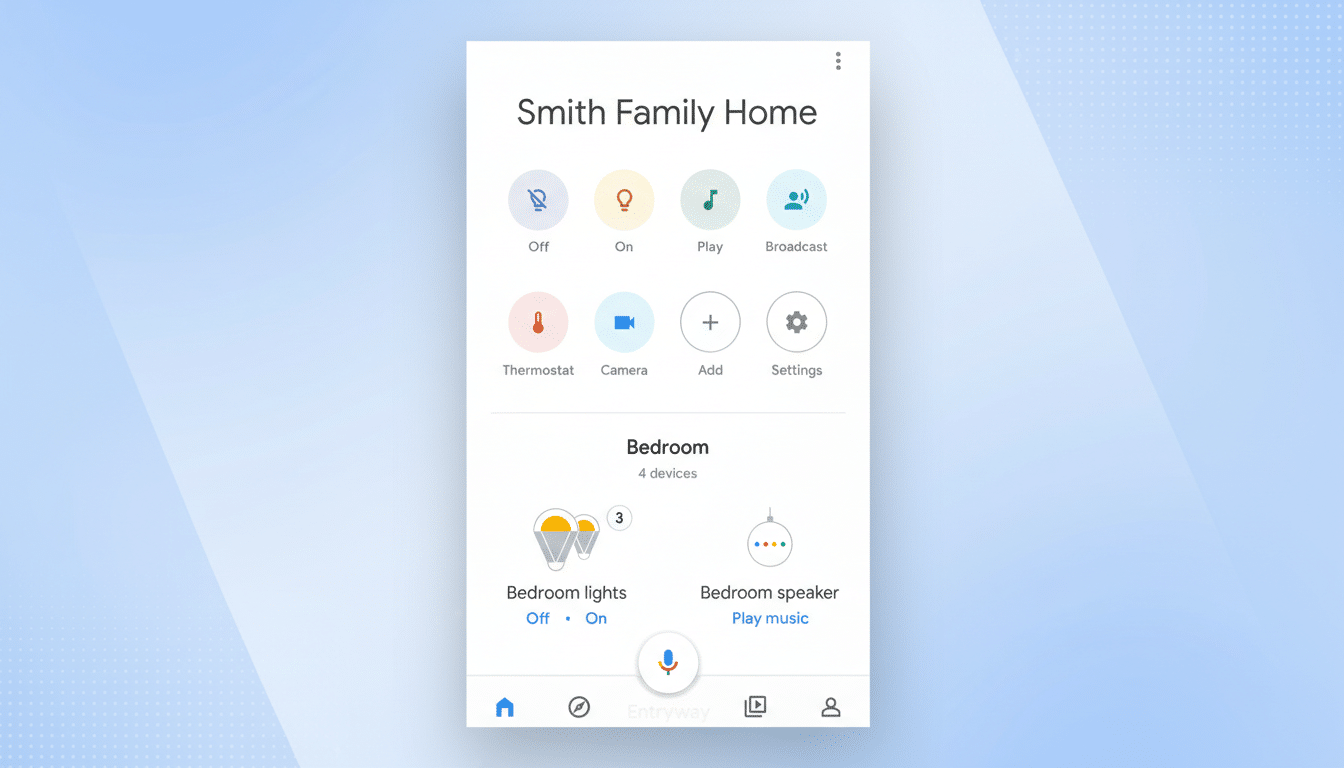
It’s not flashy, but it addresses a top frustration. Industry surveys have repeatedly pointed to reliability as the primary barrier to broader smart home adoption; making cameras feel dependable can earn back trust one notification at a time.
Real-World Automation Routines to Try at Home
- Humidity-aware comfort: If humidity exceeds 60%, turn on an air purifier and set lights to a cool white to signal “air care active.” When it drops below 55%, return to the normal scene.
- Robot vacuum docking cues: When the vacuum docks, dim living room lights and start a short fan run to disperse dust. If the vacuum’s battery falls below 20%, pause heavy audio playback to ensure it can navigate home without interference.
- Smarter charging: When a doorbell’s battery is “low,” turn on the porch smart plug that powers a charger, then switch it off automatically after two hours or when charging state flips to “full.”
- Multi-press convenience: Single press toggles entry lights, double press locks all smart locks and arms a nighttime scene, long press triggers a “panic” full-bright profile and sends you the latest camera clip.
Ecosystem Context and Compatibility for Smart Homes
The new starters and actions arrive as the broader industry standardizes around device events. The Connectivity Standards Alliance has expanded Matter’s device types and capabilities over recent releases, including support for robot vacuums and richer scene controls. While Google hasn’t tied these features to a specific Matter revision, the direction aligns: more consistent events across brands, fewer bespoke workarounds.
For users mixing Nest gear with third-party sensors, switches, and lights, these changes reduce friction. Instead of relying on complex workarounds or cloud-to-cloud bridges, more triggers and conditions can run locally or with fewer hops, which typically improves speed and reliability.
What It Means for Power Users and Newcomers
Power users get finer-grained control with fewer custom scripts, while newcomers gain approachable, real-world automations that work the way homes actually operate. The ability to tie routines to environmental signals and device state—rather than fixed schedules—often yields fewer false triggers and better energy use.
There’s still room to grow. Presence detection that reliably distinguishes household members, more local processing, and deeper energy dashboards are frequent wish-list items. But by sharpening triggers and fixing camera playback pain points, Google is addressing common stumbling blocks and nudging the ecosystem toward smarter defaults.
