


Google is rolling out version 3.40 of its Google Home app today, an update that includes some automation stability improvements in the app as well as organization tweaks to the way cameras are displayed and devices are stored on your network.
It doesn’t revolutionize the interface, but it does provide a clear blueprint for smarter, faster control in an expanding smart home.
- Automation Editor gets smarter with new conditions and actions
- A closer look at camera event filters and on-device options
- Suggested Favorites streamline control for faster access
- Hot water control for Nest thermostats rolling out in Europe
- Bug Fixes and a Foundation for What’s Next
- Should you update now? Why Google Home 3.40 is worth it
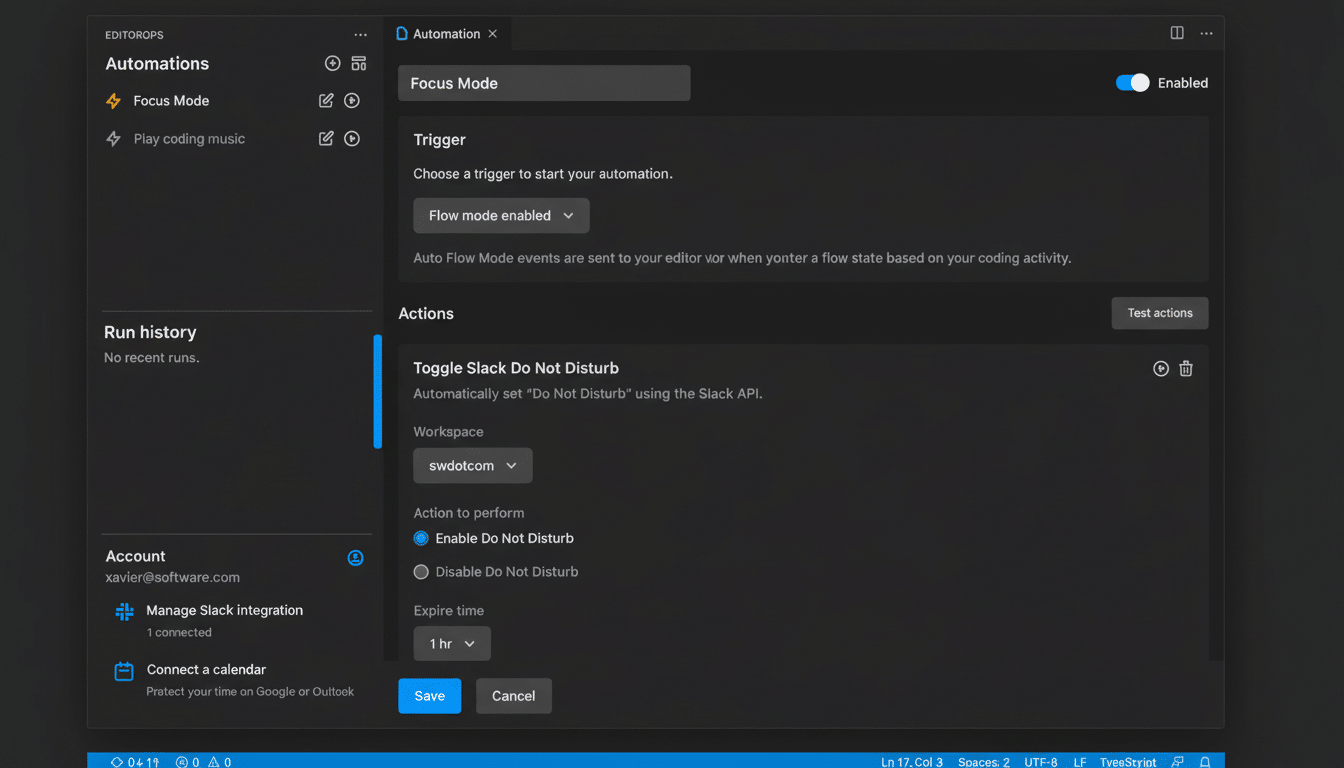
Automation Editor gets smarter with new conditions and actions
The headline adjustment is the rewritten Automation Editor. Automations can have conditions now, Google says, as well as new triggers and actions. That means, in practice, you can create routines that execute only when more than one condition is met, rather than just on a time or by the device doing something.
Example: If presence is “Away” and it’s after sunset and the living room motion sensor is clear, then turn off all lights and put the thermostat in Eco mode. Or, when a certain door opens while you’re home, turn on a hallway light scene and play a chime on the Nest Hub. That gets the app a little closer to the flexibility that long-time users had long been asking for — and even further aligned with the reality offered by competing options like Amazon’s Alexa Routines and Apple’s Home automations based on Shortcuts.
Power users who were using the scripting tools that launched with Public Preview will like that more of that logic is exposed in the main app. For the rest, the payoff is a straightforward one: fewer half-automations and more dependable routines that adjust themselves to context.
A closer look at camera event filters and on-device options
Another highlight in the experience will be found with the camera. Event types — person, vehicle, motion. You can now filter event type by person, vehicle, or motion from an individual camera event view. That tweak cuts down on taps when you’re scanning the timeline of a specific camera for what matters.
You can still filter events across the entire home by visiting the broader Activity tab, but for getting filters in front of you within each camera’s view, it’s quicker when, say, you want to see only people detection from the driveway.
For those who are on Nest Aware’s more advanced rich event categorization, this helps make daily triage more efficient and cuts down on alert fatigue.
Suggested Favorites streamline control for faster access
The Home app’s Favorites tab is being updated as well. Even if you haven’t pinned anything yet, the app will now recommend “favorites” based on what it detects you use most. That’s a small tweak, but it adds up when your list of devices is long and messy.
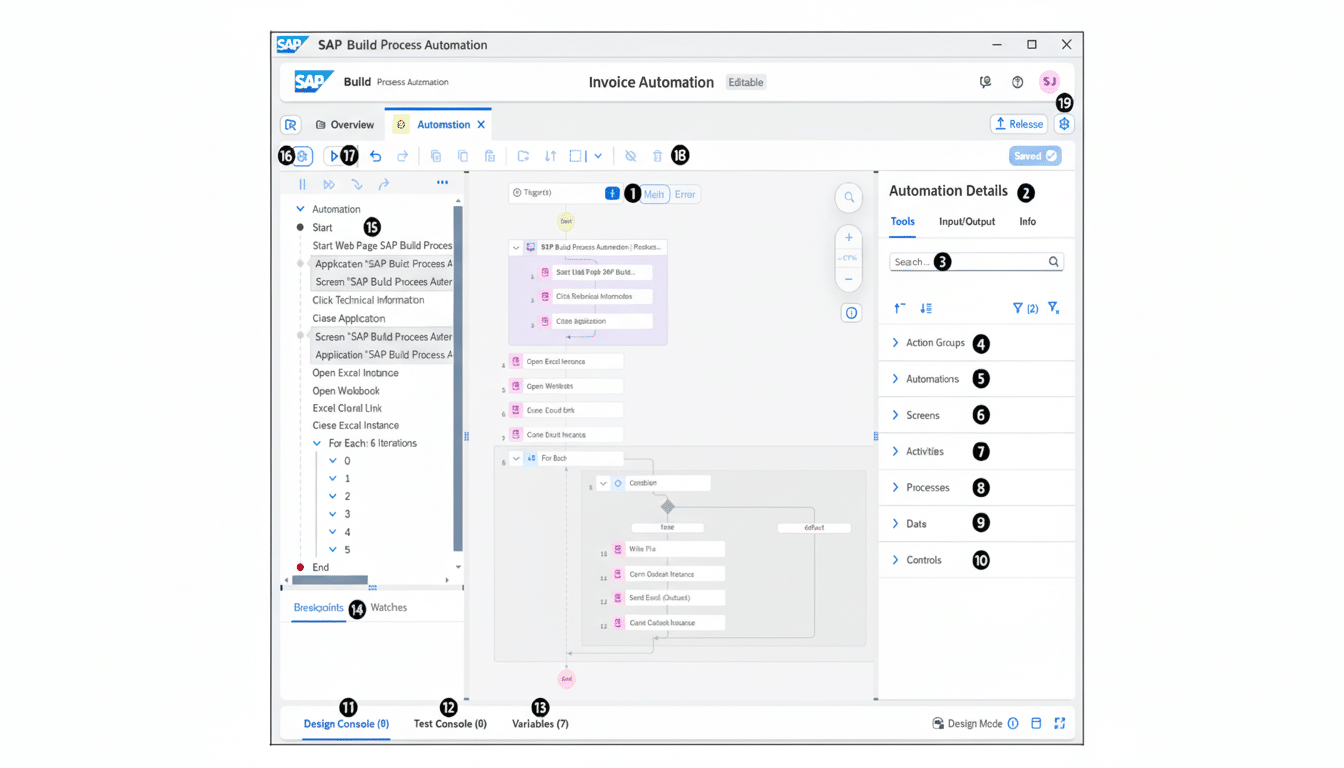
Deloitte’s study of connectivity, for example, has found that the average American household now runs more than 20 connected devices. In homes like that, shaving seconds from tasks you perform every day — such as controlling your most-used lights and thermostat — becomes meaningful. Recommended favorites make it easier for new users to land on a useful dashboard and cut down the set-up friction that often kills smart home momentum.
Hot water control for Nest thermostats rolling out in Europe
Google has also started allowing hot water controls for Nest thermostats in the app, with an unspecified number of systems in Europe gaining support. Lots of EU homes use combi or system boilers with domestic hot water tanks — so you have a “boost” button or set timer for your hot water.
Bringing those controls into the Home app means you can manage space heating and hot water from one place, make more detailed schedules, or fire up a quick boost before a shower. It’s a pragmatic feature, one which corresponds to regional heating systems and can help us avoid wasting energy when paired with smarter automations.
Bug Fixes and a Foundation for What’s Next
According to Google, this update brings a number of bug fixes that have been implemented in order to ensure better stability and performance. Though specifics aren’t listed, users should see the same polish as always: things like smoother camera playback, fewer hiccups regarding device status, and better reliability when executing routines.
The company has also been hinting at bigger changes to come such as more conversational controls and deeper intelligence throughout the home. Version 3.40 doesn’t flip that switch, but the improved automations and more streamlined camera and favorites flows make the current app more capable while laying the groundwork for what’s next.
Should you update now? Why Google Home 3.40 is worth it
Yes. If you depend on routines, though, the new Automation Editor in 3.40 is worth it all by itself. If you own a camera, the on-device filtering will be handy, and, when setting up within a new home, suggested favorites help with quickly throwing together a useful control surface.
Of course, that’s typical of staged rollouts; the features might not be available in your region or for your account. But once version 3.40 arrives on your device, you will notice useful everyday improvements that help Google Home work a bit faster, a little smarter, and be more pleasant to live with.
