


Google is working on a Google TV refresh powered by Gemini that will allow users to change picture and audio settings using simple language. Rather than trawling through pages of layered menus, you can simply tell the TV what’s up — “the screen is too dim” or “the dialogue is hard to hear” — resulting in Gemini making the necessary adjustments.
The company is likewise making it easier to dive into your Google Photos and creative tools on the big screen, as well as adding a new “Deep Dive” experience that offers videos, images, text, and narration balled up in explorable explainers. They’re slated to roll out on select TCL TV models first, before making their way to more Google TV devices; exact timing is TBD.
- Natural knob-free control without digging through TV menus
- Google Photos and creative tools brought to your TV
- Deeper, richer answers with Gemini’s new Deep Dive on TV
- Why this matters for your living room and TV habits
- Privacy safeguards and household controls on Google TV
- Rollout timeline and what to expect on Google TV devices
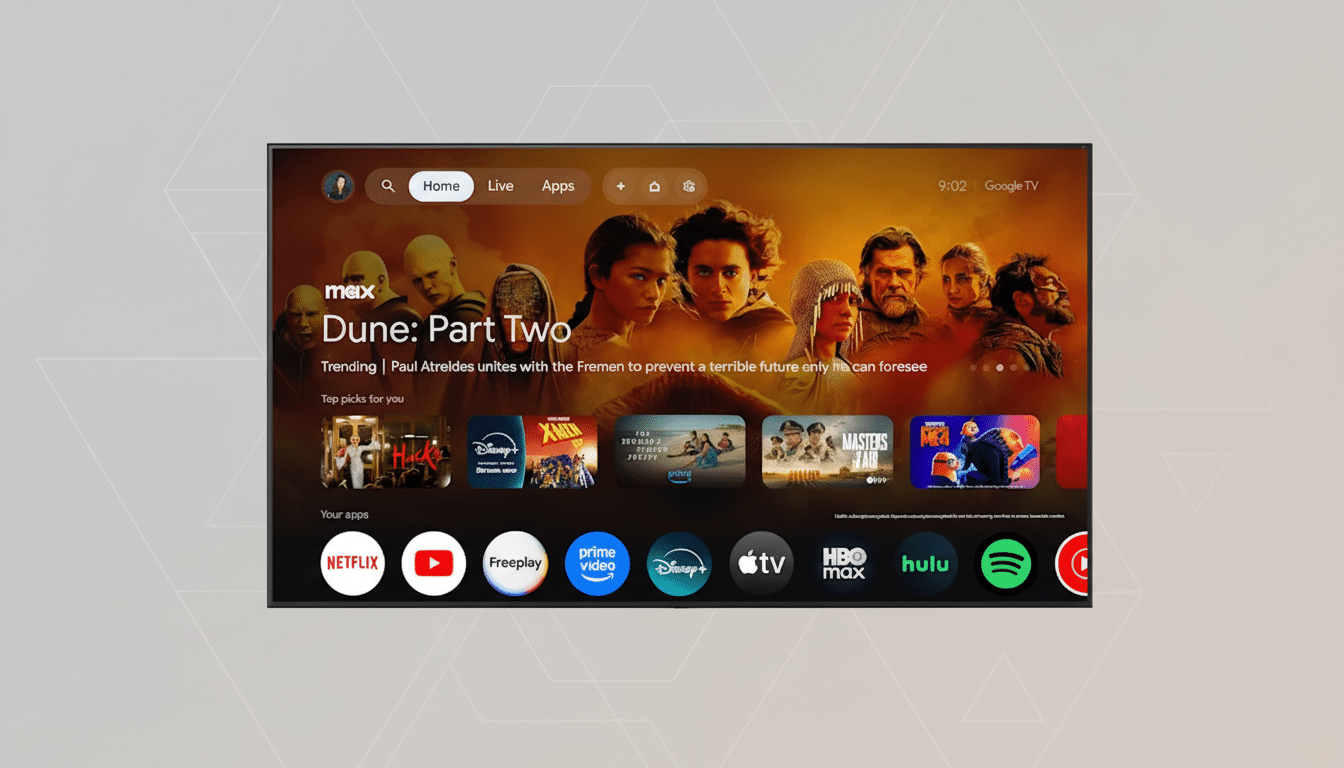
Natural knob-free control without digging through TV menus
Today’s TV configurations are powerful but almost incomprehensibly opaque. Gemini wants to translate human intention into the correct toggles, modes, and levels. Say “this movie looks washed out” and it might add contrast, adjust gamma, or switch picture mode; say “voices are getting lost” and it can activate a speech-enhancement profile, increase the center channel volume, or enable night mode to tamp down explosions.
It’s all meant to take place in conversation: “a little brighter,” “less bass,” “tone down the motion smoothing,” so that Gemini can handle the fine-grained work of tuning. It’s a small but meaningful change: rather than memorizing where a setting lives, you just describe the problem and let AI map it to the right fix.
Google Photos and creative tools brought to your TV
Google TV on Gemini can pull from your Google Photos library on demand. Ask for “photos from our beach day,” and the TV will pull up relevant albums and shots without requiring an exact date. You can then drill down the results — “only the ones with Dad,” “just vertical photos, please,” “make it a slideshow with music” — and Gemini will adjust on the fly.
With Photos Remix, you can apply stylized looks to your images, from watercolor textures to anime-inspired renderings, and employ them as jumping-off points for additional AI creations via Google’s generative tools like Gemini Nano and Veo. It’s a living-room-appropriate way to try out creative edits that once demanded your phone or laptop.
Deeper, richer answers with Gemini’s new Deep Dive on TV
“Deep Dive” is a visually lush learning framework on the TV. Tell it what you want to learn about, and Gemini stitches together relevant clips, images, text snippets, and narrated explanations into a coherent on-screen explainer. It’s conversational, so you can interrupt with a clarifying question or drive the session — “show a diagram,” “compare two examples,” “summarize the key points.”
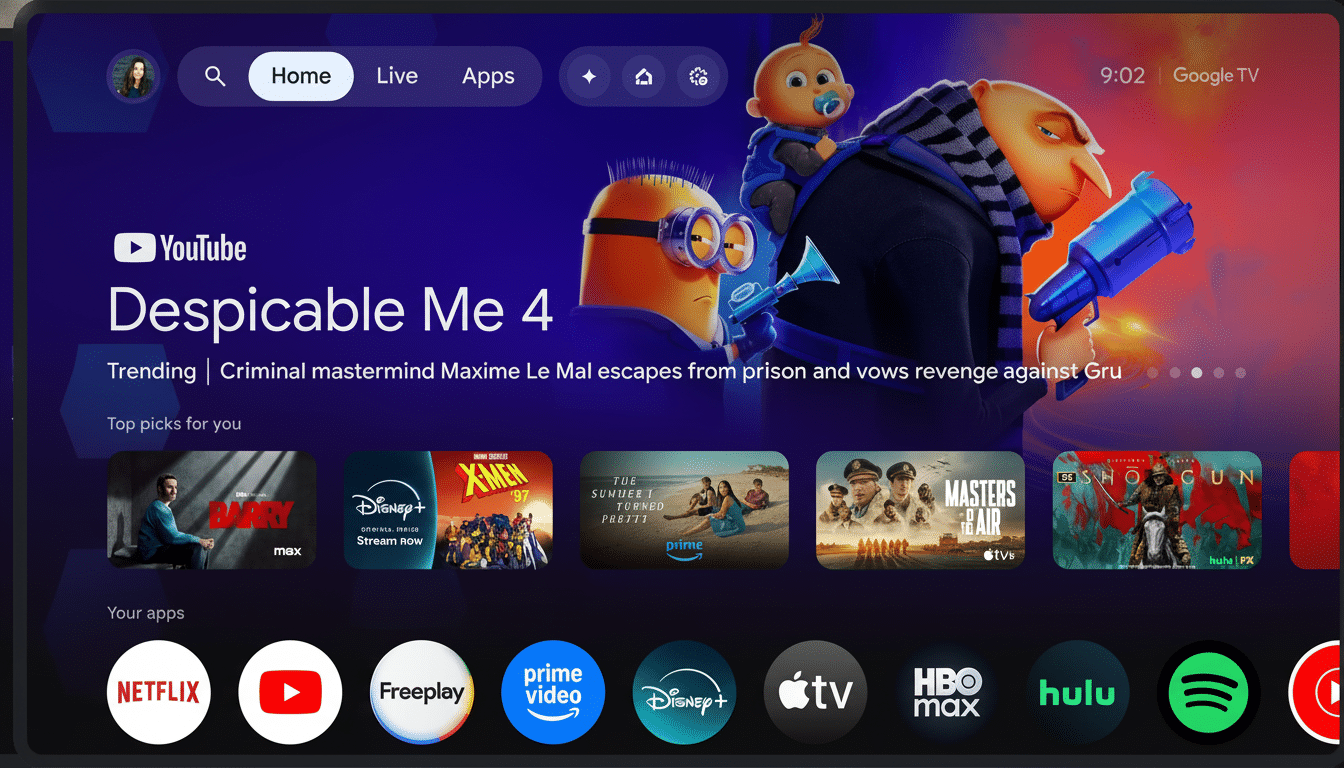
Why this matters for your living room and TV habits
It matches the timing of how people actually watch TV. Nielsen’s The Gauge, for example, has held that streaming puts up about 40% of TV time in the US and that the average viewer manages multiple apps, inputs, and HDR formats. The more standards and sources you’re combining, the more you need decent presets and easy fixes when that picture or sound doesn’t look or sound right.
Competitors have been heading in the same direction — Amazon’s Fire TV relies on Alexa for controlling devices, and Samsung and LG ship AI-backed picture and audio modes. Google’s take is semantics: rather than issuing voice commands that point to individual toggles, Gemini reads natural language and applies a set of changes under the hood. This kind of change doesn’t address one still-lingering pain in many households, which is for the users who, more than 50% of the time, turn to English subtitles to decode muddy dialogue: smarter audio fixes could help too, perhaps reducing reliance on living with captions on.
Privacy safeguards and household controls on Google TV
Google Photos and conversational search brought to the TV raise some more pragmatic issues in shared spaces. Account-based permissions and profile switching certainly seem to matter now more than ever, particularly with face clustering and person-based searches. Users can review settings for their Google Account, sharing controls for Photos, and profiles on Google TV to determine who can see which of your libraries and control how those voice interactions are saved or processed.
Rollout timeline and what to expect on Google TV devices
Google says the experience will launch first on a few TCL models with Google TV installed, with more companies to come. Availability will vary by region and supported languages, and some features may require the TV to be equipped with certain hardware (e.g., microphones) or have partner devices connected. Keep an eye out for the system update adding Gemini-driven voice prompts, Photos access, Photos Remix on TV, and the new Deep Dive format as features become available.
If Google can deliver the same responsiveness and accuracy, the upgrade might make everyday TV annoyances as simple to take care of as saying the complaint out loud — and that’s a meaningful step toward an actually smart living room.
