


Gboard is Google’s terrific, feature-laden keyboard for Android and iOS that comes preinstalled on millions of phones. It combines quick, accurate input with Google services such as Search, Translate, Maps, and even YouTube to let you search for information, share a location or a translation, or watch a video without switching apps. With 5B+ installs on the Google Play Store, it’s by far the most successful third‑party mobile keyboard.
What Gboard Is and Why It’s Different from Others
At its heart, Gboard is a multi-utility keyboard that can do tap typing, glide typing, and voice dictation. It’s free, doesn’t require a Google account, and works on most modern Android phones and iPhones. Then there are emojis, GIFs, stickers, and useful editing tools such as the trackpad on the spacebar to move the caret precisely.
- What Gboard Is and Why It’s Different from Others
- Built‑In Google Power, Without Leaving Chat
- Support for Multilingual Typing and Keyboard Layouts
- Speed, Accuracy, and Smart Typing Extras
- Privacy and Data Practices in Google Gboard
- Personalize Gboard to Match Your Typing Style
- Availability and Device Support for Android and iOS
Google’s prediction and autocorrect models are a big selling point. The company has written about on‑device and federated learning practices in its research, which contribute to better suggestions while storing raw keystrokes on your device. In practice, this means strong next‑word predictions and fewer typos, especially if you use personalized suggestions.
Built‑In Google Power, Without Leaving Chat
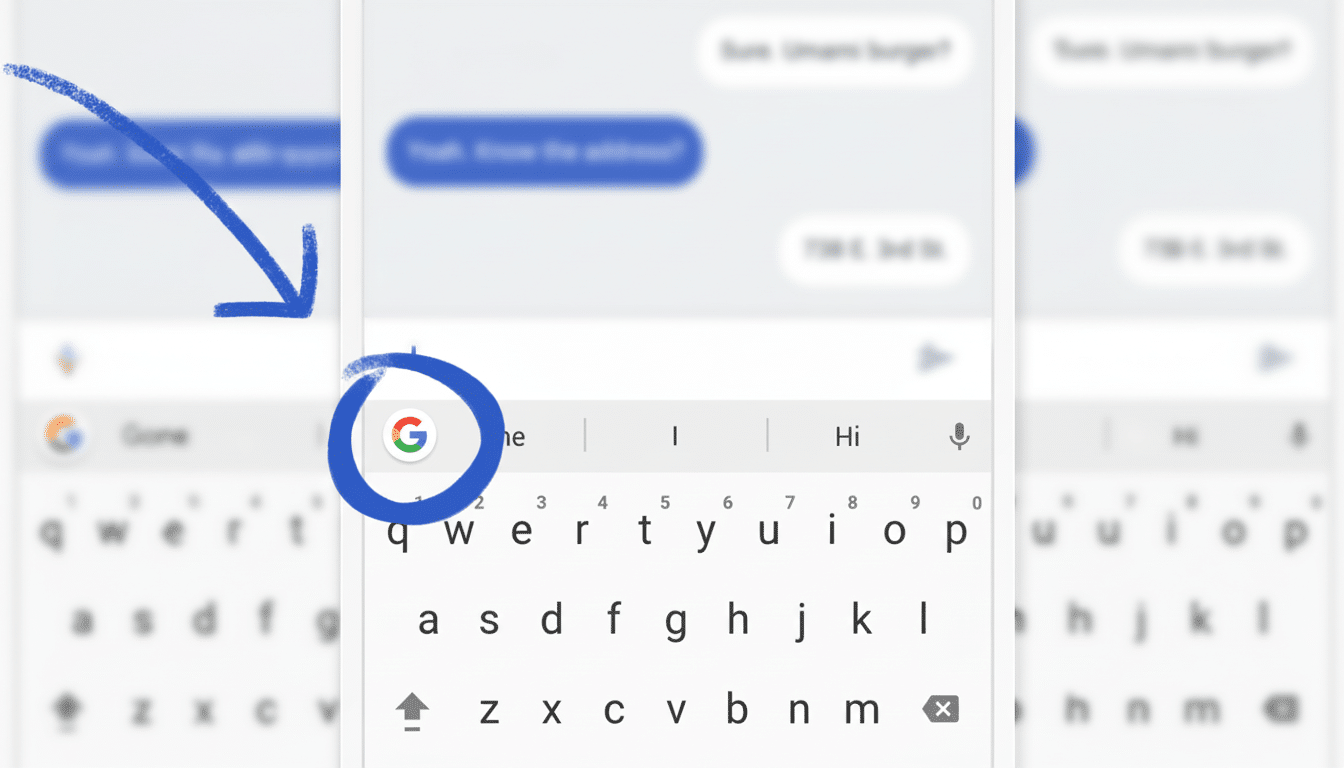
Tap the G icon and you can perform a quick web search, grab an image result, or share a YouTube link directly into a conversation. Integration with Google Maps means you can send a pinned place or your current location; it’s easier than switching apps while planning to meet.
Translate is the secret weapon. Type in your language, select a target language, and Gboard does the translation in your chat field as soon as you hit enter. For die‑hard travelers or bilingual households, it takes a boatload of friction and misunderstanding out of the equation.
Support for Multilingual Typing and Keyboard Layouts
Gboard works in over 500 languages and regional variants; from English (and its vast number of words) to dozens of other languages, you can type in a word… or after just tapping a few keys, Gboard will know what you are trying to say! Crucially, it can sense and switch predictions between your activated languages on the fly, so you don’t have to stop constantly switching keyboards when you compose with a mishmash of languages in a single chat.
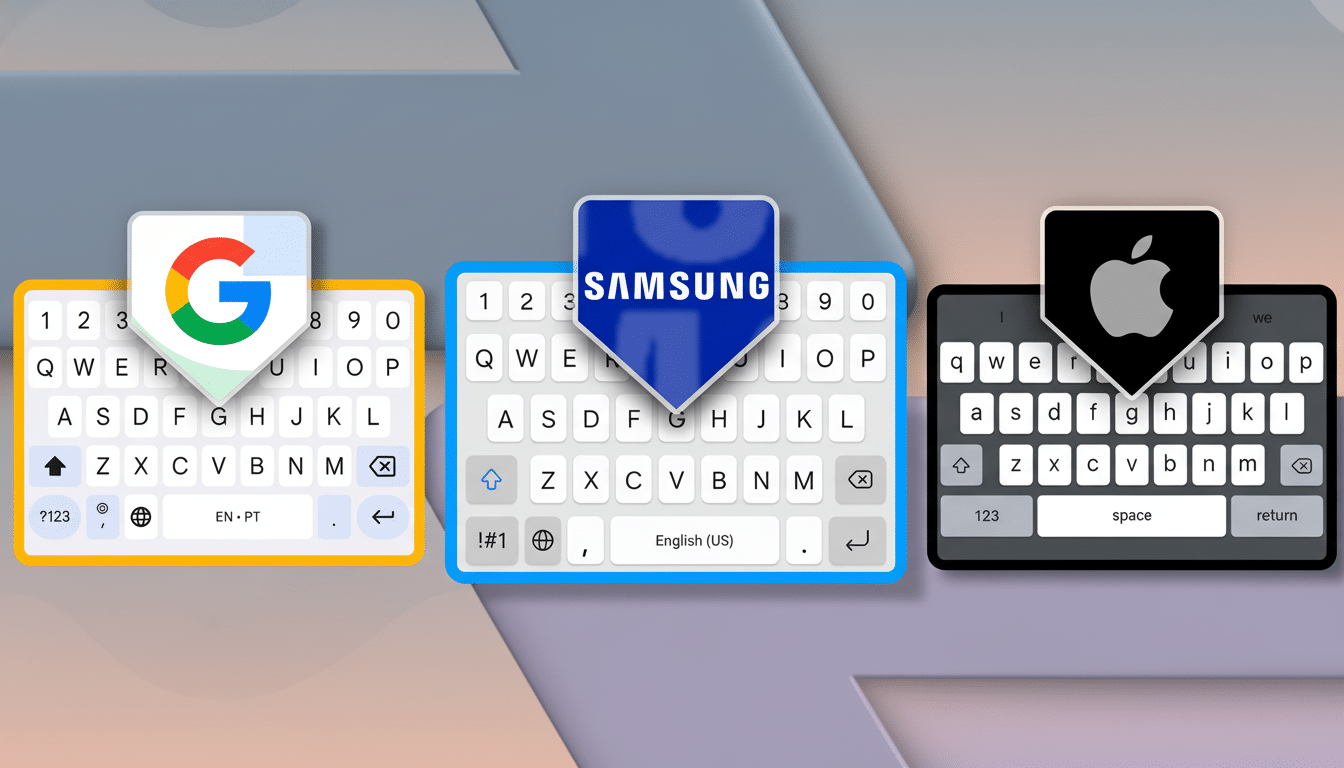
Layout options include QWERTY, AZERTY, and QWERTZ, as well as efficiency‑enhancing layouts such as Dvorak and Colemak. You can also enable a number row, long‑press for secondary characters and currency symbols, and change the key pop‑ups to suit your typing style.
Speed, Accuracy, and Smart Typing Extras
Glide typing can make for faster input once you get into its rhythm, and better language models minimize the chance of common swipe errors. Built‑in grammar check and spell checker offer real‑time corrections on supported devices. Assistant voice typing now provides instantaneous speech correction and redesigned punctuation suggestions in Pixel phones through on‑device models.
Small is significant: the spacebar trackpad turns precision cursor positioning into a one‑finger affair; one‑handed mode reconfigures the keyboard for thumb typing; floating mode works well on larger screens; and the clipboard manager keeps recent snippets around to quickly paste elsewhere. Emoji Kitchen is a delightful little Gboard mashup that lets you mix and match anything from nearly 14,000 emojis to create fun and funny custom stickers to use with your friends.
Privacy and Data Practices in Google Gboard
Google says that your typed input is typically only processed on‑device and not sent to Google’s servers — unless it’s an obvious search query, such as “open a furry hat store” or anything involving sex toys. Usage stats and crash reports are opt‑in. Google AI Research released a report on federated learning, which describes how aggregate model updates can occur without raw text being uploaded so authors can improve predictions while protecting privacy.
You can take it a step further by disabling personalized suggestions, clearing learned words, and even turning off network access for features you don’t use. Gboard does not have a cloud‑synced clipboard, so copied text remains on the device.
Personalize Gboard to Match Your Typing Style
Themes include minimalist light and dark, a variety of bold colors and gradients, landscapes, and custom images. Haptic feedback, typing sounds, and key borders can be customized. Power users, meanwhile, will want to check out the Personal Dictionary to set up text shortcuts — you type a quick trigger and Gboard turns it into an address or email template or canned response.
For productivity and saving time, turn on the number row, set the long‑press duration according to your preference, and show the emoji switch key if you live in the emoji world. If links appear often, pin them in your clipboard for speed.
Availability and Device Support for Android and iOS
Gboard comes preinstalled on many Android phones and is also available for free in the Play Store and at Apple’s App Store. It’s well‑optimized for small phones all the way up to tablets and foldables, with a split layout for the largest screens. You can make it your default keyboard system‑wide, then keep it as one of several keyboards you switch between.
If you’re after a keyboard that enhances speed, comes packed with smart features, and has deep integration with common tools, it’s difficult to beat Gboard. It’s a rare utility that genuinely reduces app‑switching while also making your messages clearer, faster, and more expressive.
