


Google is rolling out a small but meaningful upgrade to its free Pixel VPN, adding live status indicators directly to the larger Quick Settings tile. The tweak makes it easier to see if your connection is protected at a glance, cutting out extra taps and reducing guesswork when you need privacy fast.
What Changed in the Quick Settings VPN Tile
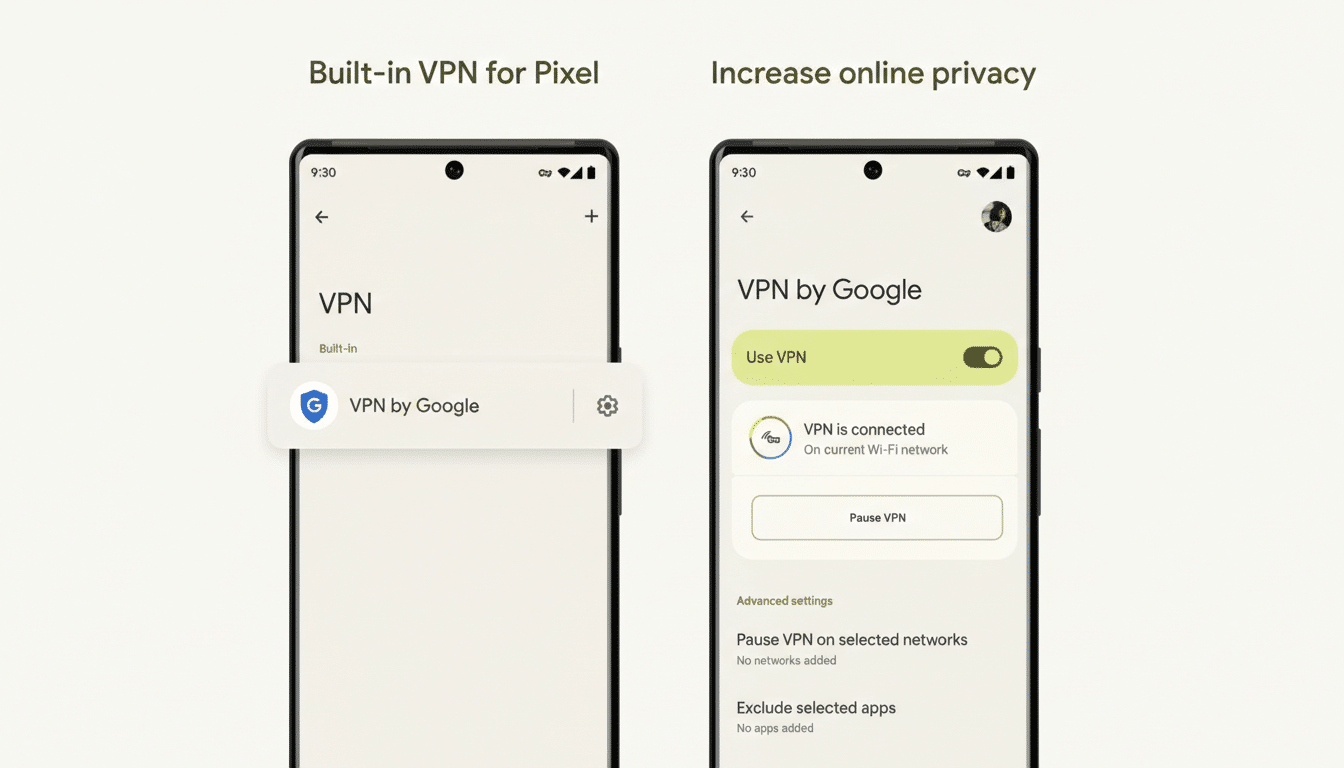
Until now, the 2×1 Quick Settings tile was a blunt instrument, repeating the service name without clearly stating whether the VPN was active. With the update, the tile now shows clear states such as Connected, Paused, Connecting, and Can’t Connect. Color cues remain, but the explicit text status is the real win for everyday usability.
If you prefer a minimalist Quick Settings layout, note that the 1×1 tile still can’t surface the status due to space constraints. The richer indicators are exclusive to the expanded 2×1 tile. Previously, you had to long-press to confirm the VPN’s state; now, a single pull-down is often enough.
Who Gets It and How the Update Rolls Out to Pixels
The enhanced tile is arriving for Pixel phones with the built-in VPN by Google, which is available on Pixel 7 and newer models, including Pixel 7a, Pixel 8 series, and Pixel Fold. Reports indicate the change is tied to a server-side switch rather than a full app update, so availability may stagger by region and account. Observers at 9to5Google have also flagged the server-side nature of the rollout, which aligns with how Google often enables UI tweaks across services.
Why This Small Tweak to the VPN Tile Matters
For privacy tools, clarity is a feature. A visible state indicator helps prevent those awkward moments when you assume a VPN is active but it’s actually reconnecting or paused. Quick Settings is one of the most-tapped surfaces on Android, and bringing the VPN’s live status into that flow reduces friction in high-signal moments—like joining public Wi-Fi at a cafe or hopping between mobile data and a hotspot.
It also brings the VPN’s UX closer to parity with other connectivity toggles such as Wi-Fi and Bluetooth, which have long displayed actionable states in Quick Settings. That consistency matters: the fewer surprises, the more likely users are to keep protection enabled when it counts.
How to Enable and Use the Expanded 2×1 VPN Tile
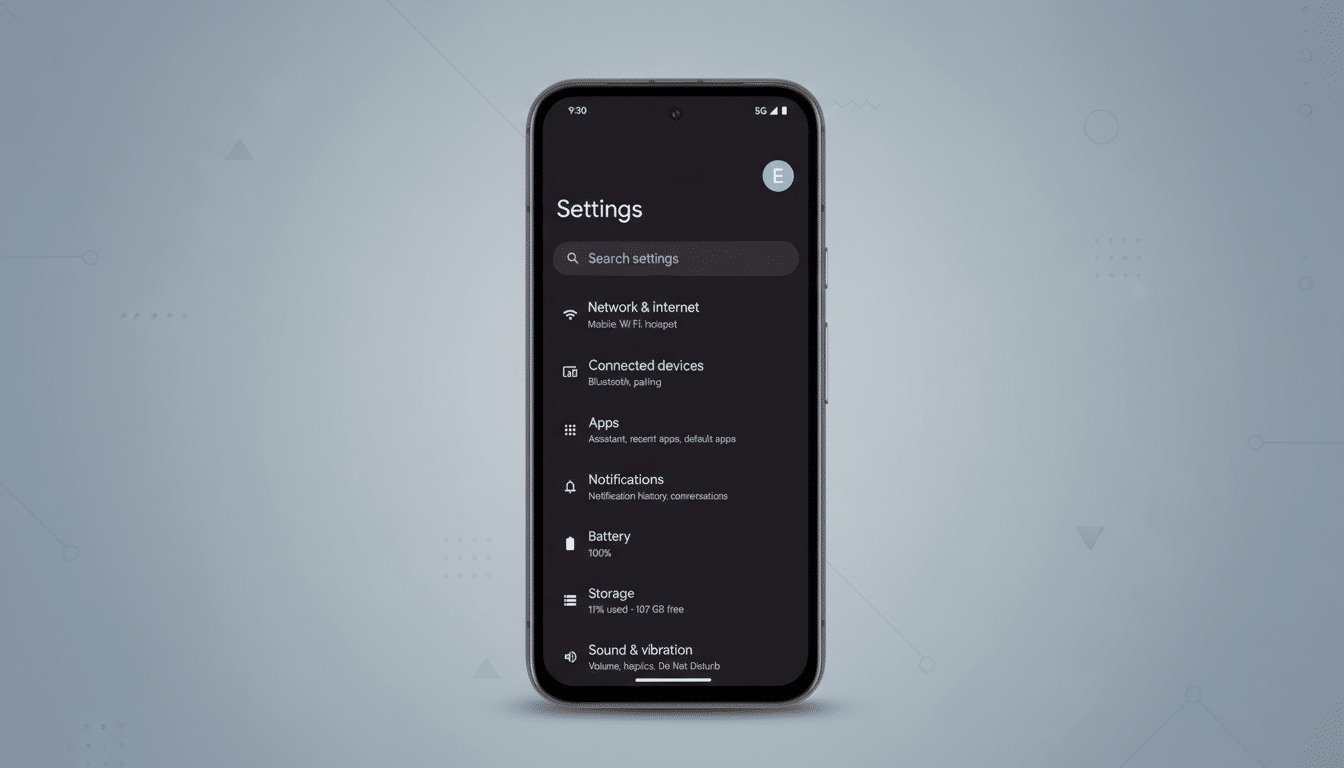
If you’re new to the feature, head to Settings > Network & Internet > VPN > VPN by Google to set it up. Once enabled, open Quick Settings, tap the pencil icon to edit, drag the VPN tile into your active tiles, and expand it to the 2×1 size for the new status readouts. You can still long-press the tile for deeper controls, including pausing and reviewing app-level exclusions.
Security and privacy context for Pixel’s VPN by Google
Pixel’s VPN by Google replaced the consumer VPN previously bundled with Google One, and it remains included at no extra cost on recent Pixel devices. Google’s documentation emphasizes that the service is designed to avoid logging traffic data tied to user identities, and earlier iterations of the technology underwent third-party audits by firms such as NCC Group. The client integrates with Android’s VPN framework, meaning it plays nicely with per-app settings and system-level network rules.
Performance-wise, users can expect the usual trade-offs that come with encryption and routing, but Google’s network backbone typically mitigates overhead for day-to-day tasks like messaging, browsing, and streaming. The new status tile won’t change the underlying speeds, but it will make it clearer when you’re actually protected—especially during transitions and flaky connections.
Bottom line on Google’s smarter Pixel VPN status tile
This is the kind of pragmatic polish that makes a security feature easier to live with. By promoting live VPN status into the 2×1 Quick Settings tile, Google trims taps, reduces uncertainty, and nudges more consistent use—small tweaks that, collectively, improve real-world privacy on Pixel phones.
