


By Ashley Carman. Google has quietly nixed the Call Home feature in the updated app for its smart home-connected video device, stripping a simple way to place a call directly to a Nest Hub or another Google-made smart display. The change, which follows a recent redesign of the app, swaps out a simple one-tap household call for a more complex Meet-based flow that involves setting up more things.
What’s new with Google Home after the app redesign
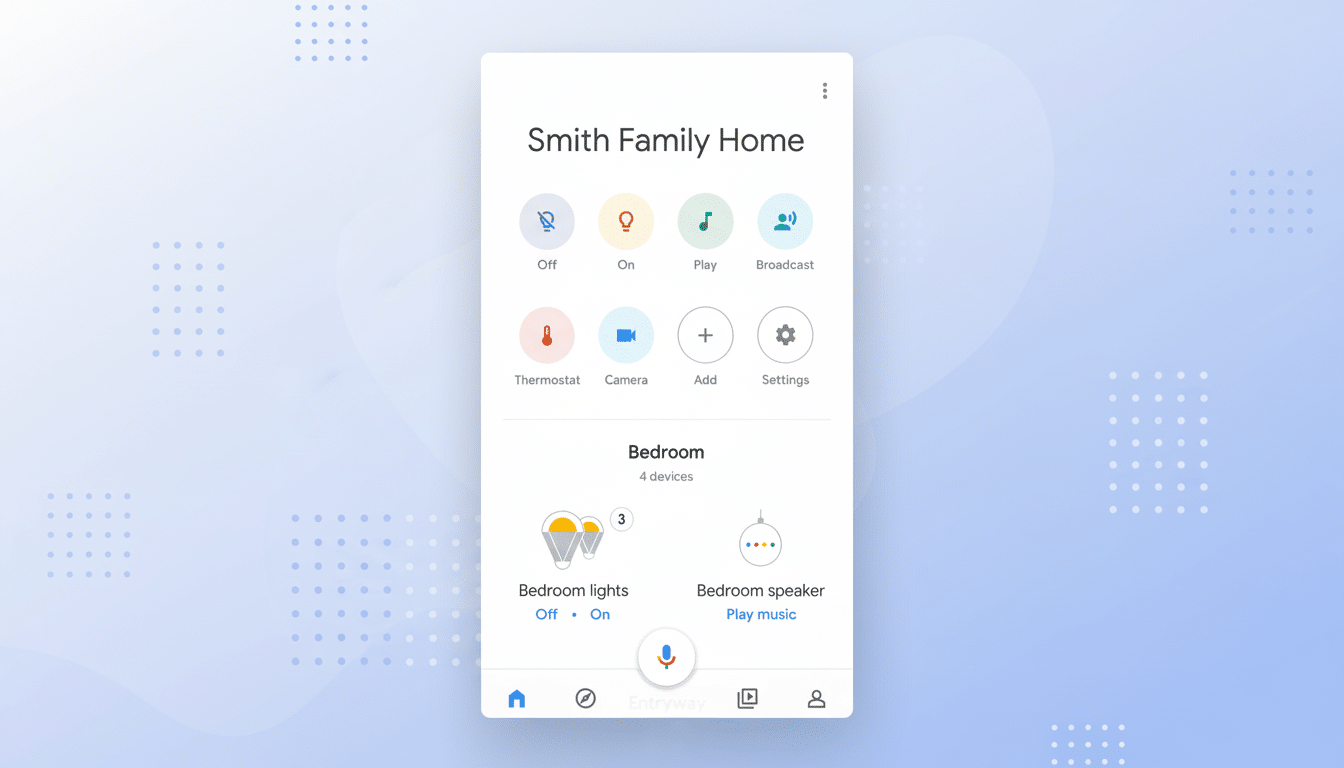
Call Home was previously listed above Broadcast in the Google Home app, allowing anyone signed into that same Google account to ring the smart display immediately. That shortcut is gone after the redesign, which brought deeper Gemini integration throughout the Home experience. Users also discovered mentions of Call Home being removed from official support pages, which suggests the feature has been largely deprecated rather than just hidden temporarily.
- What’s new with Google Home after the app redesign
- Why it matters for families and household users
- Workarounds and trade-offs after Call Home removal
- Possible reasons behind the shift away from Call Home
- Context from the smart speaker market and adoption
- What to watch next for Google Home communication features
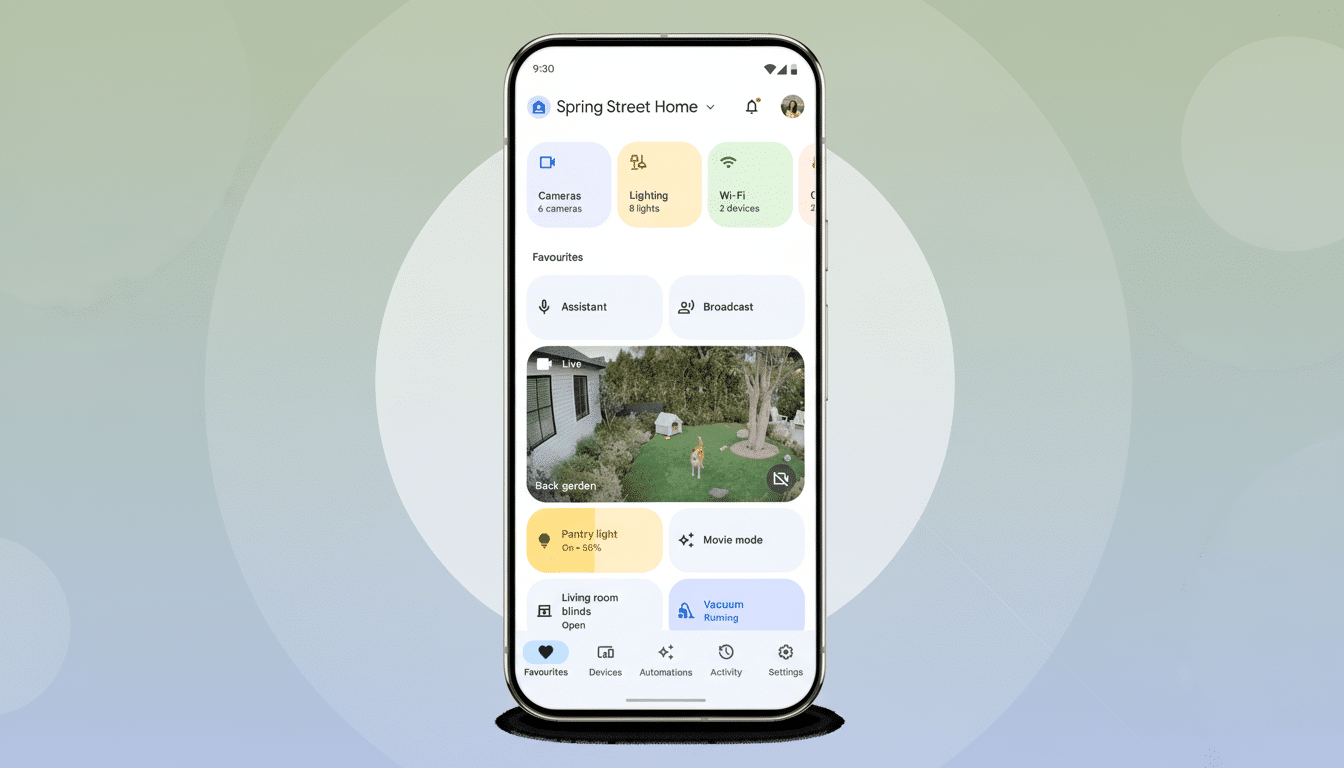
Instead, Google is steering households toward Meet. You can still call people connected with a display through Meet or Household contacts, but only if those people’s accounts are set up on the device. That extra friction contrasts Call Home’s convenience, which never required that a remote caller belong to the device household.
Why it matters for families and household users
For families, Call Home was a slender lifeline. Parents could connect to kids through the kitchen display with a quick call, without having to use the child’s own phone number. A caregiver could connect with a senior by video call to a smart display in the living room — no touchpad required. The new flow requires users to manage Meet contacts or add accounts on each display, adding complexity right where simplicity had helped the most needy.
It is also a further reminder of how Google’s smart home strategy has zigzagged. Its original feature set landed back in the Duo days and never grew that far past US English, a constraint that hampered uptake. That said, small audiences can be incredibly engaged; cutting off a niche but beloved tool can damage confidence among power users who influence purchasing for their households.
Workarounds and trade-offs after Call Home removal
Your possible choices if you depended on Call Home:
- Make use of Google Meet to dial a person whose account is added to the display. This way two-way calling is retained, but it requires some account management and might be baffling to less tech-savvy family members.
- Broadcast: Send a one-way announcement to other speakers and displays. It’s quick but not responsive, and answers aren’t guaranteed to arrive on your phone unless you’re on the same network and interact with follow-up prompts.
Both fall short of the low-friction properties of Call Home. The Meet path is closer, but it does turn home calling into something that requires a product that has productivity settings and multi-user setup steps — hurdles that could pose issues for shared or multi-generational homes.
Possible reasons behind the shift away from Call Home
Google hasn’t provided a public explanation, and the choice follows two trends. First, consolidation: Duo was folded into Meet, and Google has been trying to bring all its communications efforts under one roof — or at least one brand name and backend. The presence of a parallel account-based home-calling stack probably added overhead when the user base for such a service was relatively small.
Second, a shift toward AI-driven experiences in the Home app. As Gemini has taken up front-and-center status, utilities that either weren’t greatly popular or localized (Call Home was never widely offered in other languages) could have bumped lower on the to-do list for minimizing code and support resources.
Context from the smart speaker market and adoption
Smart speakers and displays are still a major category, though growth has tempered. The Infinite Dial, a study by Edison Research, has found that about a third of the United States population owns a smart speaker, and the rate of adoption is slowing compared with previous years. In the US, market researchers like CIRP still say it’s an easy win for Amazon Alexa devices and a strong second place for Google’s Nest ecosystem. In a more measured, mature market, owners of the platform tend to prune low-use features and follow through on core differentiators.
That kind of pragmatism makes business sense, but it can seem to grind against the edges for those who are loyal users. Google has already sunset consumer home products like Dropcam and Nest Secure, touting closer integration within the Google Home brand. Every one raises the bar for what you explain next — and why it is better.
What to watch next for Google Home communication features
Consumers will hunger for clear, household-friendly calling choices that don’t demand the configuring skills of a telecommunications professional. Enhancements might have a proper “call this display” shortcut driven by Meet (but without contact wrangling), multilingual capabilities, or granular permissions for kids and seniors.
Meanwhile, households using Call Home will want to check device household settings, add any needed accounts for each display, and test Meet calling and Broadcast routines. Those measures won’t be a complete replacement for the deleted feature, but should help to limit the disruption while Google figures out how communication fits into its smart home’s future.
