


Google has confirmed it is building folder support for NotebookLM, a long-requested upgrade aimed squarely at taming the growing sprawl of notebooks. The acknowledgment arrived via the official NotebookLM account responding to a user on X, signaling that better organization is on the roadmap—though Google has not shared a rollout timeline.
For power users who manage research projects, meeting recaps, reading notes, and source-heavy summaries, the current all-in-one list can quickly become unwieldy. Folder-based organization promises a straightforward way to group notebooks by project, client, course, or workflow stage, instead of relying on a single heap sorted by name or date.
Why Folders Matter For An AI Research Tool
NotebookLM shines when you feed it multiple documents—reports, PDFs, transcripts, or even long videos—and ask for syntheses, outlines, and follow-up answers. That strength, however, naturally creates volume. Researchers, journalists, and students often spin up dozens of notebooks in a single quarter. Without hierarchy, retrieval becomes a chore.
The case for folders is practical and well-documented in productivity research. McKinsey has estimated that knowledge workers spend about 19% of their time searching for and gathering information. Better information architecture reduces that overhead. Usability experts at Nielsen Norman Group have similarly noted that intuitive hierarchies align with users’ mental models, cutting friction and cognitive load.
In NotebookLM’s context, folders can separate exploratory work from publish-ready briefs, keep client notebooks quarantined from internal R&D, or simply prioritize what needs attention this week. That kind of structure will make it easier to maintain context as notebooks multiply and collaboration increases.
Recent Upgrades Point To A Faster Iteration Cycle
Google has quietly stepped up development velocity for NotebookLM in recent weeks. The company addressed common pain points in its presentation generator, allowing users to correct individual slides rather than regenerating entire decks. It also added the ability to export AI-generated presentations as .pptx files, with direct export to Google Slides on the way.
Given that cadence, folders feel like a natural follow-up focused on daily usability. While Google has not specified launch details, it is reasonable to expect the feature to debut on the web interface before reaching mobile apps, mirroring how many Workspace enhancements ship.
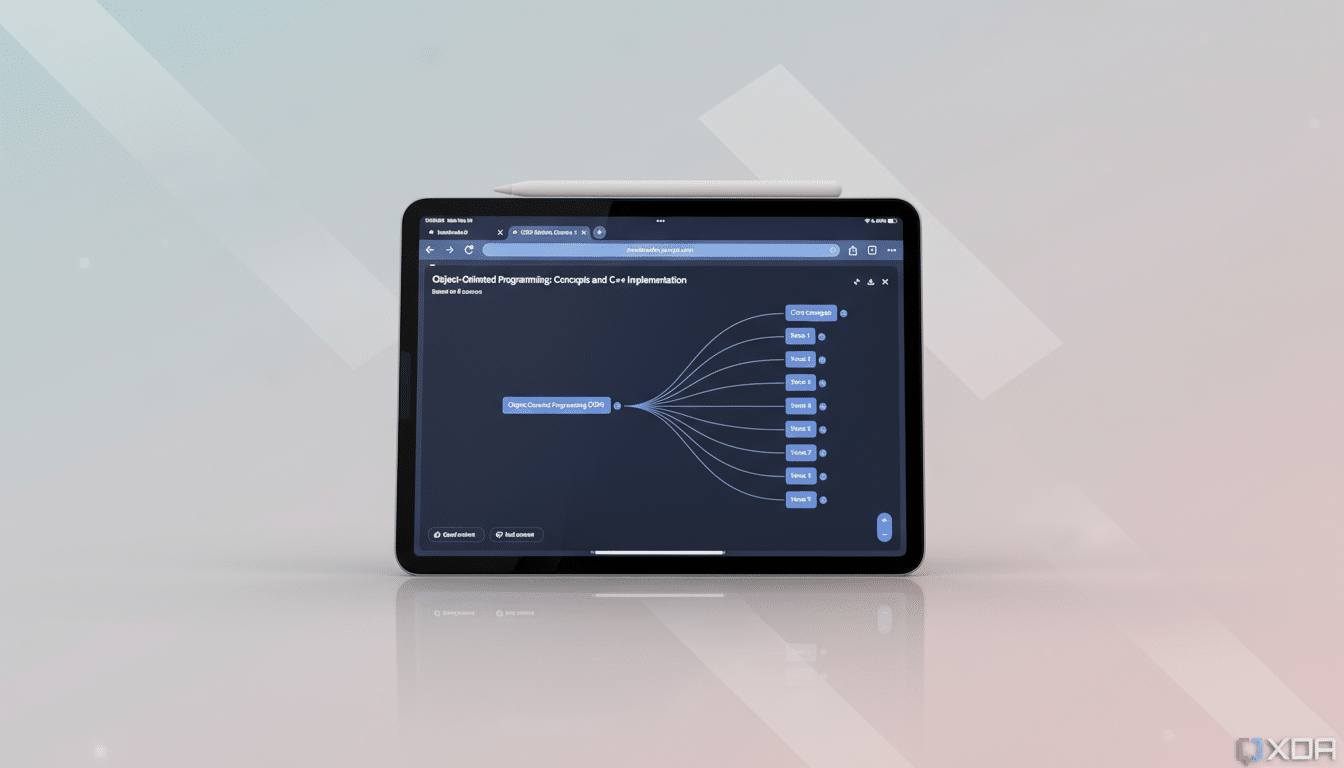
How Folder Organization Could Work Best In NotebookLM
Folders alone will help, but a few thoughtful touches could make the difference between “nice-to-have” and transformative. Nested folders would let users mirror real project structures—think Client > Campaign > Creative Review—not just single-level categories. Drag-and-drop moves, bulk actions, and keyboard shortcuts would speed triage.
- Nested folders to mirror real project hierarchies (e.g., Client > Campaign > Creative Review).
- Drag-and-drop moves, bulk actions, and keyboard shortcuts to speed triage.
- Starred or pinned folders to elevate active work to the top.
- Archived folders to keep the past accessible without cluttering the present.
- Shared folders with role-based permissions to match Google Drive practices and reduce the learning curve.
- Optional tags alongside folders to filter notebooks across dimensions like “QBR,” “Legal,” or “In Progress.”
Crucially, folder structure should travel with a notebook’s sources and chat history. NotebookLM’s value lies in persisting context—what was asked, how it was summarized, and which documents grounded the answers—so any organizational model must preserve that continuity.
Signals Of A More Personal NotebookLM Experience
Beyond folders, Google has been spotted experimenting with a “Personal Intelligence” concept inside NotebookLM, designed to let different notebooks exchange relevant context and tailor responses to the user’s domain. While exploratory, it underscores a direction: turn a collection of notebooks into a coherent personal knowledge system rather than isolated projects.
As AI tools increasingly act as research partners, personalization and organization go hand in hand. Clear boundaries—what can and cannot be shared across notebooks—will matter for privacy and compliance, especially for professionals working with confidential materials.
What Users Can Do While Waiting For NotebookLM Folders
Until folders arrive, a few habits help keep chaos in check.
- Use consistent naming conventions that front-load context, such as “ClientName Project Q1” or “CourseName Topic WeekNumber.”
- Add prefixes like “AAA_Active” to surface priority notebooks in alphabetical lists.
- Periodically archive or rename completed work so active items don’t sink.
- Leverage newer presentation tools and .pptx export to package findings, and keep source documents organized in Drive or your preferred repository for a clean handoff to NotebookLM.
Google’s confirmation that folders are coming is a small but meaningful signal: NotebookLM isn’t just getting smarter; it’s getting easier to live with. For anyone who relies on it to digest complex material, that may prove to be the most impactful upgrade yet.
