


Google’s Clock app appears to have been removed from the Play Store for a number of Wear OS users, making it so they can no longer download or access what was actually a very useful app that served as an alternative to the stock clock face for your wrist.
The Galaxy Watch from Samsung and models from OnePlus are most frequently cited in reports. Other watches have been more fortunate, with some users still seeing the listing.
- What Wear OS Users Are Reporting and Experiencing
- Which Wear OS Watches Seem Most Affected So Far
- Why Google Might Be Pulling Back Its Wear OS Clock App
- The Impact and Scale of This Change Across Wear OS
- What Affected Wear OS Watch Owners Can Do Right Now
- The Bigger Picture for Wear OS and Google’s Strategy
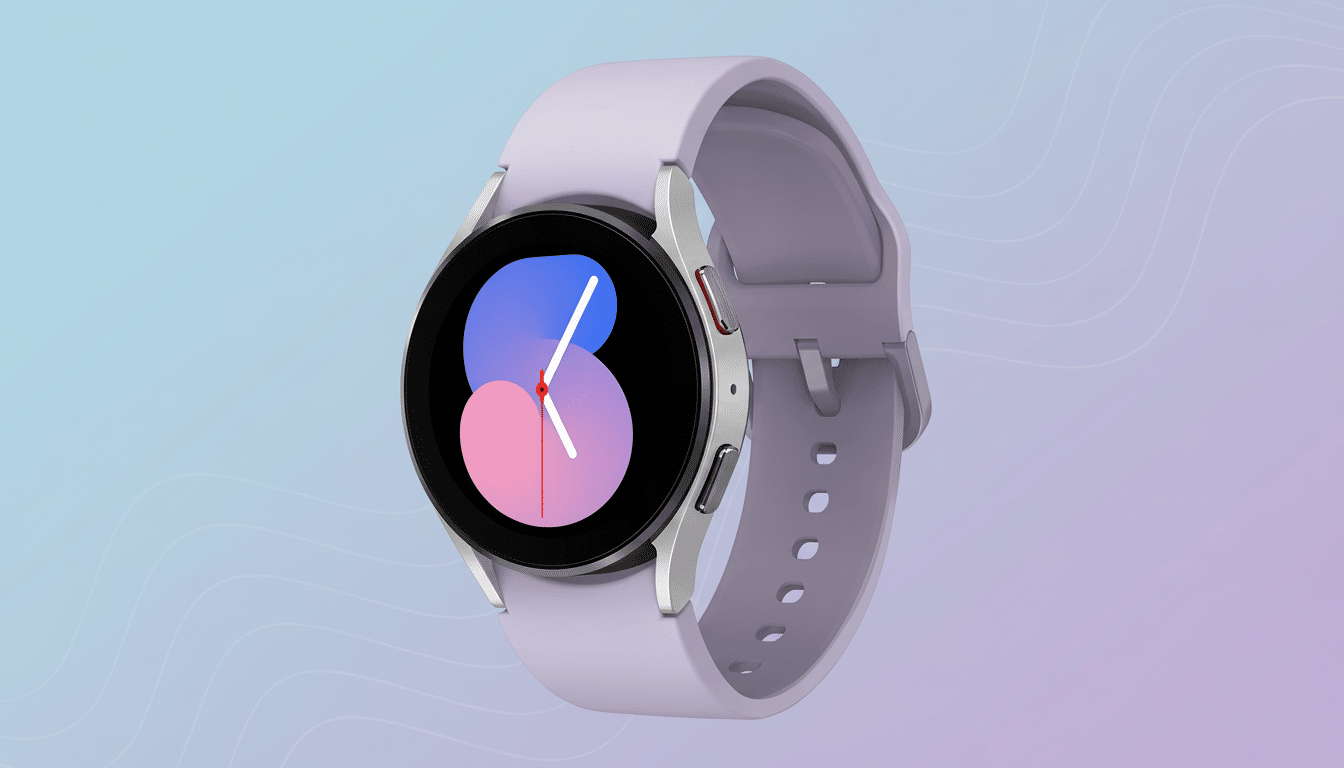
The change is a head-scratcher, as the app has long been installable on most Wear OS hardware. Now, many users report that it is either no longer available through the watch’s Play Store or marked as “not compatible.”
What Wear OS Users Are Reporting and Experiencing
Threads on Reddit, posts in Google’s support forums, and new reviews in the Play Store paint a similar picture: When one of these watches is reset or initially set up, it won’t reinstall the Google Clock tile or app.
Android-related sites have also reported on the shift after confirming user stories.
Practically speaking, nothing breaks for users who already had the app installed. However, if you reset the watch or attempt to install Google Clock for the first time, it might be absent from search results or shut out by a compatibility warning.
Which Wear OS Watches Seem Most Affected So Far
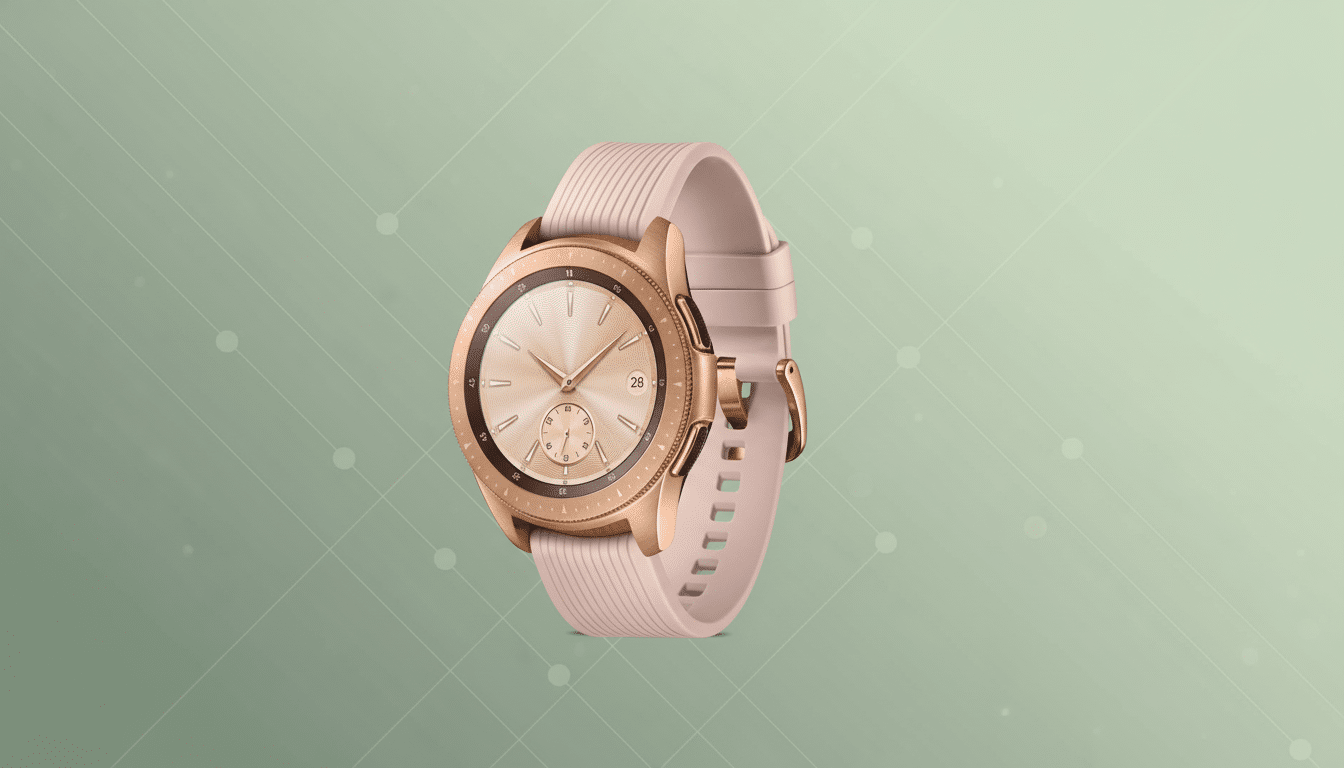
Per community reports, recent Samsung Galaxy Watch models and the OnePlus Watch 2 are the two most prevalent devices where Google Clock is no longer visible. This won’t affect every Wear OS device — not only do some Pixel Watch owners still report it working just fine, but this implies that there’s something unusual happening with affected units.
Since the affected device list seems to be managed server-side through the Play Store’s device catalog, we’d venture to say this list of what is and isn’t eligible for installation may change without requiring a software update. That also means a reversal is possible if Google flips the switch back on.
Why Google Might Be Pulling Back Its Wear OS Clock App
There’s recent precedent. Google said it would pull back its first-party Weather app from many third-party Wear OS watches because, the reasoning goes, most brands already ship their own weather apps. Clock features are much the same: all smartwatch manufacturers come with a built-in alarm and timer, and many have slotted it deep into system functionality such as bedtime modes, health tracking data, and voice assistants.
As a partner to those OEM apps, managing a universal Google Clock on top of them may be unnecessarily duplicative and confusing for the user, particularly when tiles, complications, and Assistant commands overlap. And with testing overhead the way it is in such a fragmented universe, limiting distribution also helps keep the insanity at bay.
Google might also be positioning Clock for a more limited range of watches that have support for specific platform features. Google often leverages Play Store compatibility flags to restrict installs by API level, hardware capabilities, or partner contracts. Unless Google speaks, the motive is a well-educated hunch as opposed to a confirmed strategy.
The Impact and Scale of This Change Across Wear OS
Clock is a core utility. On phones, Google’s Clock app lists more than a billion installs on the Play Store alone, meaning it’s used by just about everyone and their grandma. And on Wear OS, it also has a smaller but still vital role for managing alarms, workout timers, and stopwatch commands during intervals.
What Affected Wear OS Watch Owners Can Do Right Now
The easiest solution for affected watches is to use the manufacturer’s own clock app. Samsung’s Clock and OnePlus’s Alarm app also feature alarms, timers, and tiles, and they’ve been designed for each brand’s battery and sleep features.
If you use voice and have Assistant, it can be directly routed to the default clock provider on your device. On certain devices, “Set an alarm” will now create alarms in the OEM app instead of Google Clock.
Sideloading is theoretically possible but is entrenched in a negative user experience. Watch alarms are based on stringent background and power guidelines; unapproved installs may be unstable, and you won’t receive app updates or security checks from the Play Store. There are third-party alarm apps that can be used, of course, but they face similar limitations that OEM apps do not have to deal with through privileged integrations.
The Bigger Picture for Wear OS and Google’s Strategy
This change is in line with a broader trend of Google allowing OEMs to own core watch utilities, while it focuses on platform services, Assistant and the like, as well as some first-party experiences on Pixel Watch. That can cut down on overlap, but also potentially lead to a less uniform experience across brands.
Clarity would help. A small support note that mentions whether or not Google Clock has been restricted to specific devices, much like the transparency about the Weather app, would let people know what to expect and prevent them from getting frustrated. In the meantime, most people would be expected to rely on their watchmaker’s clock app and monitor for a possible policy reversal.
