


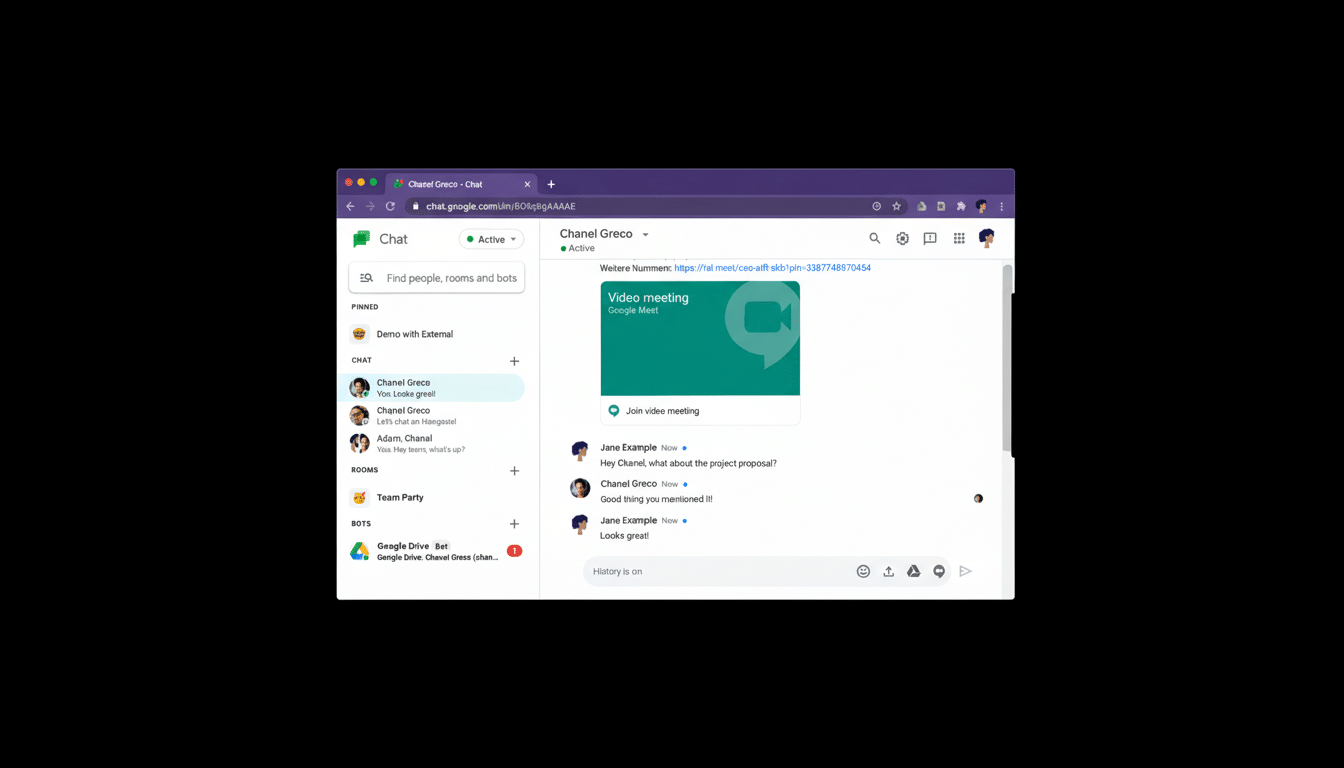
Google Chat has begun rolling out scheduled send, bringing an often-requested feature to the messaging platform and a convenient means of timing communications for users who don’t want to keep checking their devices. That lets you schedule a message to arrive at the recipient’s inbox days or even months from now—with an ample buffer of up to 120 days. In addition to the feature, Google is launching a dedicated web address at chat.google.com that claims it will get you to your emails faster, all while maintaining the interface we know and love.
What Scheduled Send Is Adding to Google Chat
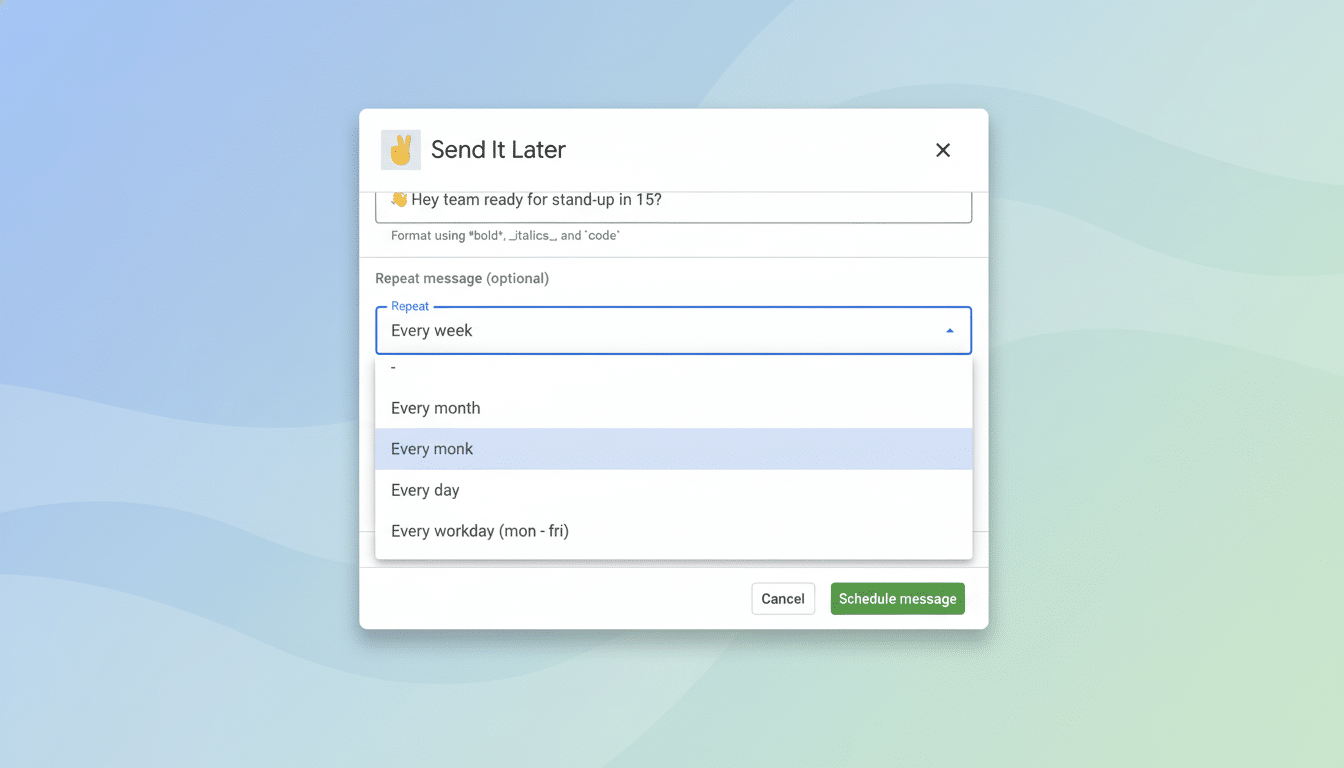
Scheduled messaging is not only a convenience but also a productivity tool, for teams dispersed across time zones and for anyone who wants to coordinate updates, reminders, or announcements. Sending messages up to four months in the future now includes quarterly milestones, handoffs for remote workers halfway around the world, and recurring check-ins—without relying on third-party bots or homemade workarounds to schedule ahead of time.
- What Scheduled Send Is Adding to Google Chat
- How It Works and Where to Find It in Google Chat
- A New, Faster Way to Access Google Chat on the Web
- How Google Chat’s Scheduled Send Compares with Rivals
- Sample Practical Applications to Try with Scheduled Send
- What to Watch Next as Google Chat Rolls Out the Feature
Targeted scheduled messages can be set far in advance and managed centrally, reducing the likelihood of “copy-paste later” errors, according to Google. It’s especially good for customer support rotations, shift-based work, and educational settings where announcements should hit at predictable times. It also makes Chat more consistent with Gmail, which received scheduled send years ago and has quickly become a favorite feature to help professionals manage communications across time zones.
How It Works and Where to Find It in Google Chat
While you’re writing a message in Chat, you’ll see an option to schedule when it will be sent. Once you have it in place, the message is moved to a drafts area where it can be checked over, rescheduled, or trashed before any recipients receive it. When you have scheduled items pending, there’s a shortcut in the left-hand menu to help monitor what’s queued, Google says.
The 120-day term is one of the company’s most generous among mainstream chat services, encompassing end-of-quarter messages and seasonal staffing requests.
For teams that are already living in Google Workspace, this minimizes context switching and ensures that scheduled send behavior is consistent across email and chat.
A New, Faster Way to Access Google Chat on the Web
Google is also providing Chat with a more definitive home on the web. The new chat.google.com address takes users there directly, bypassing Gmail, and the new site loads faster while retaining a layout familiar to most people. The old routes continue to function, though any businesses depending on Chrome extensions specific to Chat may need to update them in order for them to work properly with the updated URL.
And this small change is material in terms of performance and IT manageability. A committed entry point can make things easier on end users in directing them and provides a tidier target for admins delivering shortcuts or kiosk setups in frontline settings.
How Google Chat’s Scheduled Send Compares with Rivals
Competitors including Slack and Microsoft Teams have had scheduled send available for chat messages for some time, and it has emerged as table stakes in distributed collaboration. Where Google Chat is strong at the moment is in the window of time you can schedule something and how it fits Gmail’s existing workflow. For customers, especially ones that have standardized on Google Workspace over the past year as their employees came to work from home, this closes a gap that frequently made teams shift to outside tools or ad hoc workflows.
The change is consistent with broader market trends being charted by analyst firms like Gartner and IDC: that collaboration in general (and specifically workstream collaboration) will increasingly adopt an async-like principle, per Donovan Brown.
By allowing for asynchronous communication that is prompt without creating urgency, senders can respect the time of receivers while managing more complicated initiatives.
Sample Practical Applications to Try with Scheduled Send
Global teams can draft a status update during one region’s daytime and set it up to hit the next team’s morning. If a manager would rather batch weekly reminders, such as onboarding nudges, they can do so and space them out at regular intervals automatically. Project leads can schedule milestone pings months in advance so no one is scrambling at the last minute. Educators can time delayed assignment prompts so that they post just before the class starts.
For power users: schedule send with canned responses. Write a set of check-in messages, finely calibrate the details, and queue them up for key dates. Monitor drafts so you can tune timing as project realities shift.
What to Watch Next as Google Chat Rolls Out the Feature
Google’s rollout indicates that it will show up gradually across accounts. Expect stronger integration with Workspace tools over time—perhaps more tightly embedded with Calendar, or with more powerful admin reporting around scheduled events or activity. Scheduled send is a feature that brings Chat in line with the expectations of users and removes another bit of friction from day-to-day work in collaboration.
Bottom line: With the addition of scheduled messaging and a faster web entry point, Google Chat becomes a more viable option as an everyday tool for teams that want both immediacy in chat and control over timing.
