


Google is rolling out a practical update to Google Calendar that makes it far easier to find and manage the extra calendars you create. From now on, any secondary calendars you own will always show up in your Settings list, reducing the chances that a shared project calendar, a family schedule, or a seasonal sports calendar quietly drifts out of sight—and out of mind.
What’s changing in how Google Calendar lists owned calendars
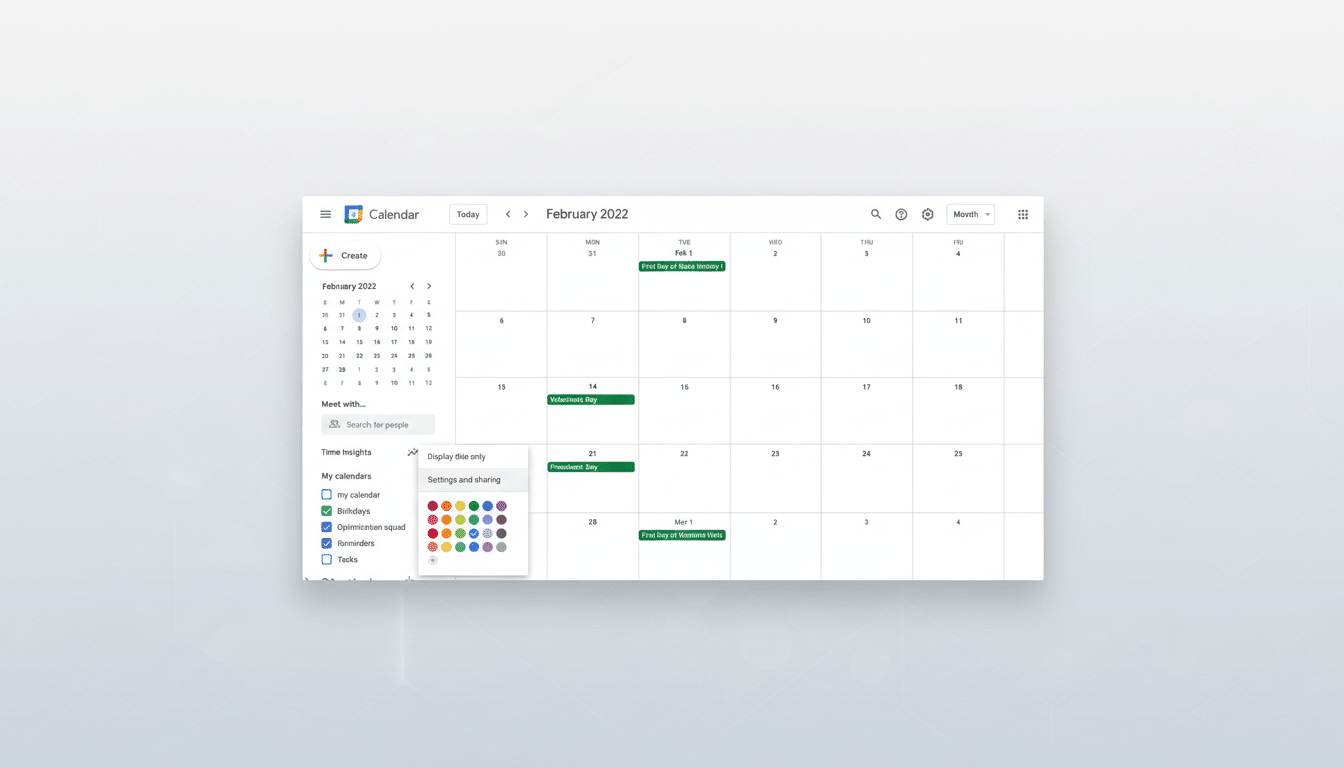
The new behavior ensures that all calendars you own appear consistently in Settings, even if they’re not pinned to your main calendar view. You can still choose to surface a calendar in your primary view or keep it tucked away, but it will remain discoverable under Settings so you can adjust sharing, transfer ownership, or delete it for all subscribers when the time comes.
- What’s changing in how Google Calendar lists owned calendars
- Why visibility and clear ownership of calendars matters
- Rollout schedule, availability, and known limitations
- Apple Calendar syncing notes and cross-platform caveats
- Steps to take now to tidy and transfer your calendars
- Bottom line: simpler, safer management of calendars
This builds on a previous shift to a dedicated ownership model for secondary calendars. Each secondary calendar now has one accountable owner who controls permissions and lifecycle. The latest change closes a visibility gap—ownership only improves governance if owners can reliably see and manage what they own.
Why visibility and clear ownership of calendars matters
Secondary calendars multiply quickly: project timelines, on-call rotations, classroom schedules, venue bookings, regional holidays, and more. When those calendars aren’t easy to find later, they turn into “shadow” assets—still live, still sending alerts, but unmanaged. That’s how reminders continue after a project ends, or how an outdated shared calendar keeps confusing new team members.
By surfacing all owned calendars in one predictable place, Google reduces the administrative friction and cognitive load that often lead to stale data. Usability experts at organizations like Nielsen Norman Group have long emphasized that findability in settings is foundational to product trust. For IT teams, a single owner per calendar also maps neatly to governance best practices frequently cited by firms like Gartner: clear accountability lowers support tickets and improves data hygiene.
Rollout schedule, availability, and known limitations
The change is rolling out gradually, with personal accounts receiving it first and Google Workspace domains following. As with most staged rollouts, it could take multiple weeks to reach everyone. Google also recommends keeping ownership under 100 calendars per user; if you exceed that, the service will add calendars to your Settings list in batches to avoid performance hiccups.
For administrators, the update is largely hands-off. It doesn’t alter sharing defaults, resource calendars, or retention policies. What it does enable is faster auditing: owners can quickly review what they manage, clean up old assets, and transfer ownership when people change roles or projects wind down.
Apple Calendar syncing notes and cross-platform caveats
If you rely on Apple Calendar to view Google calendars, note that newly visible owned calendars may not appear automatically. You might need to manually enable them via Google’s calendar sync controls so they show up on iOS or macOS. It’s a familiar cross-platform quirk, but worth checking if a calendar you own isn’t visible where you expect it.
Steps to take now to tidy and transfer your calendars
Open Settings in Google Calendar and scan the list of owned calendars. Pin the ones you actually need in daily views—say, your team’s sprint schedule or your child’s extracurriculars—and archive or delete any that are obsolete. For active calendars you no longer steward, transfer ownership to the right person to prevent future drift.
Teams that manage many shared calendars (events, rooms, equipment) should schedule a quick audit as this update lands. A tidy catalog cuts notification noise, reduces double-bookings, and helps new colleagues or family members get up to speed faster.
Bottom line: simpler, safer management of calendars
This is a small but meaningful quality-of-life upgrade. By guaranteeing that owned secondary calendars always appear in Settings, Google is tackling the very real problem of calendar sprawl. The result is better visibility, cleaner sharing, and fewer orphaned schedules—benefits that compound for busy households, freelancers juggling clients, and enterprises with sprawling resource calendars. It’s the kind of UX fix that won’t make headlines on its own, but will save time week after week.
Google announced the change through its Workspace Update channel, underscoring the company’s ongoing push to improve cross-account manageability without forcing users to relearn familiar workflows. Keeping everything discoverable, accountable, and easy to prune is a pragmatic step toward calmer calendars.
