


Google is rolling out a big firmware update to its Pixel Buds Pro 2 that adds four new audio features intended to make your listening experience safer, smarter and more hands-free. The release emphasizes real-time adaptability and accessibility: Adaptive Audio provides deeper situational awareness, Loud Noise Protection keeps your hearing safe, improved interactions with Gemini Live, as well as subtle head gestures to make calls or reply to texts.
Stay aware with Adaptive Audio for smarter listening
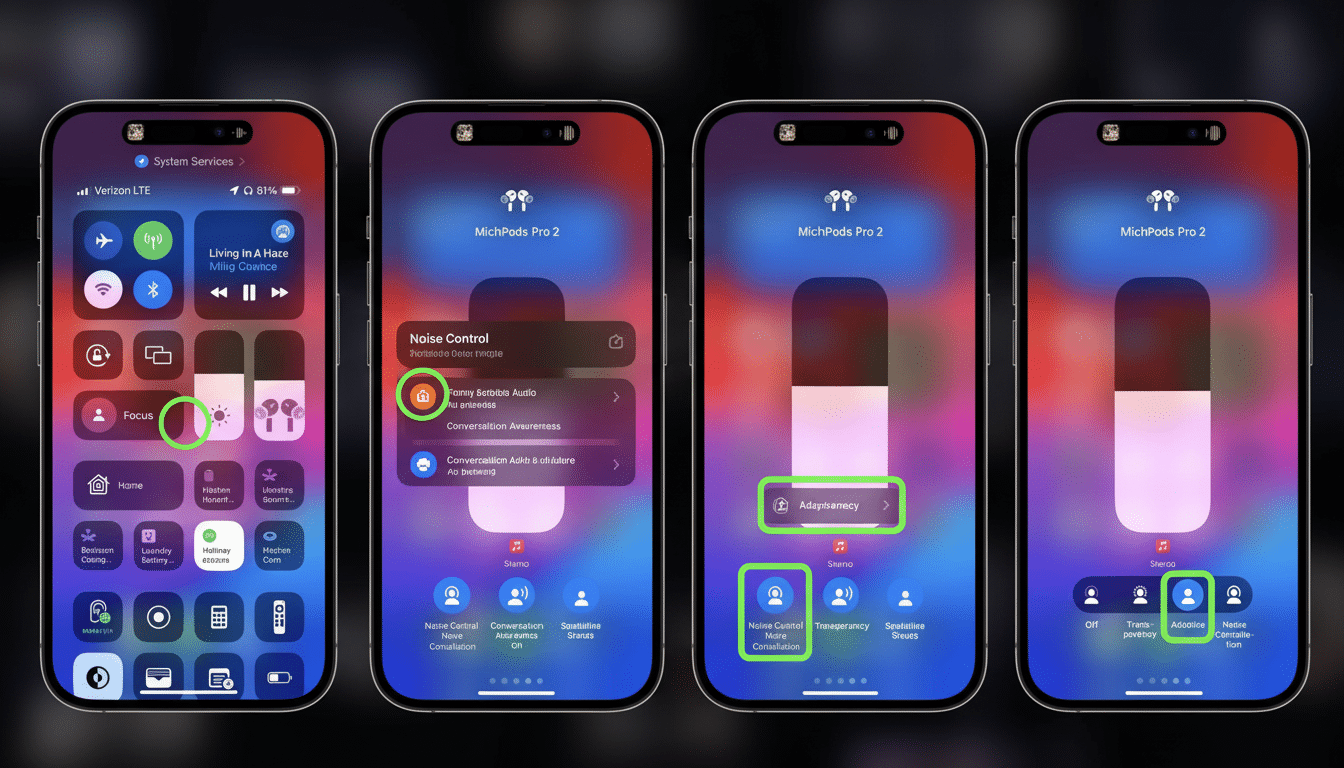
Adaptive Audio seamlessly adjusts noise cancellation and transparency based on your environment. You step from a silent home office onto a noisy street, and the earbuds modulate in real time so you can still hear crossing signals or a coworker’s approach without constantly adjusting the volume. According to Google, the system samples ambient changes and rebalances what it is feeding you so that music, podcasts and audiobooks stay just as clear.
- Stay aware with Adaptive Audio for smarter listening
- Protect your hearing with Loud Noise Protection features
- Gemini Live gets clearer with better voice pickup
- Use hands-free head nods and shakes for calls and texts
- Rollout timing and how to update your Pixel Buds Pro 2
- How these updates compare to AirPods and Galaxy Buds rivals
- Why these updates matter for everyday headphone use
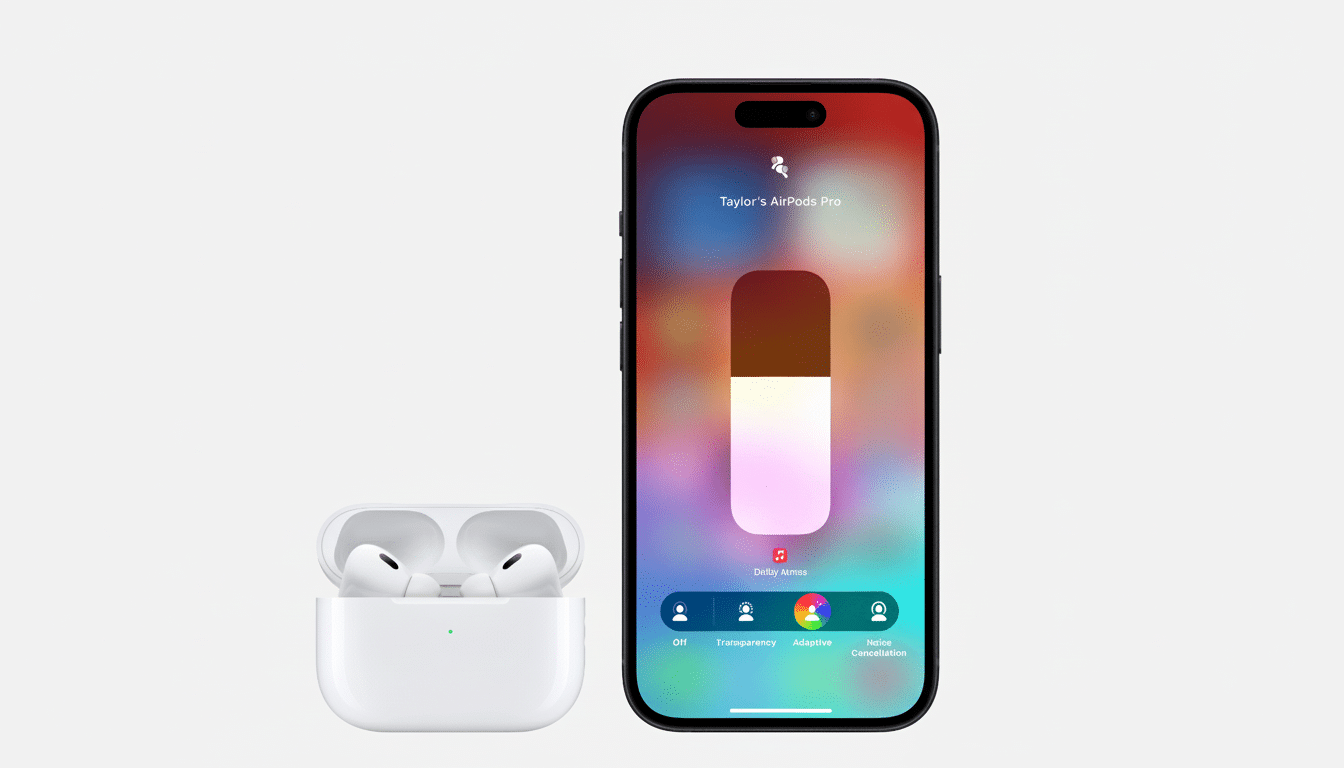
This approach reflects a larger trend in top-tier earbuds, where sound quality is an interplay of hardware and software. Rather than just having a set ANC profile, the Pixel Buds Pro 2 flexes your soundstage on the fly, making it ideal for commuters and cyclists who need to keep aware.
Protect your hearing with Loud Noise Protection features
Loud Noise Protection reduces the maximum volume level of loud sounds.
When a sudden bang — a whirring siren or a clanging tray, say — hits, Loud Noise Protection automatically drops earbud volume at 120 decibels. It’s not a blanket volume cap — instead it specifically targets sudden spikes that can be the most detrimental to your hearing.
For decades, hearing experts have cautioned that exposure to short bursts above approximately 100–110 dB can result in damage. While the World Health Organization and US National Institute for Occupational Safety and Health both advise against prolonged exposure to high-decibel peaks, which NIOSH says should not exceed 8 hours at 85 dBA — safe time halving with each additional 3 dB of blast volume. A system that fast-dials volume down during a siren’s crescendo can significantly mitigate risk over time.
Gemini Live gets clearer with better voice pickup
Live interactions on Gemini should be simpler to use when in loud settings, thanks to improved voice prioritization and background noise cancellation. The mics and onboard processing zero in on your speech while drowning out a café’s background clatter or a train’s engine drone, so you can ask for directions, dictate an email summary or jot down a quick reminder without having to repeat yourself.
Although it’s being framed as an AI assistant improvement, the same sort of signal processing would help more broadly with quick voice tasks, like dictating a brief response or issuing hands-free controls, because clearer input usually leads to faster and more accurate responses.
Use hands-free head nods and shakes for calls and texts
You can now simply nod and accept an incoming call, or shake your head to reject it when your hands are tied. The same gestures also come into play when you’re prompted to respond to texts, making interactions both discreet and snappy. Motion sensors pick up the subtlest of movements, so you don’t have to perform exaggerated head bobs to make your point.
This is the kind of quality-of-life feature that counts during everyday moments — carrying groceries, exercising or cooking — when you don’t want to reach for your phone. This is likely to complement voice prompts, providing you with a workaround when speaking aloud isn’t practical.
Rollout timing and how to update your Pixel Buds Pro 2
Firmware (version 4.467) is rolling out and installs automatically when your Pixel Buds Pro 2 are connected to a Pixel or any other Android device running version 6.0 or higher. To initiate the case’s charging function, leave the case open with both buds inside and a solid Bluetooth connection; also check to confirm the following:
- The phone has charge.
- The earbuds have charge.
Check your firmware in the Pixel Buds settings on a Pixel phone or through the Pixel Buds app on other Android phones. If you haven’t seen the update yet, just be patient — staged rollouts give Google a chance to look at performance and catch edge cases before everyone in the world gets this build of Android.
How these updates compare to AirPods and Galaxy Buds rivals
Apple’s AirPods Pro feature Adaptive Audio and Conversation Awareness, while Samsung’s Galaxy Buds line comes with Voice Detect to switch modes when you start speaking. Google’s interpretation makes part of this explicit with its Loud Noise Protection and added nod-and-shake gestures that are not completely dependent on voice commands. The Gemini Live enhancements are also an example of playing to Google’s software strengths, through efforts that enable AI assistance in the real world, not just a quiet room.
Why these updates matter for everyday headphone use
Headphones are becoming more about software than hardware. These four innovations take the Pixel Buds Pro 2 above and beyond just raw sound quality from a safety, contextual awareness, and seamless control standpoint. For this user, that combination — not another decibel’s worth of bass — dictates whether earbuds live in ears all day.
If you already have Pixel Buds Pro 2, though, this is a free upgrade worth considering. For consumers, it says more about where Google is focusing its efforts: smarter listening that works around how you live, rather than dictating your lifestyle.
