


Google is providing a new form of protection on Android to help counter messaging-hacking techniques. Today the company begins rolling out an update to Circle to Search, which permits you to circle a suspicious message on your screen and instantly receive what’s called an AI Overview: a verdict as to whether it is likely a scam or illegitimate communication, including advice on where you should go from there.
How the scam check works in Circle to Search on Android
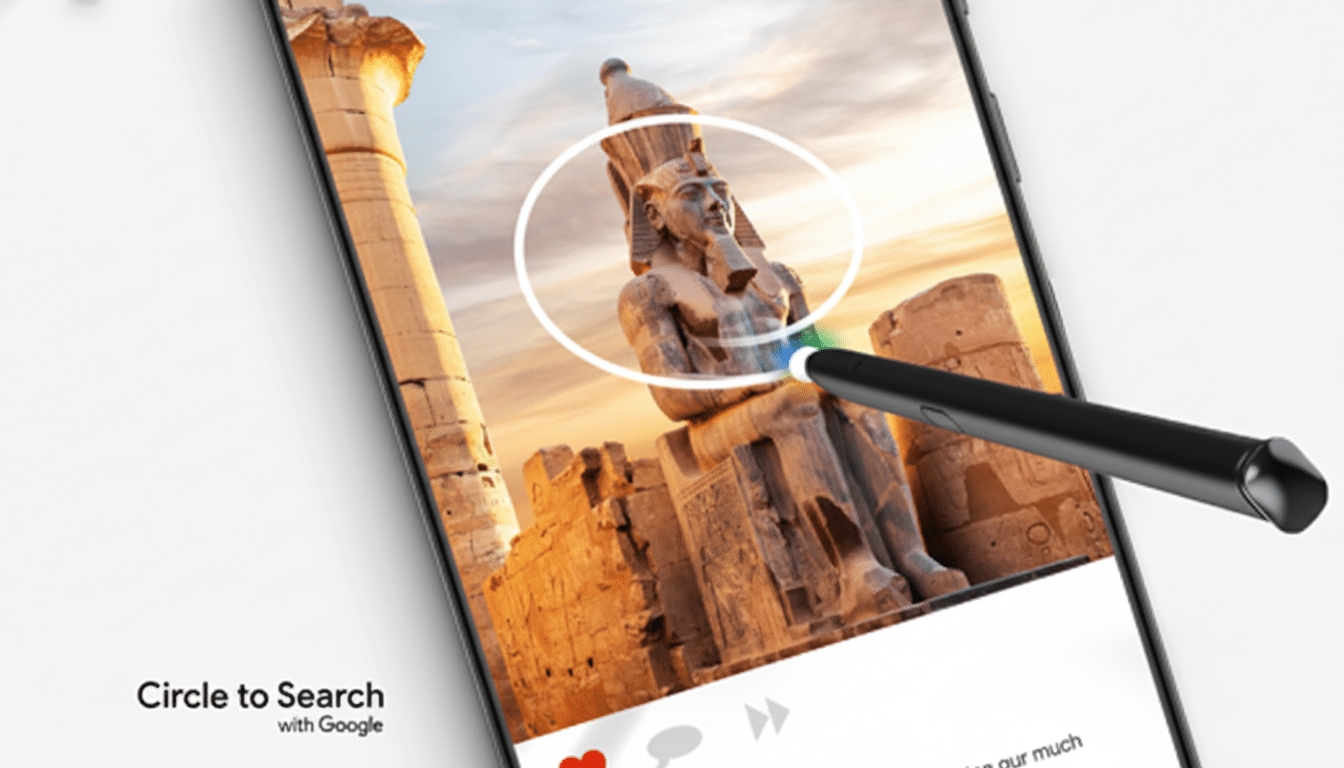
When a dodgy-looking SMS, RCS, or in-app message pops up, you can summon Circle to Search with a long press on the home button or gesture bar, then draw around the text in question.
- How the scam check works in Circle to Search on Android
- Why this matters right now for text scam prevention
- AI assistance with clear caveats and safety reminders
- Real-world use cases for Circle to Search scam checks
- Availability and privacy considerations for the rollout
- Staying safer with some extra steps beyond AI checks
The AI Overview parses the message and offers a succinct judgment, calling out red flags like spoofed URLs, demands for urgency, or requests for gift cards/crypto, along with mismatched header information.
The Overview also offers some next steps that could be done today. Depending on the situation, that might involve blocking the sender, reporting messages to your carrier or messaging app, informing your bank or delivery service via legitimate methods, and not clicking through or replying in ways that could let scammers know they reached a phone number.
Why this matters right now for text scam prevention
Text-based fraud is big, and it’s getting better. According to Consumer Sentinel data compiled by the Federal Trade Commission, consumers reported that fraud losses surpassed more than $10 billion in 2023, an all-time high, with text messages among the most prevalent initial contact methods. The FBI’s Internet Crime Complaint Center also reported a record $12.5 billion in losses, highlighting how quickly victims can be persuaded to send sums of money or personal information.
Smishing attacks frequently impersonate banks, shippers, payroll services, or government agencies. One common one may assert that you have a delivery problem with a link to “verify details,” or an alert that your account will be frozen if immediate action is not taken. Circle to Search’s overlay offers a rapid means of sanity-checking such claims, before panic or curiosity has its way with you.
AI assistance with clear caveats and safety reminders
Google’s system combines on-screen comprehension with context drawn from the web, but AI isn’t infallible. The company cautions that the Overview may sometimes be wrong, and security researchers universally warn that automated tools should supplement human judgment, not replace it. If it is a high-stakes situation, do independent checks via the apps that you know are official, the phone number on the back of your card, or known websites you navigate to.
Regulators offer similar guidance. The FTC also suggests never click links in, or return calls to, unsolicited messages and always be suspicious of requests for payment by wire transfer, gift cards, or crypto. According to the FBI IC3, impersonation is helping scammers reap rewards using logos, sender names, and tone in a bid for credibility. Circle to Search can show those warning signs in context when it matters.
Real-world use cases for Circle to Search scam checks
Now picture the “bank” alert asking you to click on a link to affirm a $1,200 charge. Circle the message, and an Overview might highlight an odd domain, the urgent language, or the push to bypass official channels. Or if someone receives a “tax refund” text during filing season, the tool can point out that tax agencies don’t issue refunds by text and recommend users contact their agency through their account portal instead.
The feature can also assist in trying to combat the delivery scams that have seen a resurgence during shopping spikes. If you get a “final notice” from a carrier with a shortened link and small “re-delivery fee,” the AI might observe patterns similar to known smishing campaigns, and suggest ignoring the message, blocking the sender, and checking shipment status in your retailer’s app.
Availability and privacy considerations for the rollout
Circle to Search made its debut on recent flagship Android phones and is gradually rolling out to other models. The scam-check feature is rolling out as a supplement right now, so it may not be available in your region or on your device quite yet. Because the feature treats whatever’s on your screen as fair game, it might be useful to brush up on how to manage privacy settings for your device and learn about how Google handles snippets in its guidelines.
And conveniently, you won’t need to switch between apps to use the feature. It’s a subtle but powerful change in user behavior: If people are kept in the moment and lightweight, on-demand verification is accessed — they’re far less likely to take action before giving a second thought.
Staying safer with some extra steps beyond AI checks
Consider the AI Overview an early warning system. If it’s indicating a probable scam, you should not interact with the sender in any way — don’t click links and don’t provide codes or credentials. Contact your institution via saved contacts or official applications. Report the message using your messaging app’s spam tools and think about forwarding the details to enforcement agencies like the FTC through its scam reporting portal or an equivalent service in your own country.
There is no one-stop solution to stamp smishing out; however, combining on-device context with advice from AI makes it more difficult for scammers to get through. For Android users, the option of sketching a circle to induce sudden clarity might be just the little push needed to stop another expensive blunder.
