


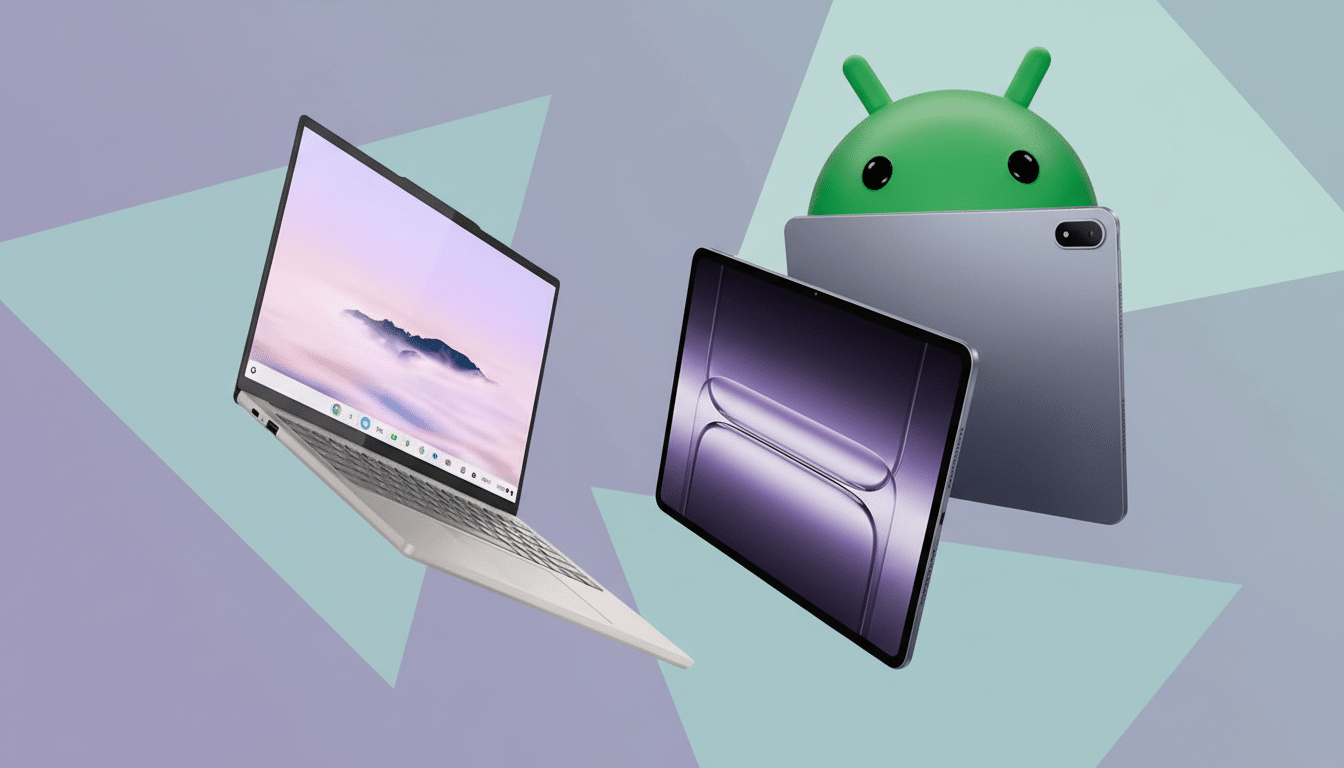
Google appears to have accidentally shown its hand on the future of Android-powered PCs, with internal screen recordings offering a first glimpse of Aluminium OS — a unified platform designed to merge Chrome OS and Android into a single, desktop-class experience.
An Unintended Preview of a Unified Android and Chrome OS
The leak surfaced via a Google bug report on the Chromium Issue Tracker, where two videos briefly demonstrated Aluminium OS running on an HP Elite Dragonfly 13.5 Chromebook. Although access to the report was quickly restricted, the recordings were preserved by third-party observers, including reporters at 9to5Google.
Labels in the footage point to “ALOS” builds and reference Android 16, signaling that Aluminium OS uses an Android base with a desktop environment layered on top. That aligns with long-standing rumors of Google converging its platforms to reduce fragmentation and accelerate feature development for large screens.
Desktop Features Modeled on Android 16’s Desktop Mode
The recordings show a traditional desktop with resizable windows, a system status bar, and a taskbar whose start button sits closer to the center — matching Android 16’s revamped desktop mode. Two Chrome Dev windows can be snapped into a clean 50:50 split, complete with tabbed browsing and an extensions icon visible in the toolbar.
System indicators include a screen recorder, a Gemini icon, and refreshed Wi-Fi and battery glyphs lifted from recent Android builds. The Google Play Store is present, and crucially, Chrome updates appear to run through the Play Store without abruptly closing the browser — instead showing an “updating” overlay while Chrome remains open. For classrooms, call centers, and kiosks, that small touch could eliminate a common disruption.
Why Unifying Android and Chrome OS Matters
For developers and IT teams, one platform promises simpler targeting, a single input model for touch, keyboard, and mouse, and unified distribution via the Play Store. Android’s modular update system (expanded through initiatives like Project Mainline) suggests faster security patches and more decoupled app updates — precisely what the Chrome-in-Play-Store behavior hints at.
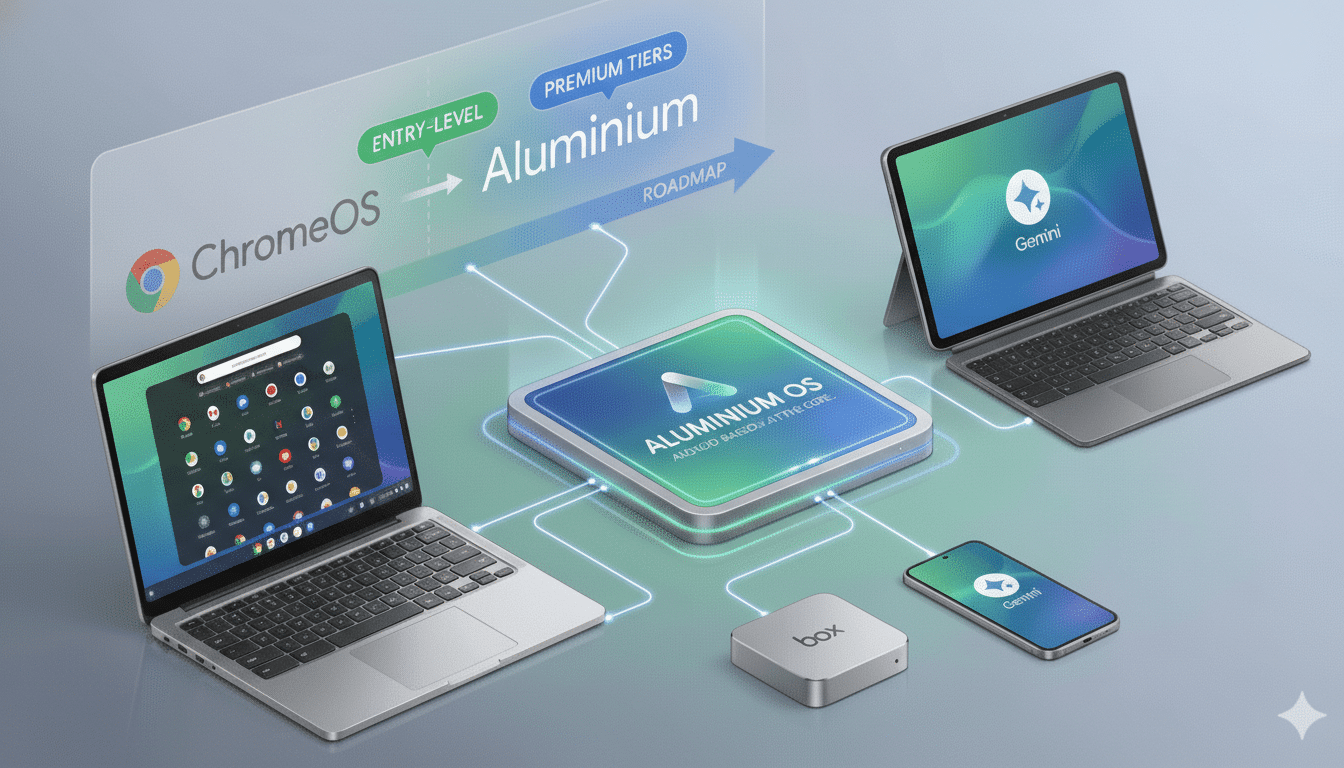
Technically, Aluminium OS looks like a pivot from Chrome-first to Android-first computing, with Chrome as a top-tier app rather than the entire shell. That could streamline multi-window APIs, drag-and-drop, clipboard behavior, and high-DPI scaling. It also raises the ceiling for Android on desktops: better input latency, more consistent windowing, and fewer compatibility quirks than today’s Android-on-Chrome containers.
Competitive and Market Context for Google’s Unified OS
The timing is notable. Microsoft has been winding down its Android layer for Windows, which leaves a gap for a robust, first-party Android desktop play. Apple, for its part, has steadily blurred lines between iPad and Mac with shared silicon and cross-platform frameworks. Google’s answer appears to be a single Android-based OS that can scale from phones to premium laptops.
The presence of the Gemini icon underscores that AI will be native to the experience, not just an app. Industry trackers such as IDC expect AI-capable PCs to drive the next refresh wave; embedding on-device assistants at the OS level positions Aluminium OS for that shift. Testing on a flagship Chromebook like the HP Elite Dragonfly also suggests Google is targeting higher-end hardware, not just budget education devices.
What To Watch Next as Aluminium OS Development Continues
Because this glimpse came from internal builds, features and UI could change before any public release. Key signals to monitor include full-blown window management (freeform vs. tiled layouts), multi-monitor support, precision input for trackpads and styluses, and how enterprise management migrates from existing Chrome OS Admin tools.
App readiness will be just as important. If Aluminium OS is indeed anchored on Android 16, developers will want stable multi-window APIs, robust keyboard shortcuts, and reliable file system access for productivity software. If Google nails those basics — and keeps updates smooth through the Play Store — Aluminium OS could finally give Android the desktop it has long flirted with but never quite delivered.
