


GNOME 49 is not a radical overhaul—it’s a solid, polished release that locks down performance, doubles down on Wayland support, and freshens key apps. The result is a desktop that seems quicker, more reliable, and more thoughtful in small details that add up to the experience of using it every day.
Wayland takes the wheel as GNOME’s default display
GNOME Shell is Wayland‑only by default, with the legacy X11 session disabled upstream. Distributions will still be able to re‑enable X11, so long as they need to, but the writing is on the wall: this project is driving toward a modern, secure graphics stack. Xwayland is still there, so older or unported apps also run drama‑free.
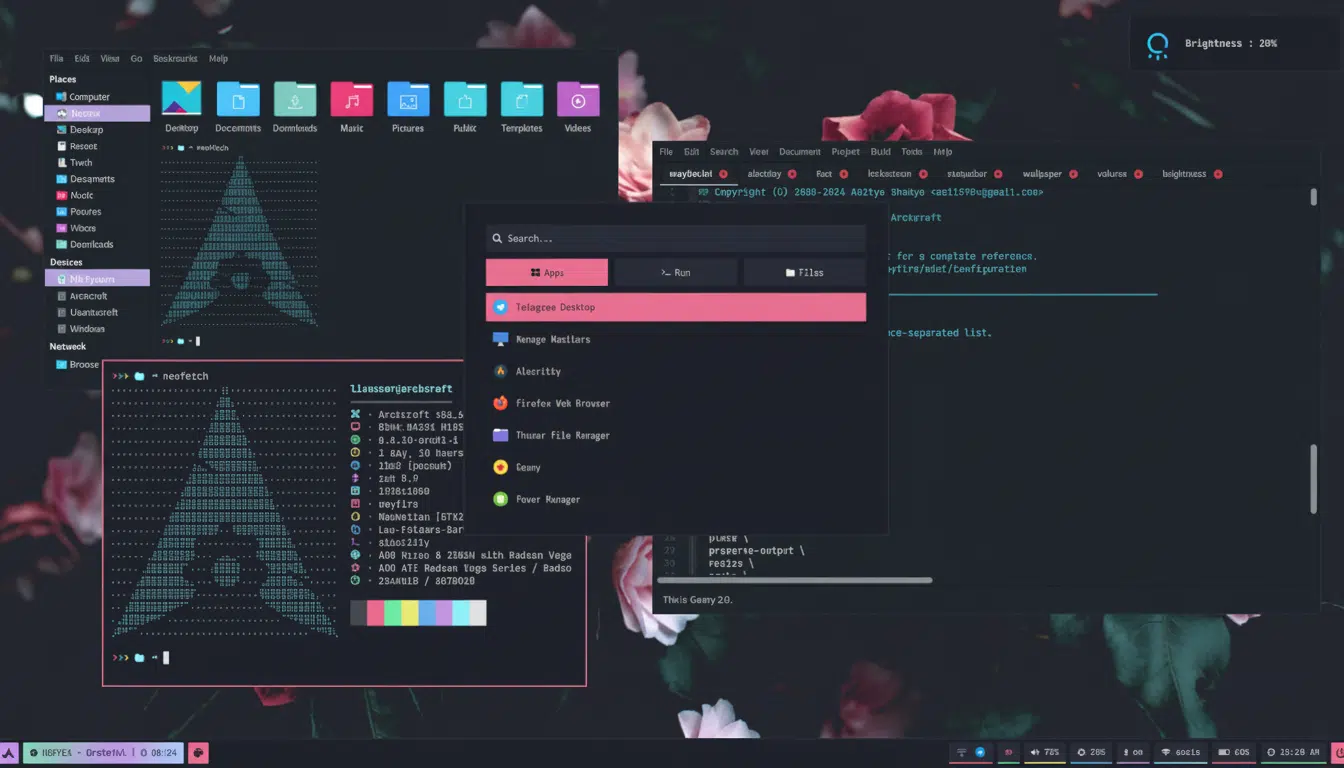
The shift corresponds with years of real‑world use. This is exactly why the default on most hardware for major desktops is Wayland already, as vendors have been moving steadily to fill in the gaps—specifically when it comes to screen sharing, remoting, and color management—through freedesktop.org media services such as PipeWire and the XDG portals. Wayland’s smoothness and input responsiveness are now expected as the standard of a Wayland user experience, rather than being hit‑or‑miss, with enough recent driver work (e.g., explicit sync on common GPUs).
For users, the practical benefit is plainer: fewer oddities, safer application isolation, and such features as fractional scaling and touchpad gestures that work consistently across installations. The GNOME Foundation and Release Team have been signaling this for a few cycles now; GNOME 49 is where the default finally meets the roadmap.
Shell polish and Mutter refinements improve fluidity
The lock screen gets media controls to quickly play music, and shutdown and restart buttons come in handy. Do Not Disturb has been moved over to Quick Settings—where it belongs—so silencing notifications is just a thumb’s reach away.
There’s also granular control where power users need it: per‑monitor brightness settings mean multi‑display setups can remain comfortable without the cost of battery life or color consistency. At a lower level, the GNOME window manager, Mutter, has seen significant advances in frame scheduling and multi‑monitor stability to further reduce input latency and stutter during animations. Frame‑time variance is something performance folks in GNOME have been grappling with for a few releases now, and testers often report better, smoother results under stress than in the previous release.
None of this screams “headline feature,” but the collective action does add up. Windows feel snappier to manipulate, the overview animates more reliably, and laptop fans don’t take off as regularly during basic multitasking.
Search and Files improvements that actually work
Files (the GNOME file manager, once called Nautilus) gains better search, with clearer feedback. New Android‑style “pill” toggles make it easy to refine results by attributes—say, file type or location or last modified—without having to navigate menus. It is the kind of UI affordance that anyone who inhabits large project directories appreciates.
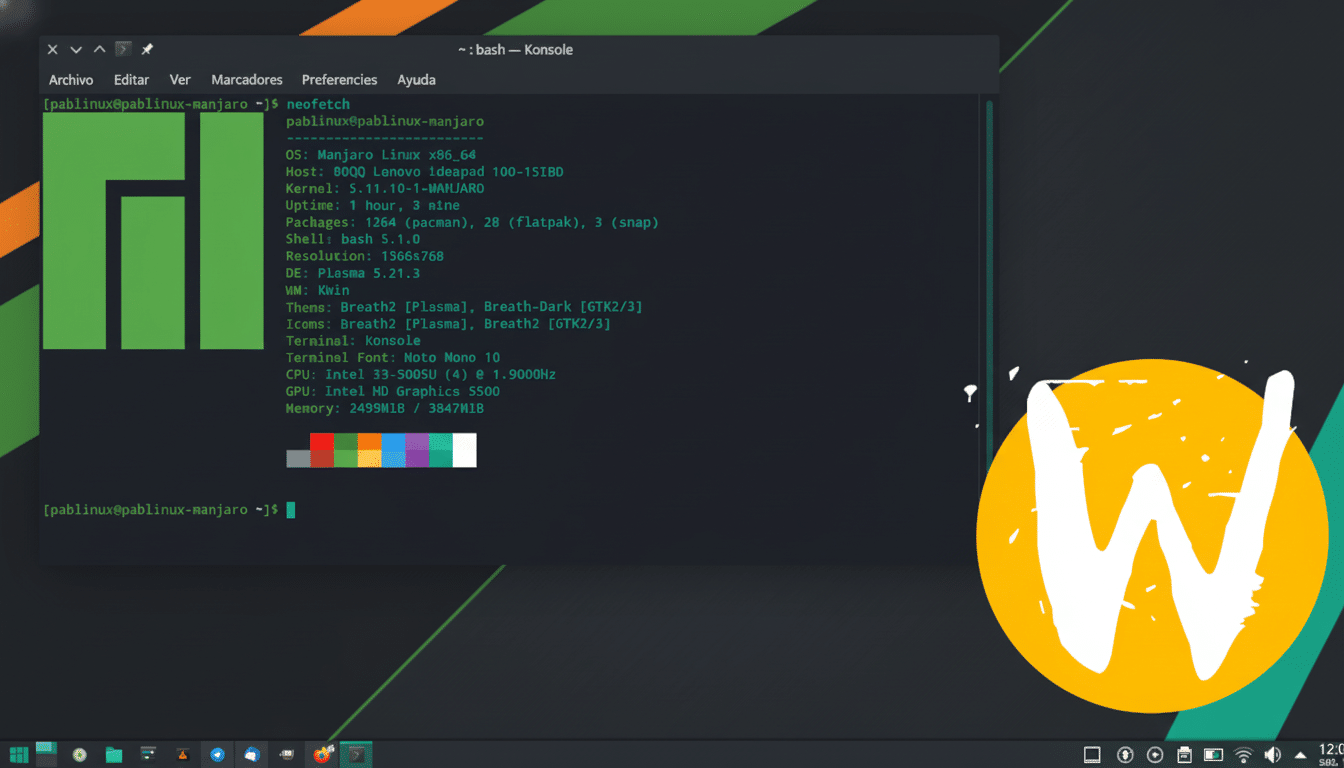
Hidden files are now translucently displayed so you can see at a glance where they are placed without misinterpreting them as regular items. It’s a nifty little change that lowers misclicks and makes it easier to keep your folders tidy. Combined, these two new features mean Files feels less like a simple browser and more like it’s finally pulling its own weight.
New defaults: Showtime and Papers replace older apps
GNOME 49 updates a pair of really old defaults. Totem, the old video player, is retired in favor of Showtime, a leaner and meaner option for simple playback. For documents, Evince is succeeded by Papers, a Rust rewrite. The benefits are felt instantly: snappier startup, better responsiveness on large PDFs, and sturdier memory‑safety guarantees of a modern language.
Elsewhere, the core lineup is unchanged — but cavils reproved. The additions remain largely as I previously tested them when last writing at length about Endless:
- Web
- Calendar
- Software
- Snapshot (screenshot tool)
- Maps (GNOME Maps fork)
- Weather (forecast app)
- Text Editor (GNOME Builder text editor)
- Pyxis (terminal)
- Connections
You can expect more subtle accessibility fixes, more consistent touch behavior, and clearer permissions prompts for sandboxed apps. These are the silent refreshes that add up to a smoother day‑to‑day.
Upgrading to GNOME 49: what users need to know
A few workflows might change, since by default the session is Wayland‑only. Remote desktop and screen‑recording tools now use PipeWire and the portal APIs; most of the usual utilities have already been ported to these. Gaming and creative apps which are still tied to X11 can most often be run through Xwayland without user intervention, and slightly steadier frame pacing when drivers are matched on Wayland has been observed among open testing communities and long‑running benchmarks.
Extensions are still the standard caveat: make sure your faves have been updated for GNOME 49, as changes to the Shell API can necessitate some light rewriting. Rolling‑release distros will probably give you the update quickly, and mainline workstations will have it in their next cycle. Please refer to your distribution’s release notes for information on how to upgrade.
The bottom line on GNOME 49’s refined release
GNOME 49 is a solid, “what you see is what you get” kind of release. Between setting Wayland as the default, improving performance in Shell and Mutter, and updating core apps with common‑sense choices like Showtime or Papers, it’s a desktop that feels modern, coherent, and ready for what comes next. If you’re on GNOME 48, the difference this update makes will be felt within a few minutes of logging in.
