


Gmail users are reporting a wave of misclassified messages and errant spam warnings, with Google acknowledging an issue that began early Saturday on the Google Workspace Status Dashboard. The disruption is pushing messages into the wrong tabs and flagging legitimate emails with aggressive caution banners. Google says it is actively working on a fix.
Typical symptoms include the Primary inbox filling with Promotions, Social, and Updates, while routine emails from familiar contacts trigger “This message seems dangerous” notices. Some users say the opposite is also happening: overt spam is slipping past filters and landing squarely in Primary.
- User Reports Point To Widespread Misclassification
- How Gmail’s Filters Usually Work To Classify Mail
- Potential Causes And Timing Of Gmail Misclassification
- Security Risks And What Users Should Do Right Now
- Business Impact And Deliverability During Gmail Issues
- What Google Says And What To Watch As Fix Rolls Out
Reports poured in across social networks and outage trackers, with users complaining that Gmail’s usually reliable filters feel “suddenly busted.” The noise isn’t confined to consumer accounts; Workspace users are seeing the same behavior across company domains.
User Reports Point To Widespread Misclassification
What makes this incident stand out is its breadth. Posts describe consistent behavior across regions and platforms, from the Gmail mobile app to desktop clients. That consistency suggests a server-side classification issue rather than a client bug or a single provider’s routing problem.
Users note that newsletters and receipts that normally land in Promotions or Updates are showing up in Primary, while some transactional messages carry heightened spam warnings despite long histories of clean delivery. The pattern aligns with a ruleset or model shift rather than isolated sender errors.
How Gmail’s Filters Usually Work To Classify Mail
Gmail relies on layered defenses: sender authentication signals such as SPF, DKIM, and DMARC; reputation data; content analysis; and machine learning models trained on massive volumes of mail. Category tabs (Primary, Social, Promotions, Updates, Forums) further segment legitimate messages to reduce clutter without discarding them.
Under normal conditions, Google says Gmail blocks 99.9% of spam and phishing, a figure that has held steady across multiple company briefings and security posts. Industry monitoring from groups like Talos Intelligence and the Anti-Phishing Working Group has long put global email spam volume near half of all mail, underscoring how finely tuned these systems must be to keep inboxes usable.
Potential Causes And Timing Of Gmail Misclassification
Google has not detailed a root cause. In incidents like this, common culprits include a faulty model update, a rules regression, training data drift, or an unanticipated interaction between authentication checks and content heuristics. Even a surge in novel phishing templates can temporarily skew classifier behavior until models adapt.
One relevant backdrop: Google began enforcing stricter requirements for bulk senders last year, including DMARC alignment and one-click unsubscribe. Misconfigured senders can legitimately trigger stronger warnings. However, current user reports indicate that even well-established, authenticated domains are seeing unusual banners and tab placements, pointing to a broader filtering anomaly.
Security Risks And What Users Should Do Right Now
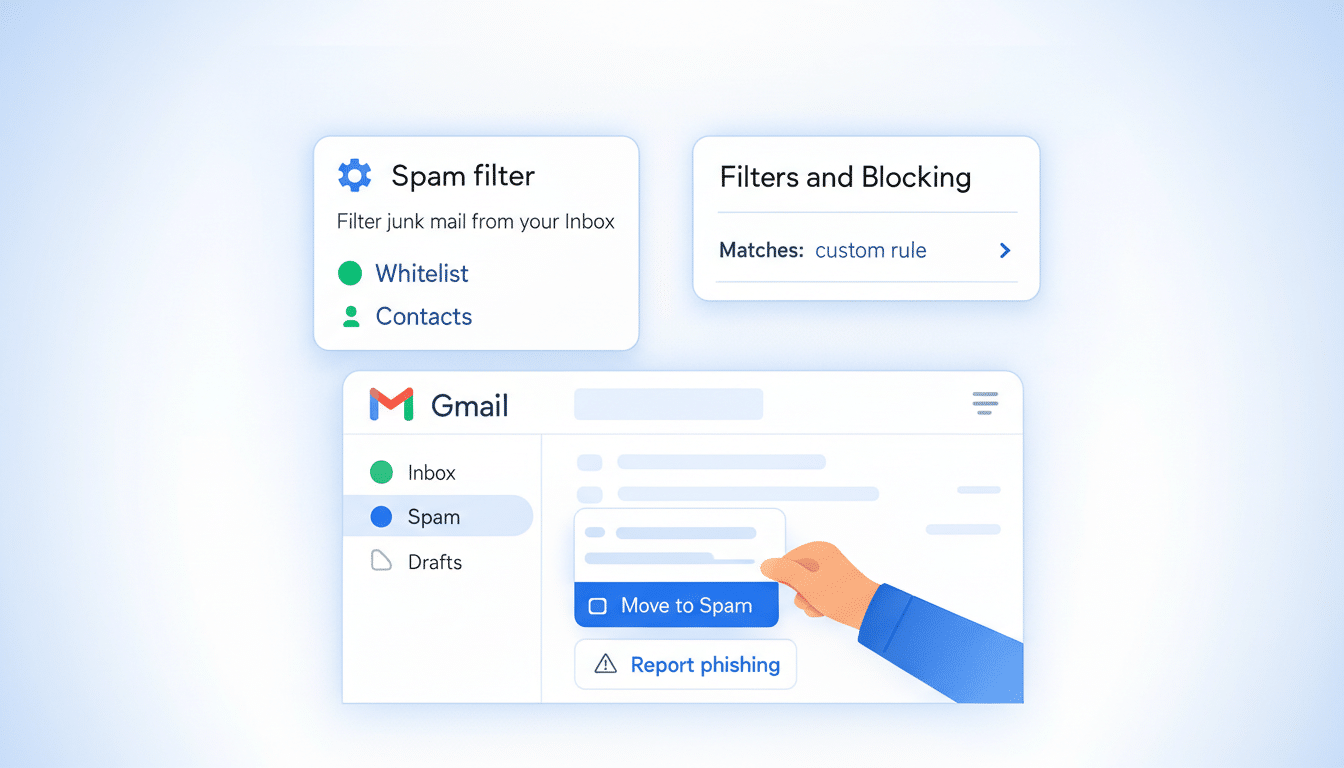
With spam apparently bleeding into Primary, users should exercise extra caution. Verify the sender’s domain, hover over links before clicking, and be skeptical of urgent requests for credentials or payments. Avoid opening unexpected attachments, and use Gmail’s “Report phishing” or “Report spam” features to help retrain filters.
It’s also wise to check the Spam folder for misrouted legitimate mail by searching for “is:spam” and marking safe messages as “Not spam.” Review Inbox categories under settings to ensure tabs are enabled, and consider temporary filters to route critical messages from known senders. As always, enable two-factor authentication on your Google account and monitor recent security activity.
Business Impact And Deliverability During Gmail Issues
For organizations, the misclassification wave can suppress open rates, inflate spam complaint ratios, and confuse customers receiving unfamiliar warning banners. Marketing and lifecycle teams should monitor deliverability metrics closely, avoid unusual send spikes, and ensure alignment with Gmail’s requirements: SPF, DKIM, DMARC, and List-Unsubscribe headers.
M3AAWG best practices still apply: maintain clean lists, remediate bounces quickly, and segment traffic by reputation. For critical communications such as password resets or invoices, consider redundant channels like mobile push or SMS until filters stabilize, and provide clear support paths for customers who miss emails.
What Google Says And What To Watch As Fix Rolls Out
Google’s status message confirms “misclassification of emails” and “additional spam warnings,” with remediation underway. No timeline has been given, and fixes in systems at Gmail’s scale often roll out gradually, region by region. Users and admins can monitor the Google Workspace Status Dashboard for resolution notes and postmortem details.
Once the issue is resolved, normal training signals should recover, but it’s worth keeping an eye on tab behavior and banners for a few days. If suspicious emails persist in Primary after Google’s fix, continue reporting them—those user actions are part of what makes Gmail’s filters resilient in the first place.
