


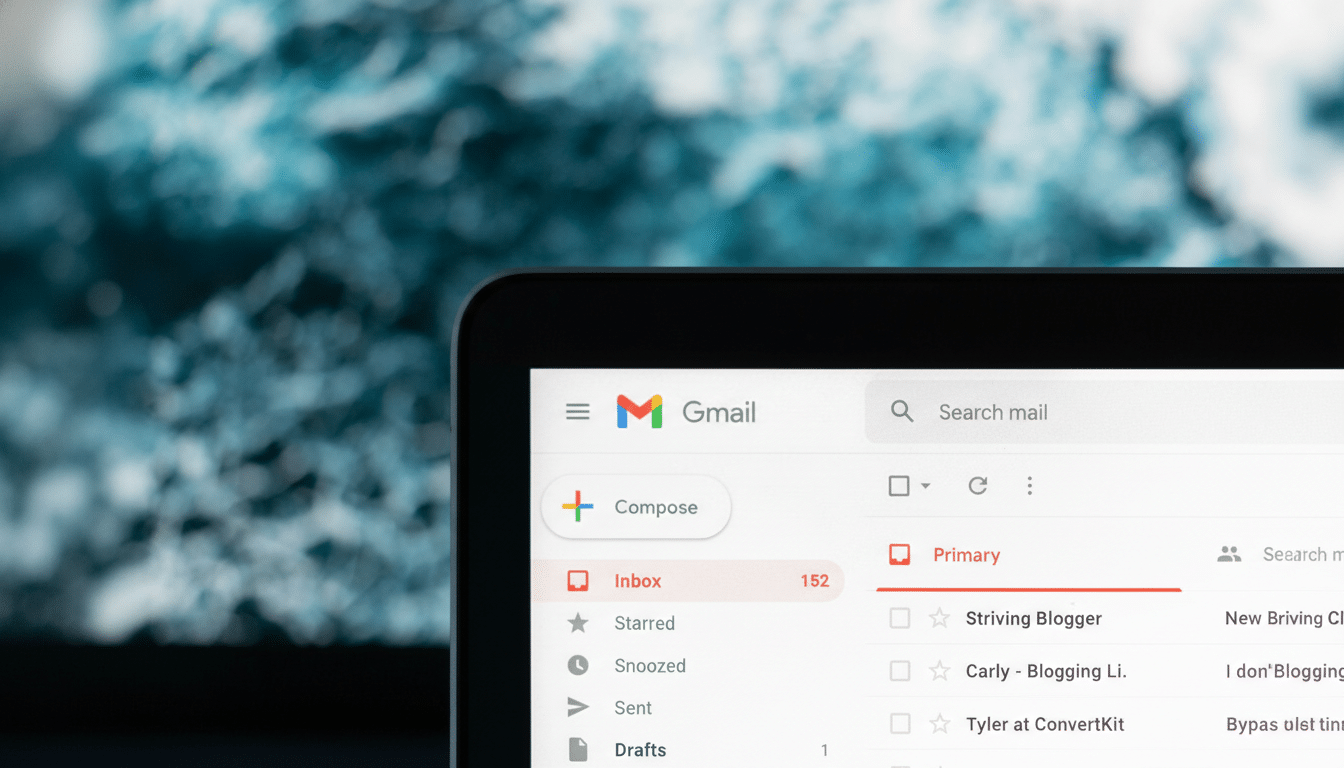
A widespread Gmail glitch is pushing marketing and social notifications into users’ Primary inboxes, effectively bypassing the service’s filtering rules and tabbed categories. Users report an influx of promos, newsletters, and platform alerts that would normally land in Promotions or Social, alongside unexpected spam warnings on legitimate messages.
What Users Are Seeing in Their Primary Gmail Inboxes
Complaints on social platforms describe Primary inboxes swamped by retailer blasts, newsletter digests, and LinkedIn or other network notifications. Some filters and rules that typically auto-label or archive routine mail are not firing as expected, forcing manual triage. Several users also note confusing “suspicious message” banners appearing on ordinary correspondence.
- What Users Are Seeing in Their Primary Gmail Inboxes
- Why Inbox Safety Matters and Phishing Risks Increase
- How Gmail Tabs and User Filters Usually Work Together
- Workarounds to Manage Inbox Noise While a Fix Rolls Out
- What Google and Workspace Admins Should Monitor Now
- Impact on Email Senders, Metrics, and the Broader Ecosystem
Google acknowledges the misclassification and says it is working on a fix. The company advises users to apply standard caution with unfamiliar senders while remediation is underway. No rollback window or root cause has been shared publicly.
Why Inbox Safety Matters and Phishing Risks Increase
Gmail’s categorization is more than convenience—it is a frontline defense against information overload and phishing risk. By isolating promotional mail and social updates, the Primary inbox retains signal over noise. When that barrier breaks, important threads get buried, and the odds of interacting with questionable links or attachments rise.
Google has long said Gmail blocks more than 99.9% of spam, phishing, and malware with machine learning. A classification snafu won’t undo those core defenses, but it does increase false positives and negatives around categories, complicating user judgment. Security groups such as the Messaging, Malware and Mobile Anti-Abuse Working Group have repeatedly warned that poor inbox hygiene can nudge users into risky clicks when overwhelmed.
How Gmail Tabs and User Filters Usually Work Together
Introduced in 2013, Gmail’s tabbed inbox sorts mail into Primary, Promotions, Social, Updates, and Forums. Behind the scenes, models weigh sender reputation, content signals, and user behavior (like dragging messages between tabs) to refine placement. User-made filters then apply labels, auto-archive, or star items, effectively layering rules atop categorization.

In normal conditions, training sticks: moving a newsletter to Promotions and selecting “do this for future messages” steadily improves accuracy. Today’s behavior suggests a back-end classification issue overriding or bypassing that learned preference stack.
Workarounds to Manage Inbox Noise While a Fix Rolls Out
- Bulk triage with search: pull likely non-essential items with queries like “newsletters” keywords or known senders (for example, “from:linkedin.com” or retailer domains), then archive or label in batches. If categories remain tagged under the hood for some mail, “category:promotions OR category:social” can help—but users report mixed results during the glitch.
- Temporary filters: create filters for high-volume senders to “Skip the Inbox” and apply a Promotions label. This won’t repair categorization, but it restores workflow until Gmail reverts to normal.
- Reinforce training: when you move a misfiled email, choose the option to apply that action to future messages. Even if today’s model is misbehaving, retaining your signals increases the odds of stable behavior once the fix lands.
- Stay vigilant: verify unexpected “account alerts,” shipping notices, or password prompts, especially if they arrived in Primary for the first time. Hover over links, scrutinize sender domains, and when in doubt, go directly to the service website instead of clicking through.
What Google and Workspace Admins Should Monitor Now
Users can watch the Google Workspace Status Dashboard and official Gmail support channels for confirmation of remediation. Workspace administrators should check that custom routing, compliance rules, and security gateways (DKIM/DMARC alignment, attachment scanning) are still functioning as intended and alert users about phishing hygiene while the glitch persists.
Impact on Email Senders, Metrics, and the Broader Ecosystem
Misclassification can distort marketing metrics. If Promotions land in Primary, open rates may spike artificially; if legitimate updates are flagged oddly, engagement can fall. Analysts and ESPs have seen similar short-lived anomalies during past incidents, and they typically normalize once filters stabilize. Marketers should annotate campaigns, avoid reactive changes, and compare performance once the issue is resolved.
With over a billion users relying on Gmail, even a brief categorization hiccup is consequential. The expectation now is simple: quick rollback, transparent status notes, and restored trust that Primary means primary again.
