


Gmail on Android is finally catching up to its sibling on iOS with a long-requested addition: you can now create labels directly in the mobile app. It’s a small button with outsized impact, bringing core inbox organization tools to the place most people actually check email—their phone.
What’s New on Android: Label Creation Arrives in Gmail
The Android app now lets users create brand-new labels from within the app interface, a capability that’s been present on iOS for years and on desktop for more than a decade. Gmail’s label system, which allows one message to live under multiple categories without duplication, is foundational to how power users tame busy inboxes. Until now, Android users could only apply existing labels or manage them superficially; full creation and management required a trip to the web.
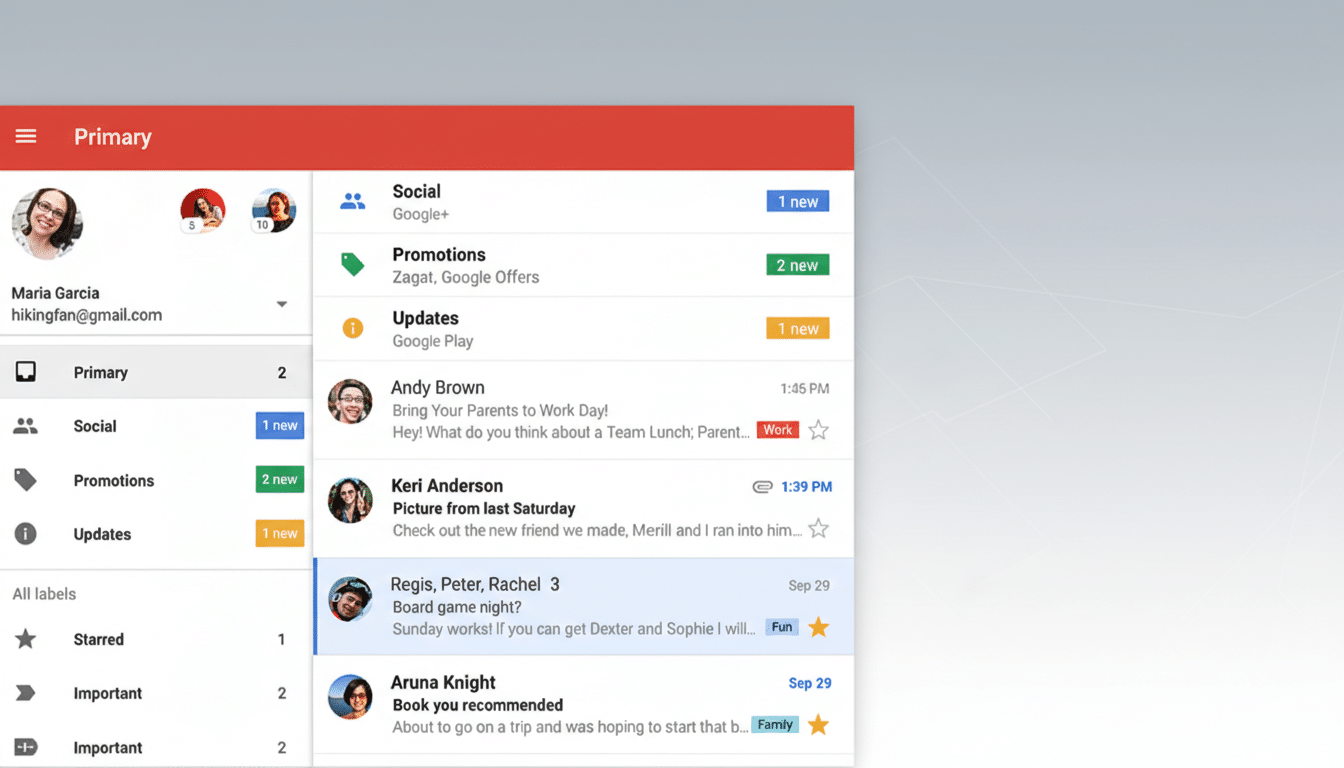
The delay is notable. Label creation has existed on iOS since at least 2019, leaving Android—ironically, Google’s own platform—behind for roughly six years. With this update, Google closes a puzzling gap and moves closer to feature parity across devices.
How to Create and Apply Gmail Labels on Android
In the Android app, open the main menu and look for a new Create Label option above your existing labels. Tap it, name your label, and save. The new label appears alongside the rest of your list immediately.
Applying labels is familiar: long-press an email, tap the overflow menu, choose Label as, and select one or more labels. You can also head to Settings, pick your account, and use Manage labels to rename or delete labels and adjust sync behavior. At this stage, color customization and advanced options—like setting label colors or building filters tied to a label—still require the desktop interface.
Why Mobile Label Creation in Gmail for Android Matters
For a service used by more than 1.5 billion people, even modest tweaks can shape daily habits. Industry trackers estimate that a majority of email opens happen on phones, and the Radicati Group pegs global daily email volume at over 360 billion. That’s a lot of triage happening away from a laptop. Being able to spin up a label on the fly—say, “Q1 Invoices,” “Open Roles,” or “Home Renovation”—lets users capture structure in the moment rather than deferring decisions until they’re back at a desk.
Labels also enable workflows that folders can’t easily match. A single thread can live under “Legal,” “Vendor X,” and “2026 Contracts” simultaneously, promoting retrieval by context rather than strict hierarchy. Mobile creation closes the loop for teams that rely on labels to coordinate shared inboxes or personal GTD systems, reducing friction and context switching.
Rollout Details and Limitations for Gmail Labels on Android
The feature appears to be controlled by a server-side toggle and is surfacing gradually across recent Android builds. Some users report seeing it on one account but not others on the same device—common for staged feature rollouts. Workspace organizations may see variations depending on admin-controlled release tracks, which Google typically staggers over multiple days.
What’s still missing? Custom label colors and deeper configuration remain web-only. There’s no sign yet of nested label creation on mobile or filter creation that automatically routes incoming mail to a label—both key ingredients for fully automated inboxes. Those omissions keep the desktop as the control center, but the Android app now handles the most important on-the-go task: creating the buckets you’ll use later.
What to Watch Next for Gmail Label Features on Android
Given the history of mobile feature catch-up in Gmail, expect incremental improvements: label color controls, nested labels, and mobile filter creation are logical next steps. Integration with Gmail’s AI features—such as nudges, category sorting, and smart suggestions—could also evolve so that user-created labels inform prioritization and summaries.
For now, Android users finally have the missing piece to build and maintain a label system without leaving their phones. It took years to arrive, but it’s the kind of quality-of-life upgrade that, once enabled, becomes part of how you manage email every day.
