


Google has set loose an experimental AI, which it calls CC, that plugs into Gmail and Google Calendar to generate a personalized “Your Day Ahead” email each morning. Positioned as a smarter version of your daily brief, CC runs through signals from Gmail, Calendar, and Google Drive to package reminders, agenda highlights, bills, and news into one message that it hopes will replace the morning scroll.
What CC’s daily brief does across Gmail and Calendar
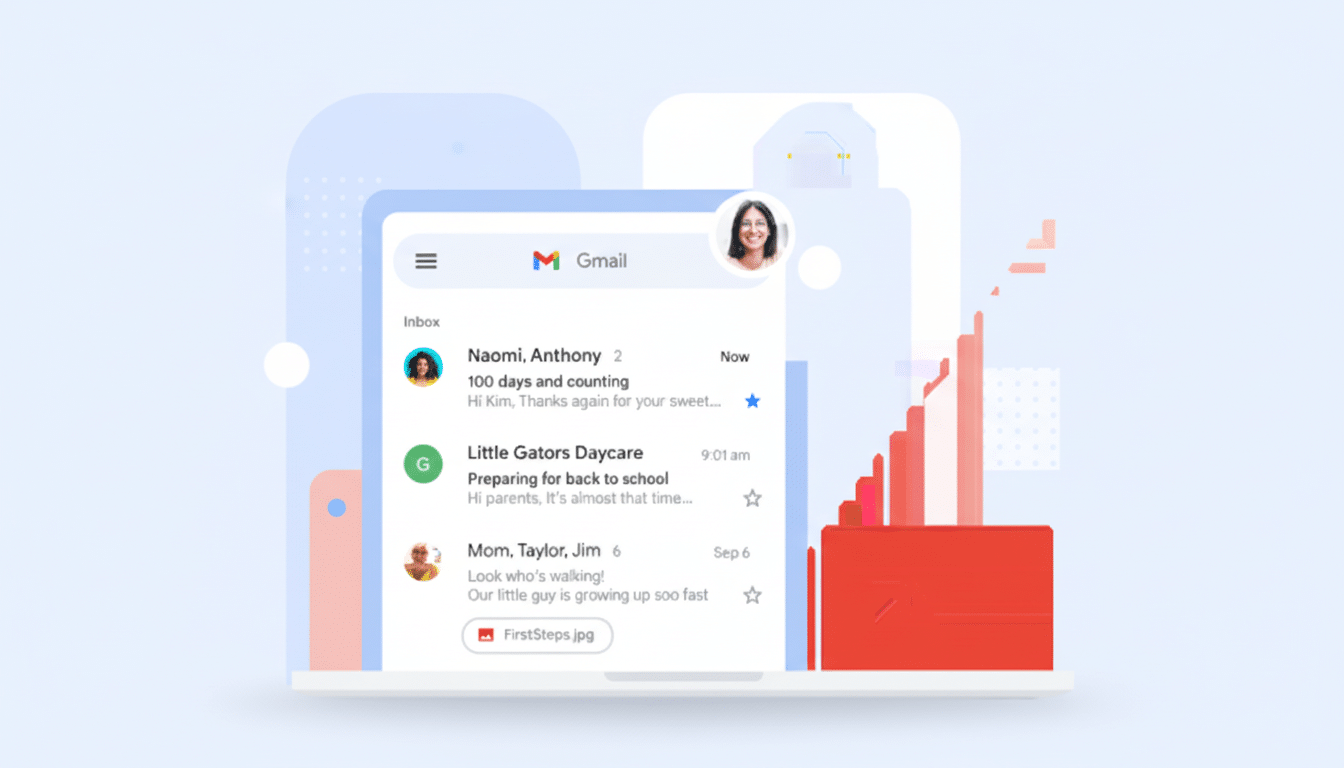
CC is, at its essence, a planning assistant. It scans your inbox for travel confirmations, package-tracking updates, and payment notices, cross-references those with events on your Calendar, and then surfaces the most relevant items for what’s ahead in your day. Consider flight details next to your first meeting, a prompt about an overdue invoice, and the ability to jump into any referenced doc in Drive with just one tap. The message arrives when you want—waiting for you when you need it.
- What CC’s daily brief does across Gmail and Calendar
- How CC’s brief works in practice during a busy morning
- Availability and priority access for CC in Google Labs
- Privacy controls, data governance, and user oversight
- How CC compares with Microsoft, Apple, and Samsung tools
- Why CC’s ambient, context-aware brief could matter
Google explains this is because CC has first-party context. Unlike generic news digests, it knows what matters in your flows—the threads you were copied on, a recurring series, or those high-turnover docs you reviewed late last night. It’s a kindred spirit to Samsung’s Morning Brief on its Galaxy phones, but with deeper Workspace hooks and Google’s increasingly potent Gemini capabilities under the hood.
How CC’s brief works in practice during a busy morning
Picture a Tuesday where CC sees a 9 a.m. client call, a boarding pass in Gmail, and a draft deck in Drive. The brief might put the phone call first, link to the deck, alert you that you’ll have a 40-minute drive to the airport after, and flag an email from finance about renewing a subscription. It’s not trying to be a chatbot in your inbox; it’s an opinionated snapshot of the news that tries to anticipate what you will need next.
This is part of a broader shift toward “agentic” AI that quietly runs across services rather than waiting for orders. With 1.8 billion Gmail accounts and Google’s own count that more than 3 billion people use Workspace, even small incremental advances in day-to-day decision support can add up to enormous scale.
Availability and priority access for CC in Google Labs
CC is currently launching in Google Labs, with a waitlist for U.S. and Canadian users 18 years of age or older. Priority will be given to Google’s paid AI tiers — which include Ultra-grade models — with a plan for wider regional access over time, Google said. We highly recommend you enable smart features in Workspace settings, as it may push you ahead in the queue.
Once you’re approved, setting up means picking your delivery time and telling CC where it can draw from. The brief itself is premier and will start in your inbox, easy to receive via email since you don’t need to install anything new or do anything differently — the classic morning routine!
Privacy controls, data governance, and user oversight
Data governance is at the heart of CC because it reads signals from Gmail, Calendar, and Drive. Google says you can always retract CC’s access by visiting the “third-party apps and services” section of your Google Account. Deactivating the service erases your data from CC. CC obeys Workspace smart features controls; if you turn that off, it has less personalization to work with.
The opt-in approach in Workspace is informed by previous AI features like this, where enterprise admins and users requested fine-grained toggles. Some analysts repeatedly state that trust, rather than model size, is the gating factor for AI ingesting deeply personal data such as email.
How CC compares with Microsoft, Apple, and Samsung tools
It cannot be overstated: CC arrives in a crowded, competitive landscape. Microsoft has been pushing Copilot through Outlook and Teams to generate summaries of threads and prep agendas. Apple has also shown off notifications and summaries that are AI-assisted, passing through its native apps. For its brief, Samsung combines device form factor context with cloud services. Google’s edge is the seamless integration of Gmail, Calendar, and Drive — where your plans live day-to-day.
It’s a bet that one brief, context-rich email each morning can save more time than bouncing between apps. McKinsey research estimates that generative AI can release up to $4.4 trillion a year in additional productivity value, with a great deal of it coming from the elimination or reduction in time for information retrieval and preparation. CC goes straight at that friction.
Why CC’s ambient, context-aware brief could matter
For users, CC might have found a rare AI feature that sticks by being invisible most of the time and indispensable when noticed. For Google, this is part of a broader push to make Gemini seem more like an ambient assistant that is woven in and out of Workspace than a standalone destination.
If Google can get the mix of utility and privacy right, CC’s daily brief could serve as a template for what AI ought to look like in productivity software — lightweight, context-aware, and actionable on the spot.
