


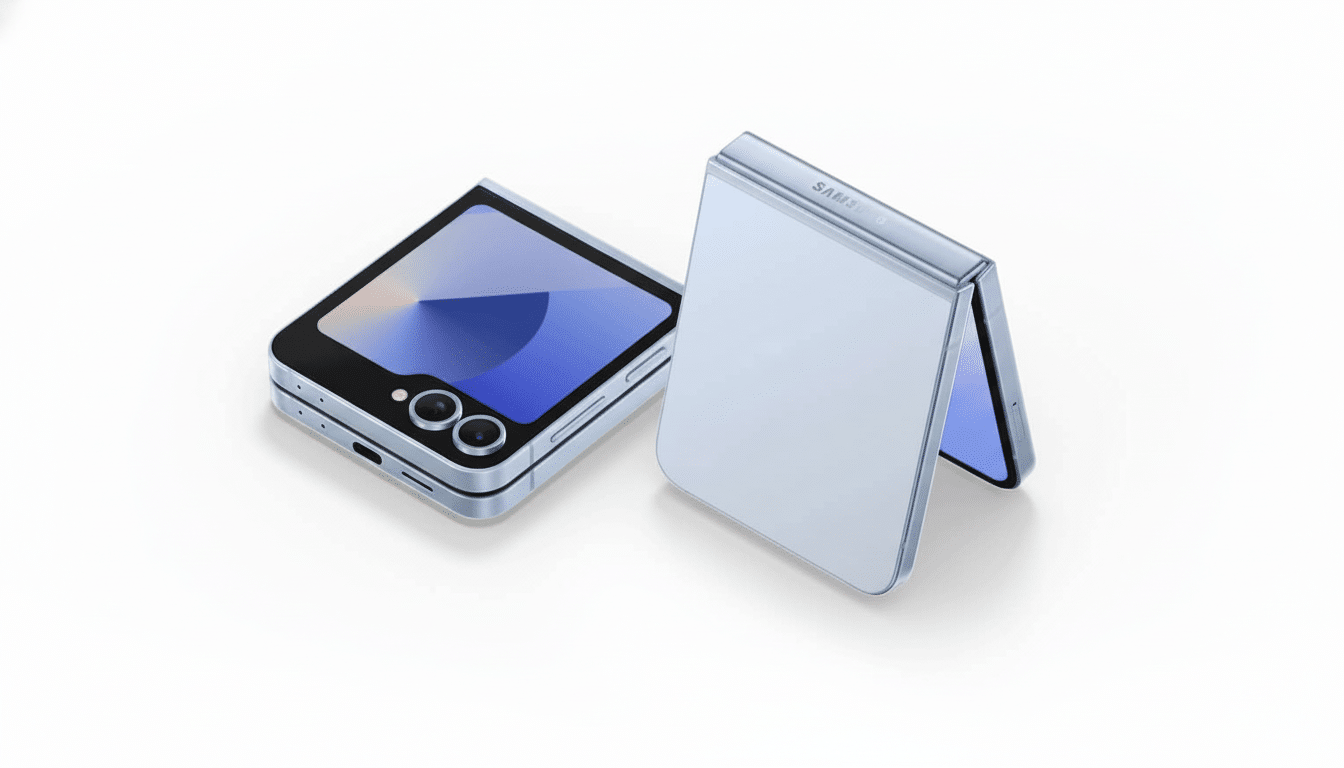
Google’s Gemini personal assistant is finally accessible on the outer front cover displays of older Galaxy Z Flip handsets, making it a genuinely hands-free shortcut to fast answers, voice responses, and at-a-glance help.
Early adopters report full compatibility with the cover display on the Galaxy Z Flip 6 is already up and running, while similar new support will also be rolled out for the Z Flip 5 as soon as possible, thanks to shared hardware and software foundations.
- How Gemini works on Galaxy Z Flip cover screens
- What you can do on the Z Flip cover with Gemini Live
- Who gets Gemini on Z Flip covers and how to enable it
- Why Gemini on flip cover screens boosts foldable usability
- Tips, known limitations, and key privacy considerations
- Bottom line: what this adds to everyday Z Flip use
How Gemini works on Galaxy Z Flip cover screens
At this time, you can call up Gemini on supported devices using the “Hey Google” hotword or by adding a widget to launch Gemini in the Good Lock launcher placed on the cover display. When activated, Gemini takes both voice and text queries, then shoots back a succinct answer optimized for the taut space. The integration feels more like a smart speaker on your wrist than a they-shrunk-the-phone experience.
One catch: long-pressing the power button on the cover screen will still get you to open the phone in order to continue past it. This cuts down on muscle-memory convenience for users who depend on that gesture to summon assistants. As it happens, assistant invocation methods are frequently changed server-side, so there’s a decent chance this is smoothed out with an upcoming Google or Samsung update.
What you can do on the Z Flip cover with Gemini Live
Most of the features function as you would expect. More importantly, regular voice queries, fast follow-ups, and text responses are snappy, and Gemini Live — Google’s real-time conversational mode that is part of its larger push into faster multimodal interaction — runs on the cover display. Gemini Live can, impressively, activate the outer camera for context. Hands-free help with (for example) describing what’s in front or checking a label doesn’t require flipping your phone open.
One notable omission is screen sharing. Given the cover display’s cramped real estate, that’s not surprising, but it is a limitation to consider if you depend on collaborative or troubleshooting workflows. Other than that, the experience is surprisingly full — enough for the outer screen to be practical for tasks you might otherwise need to open up for.
Who gets Gemini on Z Flip covers and how to enable it
Samsung has indicated previously that its activation of Gemini support on the cover screen would match up with when it releases One UI 8. Users discovering the feature today are primarily running on Android 16 — but it appears activation is silently rolling out to devices, whether they be quenched by a server-side switch or app upgrade, as opposed to some large OTA blocking an upfront firmware drop.
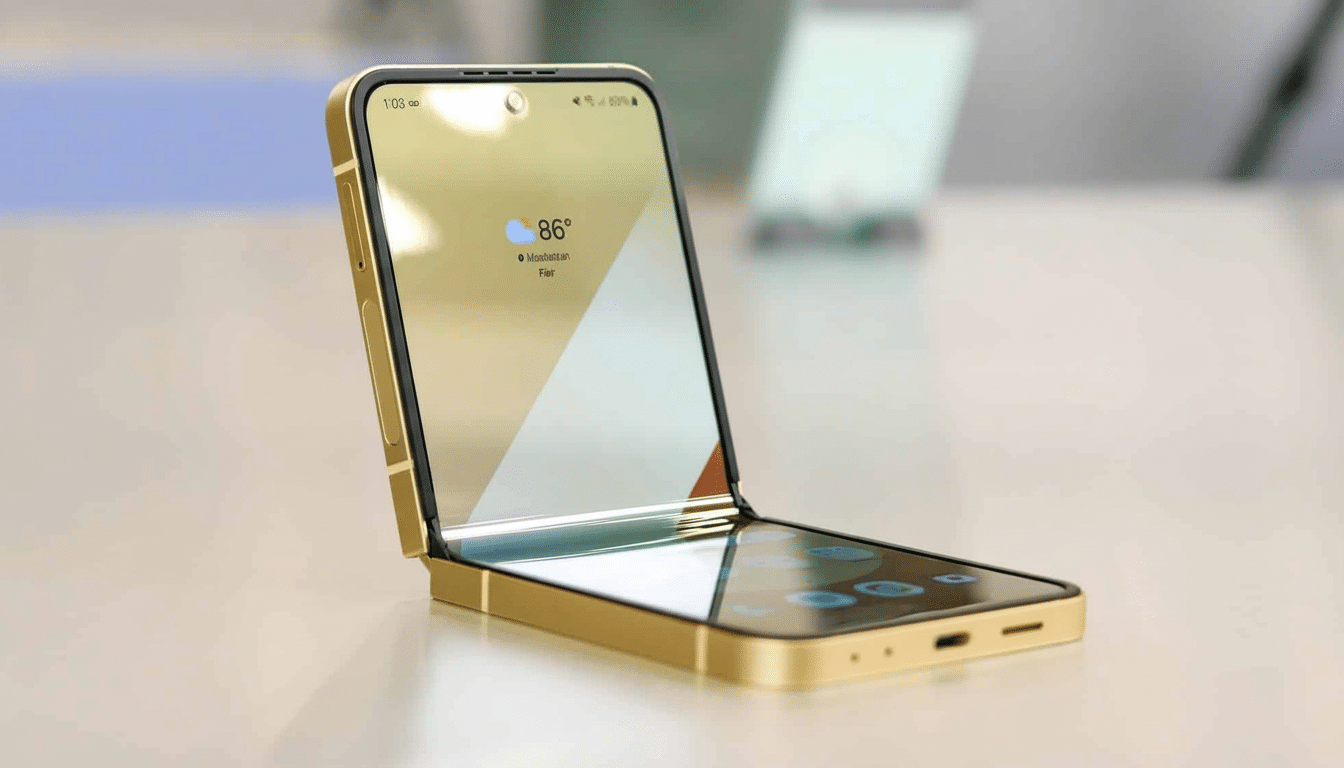
- Download the latest Gemini app.
- Update Google app services.
- Look for One UI updates.
- Place the Gemini Good Lock launcher on the cover display.
- Turn it on to enable voice activation.
If you don’t see it yet, patience might be a virtue. Region-toggled feature flags are a fact of life for assistant features, and both Google and Samsung regularly use staged rollouts to control performance tuning and user feedback. Community reports on Samsung Members indicate that the feature density varies and appears to be highest on devices already running One UI 8 betas or recent stable builds.
Why Gemini on flip cover screens boosts foldable usability
Cover screens of flip-style foldables went from being notification tickers to downright dashboards in very short order. Adding a fully featured assistant to that space is a quality-of-life leap: you can dictate an email, set a timer, ask for directions, translate a menu, or receive and act on quick information without even opening the phone. For people checking their phones on the nib of a commuter, or using them one-handed, that reduction in friction is not insignificant.
Analyst groups including IDC and Counterpoint Research have described growing adoption for next-gen foldable devices as hardware improves and software optimizes around unique form factors. Assistant-first interactions also feed directly into that by providing maximum value when close. It’s also a competitive answer to rival assistants showing up on outer displays from other foldable makers, and expands upon Samsung’s and Google’s shared vision of making AI feel ambient rather than app-bound.
Tips, known limitations, and key privacy considerations
Make sure “Hey Google” is activated, accept microphone and camera permissions for Gemini, adjust Good Lock to surface the assistant as a primary cover widget — and a more seamless experience awaits you. If you count on the power key to call up assistants, keep an eye on eventual firmware notes — gesture parity on the cover screen feels like an evolution.
Like any cloud-based assistant, voice interactions could be transmitted to Google’s servers for processing. Check the privacy controls in your Google account, particularly regarding audio recordings and use of Gemini data, and whether features based on camera data processing such as Gemini Live are an acceptable trade-off for use in public places.
Bottom line: what this adds to everyday Z Flip use
Older Galaxy Z Flip cover screens make good on the assistant that many had assumed would be available at launch. With voice activation, Gemini Live support, and quick-launch action from Good Lock, the outer display becomes more than glanceable — actually useful. Screen sharing is the lone major feature lacking, and a power-button constraint is an irritation rather than a deal-breaker — easily fixed flaws that shouldn’t detract from the significant leap in daily convenience.
