


Google is testing a new cursor mode in Gboard that turns the keyboard area into a virtual trackpad, promising far more precise text navigation on Android. The feature, spotted in a recent Gboard beta (version 16.8.2.867538971-beta-arm64-v8a), activates when you press and hold the space bar, replacing the keys with a touch area and showing a movable on-screen cursor.
What the New Cursor Mode Does for Precise Text Control
In the beta build, a long press on the space bar morphs the keyboard into a trackpad. You can then drag your finger in any direction to move the text insertion point with pixel-like precision. Unlike Gboard’s current glide cursor on the space bar—which only lets you slide left and right—this new mode is untethered. You can travel vertically, diagonally, and even continue moving the cursor after your finger leaves the keyboard area, making it useful for scrolling through long passages.
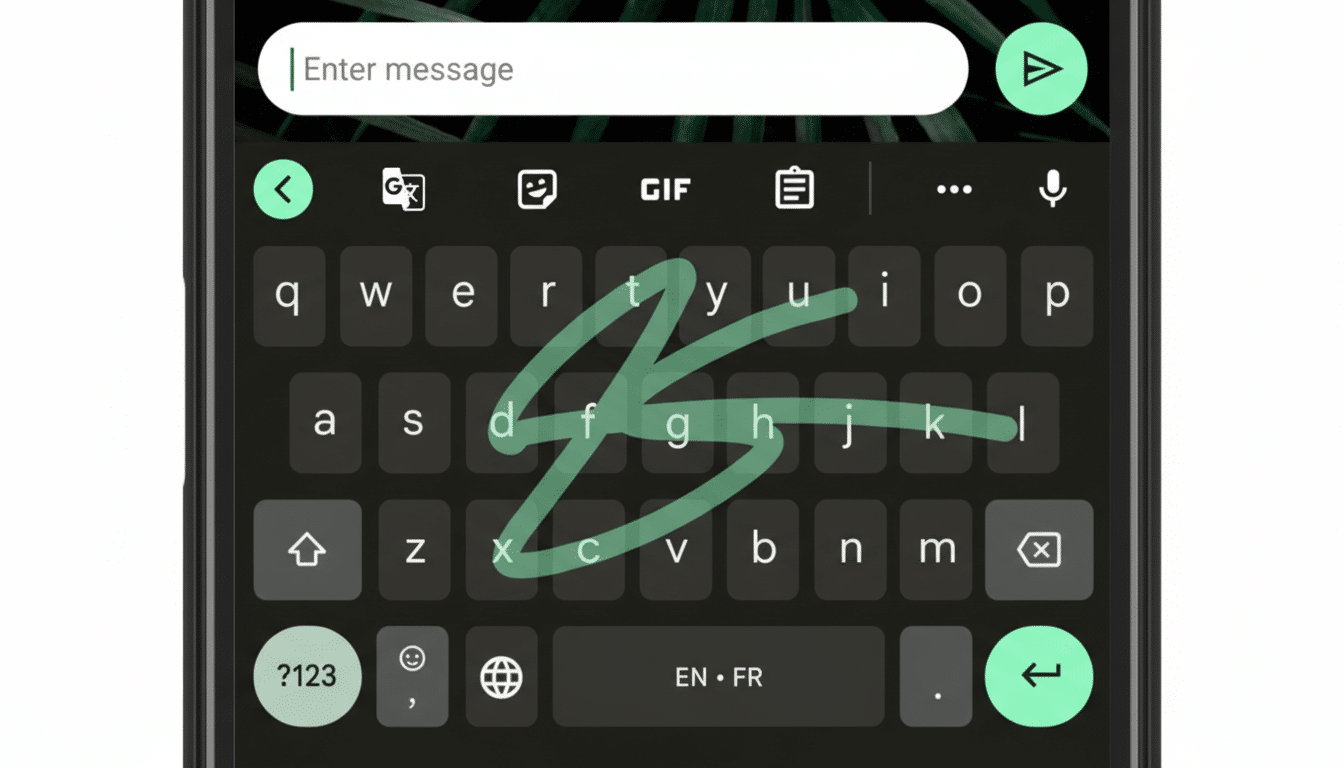
Today’s glide control forces users to keep swiping until they reach line ends to jump up or down. That’s tedious when editing multi-paragraph documents, email drafts, or code snippets. The proposed trackpad behavior addresses this friction directly, mirroring how a laptop touchpad lets you park the cursor exactly where you need it in one motion.
Why It Matters on Big Phones and Foldables
As displays have grown past six inches and foldables bring tablet-like canvases to pockets, reaching a tiny text caret near the top of the screen with a thumb can be awkward. A keyboard-level trackpad eliminates the finger gymnastics. It lets you keep your hand anchored while steering the caret or scrolling through a message, a note, or a document comment thread.
Market trends reinforce the need. Counterpoint Research has reported that global foldable shipments climbed into the tens of millions in 2023 and are on track to rise further, while IDC continues to project strong double-digit growth for the category. The editing ergonomics on these larger surfaces matter more each quarter, especially for productivity apps where cursor control is a daily task.
How It Compares to Existing Options on Android and iOS
Gboard already supports caret movement by tapping and dragging the insertion handle or by sliding across the space bar horizontally. Microsoft’s SwiftKey offers similar horizontal gestures, and Apple’s iOS keyboard has long included a system-level trackpad mode via a space bar press. Google’s approach appears to bring Gboard closer to that full trackpad behavior, with the benefit of platform-wide support across apps that accept standard text input fields.
If Google follows through, expect knock-on gains for accessibility. Finer cursor control reduces the need for repeated taps, small-target precision, or awkward reach, which can help users with motor impairments and anyone editing while on the move. Haptics and visual feedback—areas where Gboard already performs well—could further improve confidence when making tight selections in dense text.
Availability and What to Watch as Gboard Testing Continues
The feature has been observed in a beta build and appears to be gated behind server-side flags, so availability will vary. Google has not announced a rollout timeline, and it is unclear whether the new mode will replace the current glide cursor or live alongside it as an option. Testers, including well-known Android feature spotters such as AssembleDebug, have demonstrated the core behavior but not a full settings panel, suggesting it is still in active development.
Key questions remain. Will the trackpad mode support text selection with a secondary gesture, like a second finger or a long hold? Will it enable quick scroll acceleration for long documents? Can users customize sensitivity? These details will determine whether the feature simply eases caret placement or becomes a true power tool for editing.
The Bigger Picture for Mobile Editing and Everyday Typing
Gboard is one of the most widely used Android keyboards, with billions of installs on the Play Store, and its changes ripple through everyday tasks from messaging to document review. A trackpad-like cursor mode seems small, but it targets one of the most persistent pain points in mobile productivity: getting the cursor exactly where you want it without breaking flow.
If and when Google ships it broadly, expect the feature to become second nature—like swipe typing did years ago. Until then, keep an eye on the Gboard beta channel and app flags. This is the kind of quiet upgrade that can save seconds many times a day, which adds up fast for heavy typers.
