


Gamers are stress-testing Nvidia’s latest DLSS 4.5 update and discovering a surprising superpower: the AI upscaler can take borderline 240p “pixel junk” and turn it into something you can actually play. Community clips highlighted by outlets like VideoCardz show Elder Scrolls IV Oblivion rendered at a laughably low 240p and upscaled to 720p with enough legibility to quest and fight, while Hellblade II runs at 720p internally and emerges at 4K with a clarity many viewers called “near-native.”
DLSS 4.5 introduces a second-generation transformer model for super resolution and plugs into Nvidia’s frame-generation stack, which the company markets as enabling up to 6x dynamic frame rates when combined with its broader pipeline. The bigger story for everyday players, though, is that this model doesn’t just polish already-good images—it can salvage extremely low-res inputs and synthesize convincing detail from scarce pixels.
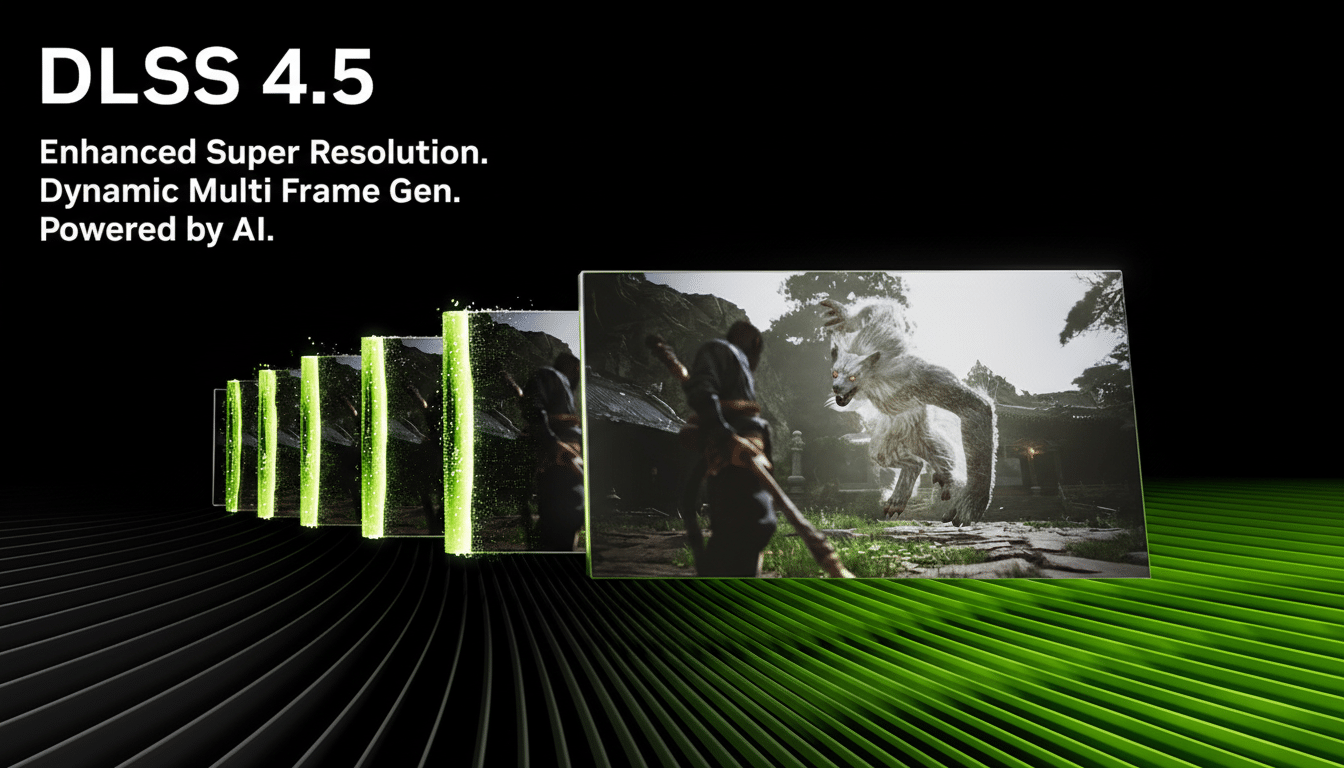
How DLSS 4.5 Reconstructs From Almost Nothing
Traditional temporal upscalers lean on motion vectors, depth, and history buffers to refine an image over time. The 4.5 transformer adds a learned prior: it has internalized patterns of edges, materials, and subpixel detail from training data, which helps it guess what “should” be there when the base image simply doesn’t resolve it. That’s why faces regain eye and mouth definition, distant signs become readable, and brickwork reappears rather than dissolving into blocks—even when the source frame doesn’t contain the raw detail.
In practical terms, going from 240p to 720p means asking the model to paint in nearly an order of magnitude more pixels. From 720p to 4K is another ~9x pixel jump. Earlier DLSS versions could amplify noise and temporal shimmer at these extremes; 4.5’s transformer tends to produce stronger edge continuity and less “boiling” in fine textures, particularly when the camera is moving.
Real-World Tests From 240p To 4K In Popular Games
The Oblivion experiment sets the baseline: render the game like it’s 2006 on a budget CRT, then let DLSS 4.5 haul it up to 720p. Menus and UI remain soft, but characters, foliage clumps, and architecture stop looking like abstract mosaics. It’s not pretty, but it’s playable—exactly the scenario AI upscaling was supposed to rescue.
On the other end, Hellblade II at 720p upscaled to 4K showcases the model’s high-end finesse. Fine skin shading and hair still lag native 4K if you freeze frames, but in motion the gap narrows dramatically. With frame generation enabled, communities report jumping from borderline frame rates into the smooth zone without cratering visual quality—a key win for cinematic titles with heavy post-processing.
Older RTX Cards Stand to Gain the Most From DLSS 4.5
Nvidia says DLSS 4.5’s transformer runs on any RTX GPU with Tensor cores—from RTX 2060 through the 50-series. That matters because the biggest beneficiaries aren’t flagship owners chasing triple-digit frame rates; they’re gamers on midrange or aging cards who have to drop internal resolution to keep things responsive. For those users, 4.5 can turn low-res desperation settings into something closer to modern fidelity.
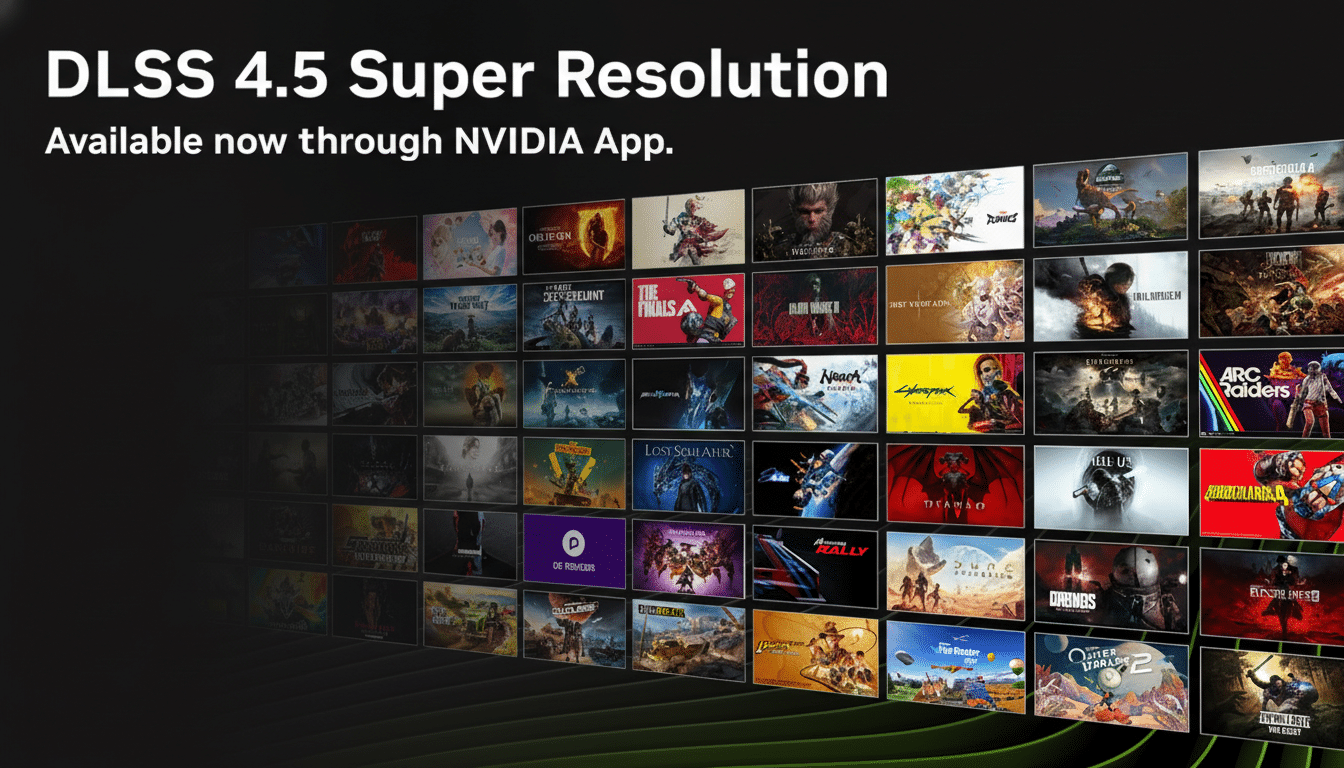
Compatibility should be strong. Nvidia’s public developer lists already count hundreds of games and apps with DLSS support, and the retrofit nature of DLSS means studios can ship updates without rewriting renderers. For players, that means more titles where you can dial the internal resolution down to recover performance, then let 4.5 fill in the gaps to reach your display target.
The Artifacts to Watch For When Using DLSS 4.5
No upscaler can conjure geometry it never saw. Thin elements—telephone wires, chain-link fences, or bare branches—are still the Achilles’ heel. Expect occasional vanishing wires, smudged fence patterns, or flicker when fine detail crosses the screen. High-frequency specular highlights can shimmer, and aggressive camera pans increase the risk of ghosting if motion vectors or optical flow are imperfect.
Power users report that choosing DLSS Quality or balanced presets helps preserve stability when starting from a very low base resolution, and that disabling ultra-sharp post-filters can reduce “oversharpened” halos. As with any temporal technique, stable frame pacing and good anti-aliasing inputs improve outcomes.
Bigger Implications For Accessibility And Preservation
For accessibility and older hardware, DLSS 4.5 effectively widens the playable window. Games that once hovered below 30fps on entry-level RTX hardware can run at a low internal resolution and, with upscaling plus frame generation, reach smooth, visually acceptable output. That’s a quality-of-life upgrade, not just a benchmark number.
There’s also a preservation angle. Classic titles with limited engine scalability—Oblivion is a perfect example—gain a path to modern displays without demanding brute-force native rendering. Modders and toolmakers have already popularized DLSS injectors, and 4.5’s tolerance for poor inputs could make those projects more impactful.
Bottom line: DLSS 4.5’s transformer model doesn’t merely polish edges; it meaningfully reconstructs missing detail well enough to turn pixel sludge into something you can actually play. There are artifacts and limits, but if Nvidia iterates as promised, the floor for “playable” on RTX hardware just moved up for millions of PCs.
