


Google has announced that Samsung’s next Galaxy XR headset will have a Travel Mode option to use in moving vehicles, helping to stabilise the view and user interface while flying or on a train. The feature takes aim at one of spatial computing’s most persistent pains: world-locked windows that either drift or jitter according to your seat motion.
What Travel Mode Does on Samsung’s Galaxy XR Headset
Travel Mode pins apps and system components to your personal space, rather than the cabin around you, so the screens remain where you left them in relation to your head and torso.
- What Travel Mode Does on Samsung’s Galaxy XR Headset
- What This Means for XR Adoption on Trains and Planes
- How It Probably Works Behind the Scenes in Transit
- What Travelers Should Expect When Using Travel Mode
- Beyond Travel Mode: The Ecosystem Play for Galaxy XR
- Implications for Developers Building for Galaxy XR
- The Bottom Line on Travel Mode for Galaxy XR Users
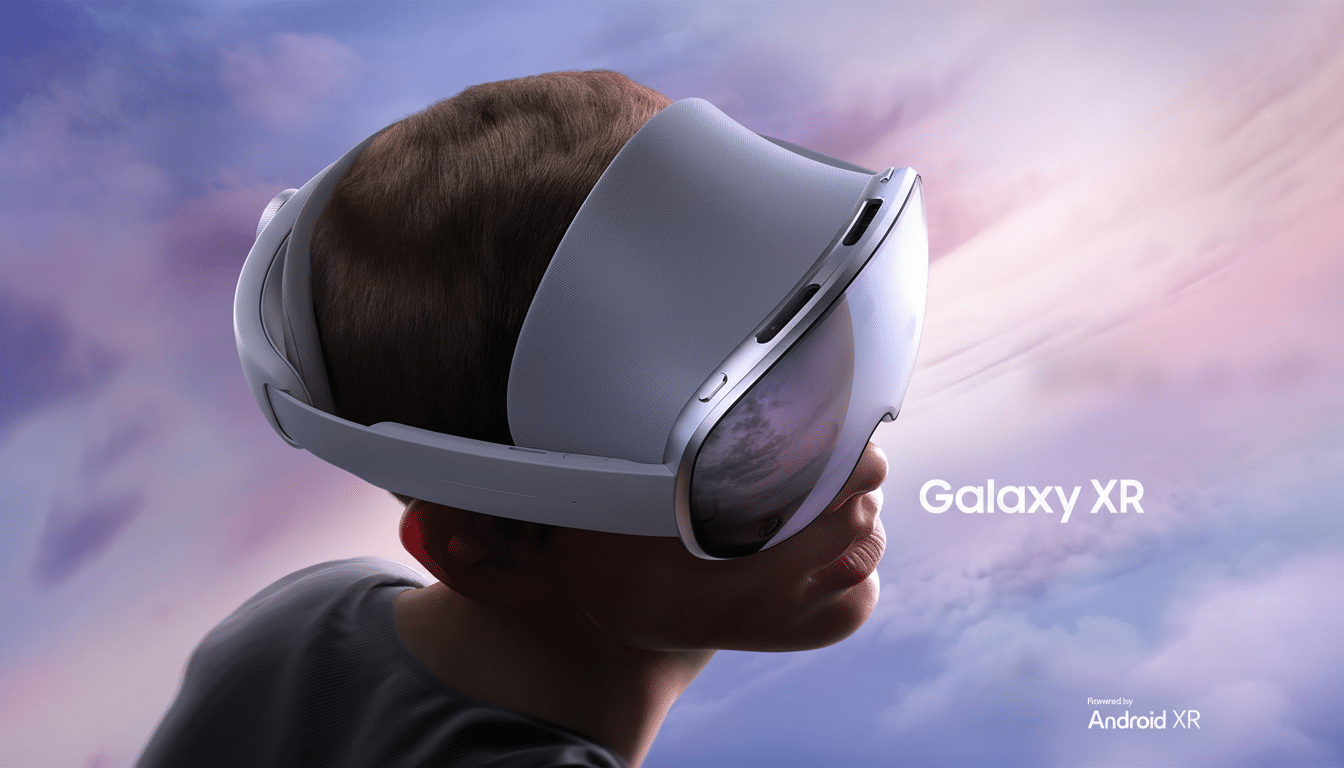
That could make it possible to watch a movie, work on documents, or check messages without having the windows go sliding off whenever the car accelerates, banks, or vibrates.
Anticipate the headset to restrict or block room‑scale experiences, force content to recenter in a seated position, and introduce an easy-to-use boundary system that is perfect for fitting inside small spaces.
The practical purpose: to let you continue using XR comfortably when the great outdoors is anything but motionless.
What This Means for XR Adoption on Trains and Planes
“Making XR work in transit opens up a huge chunk of life to spatial computing. The International Air Transport Association estimates billions of passenger journeys worldwide each year, and rail agencies in areas such as the EU boast billions of trips annually. And when a headset performs reliably in both, it stops being an interesting living‑room novelty and feels more like a productive friend for long commutes and flights.”
Apple was first, if you remember, with Vision Pro and its travel setting — and Samsung joining XR up with the travel fold means “on the move” is now just to be expected in premium headgear.
How It Probably Works Behind the Scenes in Transit
Today’s headsets achieve this through a process called visual‑inertial SLAM, which fuses data from cameras with that of accelerometers and gyros to pin digital artifacts onto the world around us.
In a moving cabin, that system is thrown off — stable visual landmarks are few, the vibration doesn’t stop, and acceleration is constant — which can induce drift. Travel Mode likely transitions to a head‑locked or body‑locked coordinate system, pins position tracking to 3DOF (rotation only), and filters translation very heavily while introducing aggressive smoothing.
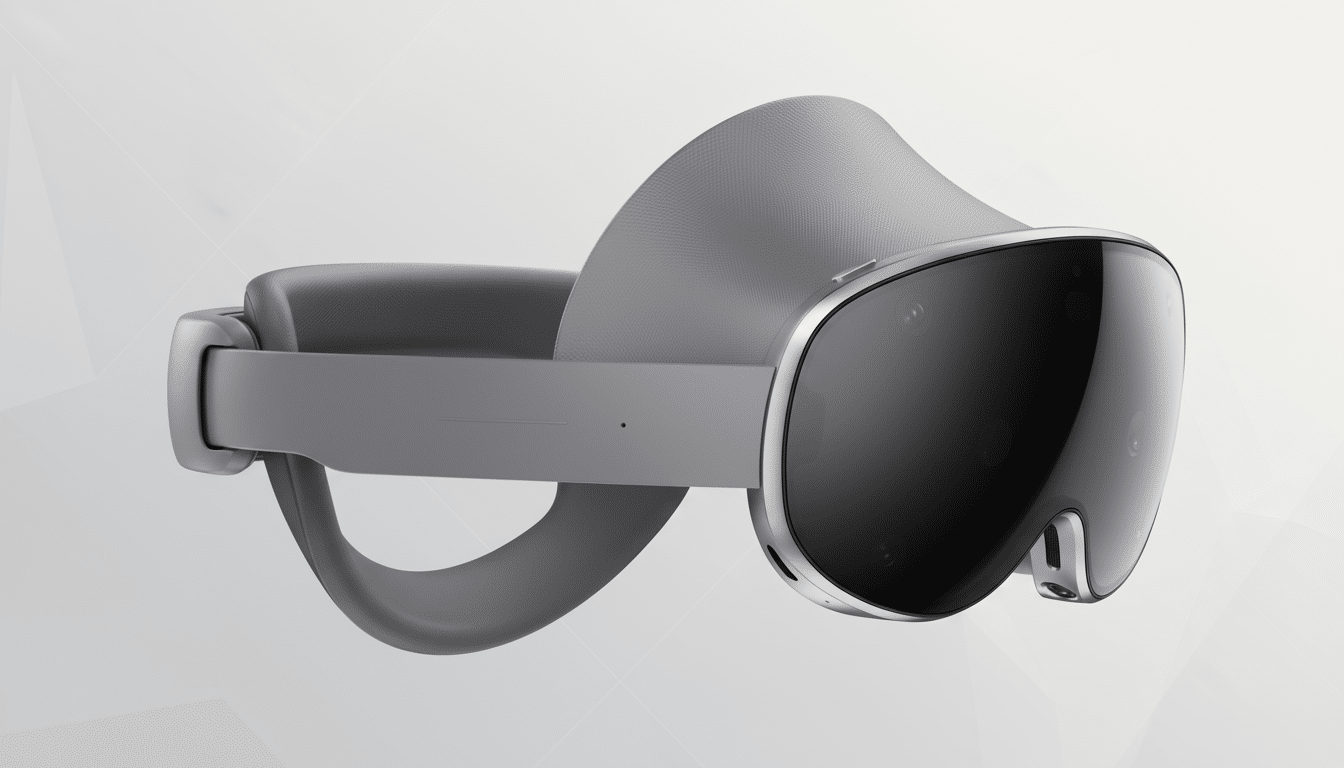
That technique minimizes motion sickness and UI wander at the expense of world‑scale immersion. What users give up — and they seem willing to make the trade in tight, moving spaces. Google’s own guidance for Android XR devs specifically references adaptive rendering and anchoring techniques in constrained spaces, which is exactly how Travel Mode rolls.
What Travelers Should Expect When Using Travel Mode
At your destination, you’ll toggle Travel Mode off again before you touch down or the train jolts into another station stop. The headset will probably confirm you’re sitting and re‑center your view. Content remains tethered to your personal space: imagine a 120‑inch virtual screen hovering comfortably in front of you, with pinned widgets for messaging or flight information.
There are sensible limits. Seated use only, very limited walking warnings on the floor, and hand tracking range may be minimally impacted in confined spaces. There could be a bit of a hit on battery life from the increased sensor sampling and stabilisation. And airline or rail rules still apply — expect to remove the headset in safety briefings or if the crew asks, and be mindful of neighbors in tight cabins.
Beyond Travel Mode: The Ecosystem Play for Galaxy XR
Google also introduced features that might be useful for getting around with Galaxy XR. A PC Connect app is in development for wirelessly accessing a Windows desktop, transforming your plane seat into a portable multi‑monitor workspace. Google’s real people avatars, à la Apple’s counterparts, are designed to improve the experience of video calling when you’re somewhat enclosed, but they’ll be subject to the quality of your lighting and headset optics.
Collectively, these additions suggest a pretty clear use case: watch, work, and call from anywhere, even when the “world space” isn’t giving you its best. It’s that kind of polish XR needs to go from demo to daily driver.
Implications for Developers Building for Galaxy XR
Travel Mode is more than a switch; it’s an all‑new context. Apps that perform well will also detect the mode and adjust layouts for use seated, keep critical UI surfaces within a tight gaze cone, or avoid world‑anchored elements that might cause drifting. Look for Android XR APIs that expose mode state so they can switch to head‑locked anchors, turn down parallax effects, and keep text readable at airline‑seat distances.
The Bottom Line on Travel Mode for Galaxy XR Users
By allowing stable, on‑the‑go use on Galaxy XR, Google and Samsung are addressing a pragmatic obstacle that has kept XR tethered. If it succeeds in delivering what it sounds like the promise is — dependable pinning, not much drift, and smart app behavior — Travel Mode appears to be an opportunity to turn downtime on your way somewhere into more productive or enjoyable (or both) screen time, and bring spatial computing a step just a bit closer to utility for the day‑to‑day.
