


Samsung may go all-in on pro-grade controls with its next Ultra flagship instead of simply upgrading the hardware. New tidbits in the Camera Assistant module for One UI 8.5 suggest two creator-friendly features, video softening and adjustable autofocus speed and sensitivity, bound to be launched with the Galaxy S26 Ultra as a more professional photographer or videographer tool.
New Video Softening Comes To Filmmakers
Camera Assistant, which belongs to Samsung’s Good Lock suite, already includes a Picture Softening toggle for pictures to tone down aggressive sharpening. Toggling in the One UI 8.5 build is “Video softening,” and it also has Off, Medium, and High settings. That little tweak might make a world of difference for content creators who struggle with the sharpness of their Galaxy video, showing noise and skin flaws in a digital, not cinematic, way.
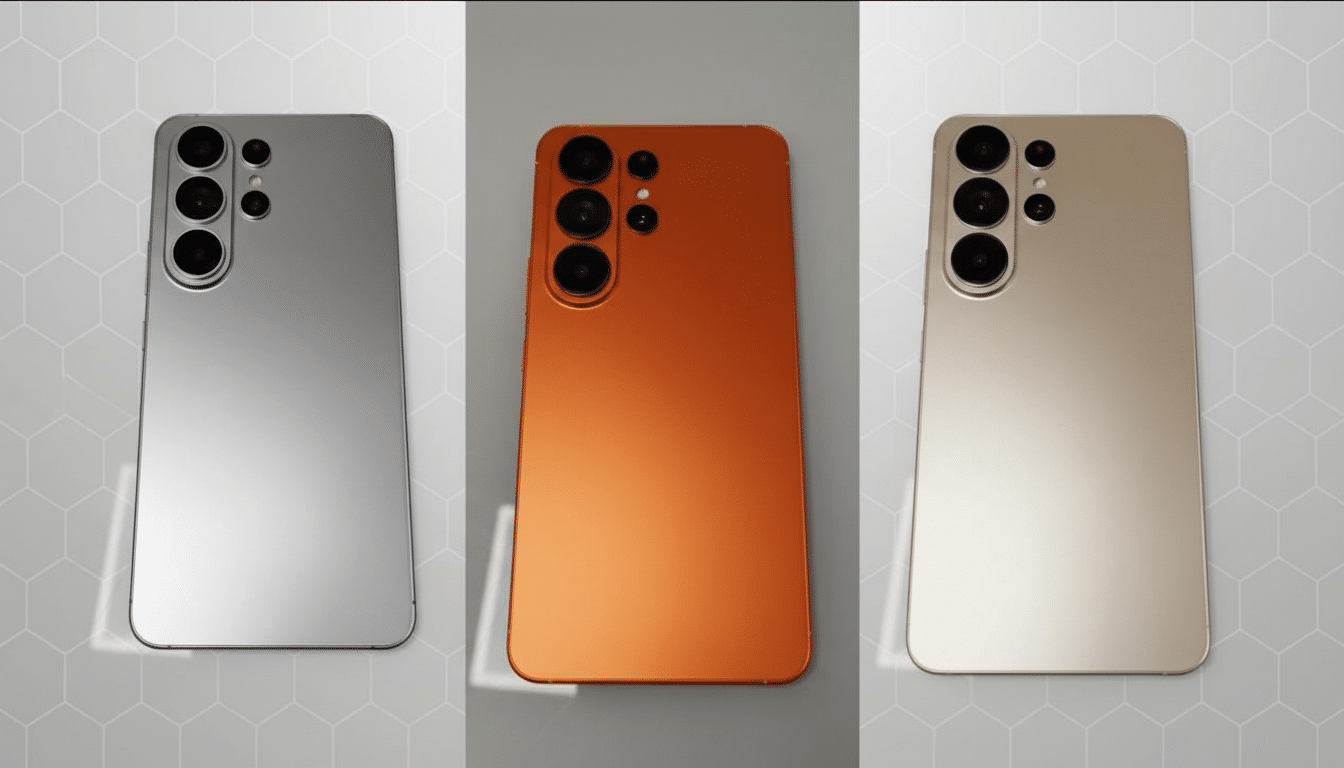
Softening while shooting instead of in post can help remove edge artifacts from over-sharpening and smooth fine grain noise under indoor lighting like this.
Think about talking-head cuts, vlogs, or portraits where certain subtler looks are often more appropriate. Though many phones have “beauty” filters, a global softening knob within Camera Assistant would keep natural textures intact while dialing down the processing bite in much the same way shooters can toggle away from in-camera sharpening on mirrorless bodies before they roll.
Far Superior AF Speed and Sensitivity Controls
Just as significantly are new strings relating to “Auto focus speed and sensitivity” such as “Shift sensitivity” and “Transition speed.” In practical terms, such parameters affect how stubborn or rapid the camera will be to change focus on subjects walking into frame and at what speed it refocuses. For video, that means the difference between getting jittery focus hunting or a smooth, deliberate rack focus.
These are controls that replicate what they know and understand from dedicated cameras.
Canon’s Dual Pixel AF systems, for example, provide the option to customise choices on AF speed and response so users can select slow moving focus transitions or faster pulls. Sony mirrorless cameras offer those 2 sliders in the movie menu, AF Transition Speed and Subject Shift Sensitivity. And bringing equivalent dials to a phone is big time showing respect for creators who have been wanting more than just a glorified “continuous AF” on/off switch.
For mobile videographers, reducing shift sensitivity can eliminate jostles caused by a hand that crosses the lens or a passerby knocking you off your shot and even adjust how quickly a focus pull clicks into place between foreground and background — no third-party apps or manual focus rigs required.
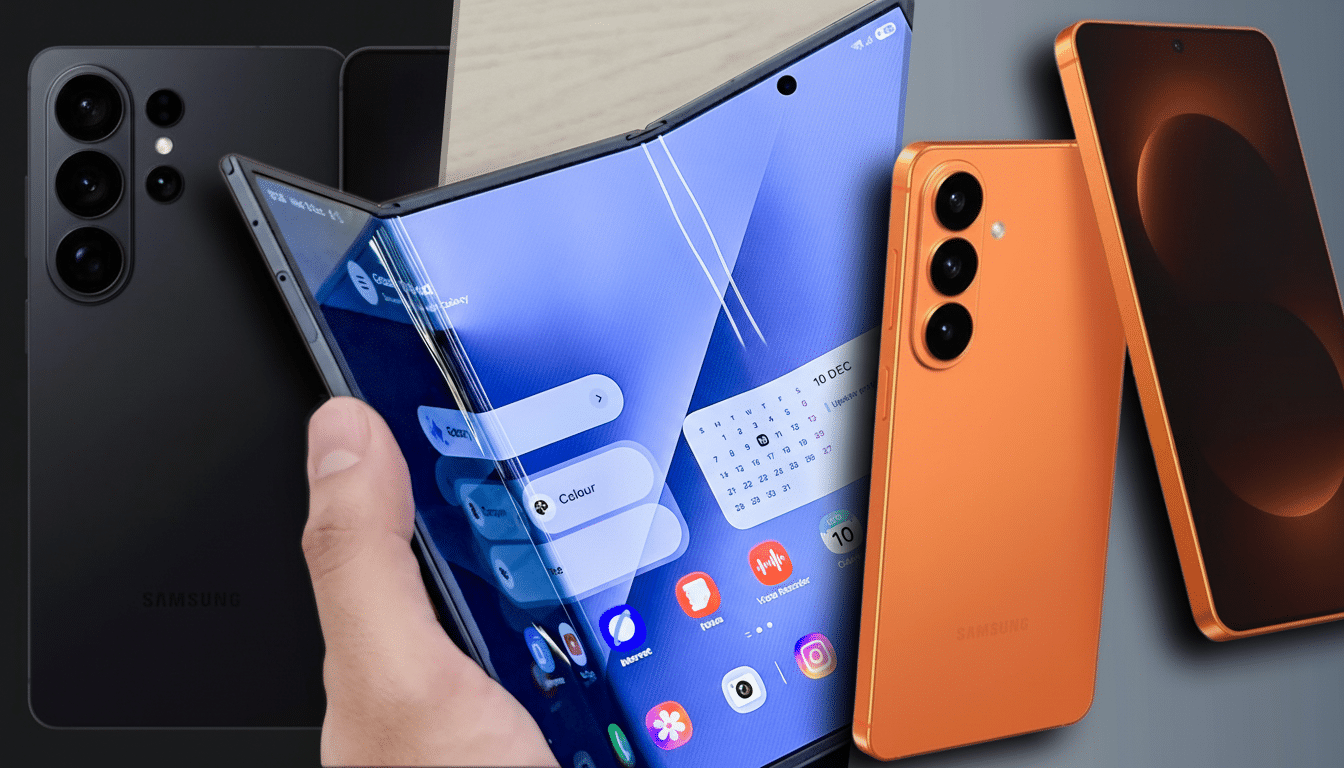
Why This Points to an Ultra-Focused Camera Strategy
There’s early chatter that Samsung might again hold back significant camera hardware changes for another cycle, with software tipped to be the lever for substantial upgrades.
Apart from the Video softening and AF fine tuning, the latest whispers have included less flaring processing, compatibility for professional lens controllers, and a new APV codec in progress. Overall, this stack feels like a conscious shift towards creator-first features that have nothing to do with swapping sensors.
Should these features be locked down to the S26 Ultra at launch, however, it’d follow the oft-seen playbook of pro imaging: differentiate by control. The capability to fine-tune rendering and behavior — instead of just push resolution — is at least as meaningful in real-world footage, particularly for social video, documentary work, event coverage where predictable AF and pleasing tonality take priority over pixel counts.
Housed In Good Lock Not the Stock Camera
Important to note is that the features are seen within Camera Assistant, not the core camera app. That fits with Samsung’s design philosophy when it comes to surfacing power-user toggles in Good Lock and keeping the main interface clean — while still giving more advanced users deeper access. Testers say the settings aren’t functional yet in the One UI 8.5 beta on S25 devices, suggesting Samsung might save these for the debut of its S26 line.
Local availability is a real-world consideration: Good Lock isn’t officially available everywhere, though many users sideload it. Then if you want these tools to have any hope of impacting the mainstream perception of the S26 Ultra as a creator device, broader Good Lock access — or the migration of some select options into core camera menus — would underpin that message.
What It Means for Creators and Mobile Videographers
The appeal is clear for working videographers and dedicated enthusiasts. A tunable AF that acts more like a cinema camera and an in-camera softening control to counteract over processing mean fewer workarounds on third-party apps. When combined with the Ultra’s existing strengths — 4K recording that’s a cut above the competition, strong stabilization, and robust HDR offerings — these tools could help minimize the gulf between smartphones and proper hybrids for fast-turnaround shoots.
We’ll have to get our hands dirty with implementation until we can judge, but the trajectory looks clear: nuanced control over how the camera behaves, not just what it captures. But if Samsung delivers them polished and widely available, the Galaxy S26 Ultra would actually deserve its “Ultra” name in terms of what creators use from shot to shot.
