


Soundbars have become the default home theater upgrade, with more than 20 million units shipping globally each year according to industry trackers at Futuresource Consulting. Yet many owners never hear what their hardware can truly do. I just pulled off a noticeable improvement in clarity and dynamics without spending a cent — and there are four more proven methods that can push any bar even further.
What follows is a straightforward, field-tested guide that blends practical setup changes with research-backed audio principles. It’s simple, reversible, and grounded in how modern formats like Dolby Atmos and DTS:X actually travel from your TV to your soundbar.
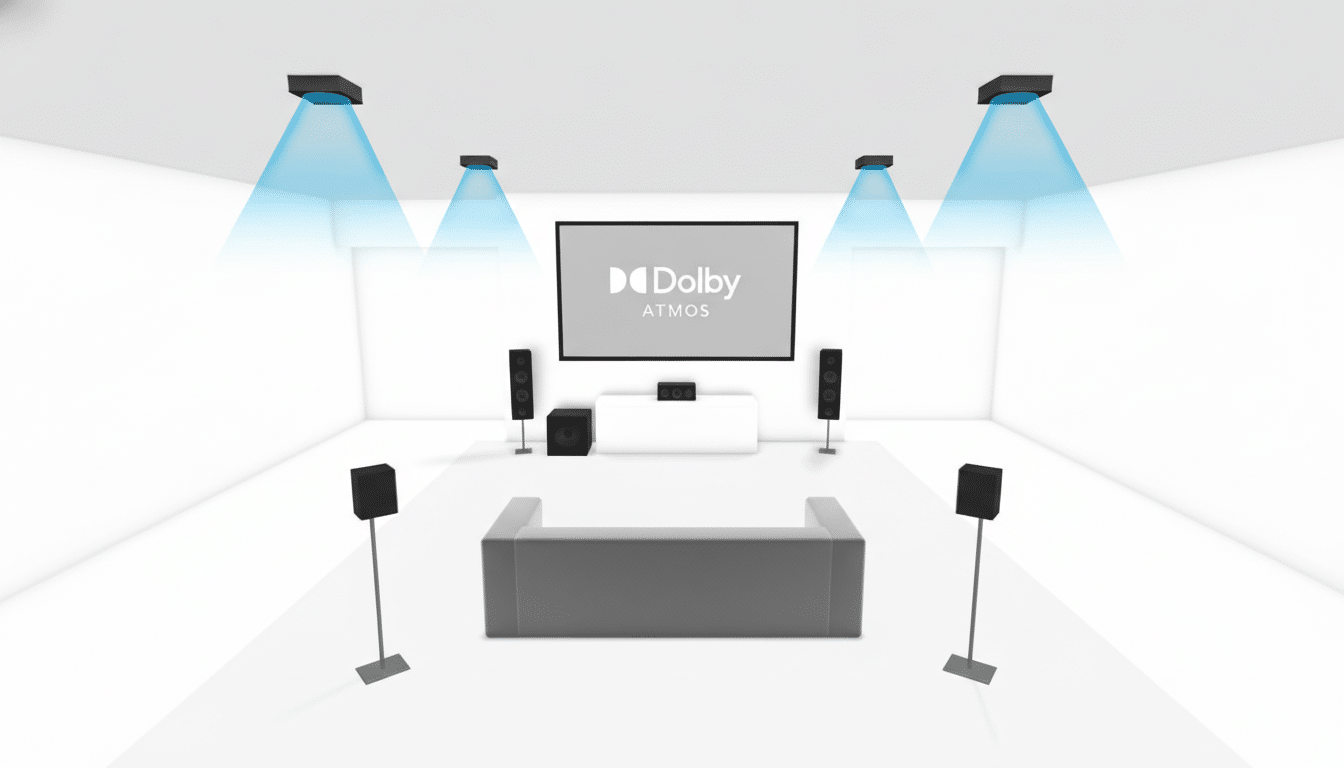
The Free Upgrade That Changed Everything
The biggest free win came from fixing the signal path. On the TV, I set Audio Output to Bitstream or Passthrough, enabled eARC (if available), and disabled the TV’s virtual surround and volume leveling. That lets the soundbar, not the TV, decode the audio as intended.
Why it matters: standard ARC typically constrains you to compressed streams (often Dolby Digital Plus), while eARC unlocks high-bitrate formats, including Dolby TrueHD Atmos and uncompressed 5.1/7.1. The HDMI Forum notes eARC supports up to 37 Mbps of audio bandwidth; by contrast, typical streaming Atmos over DD+ can sit well under 1 Mbps. Giving your bar the cleanest bitstream preserves dynamics, delivers more stable bass, and lifts dialogue detail — all with a few menu toggles.
Quick checklist:
- Set TV Audio to Passthrough
- Enable eARC
- Turn off TV audio enhancements
- Verify your apps are outputting surround (many services label Atmos or 5.1 on compatible plans and devices)
You’ll likely hear firmer center imaging and greater punch immediately.
Placement And Angle Matter More Than Price
Speaker physics still rule. Place the bar centered under the screen at or near ear height, pulled forward so its drivers clear the TV’s bezel. Even a 1–2-inch overhang can cut diffracted reflections off the cabinet and improve clarity.
For bars with side or up-firing drivers, leave several inches of clearance to the sides and a clear path to the ceiling. Dolby recommends a flat, reflective ceiling around 8–12 feet high for up-firing Atmos effects to land convincingly. If your seating is off-axis, toe the bar in by 5–10 degrees to spread the sweet spot across the couch.
If a subwoofer is part of the system, try the classic “sub crawl”: place the sub at your main seat, play bass-heavy content, then crawl the room perimeter to find the most even bass — that’s where the sub should go. Corners boost output but can exaggerate boomy notes; along a wall often blends better.
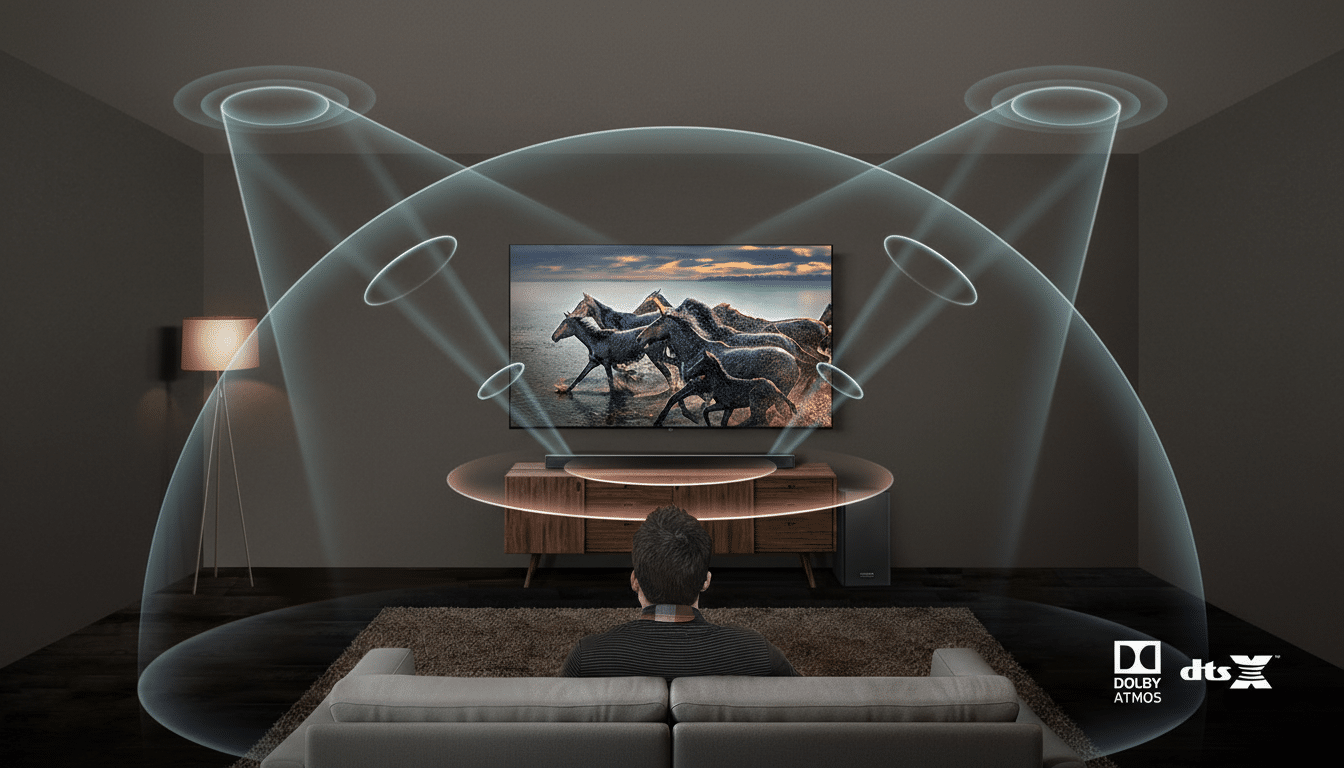
Tune the Room, Not Just the Soundbar Itself
Rooms shape what you hear as much as the speaker. Research summarized by AES contributors and longtime Harman scientist Floyd Toole shows early reflections strongly influence tonal balance and speech intelligibility. Hard floors, tall ceilings, and bare glass add smear.
Low-effort fixes work: add a thick rug between you and the bar, hang curtains over large windows, and soften a bare wall with bookshelves or fabric art. These changes can trim mid-band reflections and reduce reverberation time toward the 0.3–0.4-second zone where dialogue tends to pop. None of that requires an acoustic engineering degree — just a few strategic soft surfaces.
Calibrate and Use EQ With a Light Touch for Clarity
If your soundbar offers auto-calibration, run it. Microphone-based tuning can correct for boundary effects and seating asymmetry in a few minutes. Afterward, fine-tune with a light touch: a small dialogue boost can help voices sit forward without thinning the soundtrack; a modest bass bump adds weight without masking mids.
For movies, consider turning Dynamic Range Compression off to preserve impact, then enable Night or Leveling modes only when late-night viewing demands it. Keep “Virtual Surround” modes on a short leash; some sound great with sports or sitcoms but can smear localization in cinematic mixes. Test presets with the same scene and lock in what your ears prefer.
Choose The Right Connection And Keep Firmware Fresh
Use HDMI over Bluetooth whenever possible. Optical is reliable for 5.1, but it won’t carry high-bitrate Atmos formats; HDMI ARC/eARC will. A certified High-Speed HDMI cable with Ethernet is ideal for eARC, and most recent cables already meet that spec.
Finally, check for firmware updates. Manufacturers routinely ship fixes that improve lip-sync, expand format support, or refine auto-calibration algorithms. It’s a quiet upgrade path that can unlock features your bar didn’t have on day one.
The bottom line: start with the free signal-path fix, then layer in placement, room tweaks, careful EQ, and the right connections. Done together, these steps can make even a modest soundbar play well above its price, with cleaner dialogue, tighter bass, and surround effects that actually feel enveloping.
