


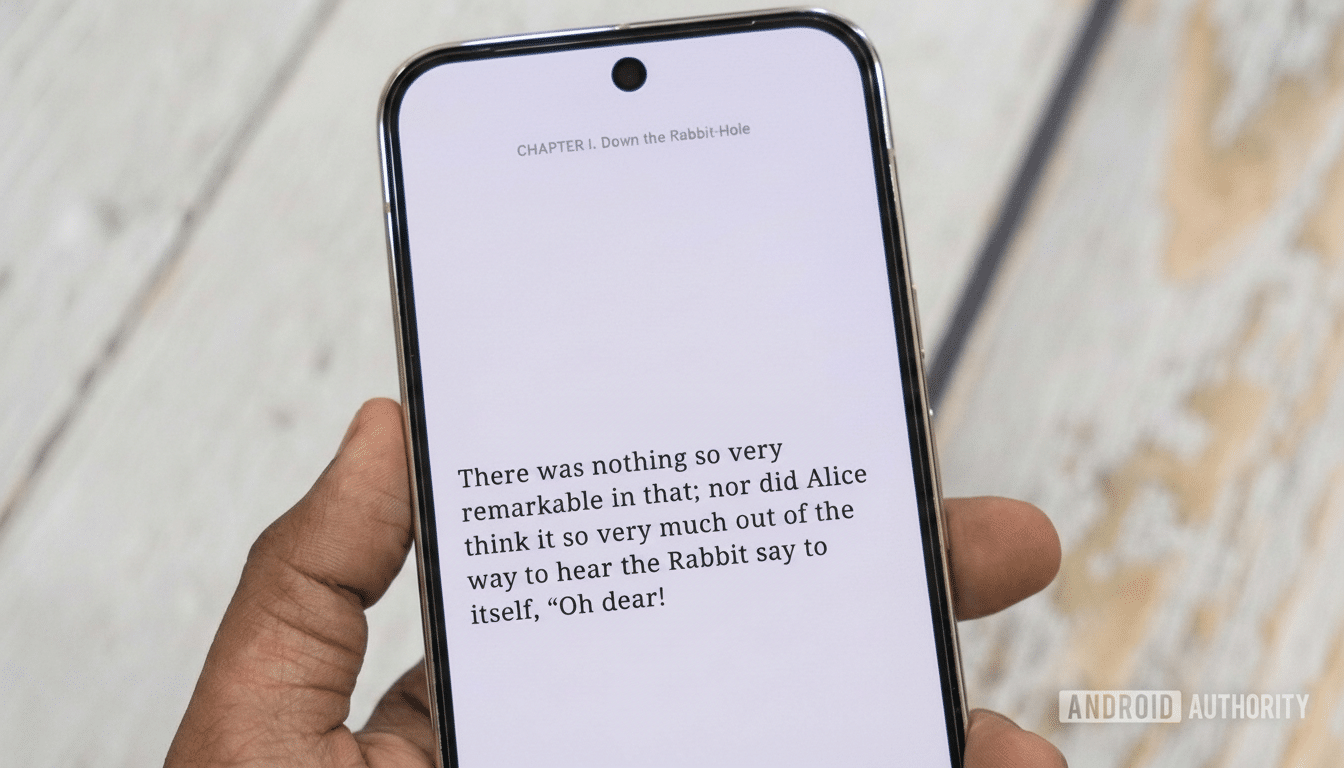
I didn’t think a free Android app could cure my reading rut, yet that’s what one did — by transforming books into the smallest possible unit of focus: a single sentence.
Seriatim Reader, a bare-bones e-reader that shows text on only one line at a time, leans into the mechanics of social feeds to reformat literature. The result is almost eerily compelling and, for readers grown mad from distraction, a genuine altering of the mind.
How Single-Sentence Reading Hooks a Distracted Brain
It’s no accident that this approach feels timely. About 1 in 4 American adults have said the same thing to Pew Research Center over and over again: that they hadn’t read a book of any kind in the past year. Meanwhile, Data.ai reports that users in key mobile markets are now collectively spending over five hours per day on their phones, with a large chunk of this time spent going toward short-form video and social feeds. Conventional e-readers have a hard time keeping up with that dopamine economy.
Seriatim Reader inverts the relationship, placing itself on the rhythm of scrolling while retaining bookishness. The cognitive load theory says that if you package complex information into bite-sized chunks, it can reduce mental friction and keep people going. Loading one sentence at a time is not only an extreme form of chunking, but there’s something profound about this, too — it hands the virtue of completion back to every tap. You’re never “stuck on a page”; you always turn the page.
What Seriatim Reader Actually Does on Android
It handles EPUB, PDF and TXT so your existing library is added the moment you decide it should be. Instead of being an impenetrable slab of text, every tap on the screen here pushes you forward one sentence. You can decide how many sentences you’ll see at a time — one is fine to start; work up to two or three as your focus sharpens. Themes can be toggled among light, dark or automatic, with text spacing and subtle entry and exit animations, plus bolded initial letters to guide the eye — a nod, perhaps, to the typeface tricks you learned while speed-reading in college or doing bionic reading.
Importantly, with Seriatim Reader the barriers to usage are low. It surfaces public-domain books and open research material from widely used repositories, so that you can find something to read without hunting for files. The overall effect is spare: there’s no gamified clutter — only the gentle, tap-tap rhythm that approximates muscle memory we’ve come to subconsciously understand on social platforms (but repurposed here for sustained reading).
Anecdotal Wins, Backed by Familiar Behavioral Science
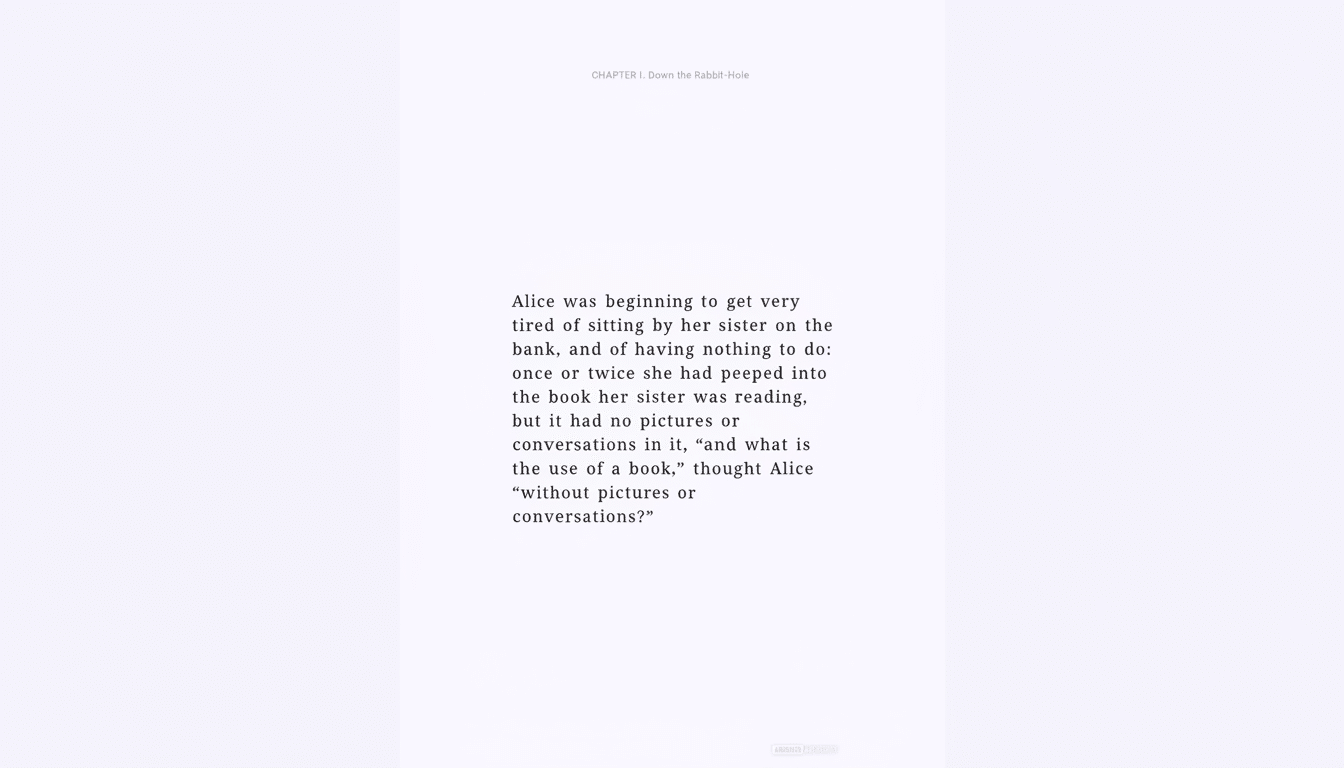
In a test run, I opened Alice’s Adventures in Wonderland and intended to gloss for a few minutes. Twenty minutes later, I cleared several scenes without ever bouncing out to check messages. That’s not a scientific study, but it is consistent with what behavioral researchers have found: when tasks are broken down into smaller steps and people get regular feedback on their progress, completion rates shoot up. One feature the app doesn’t offer is speed reading; it offers frictionless reading, which for many of us is even more of a challenge.
The design decisions also correspond to reading ergonomics. Shortened lines and multiline spacing decrease saccade count. For those that throw dialog boxes everywhere, distraction ensues. A tap is all that’s needed to keep the motor action scrolling and, thereby, reduce the mental context switch when you begin reading a book after having perused a social feed. Add it up and the experience has less of a “work” quality and more like an already familiar habit put to new use.
Where It Fits Among E-Readers and Audiobooks
This is not a Kindle killer or an audiobook slayer. It’s a gateway — particularly for former readers yearning for the narrative reward of books, without the gluttony of Googling; without feeling by Page 5 that you’re pudding when you should be seeding. You might think of it as interval training for attention. Read a sentence at a time for 10 minutes, then move the settings to two or three sentences as your ability to focus increases. In a week, that can get me back to a daily reading streak without turning to willpower alone.
There are trade-offs. Sentence-level pacing can squish an author’s intended rhythm, and that airy academic text full of long, clause-heavy sentences might feel sluggish. In those cases, the choice to increase sentences per “page” is very useful. For narrative nonfiction, fiction, essays and research abstracts, on the other hand, the format sings.
The Bottom Line: A Simple Way to Rebuild Reading Habits
Seriatim Reader is a bracingly simple idea done with modesty at exactly the right moment. Designed for an interruptive media environment, it exploits the mechanics of scrolling to rebuild the reading habit, one sentence, one tap at a time, and each small accomplishment encourages you to read again. If you’ve had it in your head that you should be reading more, but are not sure where to begin, this free Android app is the lowest-friction on-ramp I’ve seen so far. And that might be the only prompt your brain requires.
